PDF Compressor: Resize file
Shrink Documents for Email
Designed for iPhone, iPad
Free · In-app purchases
- Age rating4+
- CategoryUtilities
- DeveloperAlex Gameli Heyman
- LanguagesEnglish+ 32 more
- Size5.5 MB
Links to the official App Store page
Download.org hosts no file of PDF Compressor: Resize file. The button opens its official App Store page, published by Alex Gameli Heyman. Listing last checked on Nov 16, 2026.
Screenshots

About
Make any PDF small enough to send.
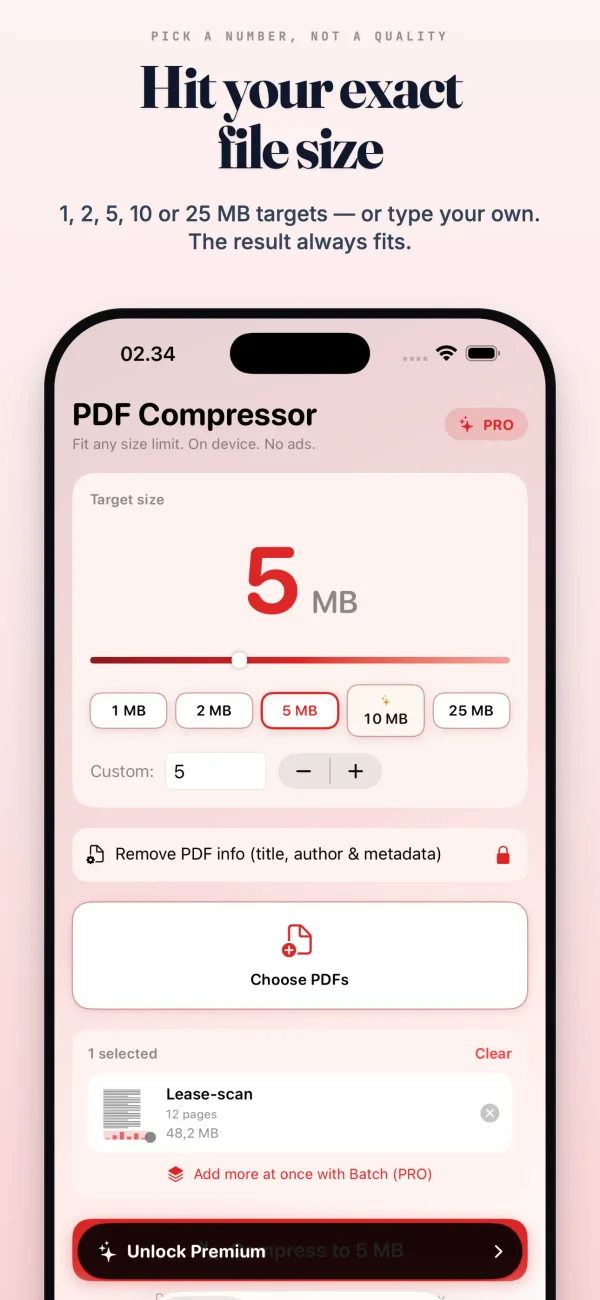
Pick a size (5 MB, 10 MB, anything) and PDF Compressor hits it. No guessing between "low, medium, high" quality settings, and no uploading your documents to someone's server: compression runs entirely on your iPhone and iPad.
WHY PDF COMPRESSOR
• Exact size targets: tap 1, 2, 5, 10 or 25 MB, or type any number you want with Premium. The result fits the limit every time.
• 100% offline and private: your contracts, scans and statements never leave the device. No uploads, no account, no tracking.
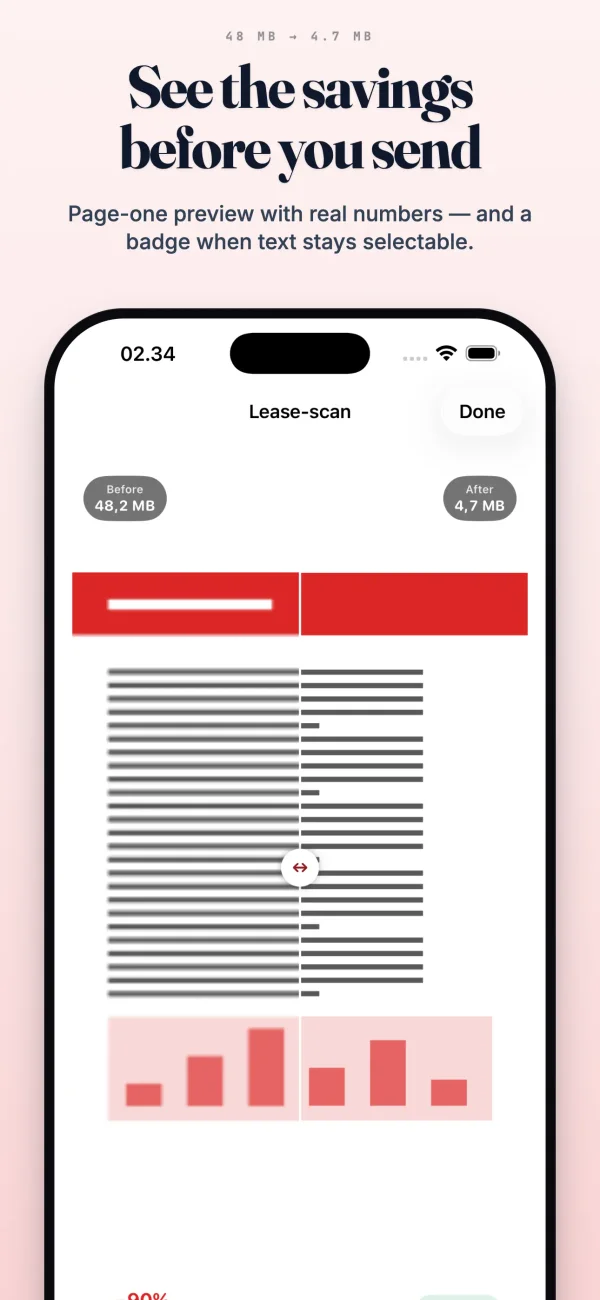
• Keeps text sharp: smart mode preserves selectable, searchable text whenever possible, and tells you when it did.
• Preview before you send: open the compressed PDF right in the app and check the quality, with the exact savings on the row.
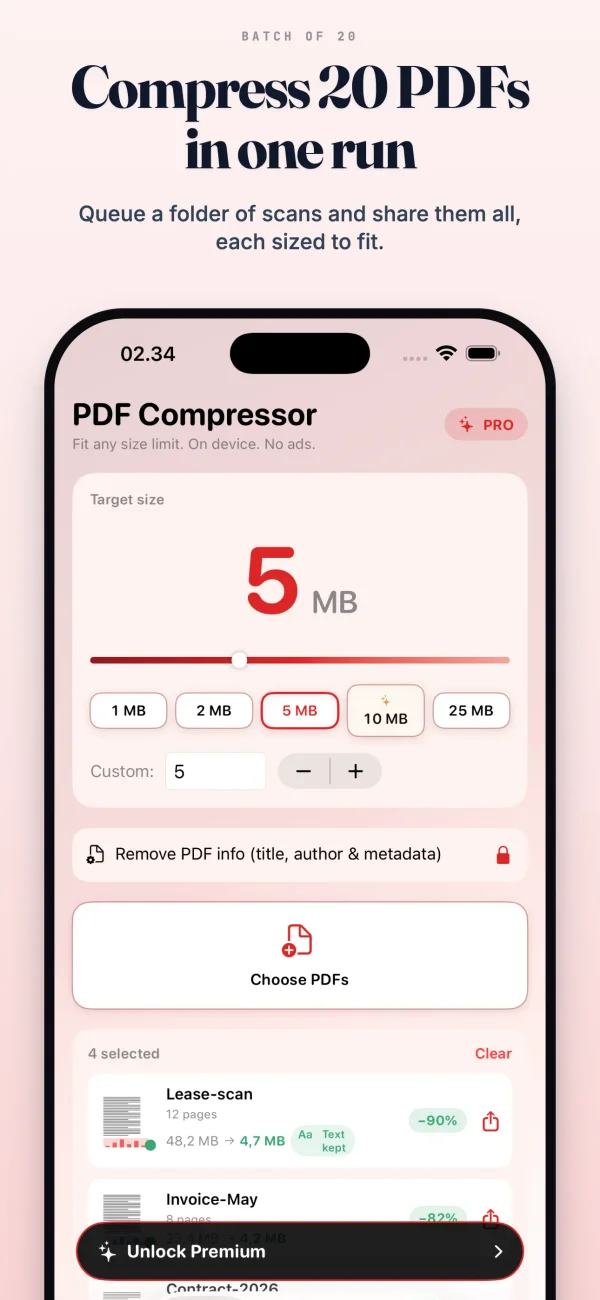
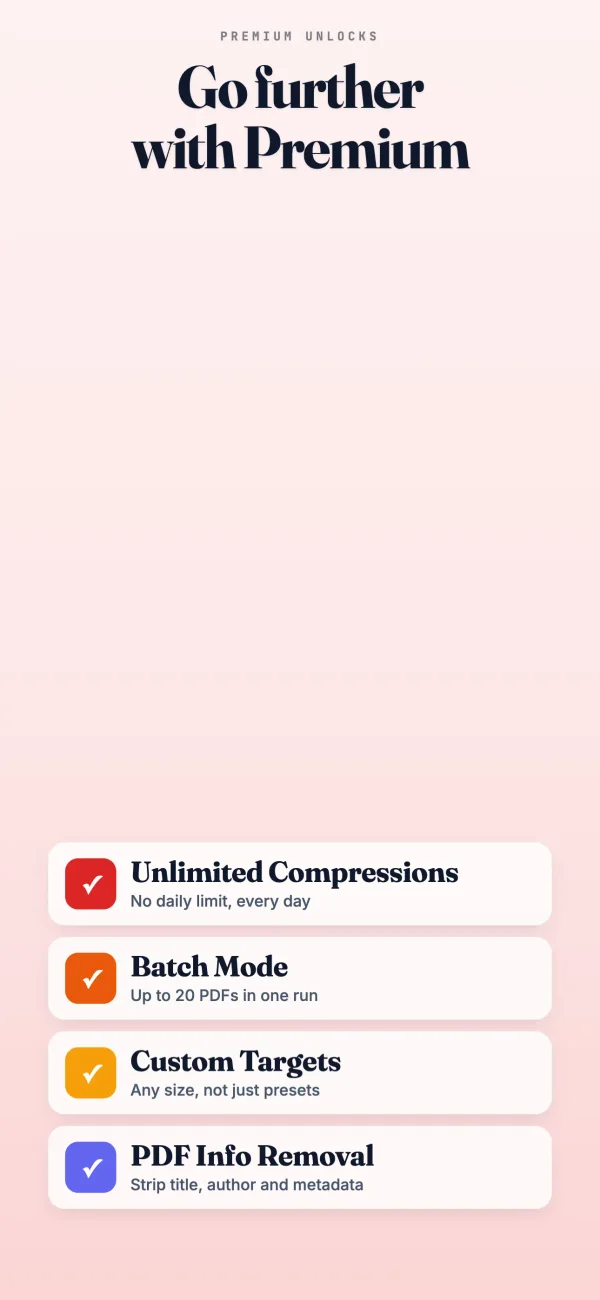
• Batch mode: compress up to 20 PDFs in one run (Premium).
• Works everywhere: pick files from the Files app, or send a PDF straight from Mail with "Open in PDF Compressor".
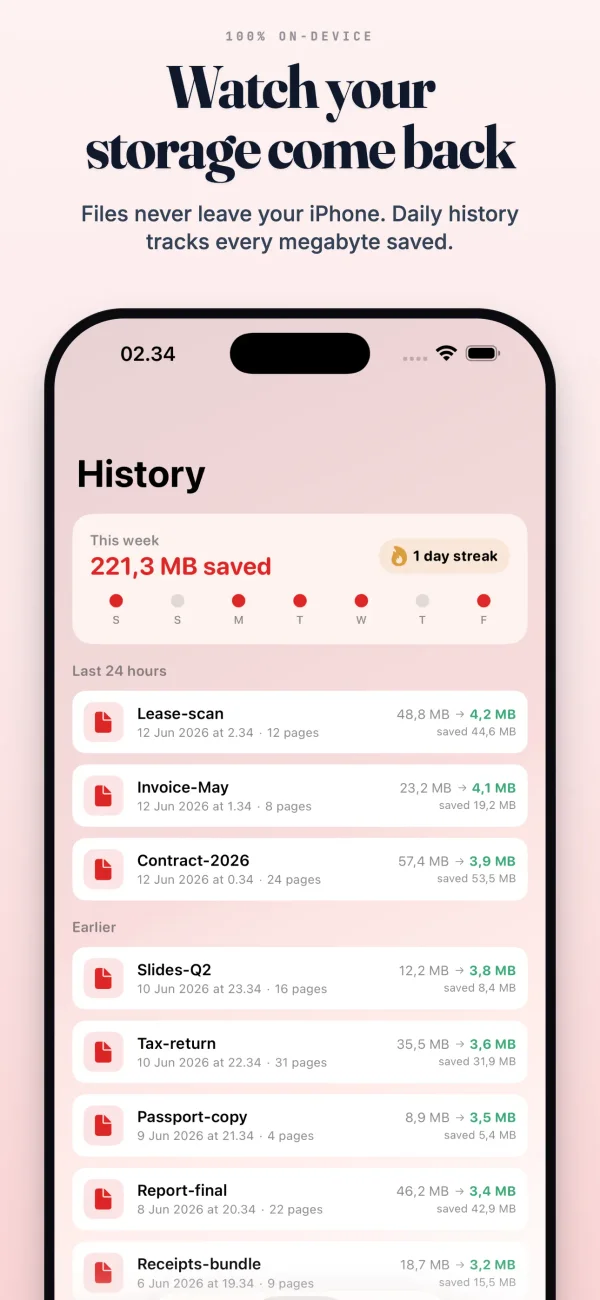
• Savings history: track every megabyte you have freed, day by day.
MADE FOR
• Emailing scans that are over the attachment limit
• Uploading documents to portals with strict size caps
• Sending contracts and reports through chat apps
• Archiving old scans without filling your storage
FREE EVERY DAY
One PDF a day, up to 20 MB, at full quality. No watermark, no sign-up, no ads.
PDF COMPRESSOR PREMIUM
Any file size, unlimited compressions, batch mode up to 20 files, custom size targets and PDF info removal.
Premium is available as a weekly or yearly auto-renewable subscription. Subscriptions auto-renew until canceled. Cancel anytime in your Apple ID Subscriptions settings at least 24 hours before the renewal date.
Privacy policy: https://app.innovaapps.ai/privacy
Terms of use: https://www.apple.com/legal/internet-services/itunes/dev/stdeula
What’s new
Version 1.1 · Aug 24, 2026
Compress any PDF to the exact size you need, fully offline. Preview the compressed file in the app before you send it, and see exactly what the free plan covers before you start.
App privacy
What Alex Gameli Heyman declares on the App Store about how this app handles data.
-
Data not collected
The developer does not collect any data from this app.
Privacy practices may vary, for example with the features you use or your age.
Information
- Seller
- Alex Gameli Heyman
- Category
- Utilities
- Version
- 1.1
- Updated
- Aug 24, 2026
- Released
- Jun 12, 2026
- Size
- 5.5 MB
- Requires
- iOS 17.0 or later
- Age rating
- 4+
- Price
- Free
- In-app purchases
- Yes
- Languages
- English, Arabic, Catalan, Croatian, Czech, Danish, Dutch, Finnish, French, German, Greek, Hebrew + 21 more
- Copyright
- © Innova Apps
You might also like
-
 Compress PDF: PDF CompressorReduce PDF Size & Edit
-
 PDFPress - PDF CompressorShrink PDF size for upload
-
 Compress Pdf : Reduce PdfPDF Compressor - PDF Converter
-
 PDF Compressor: Reduce PDFShrink File Size Offline
-
 Smart PDF Compressor: ReduceShrink PDFs offline, no upload
-
 PDF Compressor: To Any SizeCompress PDF Reduce PDF Size
-
 PDF Squeeze: PDF CompressorOffline Compress, convert, ask
-
 FileSizeFix: File CompressorCompress Photos, Videos & PDF
-
 ExactPress: Compress to SizeCompress Photos & PDFs
-
 PDF Compressor: Compress PhotoPDF Compress & Photo Compress