FileTransfer: Fast WiFi Sync
Share Files Across Devices
Designed for iPhone, iPad
Free · In-app purchases
- Age rating4+
- CategoryUtilities
- Developer小聪 钟
- LanguagesEnglish+ 9 more
- Size2.7 MB
Links to the official App Store page
Download.org hosts no file of FileTransfer: Fast WiFi Sync. The button opens its official App Store page, published by 小聪 钟. Listing last checked on Nov 12, 2026.
Screenshots
About
FileTransfer makes it easy to move files between your iPhone and the devices around you.
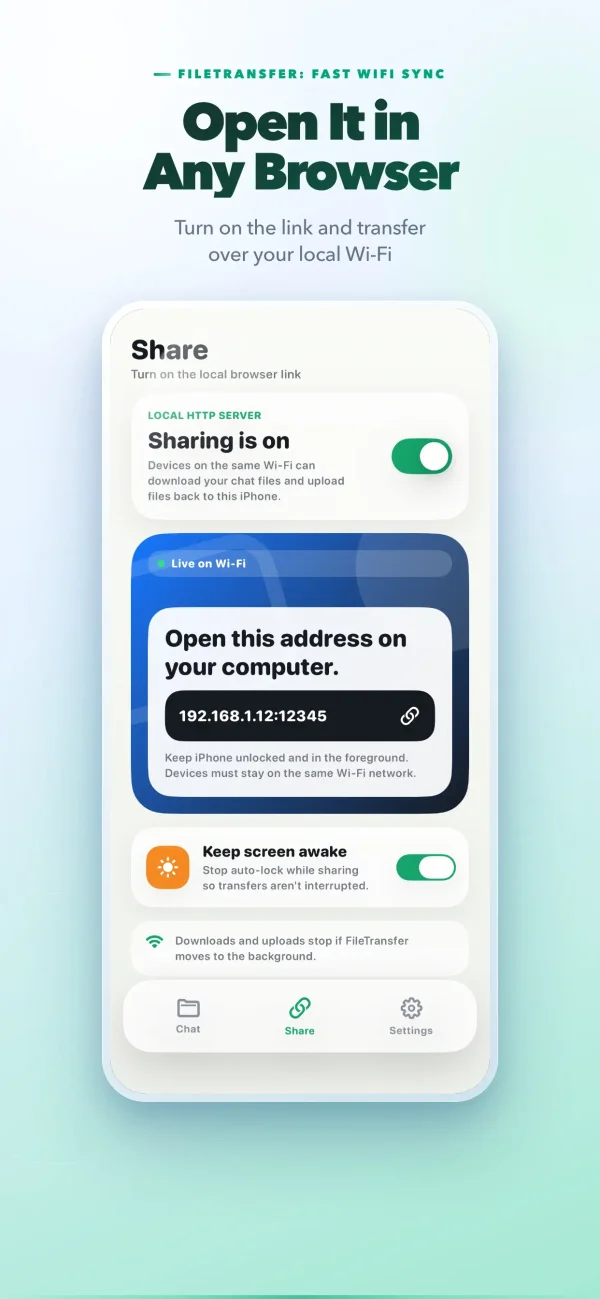
Need to send photos to a computer, move a document back to your phone, share a video with another device, or pass a quick note without hunting for a cable? Open FileTransfer, start sharing, and use any nearby browser on the same Wi-Fi.
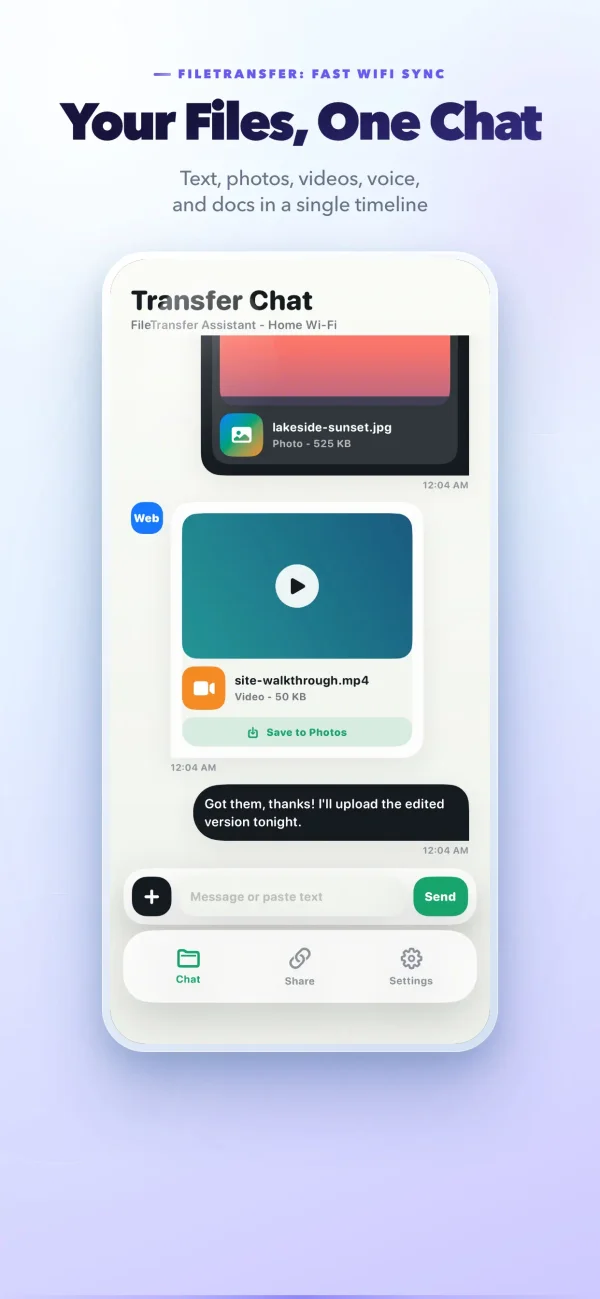
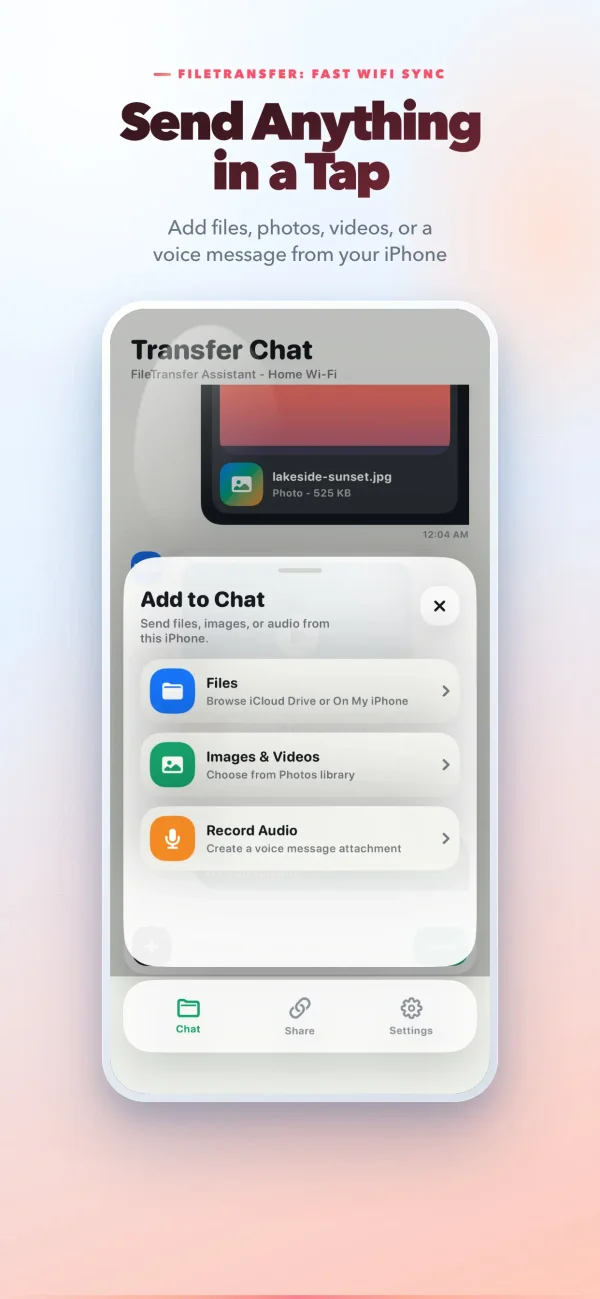
Everything appears in one simple transfer chat, so it feels familiar: send a message, add a file, pick photos or videos, or record a voice note. Files from the browser arrive in the same timeline, making it easy to see what was sent and what still needs attention.
What you can do with FileTransfer:
- Send files from iPhone to Mac, PC, tablet, or another phone
- Receive files from a browser back to your iPhone
- Move photos, videos, documents, audio, and text
- Preview photos, videos, and voice notes before saving or opening
- Save received photos and videos to your Photos library
- Open received documents in other apps
- Keep a clear transfer history you can review or clean up
- Share without creating an account
FileTransfer is built for everyday moments:
Send vacation photos to your laptop.
Move a PDF from your computer to your phone.
Record a quick voice note and share it instantly.
Collect files from another device without emailing them to yourself.
Transfer work files when AirDrop is not available.
Your transfers stay under your control. FileTransfer is designed for nearby sharing on Wi-Fi, with no sign-in required and no cloud drive to manage.
For best results, keep your iPhone open while sharing and make sure both devices are connected to the same Wi-Fi network.
Terms of Use (EULA): https://www.apple.com/legal/internet-services/itunes/dev/stdeula/
Privacy Policy: https://filetransfer.iamdev.me/privacy.html
Terms of Service: https://filetransfer.iamdev.me/terms.html
Support: support@iamdev.me
What’s new
Version 1.1 · Jul 26, 2026
Bug fixes & small performance improvements.
App privacy
What 小聪 钟 declares on the App Store about how this app handles data.
-
Data not linked to you
May be collected but is not linked to your identity.
- Identifiers
Privacy practices may vary, for example with the features you use or your age.
Information
- Seller
- 小聪 钟
- Category
- Utilities
- Version
- 1.1
- Updated
- Jul 26, 2026
- Released
- Jul 9, 2026
- Size
- 2.7 MB
- Requires
- iOS 18.6 or later
- Age rating
- 4+
- Price
- Free
- In-app purchases
- Yes
- Languages
- English, French, German, Italian, Japanese, Korean, Portuguese, Simplified Chinese, Spanish, Traditional Chinese
- Copyright
- © 2026 IAMDEV
You might also like
-
 Calcu.Beauty and accurate.
-
 JetourKenyaGlobal Motors Centre
-
 AxiomXA MobileUtilities
-
 Privy: Receive SMS OnlineTemp Virtual Number & OTP Code
-
 Hello NexusMonitor and Control Your PC
-
 mileseey T-reconUtilities
-
 Crown MoldingUtilities
-
 Seasons: Year Progress WidgetMoon Phase, Solstice & StandBy
-
 Metal Detector (Scanner)Magnetometer Metal Finder
-
 光场屏助手Utilities