
Filo: PDF Document Scanner
Image Converter, OCR & Tools
Designed for iPhone, iPad, Mac, iPod touch
Free · In-app purchases
- Age rating4+
- CategoryProductivity
- DeveloperBJS Soft Solutions LLC
- LanguagesEnglish+ 14 more
- Size223.4 MB
Links to the official App Store page
Download.org hosts no file of Filo: PDF Document Scanner. The button opens its official App Store page, published by BJS Soft Solutions LLC. Listing last checked on Nov 20, 2026.
Screenshots


About
Turn your iPhone or iPad into a private document scanner, PDF converter, image converter, OCR tool, and portable file workspace.
Filo Docs brings scanning, PDF tools, image conversion, and everyday document utilities together in one simple app. Scan paperwork, convert HEIC photos, create PDFs, extract text, sign documents, and prepare files for work, school, or sharing in seconds.
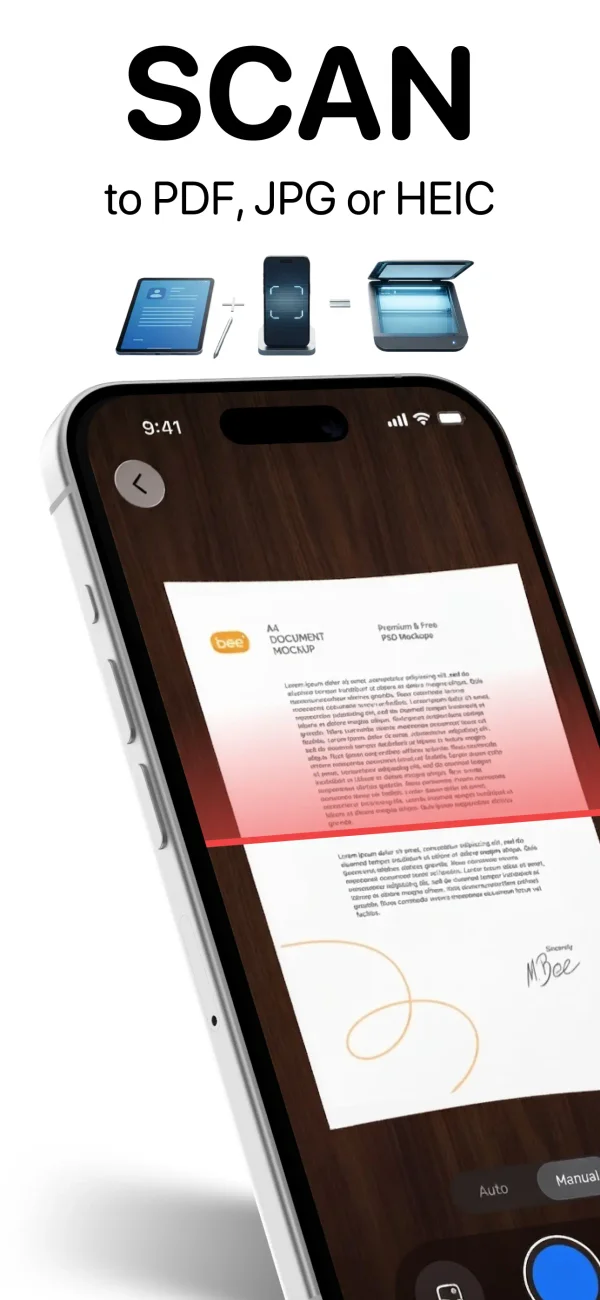
SCAN DOCUMENTS TO PDF
Use your iPhone or iPad camera to quickly capture clear, shareable documents:
- Scan a single page or an entire document
- Digitize receipts, forms, notes, assignments, and paperwork
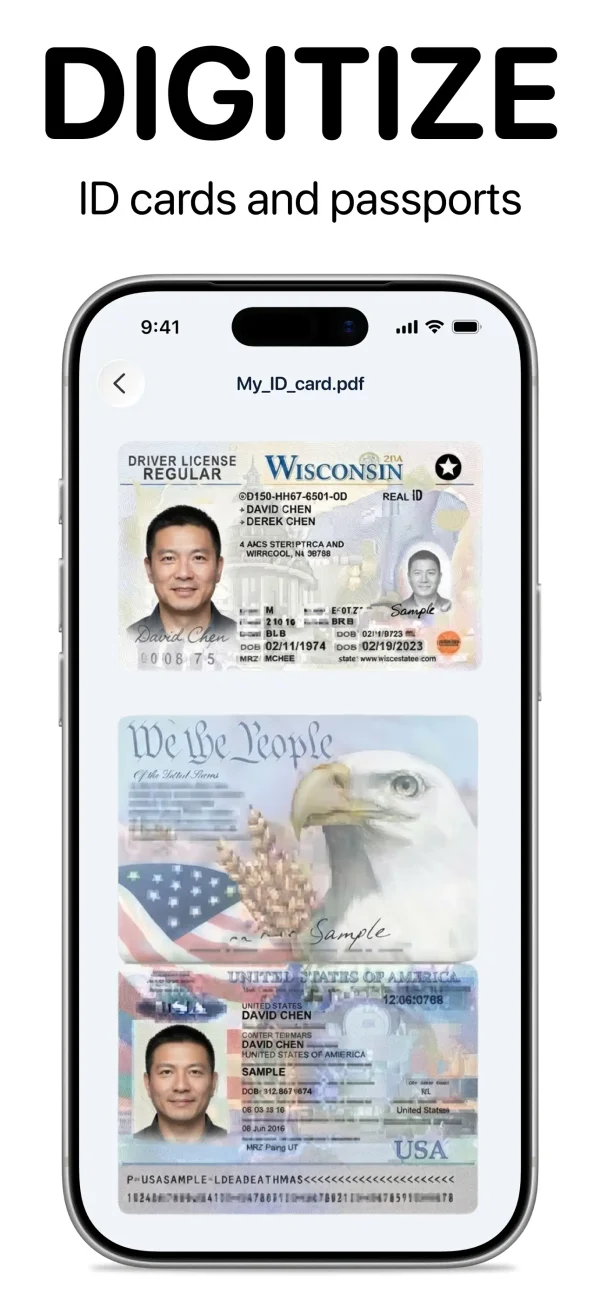
- Scan ID cards and passports
- Read QR codes instantly
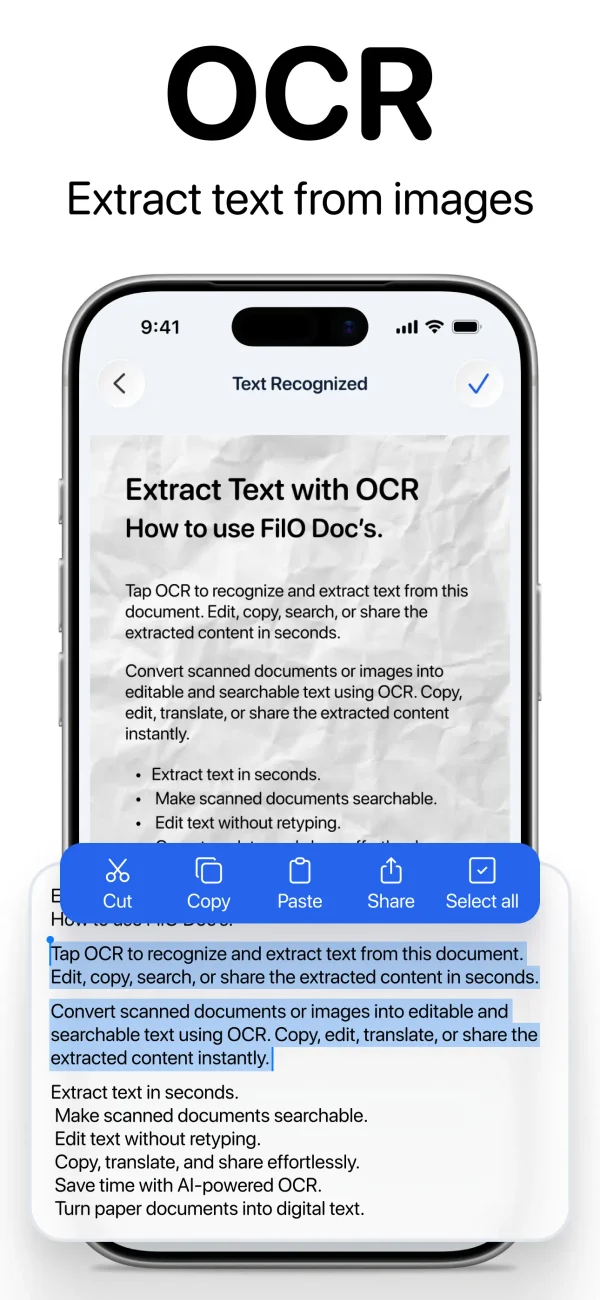
- Extract text from documents and images using OCR
- Save your scans as PDFs ready to keep, print, or share
CONVERT PDFs AND OFFICE DOCUMENTS
Move files between the formats you use every day:
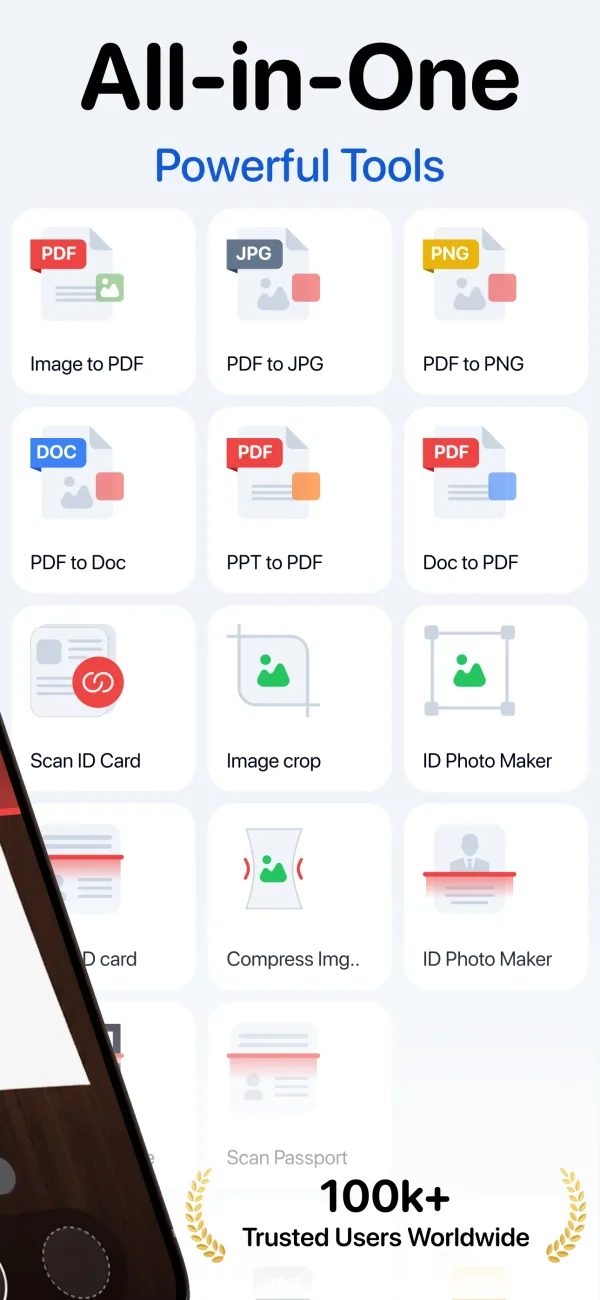
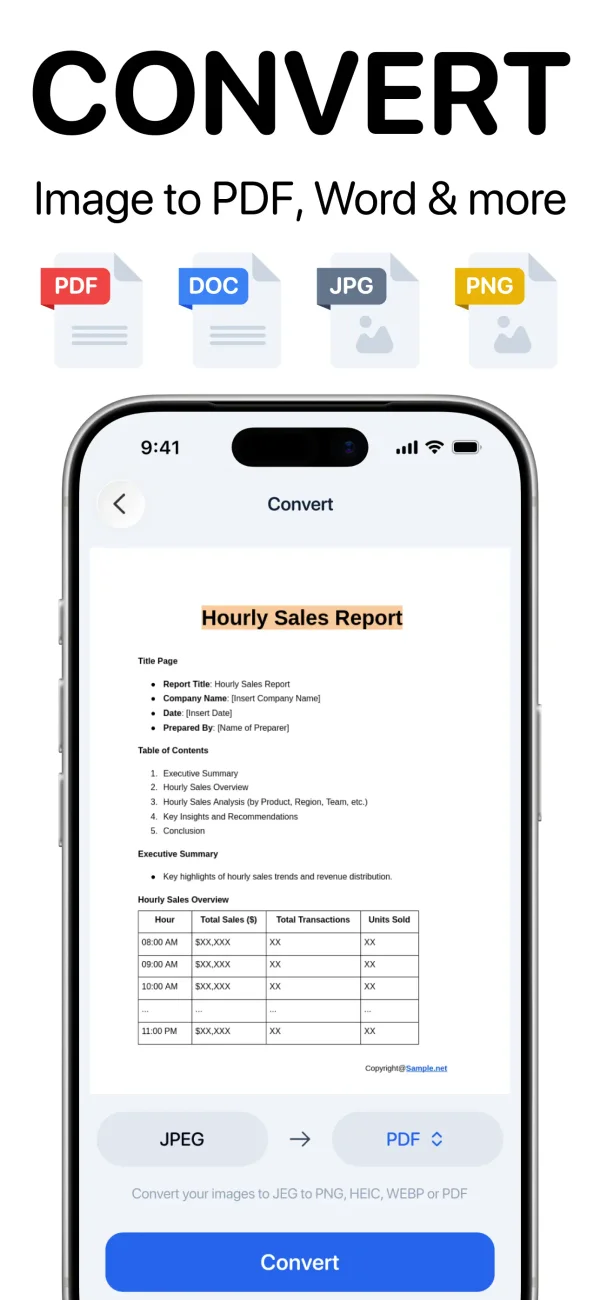
- Image to PDF
- PDF to JPG
- PDF to PNG
- PDF to Word-compatible DOC
- DOC to PDF
- PPT to PDF
- PDF to PPT
- XLS to PDF
- PDF to XLS
- PDF to TXT with OCR
CONVERT HEIC PHOTOS
iPhone photos are often stored as HEIC files, which may not work with every website, computer, or application. Filo lets you convert them quickly:
- HEIC to JPG
- HEIC to PNG
- HEIC to WEBP
- WEBP to JPG
- WEBP to PNG
Convert one photo or select 50+ images for fast batch conversion. Prepare entire albums for websites, email, printing, school submissions, or devices that do not support HEIC.
MERGE, SPLIT, SIGN, PROTECT, AND READ PDFs
Handle everyday PDF tasks quickly without switching between apps:
- Combine multiple PDFs into one organized document
- Split large PDFs into smaller, easier-to-share files
- Add your signature directly to PDF documents
- Protect sensitive PDFs with a password
- Unlock protected PDFs using the correct password
- Read and review PDF files
- Convert PDF pages into images
- Convert PDFs into editable document formats
- Print PDFs directly from your iPhone or iPad
EDIT AND OPTIMIZE IMAGES
Get your images ready for social media, applications, professional profiles, printing, or sharing:
- Compress images to reduce file size
- Resize photos to the exact dimensions you need
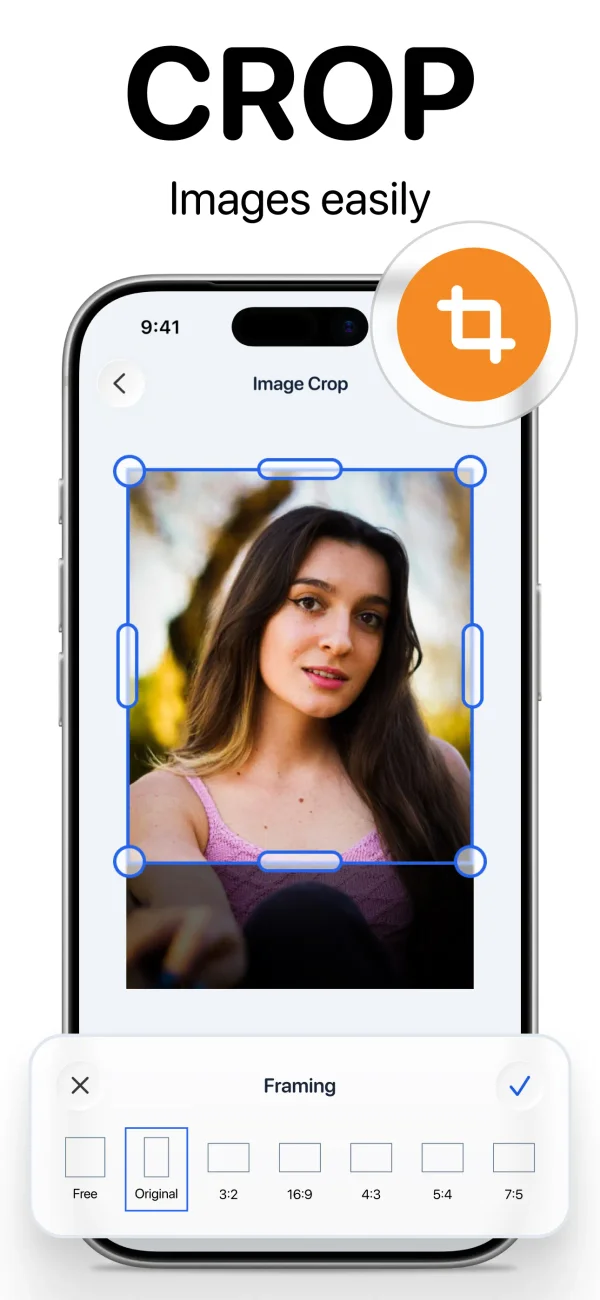
- Crop images privately and offline
- Split one image into multiple parts
- Convert HEIC and WEBP files into compatible formats
CREATE PASSPORT AND ID PHOTOS
Prepare passport photos and digital copies of important identification documents:
- Create passport-size and ID photos
- Choose suitable photo sizes for different countries
- Scan passports directly with your device
- Save clear digital copies for convenient access and sharing
EXTRACT TEXT WITH OCR
Turn printed or scanned content into text you can copy, edit, and reuse:
- Recognize text in documents and images
- Extract text from scanned paperwork
- Convert PDF content into editable TXT files
- Copy important information without typing it manually
VIEW DOCUMENTS AND USE BUILT-IN UTILITIES
Open PDF files and view PPT and XLS documents without installing separate viewers. Filo Docs also provides Base64 and ASCII utilities for additional file and text tasks.
PRIVATE BY DESIGN
Filo keeps document handling simple and private:
- Files remain on your device
- No cloud processing
- No account or sign-in required
- Batch conversion for large photo selections
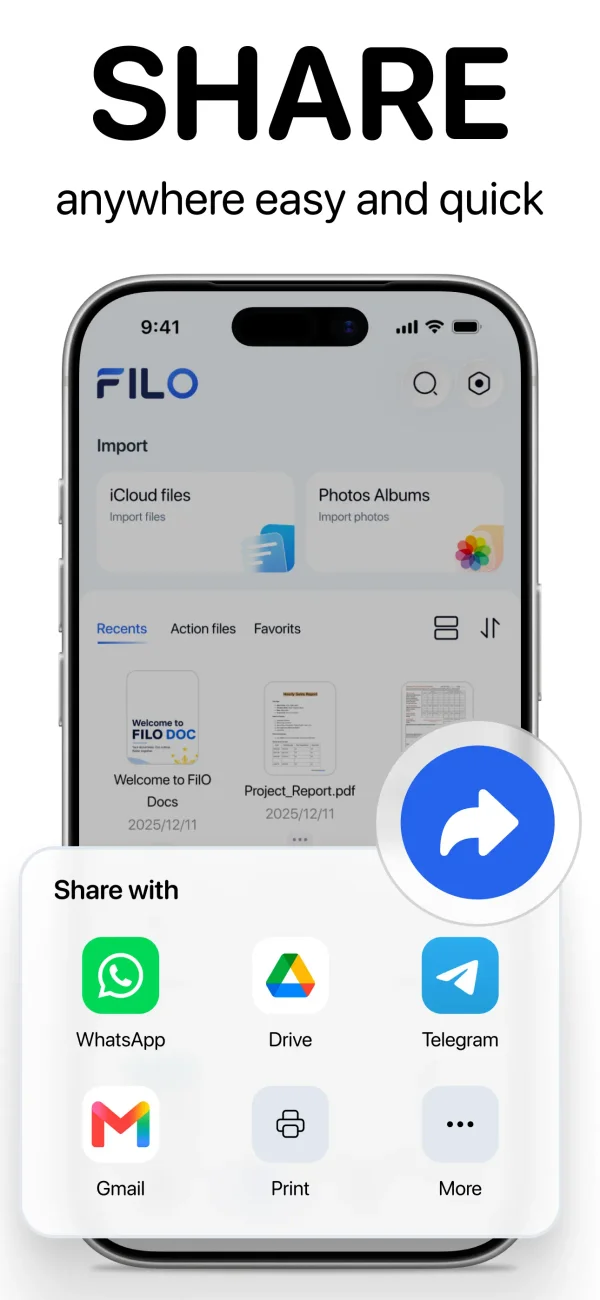
- Scanning, conversion, editing, printing, and sharing in one place
From converting HEIC photos to JPG and scanning receipts to signing PDFs and opening Office documents, Filo Docs gives you a complete mobile document toolkit.
Download FiloDocs and get more done without switching between apps.
Privacy Policy: https://filodocs.app/privacy.html
Terms of Service: https://filodocs.app/terms.html
What’s new
Version 3.1.25 · Nov 14, 2026
What's new in 3.1.25
- Big documents, no problem: large Word, PowerPoint and PDF files now open smoothly without freezing or crashing.
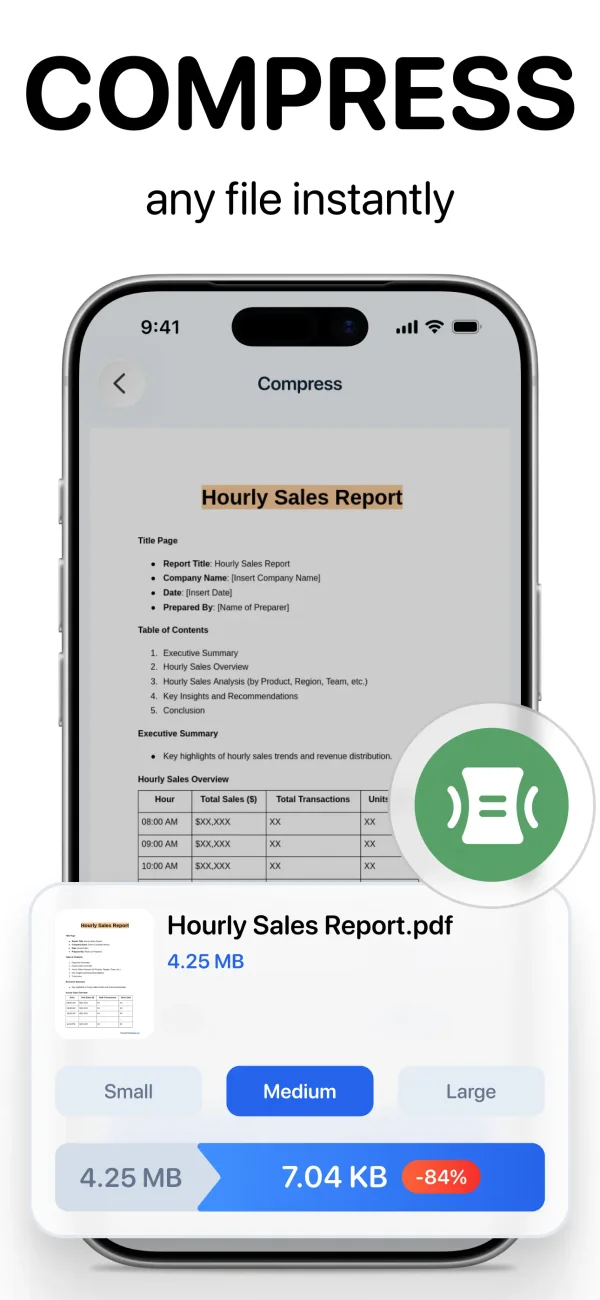
- Compress PDF is here: shrink PDFs offline while keeping text sharp and links working. We'll tell you right away if a file is already as small as it can get.
- Keep working while we work: long Compress, Split and Merge jobs can run in the background, and we'll notify you when your file is ready.
- Faster editing: signing, annotating and watermarking long PDFs now opens instantly.
- Files opened from other apps now stay available after you restart.
- A fresh new look with our new app icon and logo.
- Notification fixes and general stability improvements.
App privacy
What BJS Soft Solutions LLC declares on the App Store about how this app handles data.
-
Data used to track you
May be used to track you across apps and websites owned by other companies.
- Identifiers
-
Data linked to you
May be collected and linked to your identity.
- Identifiers
-
Data not linked to you
May be collected but is not linked to your identity.
- Identifiers
- Usage data
- Diagnostics
Privacy practices may vary, for example with the features you use or your age.
Information
- Seller
- BJS Soft Solutions LLC
- Category
- Productivity
- Version
- 3.1.25
- Updated
- Nov 14, 2026
- Released
- Feb 26, 2024
- Size
- 223.4 MB
- Requires
- iOS 15.6 or later
- Age rating
- 4+
- Price
- Free
- In-app purchases
- Yes
- Languages
- English, Arabic, Czech, German, Hebrew, Indonesian, Italian, Japanese, Russian, Simplified Chinese, Spanish, Thai + 3 more
- Copyright
- Powered by BJS Soft Solutions LLC © 2026, FiloDocs.app.
You might also like
-
 Image Converter • JPG to PDFConvert HEIC, PNG & JPEG Photo
-
 Image Converter: JPEG to PDFHEIC to JPG & Convert to PDF
-
 Photo & Image ConverterResizer & convert files bulk
-
 HEIC Converter - HEIC to JPGConvert HEIC to SVG, PNG, JPEG
-
 Convert to JPG,HEIC,PNG atOnceHEIF,JPEG format is also OK
-
 Pic to Zip: Bulk Resize to PDFPhoto Group Zip, Export as PDF
-
 Offline Image ConverterConvert image formats
-
 Image Converter: PNG, JPG, PDFConvert to JPEG, GIF, HEIC SVG
-
 Image Converter : JPG to PDFConvert Photo & Image to PDF
-
 The Image Converter □Convert JPG, PNG, HEIC, PDF