Filtre - Keyword Filter
Browse without the noise
Designed for iPhone, iPad, Mac
Free · In-app purchases
- Age rating4+
- CategoryUtilities
- DeveloperJeffrey Kuiken
- LanguagesEnglish
- Size10.6 MB
Links to the official App Store page
Download.org hosts no file of Filtre - Keyword Filter. The button opens its official App Store page, published by Jeffrey Kuiken. Listing last checked on Nov 26, 2026.
Screenshots



About
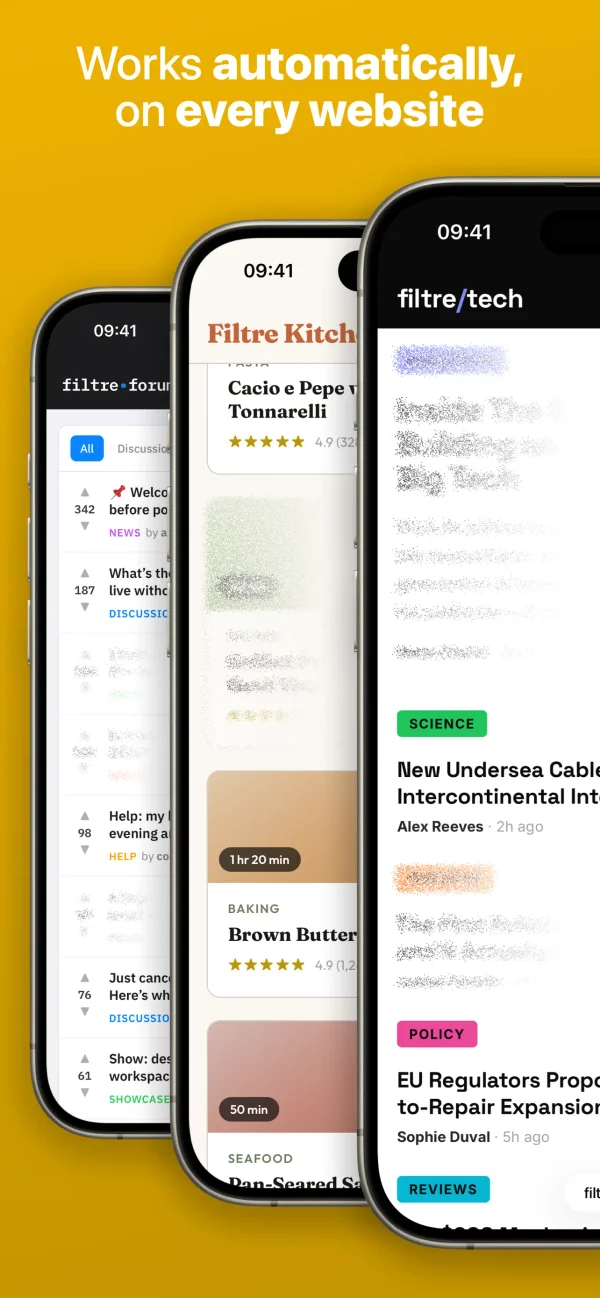
Filtre is a Safari extension that automatically hides news articles, posts and comments based on your own keywords, on every website you visit. It’s the mute filters you know from social media, but for the entire internet.
Browse the internet without noise and distractions. Here’s how others are using Filtre:
• Take care of your mental health by filtering out news topics that negatively affect your mood
• Not into sports? Hide all the match updates, scores and transfers
• Filter out topics that hit too close to home when you’re going through a hard time
• Mute toxic or unpleasant comments
• Hide spoilers for your favorite TV show
• Don’t get distracted by clickbait headlines
Filtre works on every website you visit, automatically. It hides items before they ever even appear on the page. And it doesn’t just hide the text that matched your filter. It intelligently includes related content around it too, even including photos.
You set up your filters exactly how you want them. Filter Sets let you quickly enable or disable specific filters for specific websites. And you can even decide how filtered items appear. By default they’re completely hidden, but you can also show them faded out or blurred.
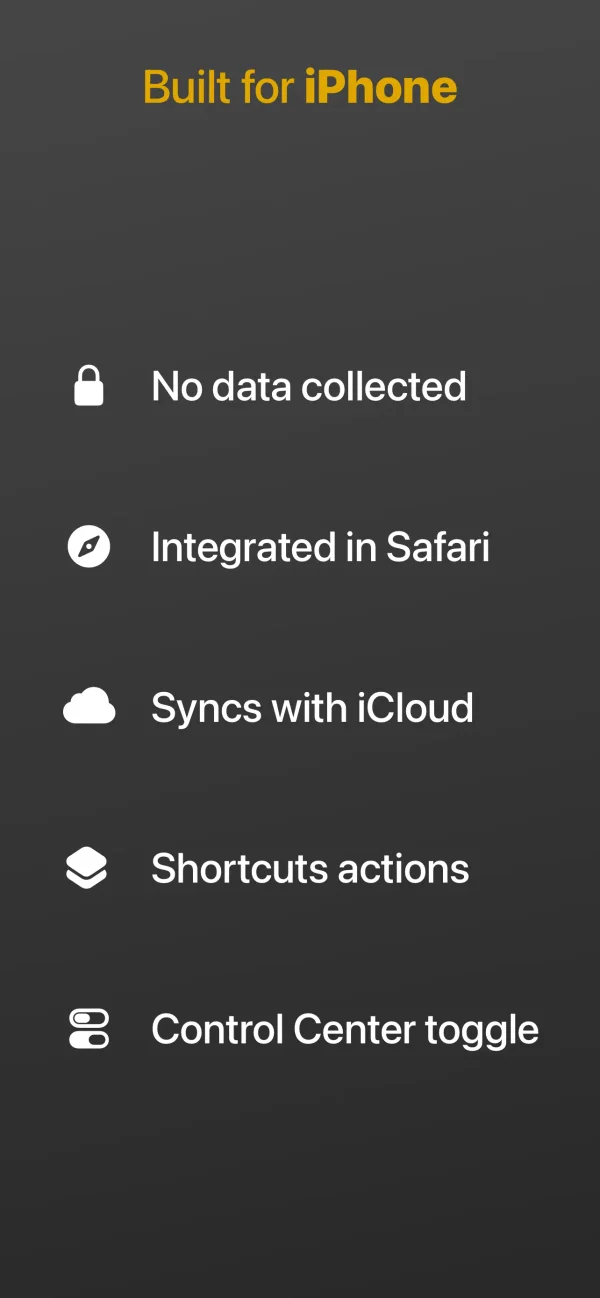
Built from the ground up for iOS and macOS, the app feels right at home on your device. Filtre is tightly integrated with system features such as the Shortcuts app and Control Center. And your settings and filters are automatically synced across all your devices using iCloud.
Just as importantly, Filtre takes your privacy seriously. No browsing data is ever collected, period. And your filters never leave your device or your personal iCloud account.
Filtre is made by the developer of Noir, the award-winning dark mode extension for Safari. You can try Filtre for free for 7 days. After that, one subscription gives you full access to Filtre on all your devices.
Privacy Policy:
• The Filtre extension requires access to the websites you visit in order to apply your filters and hide elements.
• Filtre never collects your browsing data. The only data stored by Filtre are your settings and filters, and those will never leave your device or iCloud account.
• You can read Filtre’s full Privacy Policy at https://filtre.app/privacypolicy
Terms of Use:
• https://www.apple.com/legal/internet-services/itunes/dev/stdeula/
What’s new
Version 1.4.1 · Nov 26, 2026
Hi there, and thanks for using Filtre! This update brings two exciting new features:
# New Display Style: Block Page
A new Display Style can block an entire page whenever Filtre finds one of your filtered keywords on it. Great if you want to go beyond filtering single articles or items.
# Disable Until Reload
You can now temporarily disable Filtre until you reload the page. Access this in the Filtre menu in Safari. On iPad and Mac, you can even assign a keyboard shortcut for it.
- 1.4.1: Fixed an issue where filters in non-Latin scripts (such as Cyrillic and Chinese) would not work properly
- 1.4.1: Fixed an issue where the app would incorrectly show that your trial would renew even though it had been cancelled
If you have any feedback on the app, please let me know! I'd love to hear what you think. If you enjoy Filtre, please consider leaving a review in the App Store.
Thanks,
Jeffrey
App privacy
What Jeffrey Kuiken declares on the App Store about how this app handles data.
-
Data not collected
The developer does not collect any data from this app.
Privacy practices may vary, for example with the features you use or your age.
Information
- Seller
- Jeffrey Kuiken
- Category
- Utilities
- Version
- 1.4.1
- Updated
- Nov 26, 2026
- Released
- Jul 8, 2026
- Size
- 10.6 MB
- Requires
- iOS 26.0 or later
- Age rating
- 4+
- Price
- Free
- In-app purchases
- Yes
- Languages
- English
- Copyright
- © 2026 Jeffrey Kuiken
You might also like
-
 Deflector ◇Shortcuts Everywhere
-
 QuillCuePrompt library & keyboard
-
 Remote Buddy Mobile 2Remote/mouse/keyboard for Mac
-
 Litterbox - Post PeekerRead the post, skip the site
-
 Wider - Fullscreen BrowsingMore room for the internet
-
 Sill – Mac StreamingRemote Mac window management
-
 Website Blocker - Browse SafeAdult Site Filter for Families
-
 Quiche BrowserPrivate, Fast, Customizable
-
 wBlock: Ad Blocker for SafariTracker & popup blocking
-
 SPIN Safe BrowserBlock Porn & Unsafe Websites