Find My Lost Device & Tracker
Airpods finder, track, locate
Designed for iPhone, iPad, Mac
Free · In-app purchases
- Age rating4+
- CategoryUtilities
- DeveloperMono Digital
- LanguagesEnglish+ 32 more
- Size28.4 MB
Links to the official App Store page
Download.org hosts no file of Find My Lost Device & Tracker. The button opens its official App Store page, published by Mono Digital. Listing last checked on Nov 27, 2026.
Screenshots
About
Lost your AirPods, earbuds or headphones? Find them in minutes. Scan for nearby Bluetooth devices, follow the live distance meter, see them on the map and get alerts when they're lost or found.
Find My Lost Device turns your iPhone, iPad, Mac and Apple Watch into a Bluetooth finder and device tracker. Search right from your wrist, or scan from your Mac when your phone isn't nearby. Whether one AirPod slipped between the couch cushions, your smartwatch is somewhere in the house or a speaker went missing at the office, the app shows how close you are and guides you step by step until you find it.
HOW IT HELPS YOU FIND IT
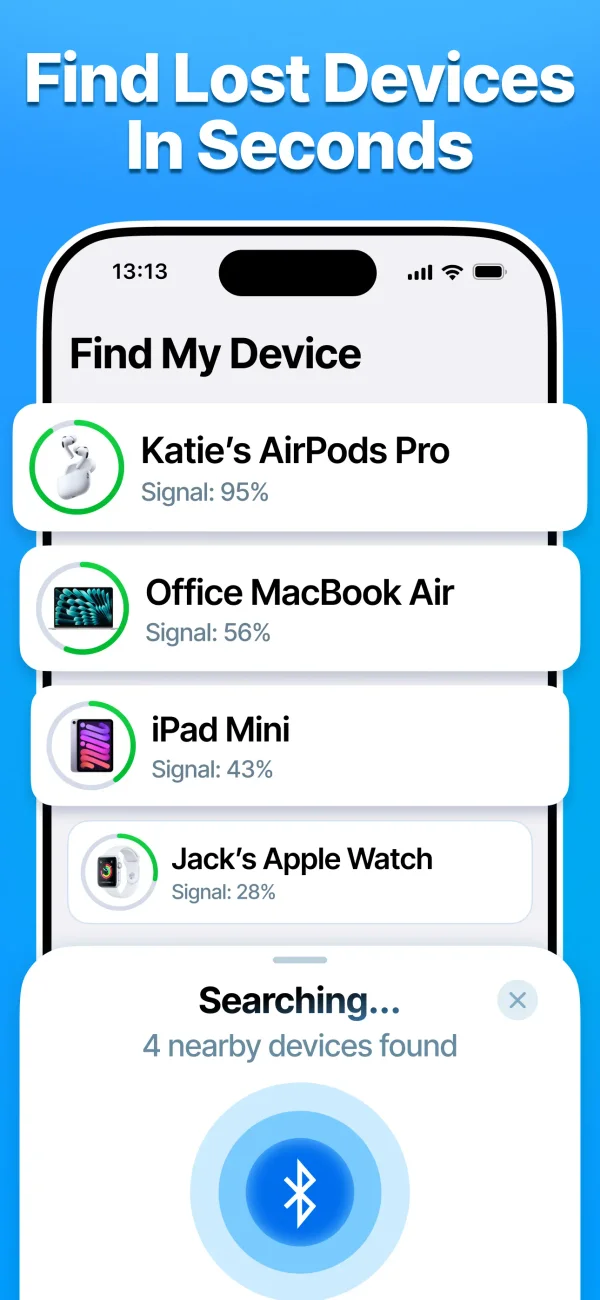
• Device Radar – See every Bluetooth device around you in one scan: headphones, earbuds, smartwatches, fitness trackers, speakers, tablets and more.
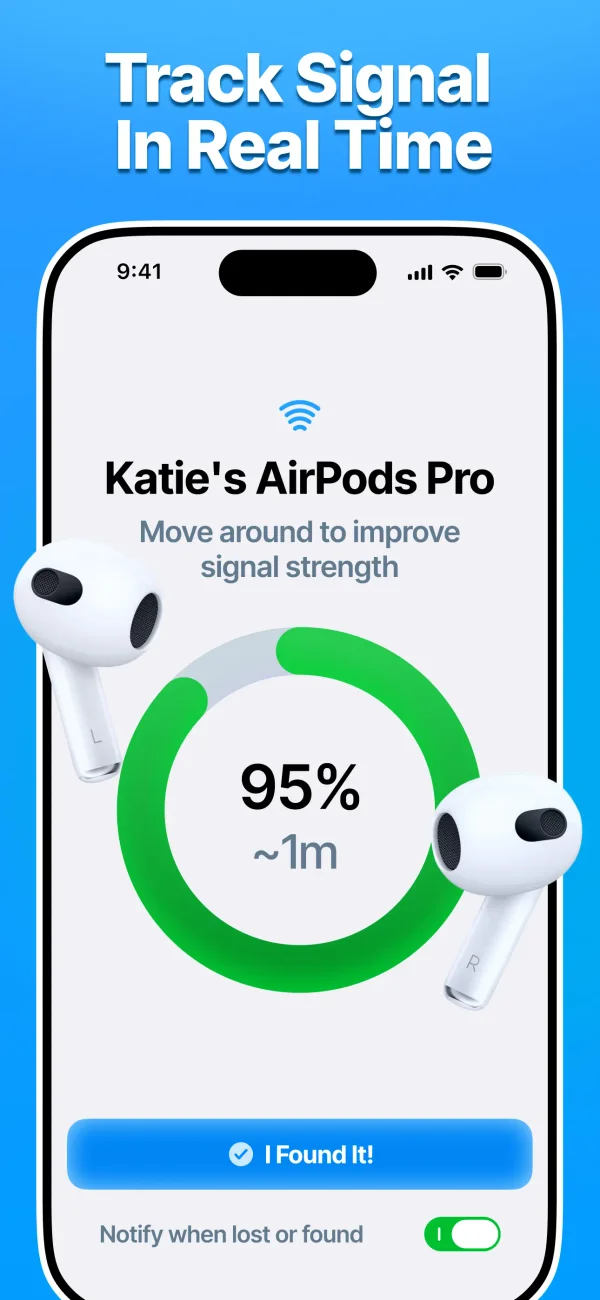
• Live Distance Meter – Watch the signal strength update in real time as you move. Getting warmer or colder, you always know which way to go, right down to "Here".
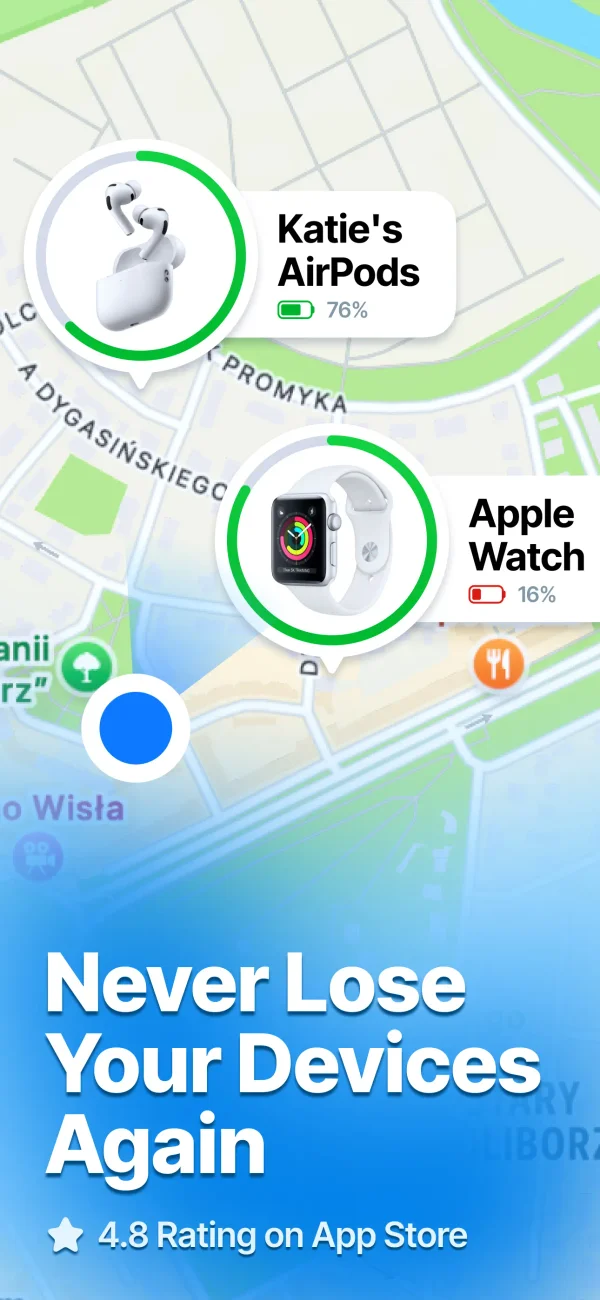
• Locate on the Map – See where your device was last detected on the map, so you know exactly where to start looking.
• Lost & Found Alerts – Get notified when a saved device is lost or found again, so you notice before it's too late.
• Play Sound – Close but still can't see it? Play a sound and follow it to the exact spot.
• Save & Track Your Devices – Save your devices once and keep track of them anytime with one tap.
WORKS WITH YOUR DEVICES
AirPods and wireless earbuds, Bluetooth headphones and earphones, smartwatches, fitness trackers and bands, portable speakers, phones, tablets, laptops, styluses, item trackers and most other Bluetooth devices.
TIPS FOR THE BEST RESULTS
1. Make sure Bluetooth is on and the lost device still has some battery.
2. Open the app and start a scan.
3. Select your device from the list.
4. Walk slowly and watch the distance meter rise.
5. When it says "Here", play a sound and check under cushions, in bags and pockets.
Good to know: the app detects devices that are powered on and broadcasting a Bluetooth signal. Range and accuracy depend on the device, walls and other interference. A device with a dead battery can't be detected, so start searching as soon as you notice it's missing.
Privacy Policy: https://monodigitals.com/privacy/
Terms of Use: https://monodigitals.com/terms/
This app is not affiliated with Apple Inc. AirPods, iPhone, iPad, Mac and Apple Watch are trademarks of Apple Inc. All other trademarks belong to their respective owners.
What’s new
Version 1.10 · Nov 9, 2026
- Fully optimized for iOS 27
- Now on iPhone, iPad, Mac and Apple Watch
- Performance improvements and bug fixes
App privacy
What Mono Digital declares on the App Store about how this app handles data.
-
Data used to track you
May be used to track you across apps and websites owned by other companies.
- Identifiers
-
Data linked to you
May be collected and linked to your identity.
- Purchases
- Identifiers
-
Data not linked to you
May be collected but is not linked to your identity.
- Location
- Diagnostics
Privacy practices may vary, for example with the features you use or your age.
Information
- Seller
- MONO DIGITAL SOLUTIONS - FZCO
- Category
- Utilities
- Version
- 1.10
- Updated
- Nov 9, 2026
- Released
- Mar 2, 2026
- Size
- 28.4 MB
- Requires
- iOS 18.1 or later
- Age rating
- 4+
- Price
- Free
- In-app purchases
- Yes
- Languages
- English, Arabic, Catalan, Croatian, Czech, Danish, Dutch, Finnish, French, German, Greek, Hebrew + 21 more
- Copyright
- © Mono Digital
You might also like
-
 Find my Bluetooth Device AppScan, Detect & Track Earbuds
-
 Find My Device-Find BluetoothFind lost headphones & earbuds
-
 Find: my phone,device trackerBluetooth & Headphones Finder
-
 Find: My Phone + Devices AirMy Phone Tag Finder Locator
-
 Find My Bluetooth Devices +Bluetooth Scanner & Finder
-
 Find My Lost Device & TrackAirpod Tracker Locate Finder
-
 Air Tag Detector: Find TrackerFind My AirTag, SmartTag, Tile
-
 Spot Bluetooth FinderLost AirPods & AirTag Tracker
-
 Find Now - AI Find My DeviceBluetooth & Earbuds Finder
-
 Find My Device: Scan & TrackLocate Lost Phone & Airpods