- Age rating4+
- CategoryEducation
- DeveloperHirokazu Ide
- LanguagesEnglish
- Size12.7 MB
Links to the official App Store page
Download.org hosts no file of Fingering. The button opens its official App Store page, published by Hirokazu Ide. Listing last checked on Nov 23, 2026.
Screenshots

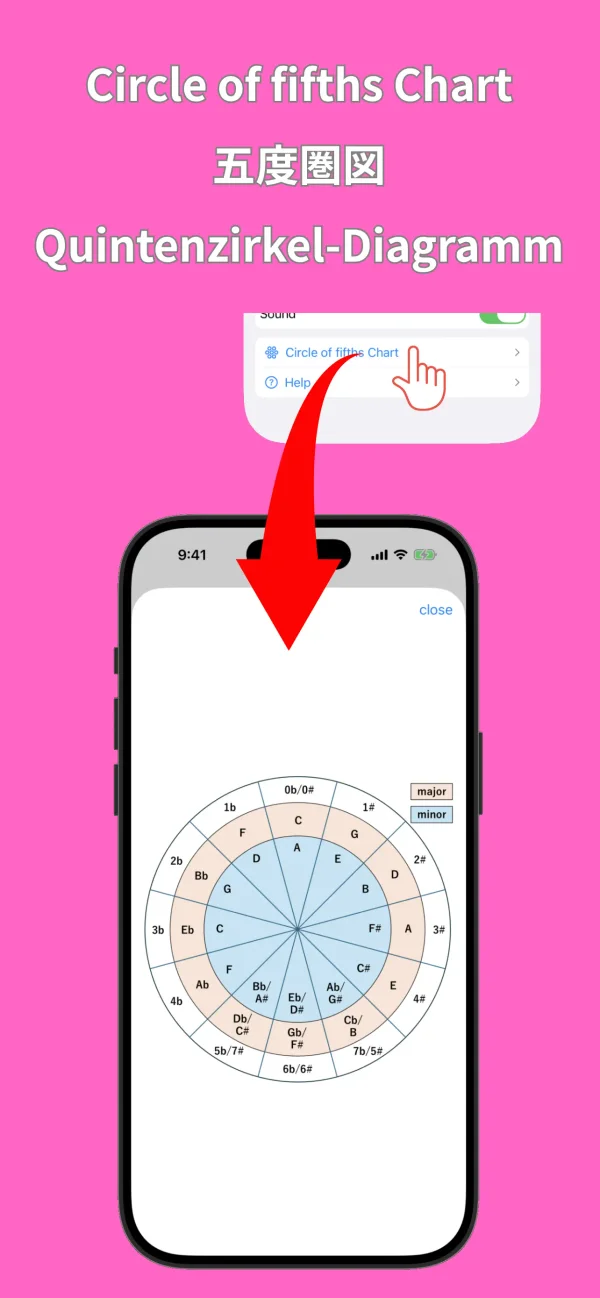
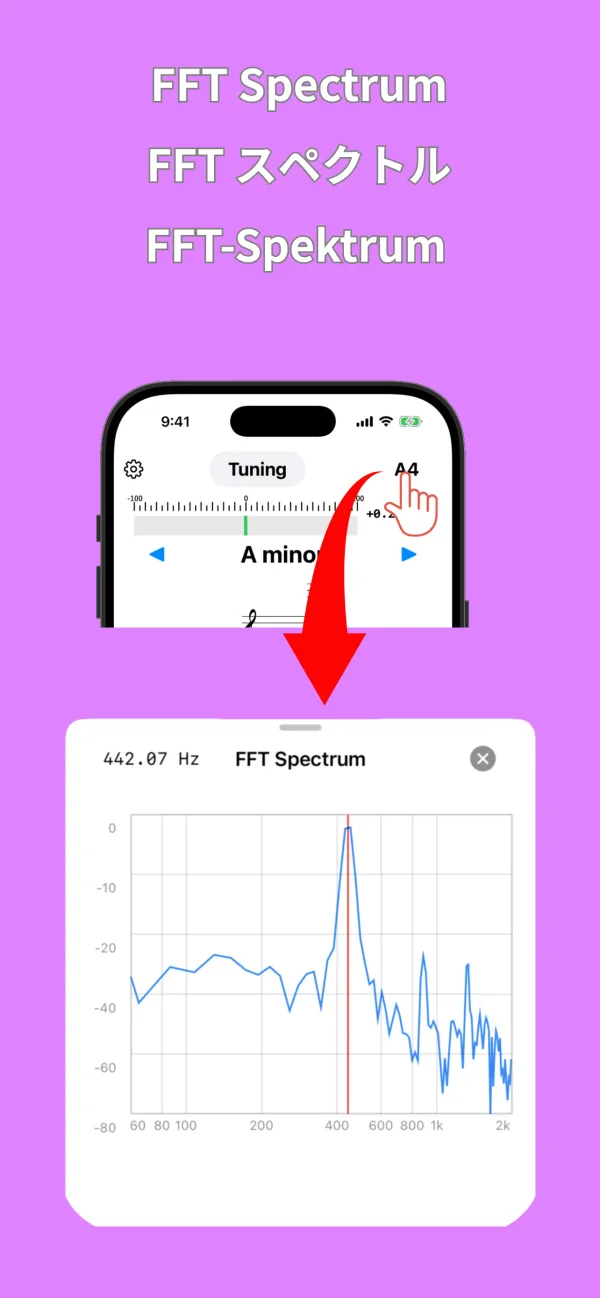
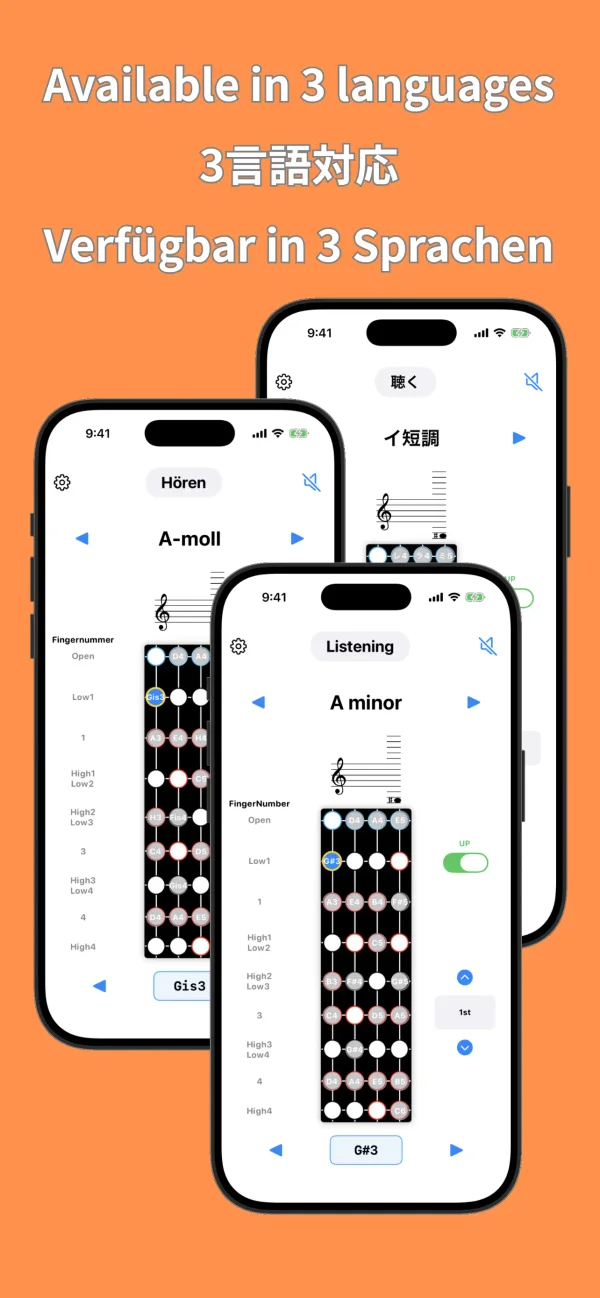
About
The developer has not provided this text in your language.
ヴァイオリンの1st〜7thポジションの運指を「聴く」「クイズ」「音合せ」のモードを使って効率よく学びましょう。
Learn violin fingering for 1st〜7th position efficiently using the "Listen," "Quiz," and "Tuning" modes.
Lernen Sie die Fingersätze der 1. bis 7. Position auf der Violine mithilfe der Modi „Hören“, „Quiz“ und „Stimmen“ auf effiziente Weise.
「聴く」モードでは五線譜上の音符の位置の音を聞きながら対応する指板で押さえる位置を確認できます。
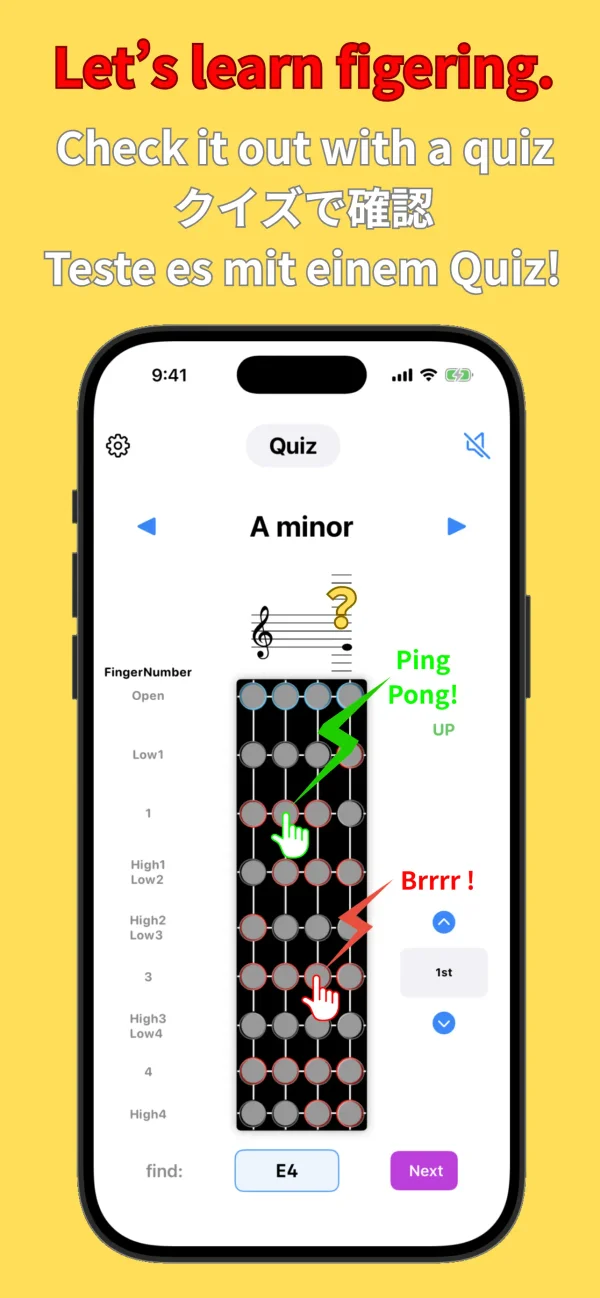
「クイズ」モードは五線譜上の音符に対応する指板の位置をタップするクイズで、「聴く」モードで選んだ調もしくは全調からランダムに出題されます。
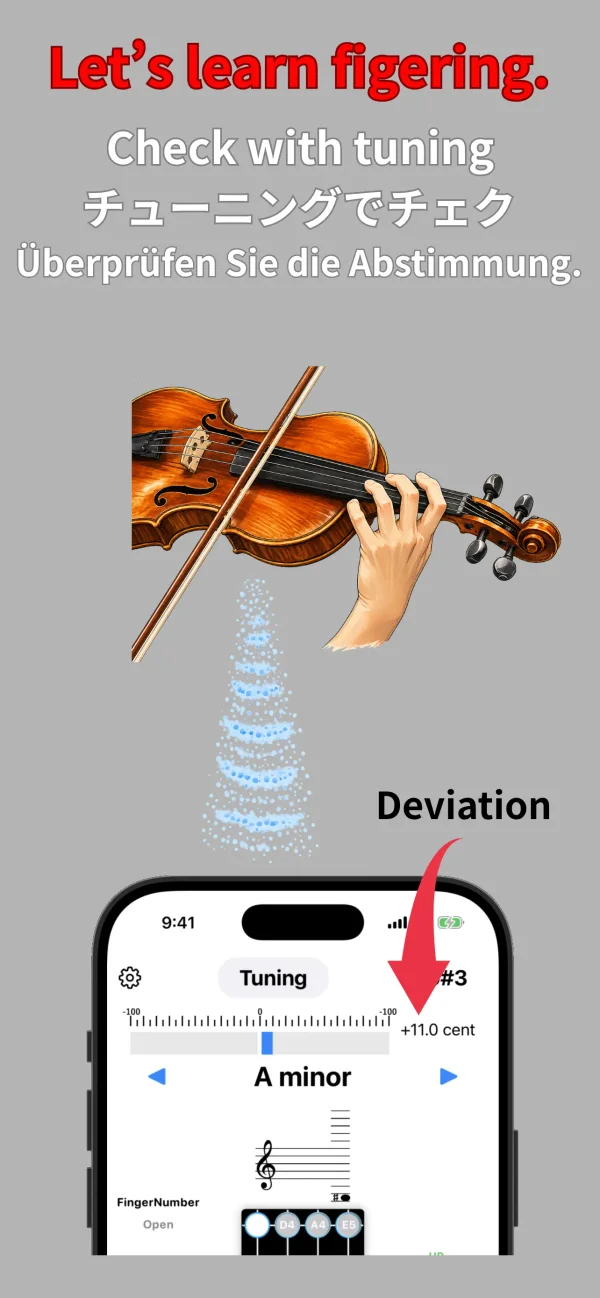
「音合せ」モードでは指板上で選んだ音符の音と楽器からの音の音合せができます。
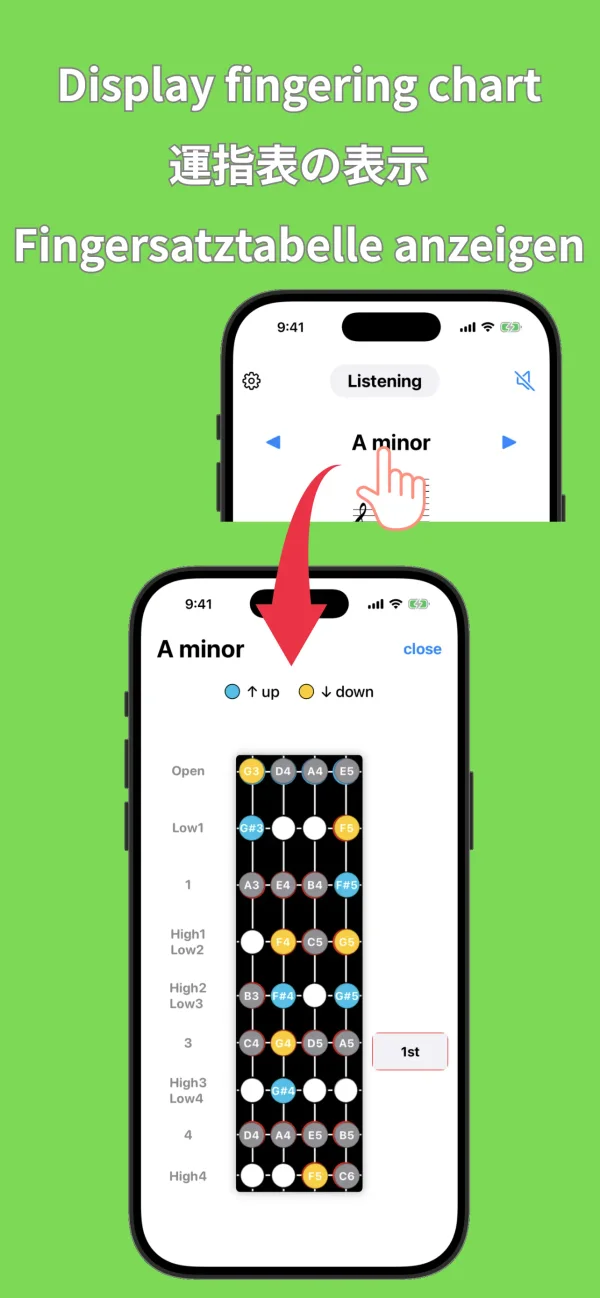
調名をタップするとその調の1stポジションの運指表が表示されます。
In "Listen" mode, you can listen to the sound of the note on the staff and check the corresponding fingerboard fingering position.
In "Quiz" mode, you take a quiz by tapping the fingerboard position that corresponds to the note on the staff. Questions will be asked randomly from the key (Tonart) selected in "Listen" mode, or from all keys.
In Tuning mode, you can tune the sound of the note you select on the fretboard to the sound produced by your instrument.
Tapping the key name will display fingering chart in 1st position for that key.
Im „Hören“-Modus können Sie den Klang der Note im Notensystem hören und die entsprechende Griffweise auf dem Griffbrett ablesen.
Im „Quiz“-Modus können Sie ein Quiz absolvieren, indem Sie die Griffweise antippen, die der Note im Notensystem entspricht. Die Fragen werden zufällig aus der im „Hören“-Modus ausgewählten Tonart oder aus allen Tonarten gestellt.\n Durch Antippen des Tonartnamens werden alle Griffweisen in der ersten Lage für diese Tonart angezeigt.
Durch Antippen eines Tastennamens wird die Grifftabelle für die erste Position in dieser Tonart angezeigt.
What’s new
Version 2.1 · Nov 13, 2026
一部の調(Key)で音(Note)が表示されない不具合を修正しました。
Fixed an issue where notes would not display in certain keys.
Es wurde ein Problem behoben, bei dem Noten in einigen Tonarten nicht angezeigt wurden.
App privacy
What Hirokazu Ide declares on the App Store about how this app handles data.
-
Data not collected
The developer does not collect any data from this app.
Privacy practices may vary, for example with the features you use or your age.
Information
- Seller
- Hirokazu Ide
- Category
- Education
- Version
- 2.1
- Updated
- Nov 13, 2026
- Released
- Jun 8, 2026
- Size
- 12.7 MB
- Requires
- iOS 15.5 or later
- Age rating
- 4+
- Languages
- English
- Copyright
- © 2026 Hirokazu Ide
You might also like
-
 英単語特訓 英検®準1級Education
-
 ミミチューン:バイオリン練習Education
-
 サクッとTOEIC文法1問1答【サクトレ】Education
-
 BizSprinto 英単語マイリストEducation
-
 チャレンジ[860点]for the TOEIC®TESTEducation
-
 チャレンジ[730点]for the TOEIC®TESTEducation
-
 英文読解Education
-
 英検®準1級の英単語1490 - 音声・例文付き学習アプリEducation
-
 証券外務員試験問題集Education
-
 Rhythm Trainer - Tap and ReadSight Reading & Music Theory