Fingering
運指を学ぶアプリ(Learn Fingering)
Được thiết kế cho iPhone, iPad, iPod touch
Miễn phí
- Độ tuổi4+
- Danh mụcGiáo Dục
- Nhà phát triểnHirokazu Ide
- Ngôn ngữTiếng Anh
- Kích thước12,7 MB
Liên kết đến trang App Store chính thức
Download.org không lưu trữ tệp nào của Fingering. Nút này mở trang ứng dụng trên App Store, nơi Hirokazu Ide phát hành ứng dụng. Trang được kiểm tra lần cuối: 23/11/2026.
Ảnh chụp màn hình

Giới thiệu
Nhà phát triển chưa cung cấp nội dung này bằng ngôn ngữ của bạn.
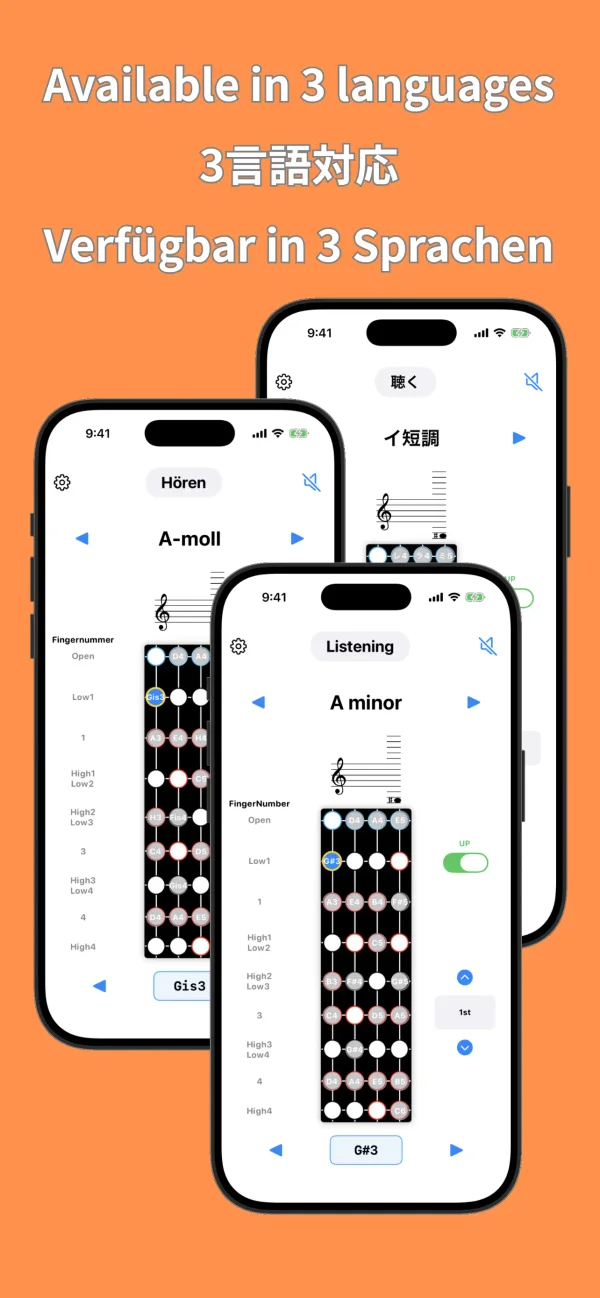
ヴァイオリンの1st〜7thポジションの運指を「聴く」「クイズ」「音合せ」のモードを使って効率よく学びましょう。
Learn violin fingering for 1st〜7th position efficiently using the "Listen," "Quiz," and "Tuning" modes.
Lernen Sie die Fingersätze der 1. bis 7. Position auf der Violine mithilfe der Modi „Hören“, „Quiz“ und „Stimmen“ auf effiziente Weise.
「聴く」モードでは五線譜上の音符の位置の音を聞きながら対応する指板で押さえる位置を確認できます。
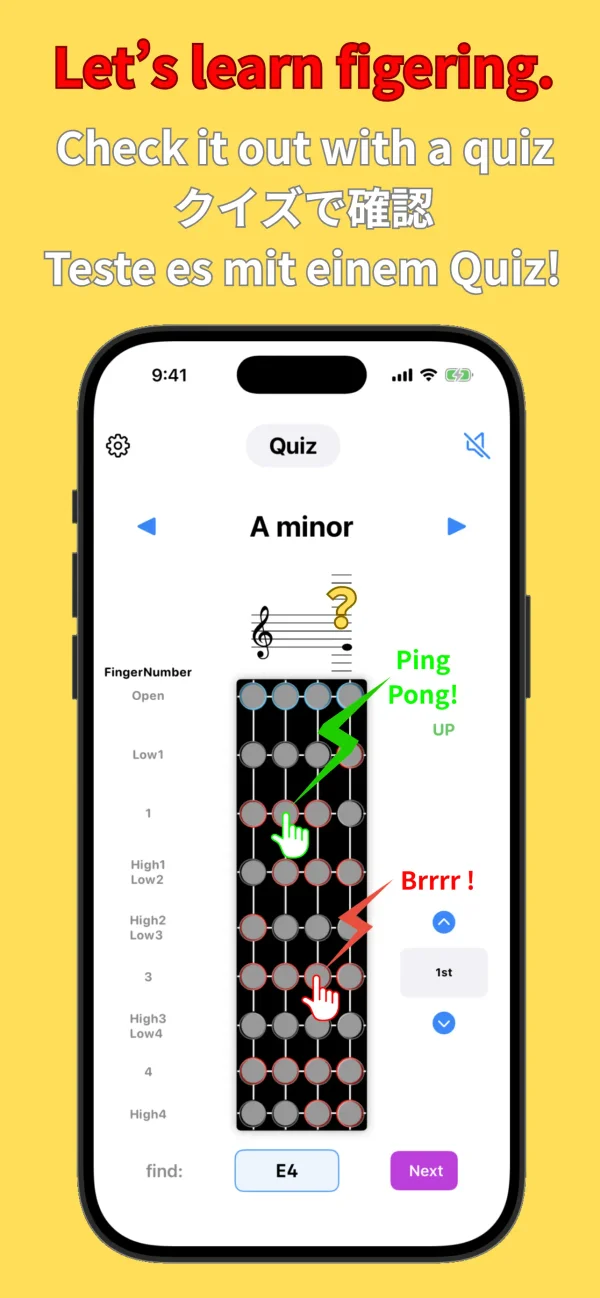
「クイズ」モードは五線譜上の音符に対応する指板の位置をタップするクイズで、「聴く」モードで選んだ調もしくは全調からランダムに出題されます。
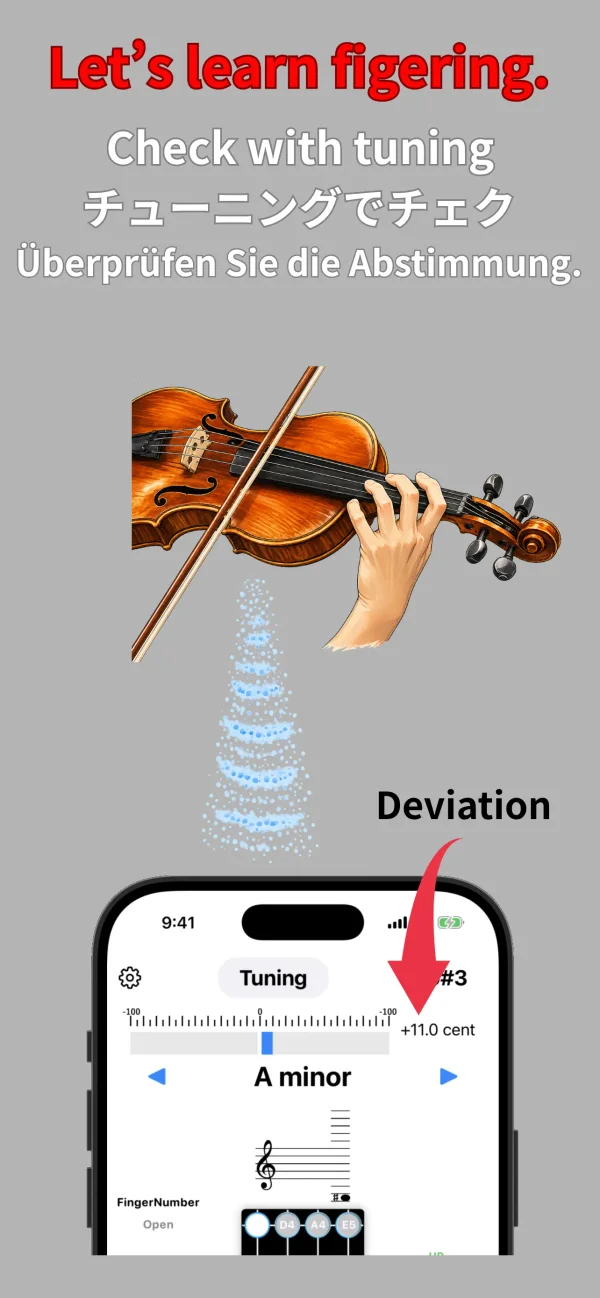
「音合せ」モードでは指板上で選んだ音符の音と楽器からの音の音合せができます。
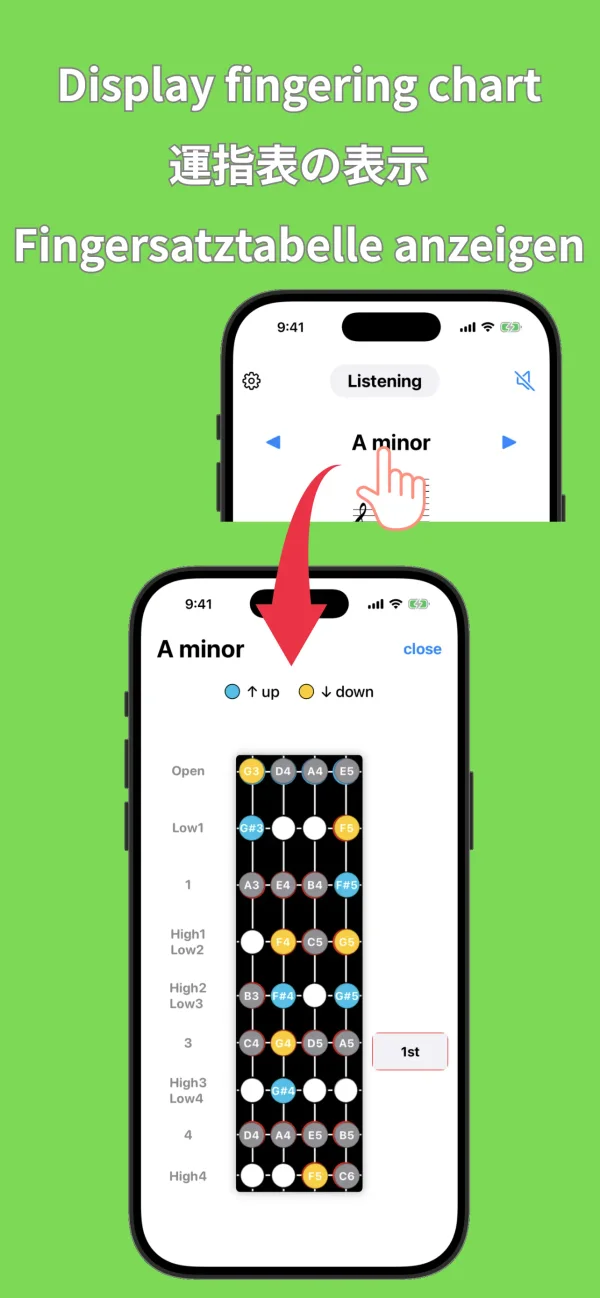
調名をタップするとその調の1stポジションの運指表が表示されます。
In "Listen" mode, you can listen to the sound of the note on the staff and check the corresponding fingerboard fingering position.
In "Quiz" mode, you take a quiz by tapping the fingerboard position that corresponds to the note on the staff. Questions will be asked randomly from the key (Tonart) selected in "Listen" mode, or from all keys.
In Tuning mode, you can tune the sound of the note you select on the fretboard to the sound produced by your instrument.
Tapping the key name will display fingering chart in 1st position for that key.
Im „Hören“-Modus können Sie den Klang der Note im Notensystem hören und die entsprechende Griffweise auf dem Griffbrett ablesen.
Im „Quiz“-Modus können Sie ein Quiz absolvieren, indem Sie die Griffweise antippen, die der Note im Notensystem entspricht. Die Fragen werden zufällig aus der im „Hören“-Modus ausgewählten Tonart oder aus allen Tonarten gestellt.\n Durch Antippen des Tonartnamens werden alle Griffweisen in der ersten Lage für diese Tonart angezeigt.
Durch Antippen eines Tastennamens wird die Grifftabelle für die erste Position in dieser Tonart angezeigt.
Có gì mới
Phiên bản 2.1 · 13/11/2026
一部の調(Key)で音(Note)が表示されない不具合を修正しました。
Fixed an issue where notes would not display in certain keys.
Es wurde ein Problem behoben, bei dem Noten in einigen Tonarten nicht angezeigt wurden.
Quyền riêng tư của ứng dụng
Những gì Hirokazu Ide khai báo trên App Store về cách ứng dụng này xử lý dữ liệu.
-
Dữ liệu không được thu thập
Nhà phát triển không thu thập bất kỳ dữ liệu nào từ ứng dụng này.
Phương thức đảm bảo quyền riêng tư có thể khác nhau, chẳng hạn như tuỳ theo các tính năng bạn sử dụng hoặc độ tuổi của bạn.
Thông tin
- Người bán
- Hirokazu Ide
- Danh mục
- Giáo Dục
- Phiên bản
- 2.1
- Cập nhật
- 13/11/2026
- Phát hành
- 08/06/2026
- Kích thước
- 12,7 MB
- Yêu cầu
- iOS 15.5 trở lên
- Độ tuổi
- 4+
- Giá
- Miễn phí
- Ngôn ngữ
- Tiếng Anh
- Bản quyền
- © 2026 Hirokazu Ide