
Firefighter Trades
Shift trades for firefighters
Designed for iPhone, iPod touch
Free
- Age rating4+
- CategoryProductivity
- DeveloperSEAN WESTPHAL
- LanguagesEnglish
- Size26.8 MB
Links to the official App Store page
Download.org hosts no file of Firefighter Trades. The button opens its official App Store page, published by SEAN WESTPHAL. Listing last checked on Nov 17, 2026.
Screenshots
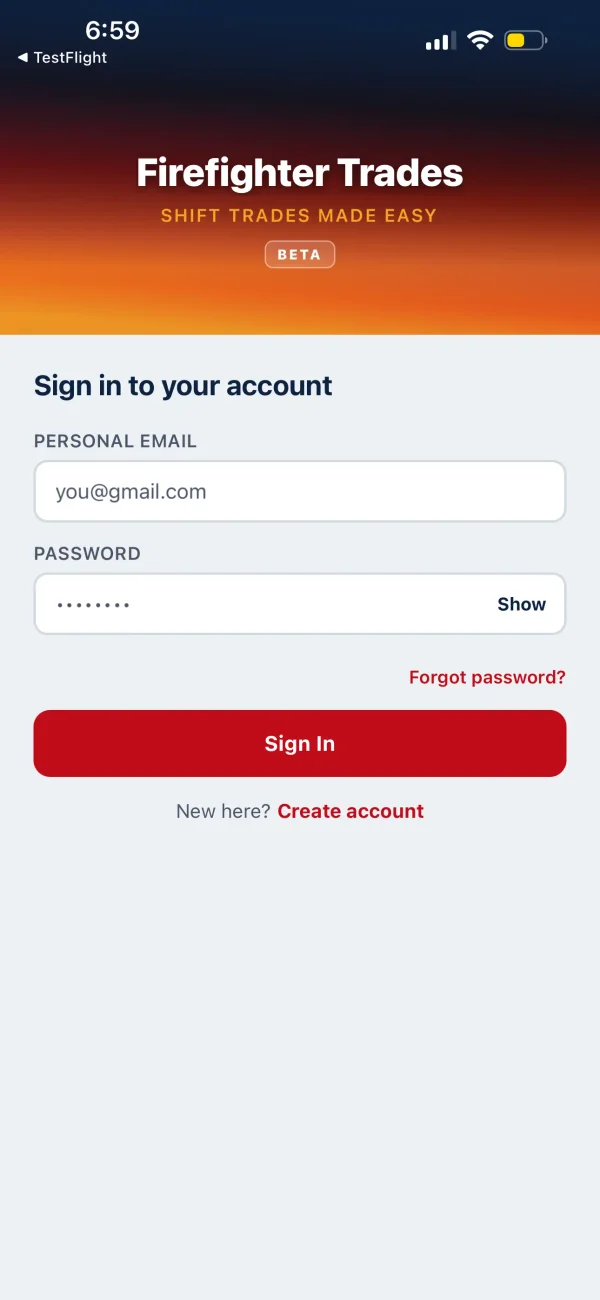
About
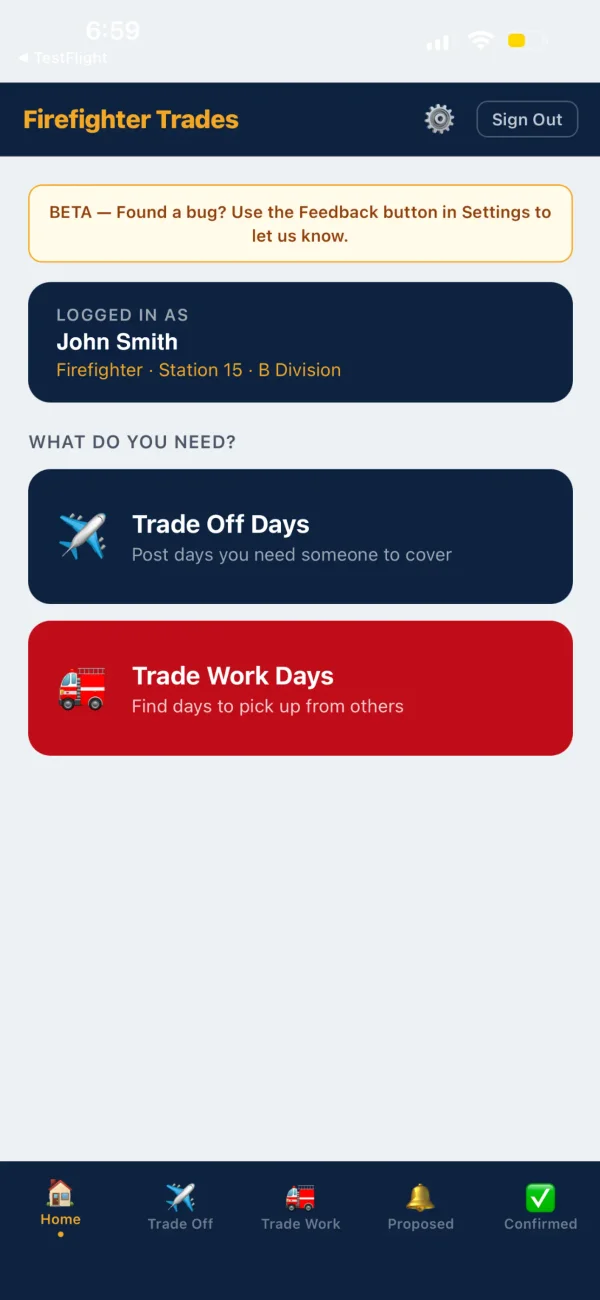
Firefighter Trades makes shift trading simple for fire department members. Instead of mass emails, group texts, and bulletin boards, post the days you need covered and browse days posted by other firefighters of your rank — then propose, accept, and confirm trades right from your phone.
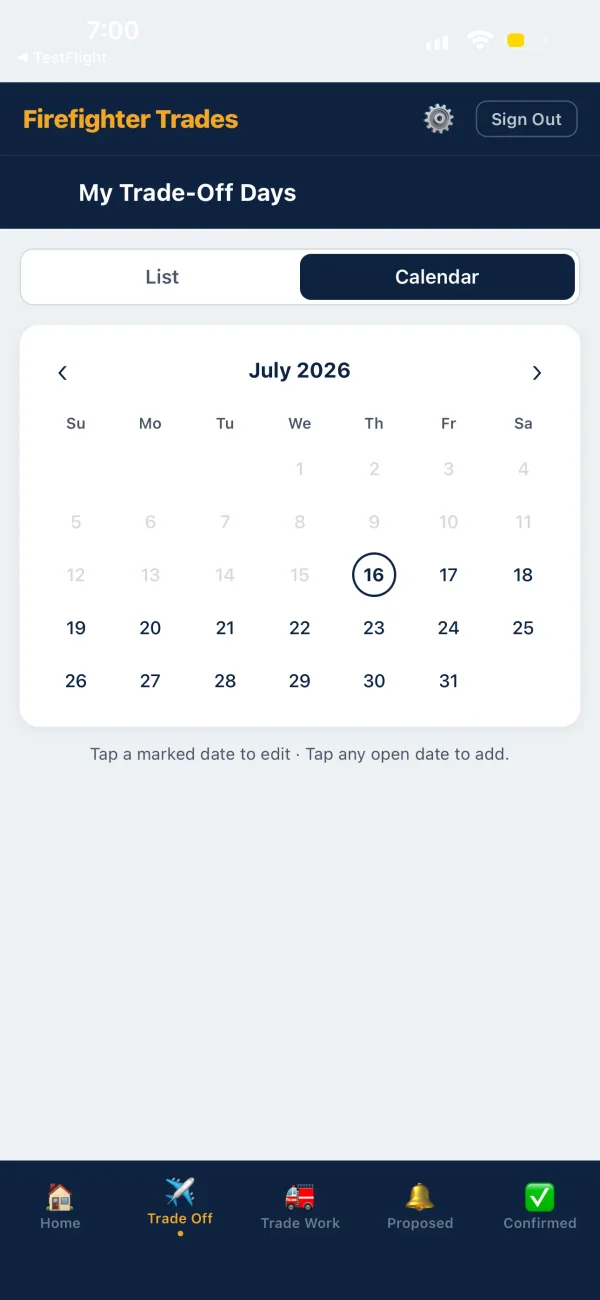
POST YOUR TRADE-OFF DAYS
Add the days you want to trade off in a few taps. Mark special conditions or blocked days so potential partners know the details up front.
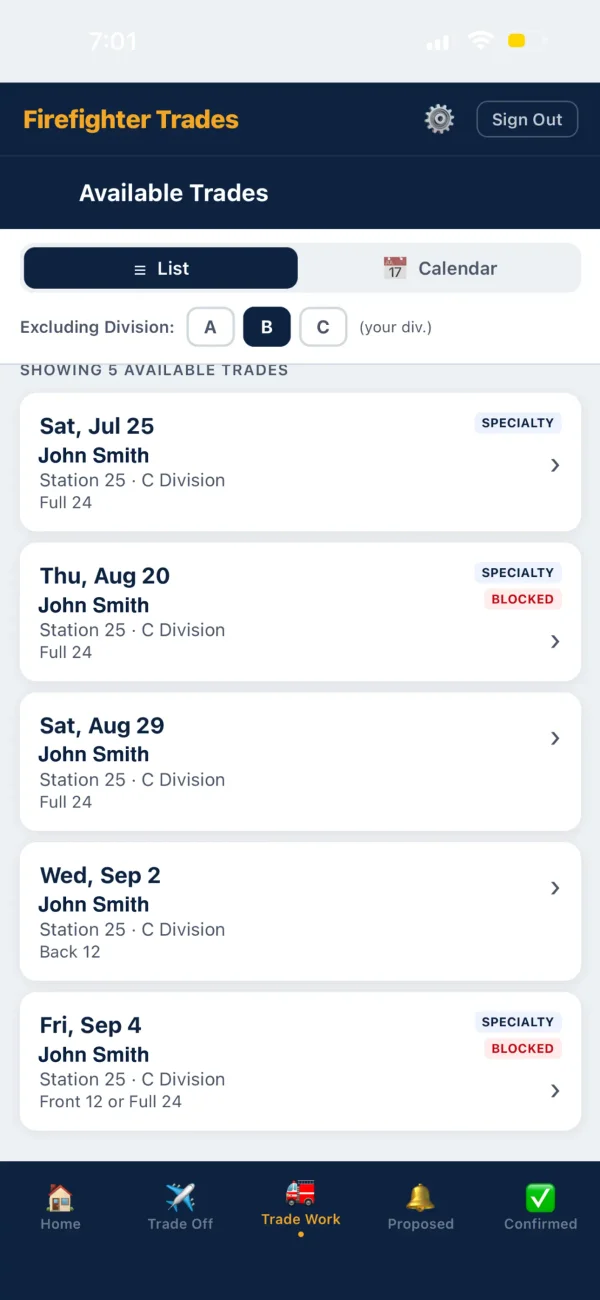
FIND AVAILABLE TRADES
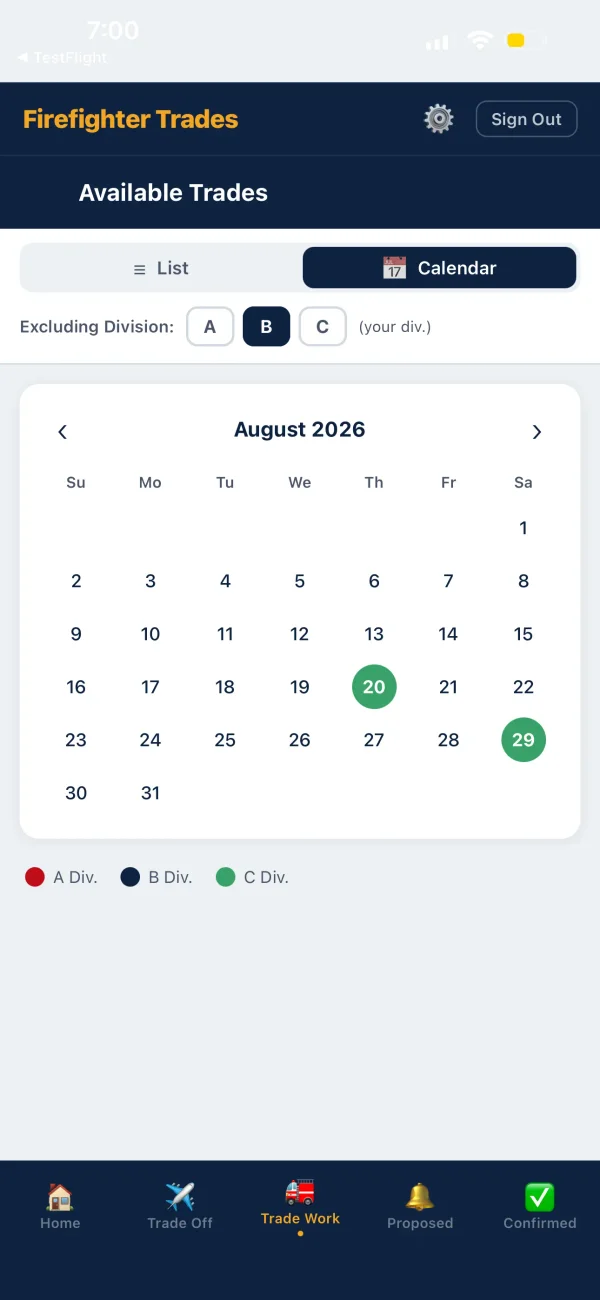
Browse days posted by other members of your department, filtered to your rank and outside your own division, in a list or calendar view.
PROPOSE AND CONFIRM TRADES
Offer one or more of your posted days in exchange. The other firefighter picks the day that works, and both days are marked confirmed. If plans change, either party can cancel and both days go right back on the board.
STAY IN THE LOOP
Push notifications tell you the moment a proposal comes in, gets accepted or declined, or a confirmed trade is cancelled — and optionally when a new day matching your rank is posted. Once a trade is confirmed, call or text your trade partner directly from the app.
BUILT BY A FIREFIGHTER, FOR FIREFIGHTERS
Designed around real department shift-trading rules: rank-to-rank trades, division scheduling, and station assignments. Interested in getting your department on the app? We'd love to have you, just email us at firefightertradesapp@gmail.com
Note: Firefighter Trades helps you arrange trades with other members — always finalize trades through your department's official scheduling system and per department policy.
What’s new
Version 1.1.0 · Aug 6, 2026
SHIFT CALENDAR WITH DIVISION COLORS
Calendar days are now color-coded by which division is on duty — A, B, or C — so you can see at a glance who's working any given date. When you post a trade-off day, the calendar keeps you to the days you're actually scheduled, so you can't accidentally post a shift you were never on. (Available for departments with a set rotation.)
NOTES ON YOUR TRADE-OFF DAYS
Add an optional note to any day you post — a partial-shift detail, a heads-up about the assignment, or anything a trade partner should know before they propose. Notes show up right on the day in Find Trades.
SHARE THE APP BY TEXT
Don't have a coworker's email? Tap Share via Text on the invite screen and we'll build a message with a download link and your department's access code — ready to send in one tap.
Plus fixes and polish throughout, including a clearer sign-up screen.
App privacy
What SEAN WESTPHAL declares on the App Store about how this app handles data.
-
Data linked to you
May be collected and linked to your identity.
- Contact info
- User content
Privacy practices may vary, for example with the features you use or your age.
Information
- Seller
- SEAN WESTPHAL
- Category
- Productivity
- Version
- 1.1.0
- Updated
- Aug 6, 2026
- Released
- Jul 28, 2026
- Size
- 26.8 MB
- Requires
- iOS 15.1 or later
- Age rating
- 4+
- Price
- Free
- Languages
- English
- Copyright
- © 2026 Westons Designs
You might also like
-
 Shift Box - Shift CalendarSimple Shift Work Schedule
-
 Zipit Confirm™Productivity
-
 Talview Proview ProctoringProductivity
-
 Outline -Draw lines & notesMeasure, Note, Layout & Sketch
-
 TC Mobile - Tablet CommandProductivity
-
 My OceansideProductivity
-
 Connect Plus+Productivity
-
 FireSync EMSProductivity
-
 TOOTRiS Provider | Child CareBoost enrollments with TOOTRiS
-
 FireSync OpsOne-Stop App for Firefighters