- Age rating4+
- CategoryProductivity
- DeveloperTalview Inc
- LanguagesEnglish+ 4 more
- Size30.2 MB
Links to the official App Store page
Download.org hosts no file of Talview Proview Proctoring. The button opens its official App Store page, published by Talview Inc. Listing last checked on Nov 13, 2026.
Screenshots
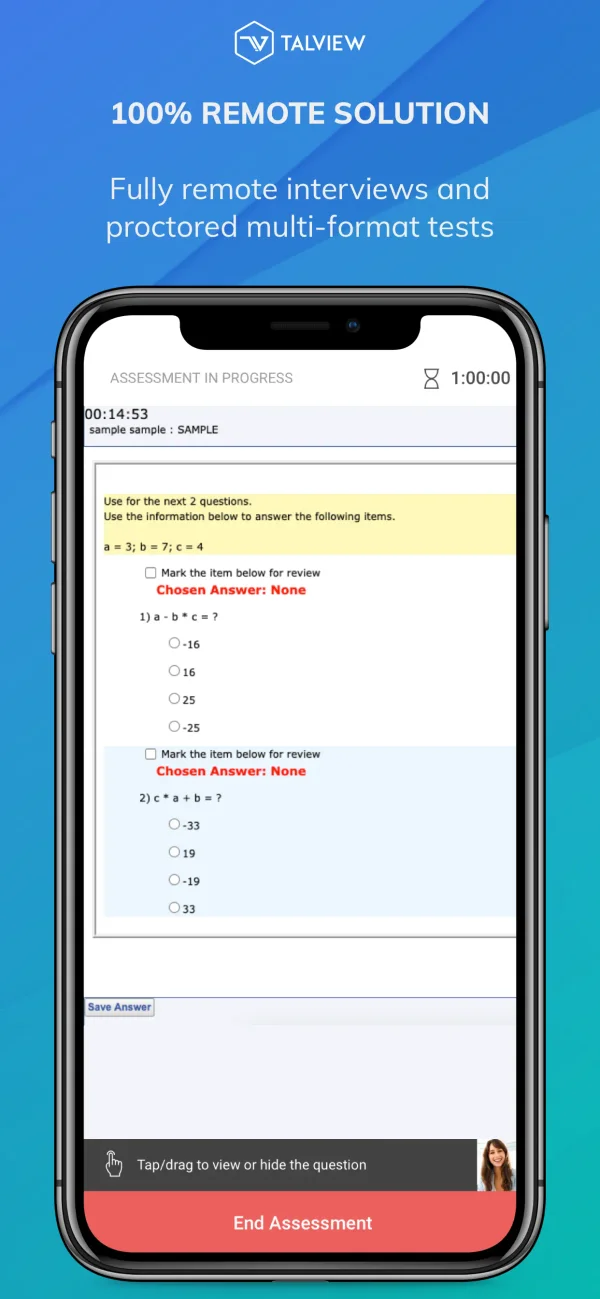
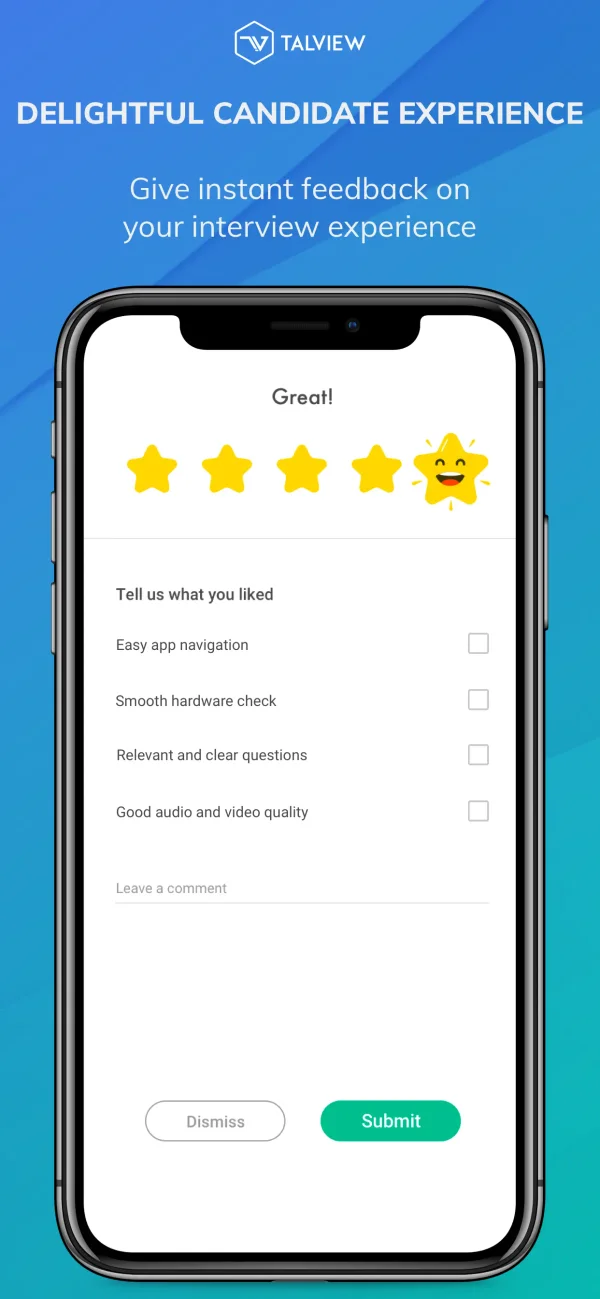
About
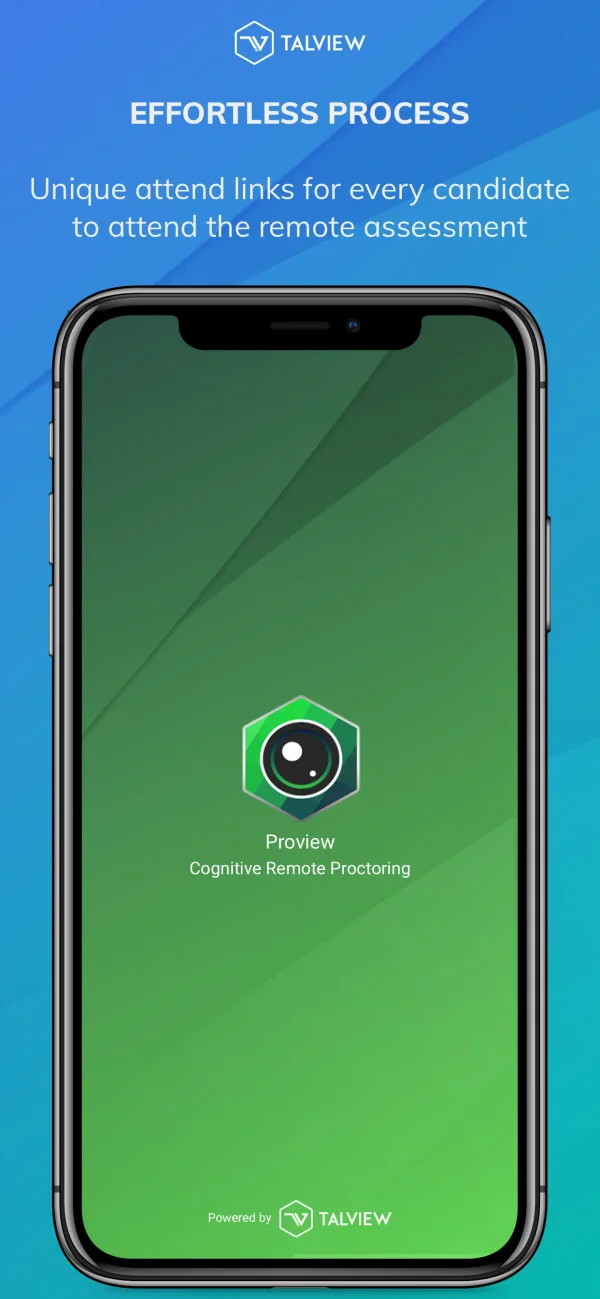
Talview Proview Proctoring is your solution to take web-based assessments and examinations on iPads while being remotely proctored.
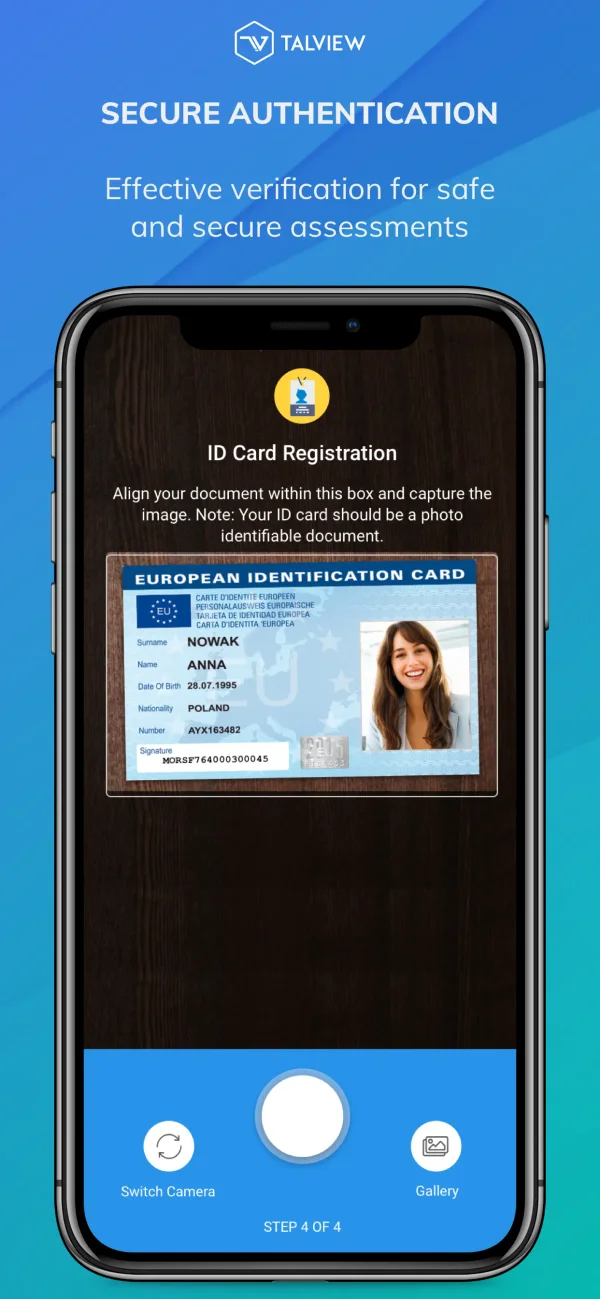
This is an application for candidates/students who are attending online assessments/examinations with any employer/educational institution using Talview proctoring services. If the prospective employer/institution has invited you to attend the assessment, you will need to download and install this app and enter the code to launch your assessment on the iPad.
Talview is the leading Instahiring and Instacampus experience platform with over 2000+ customers in 122 countries.
Below are some of the tips to help make your remotely proctored session go more smoothly:
• Ensure your test-taking environment is secure, without noise, and no persons or objectionable items are present in the room.
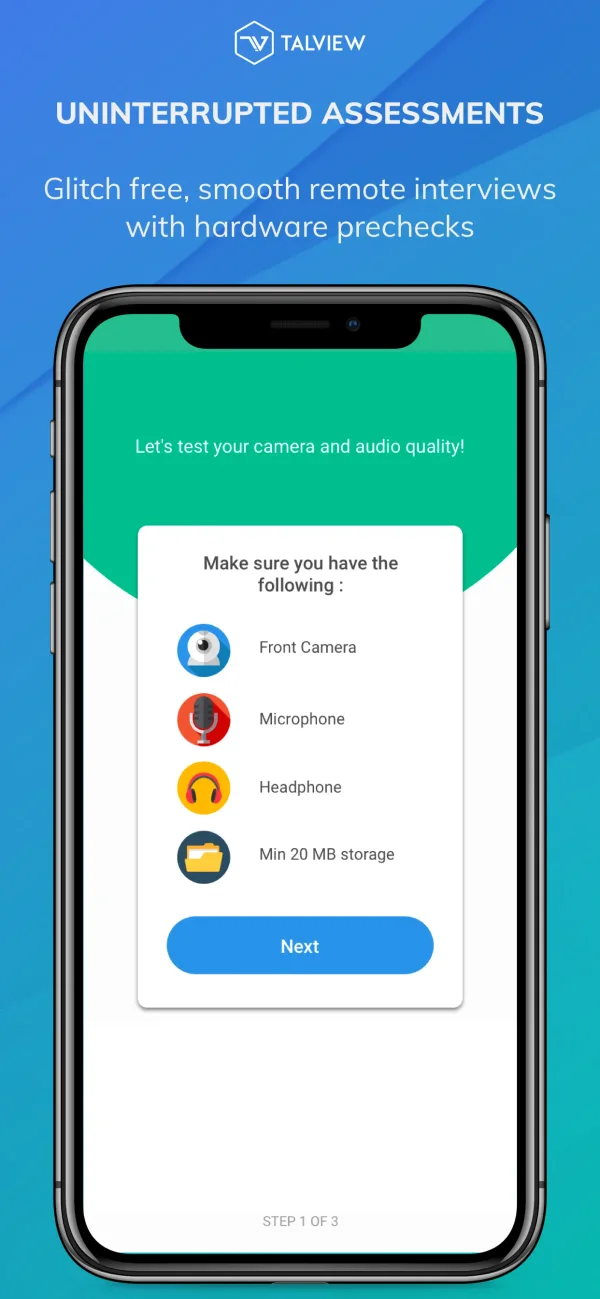
• Make sure your iPad is fully charged
• The position of the front camera is very important, make sure you are placing your iPad parallel to your posture.
• Do not keep any other application running on your iPad that might interfere with the ongoing assessment.
• Dress appropriately to appear good on camera.
• Ensure that you have good signal and internet speed is optimum.
• If you have a slow connection it might take a little longer for the transition between answers and for final submission. Do not panic and close the app.
• If the assessment gets disrupted and the app gets closed, you can resume the assessment by entering/scanning the code again.
For any queries regarding the application or for any technical support please contact us at support@talview.com.
What’s new
Version 4.4.0 · Aug 27, 2025
- minor bug fixes
App privacy
What Talview Inc declares on the App Store about how this app handles data.
-
Data not collected
The developer does not collect any data from this app.
Privacy practices may vary, for example with the features you use or your age.
Information
- Seller
- Talview Inc
- Category
- Productivity
- Version
- 4.4.0
- Updated
- Aug 27, 2025
- Released
- Jul 20, 2020
- Size
- 30.2 MB
- Requires
- iOS 13.0 or later
- Age rating
- 4+
- Price
- Free
- Languages
- English, Italian, Portuguese, Romanian, Spanish
- Copyright
- © Talview Inc
You might also like
-
 Portable Hacker HouseInvite-Only Community & Focus
-
 ShepallSchool records you can prove
-
 CIBNProductivity
-
 LEEWAY_CRMLEEWAY_CRM
-
 Voice Note to Text: TranscribeConvert Audio, Translate & AI
-
 ISA CompetitionsProductivity
-
 Firefighter TradesShift trades for firefighters
-
 NovimetricsAnalysis that Empowers
-
 ScanEase : AI PDF ScannerChat PDF,OCR,Sign & Translate
-
 SeaTime Tracker: Sea ServiceUSCG & Yacht Crew Sea Days Log