
FirstCut Floating Teleprompter
Reaction Video & Voice Sync
Designed for iPhone, iPad, iPod touch
Free
- Age rating4+
- CategoryPhoto & Video
- DeveloperREAL CONNECTION LAB LLC
- LanguagesEnglish+ 1 more
- Size63.7 MB
Links to the official App Store page
Download.org hosts no file of FirstCut Floating Teleprompter. The button opens its official App Store page, published by REAL CONNECTION LAB LLC. Listing last checked on Nov 24, 2026.
Screenshots


About
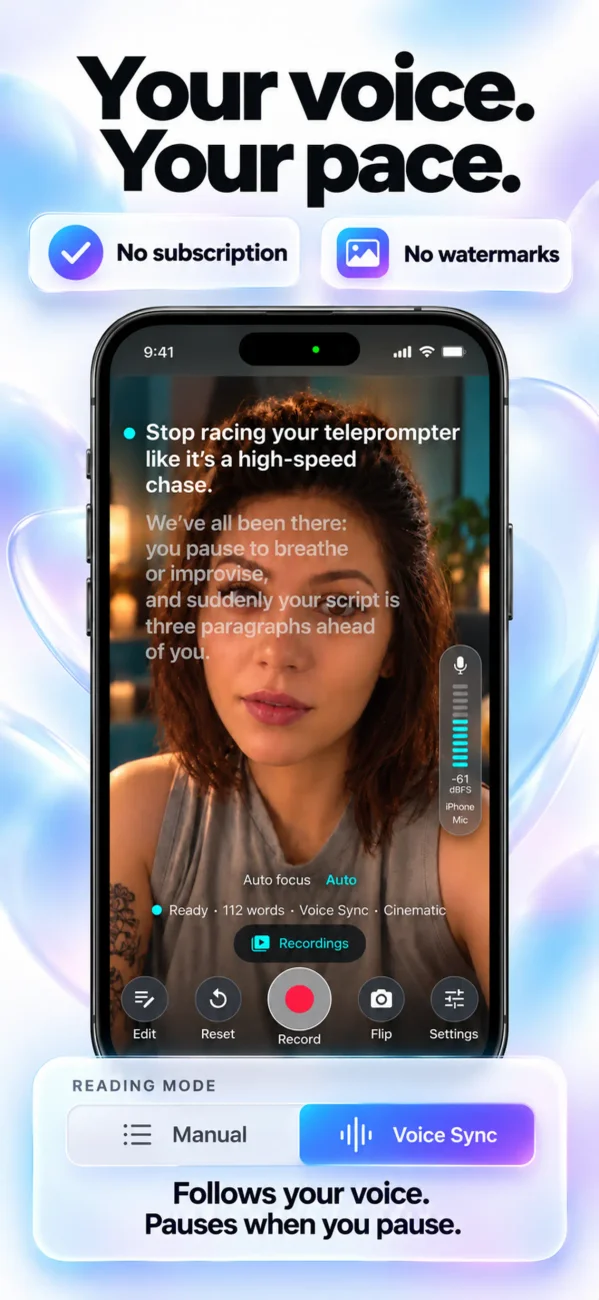
Record reaction videos, read your script and stay focused on your audience. FirstCut combines a floating teleprompter, Voice Sync and video recording in one app.
• Create reaction videos
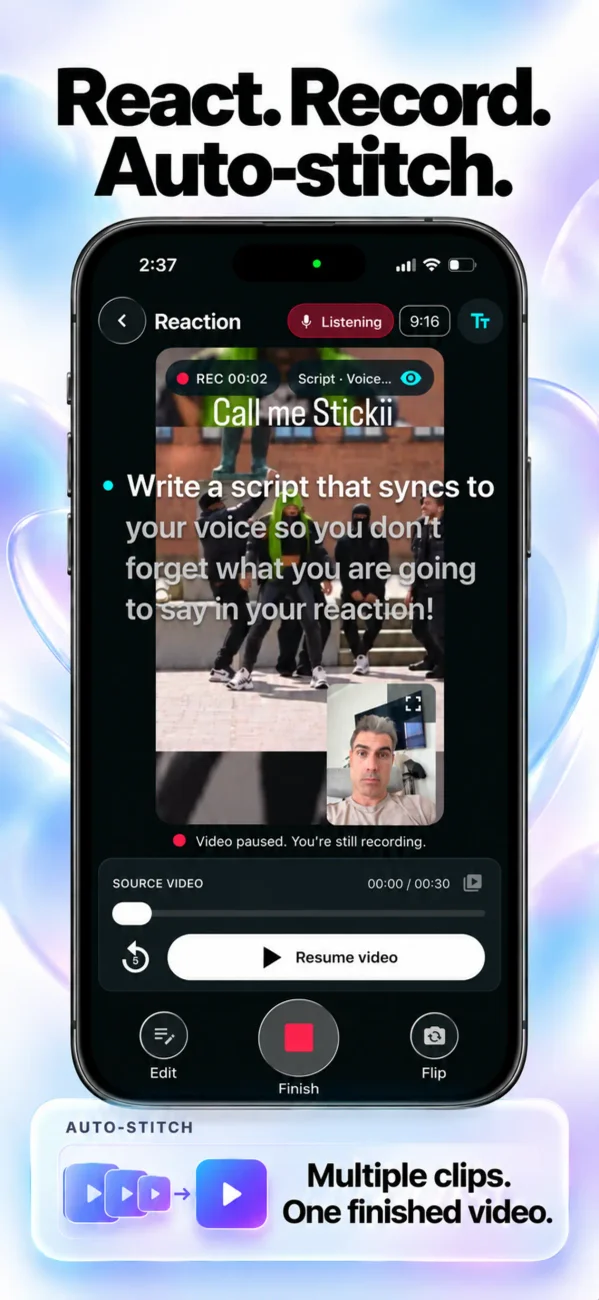
Add a source video and record your commentary with your face on screen. Pause the source while you keep talking, then resume when you're ready. Read your script during your reaction and use auto-stitch to combine clips into one finished video.
• Float your script over other apps
Keep your words visible while recording in supported camera, social and livestreaming apps. Position your script near the lens so you can follow your lines while looking toward your audience.
• Let your script follow your voice
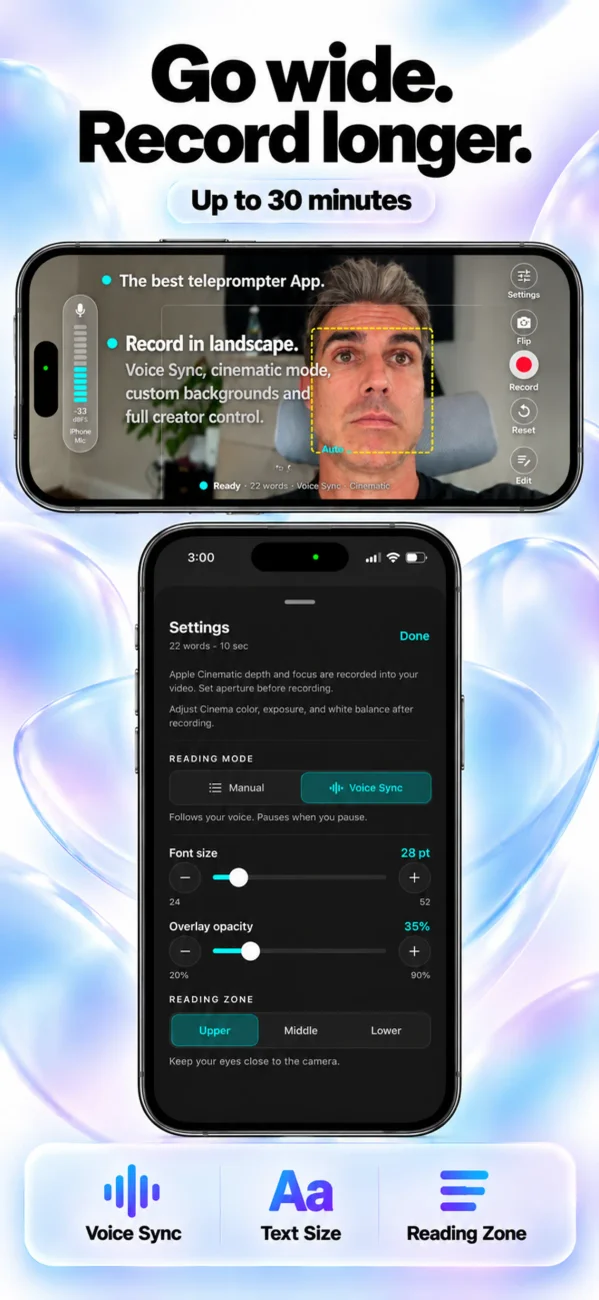
Voice Sync follows your speech and pauses when you pause. Go off script, add your thoughts and return to your lines. Voice Sync runs on your device without an internet connection. Prefer a steady pace? Choose manual scrolling.
• Record with more control
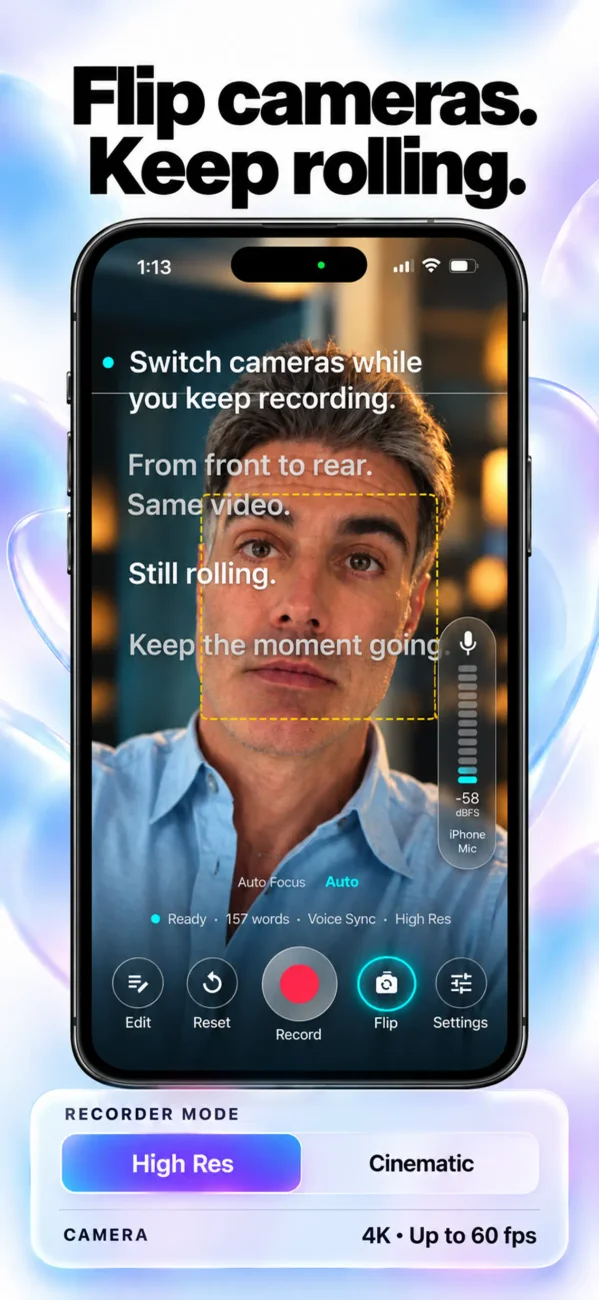
Capture up to 4K and up to 60 fps in supported recording configurations. Use Cinematic mode on compatible devices, switch cameras during supported recordings, and pause and resume a take.
• Make it your own
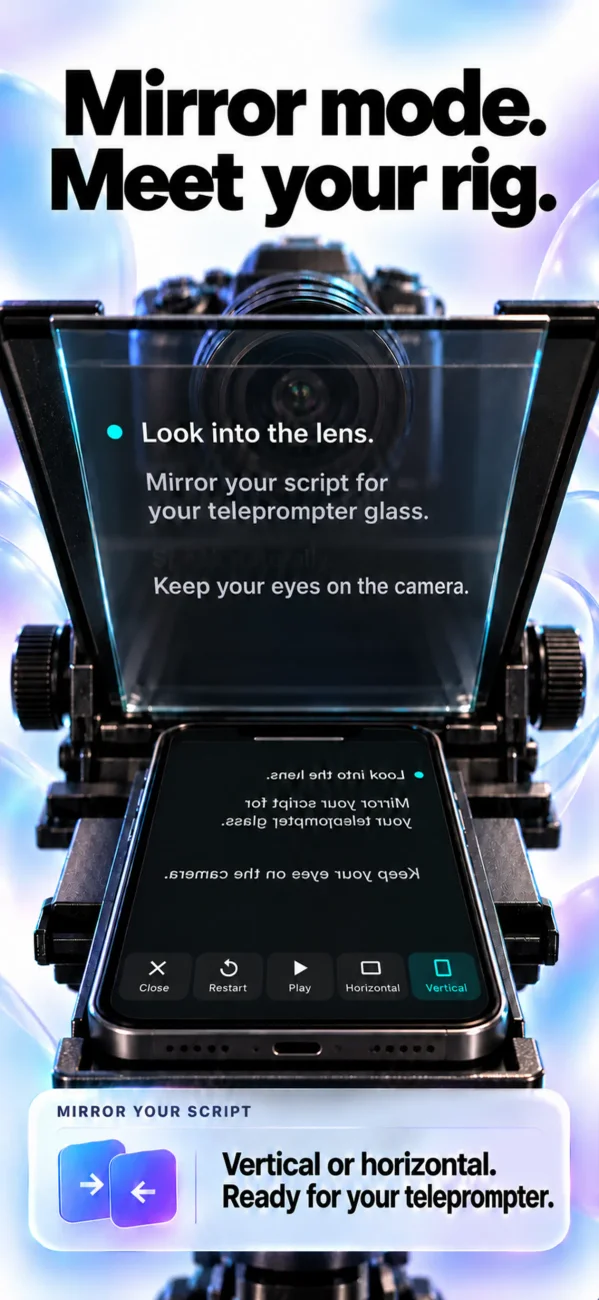
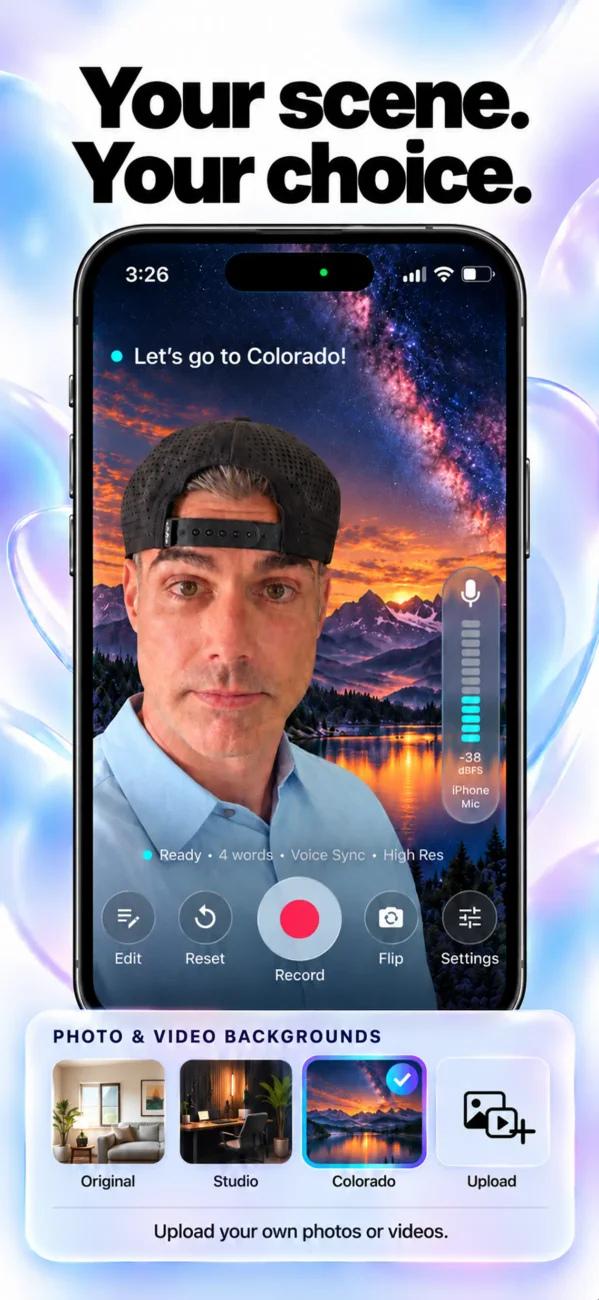
Adjust text size, scrolling speed, overlay opacity and reading position. Mirror your script for a teleprompter rig, choose a background effect, or connect a compatible external microphone.
• Prepare your video to share
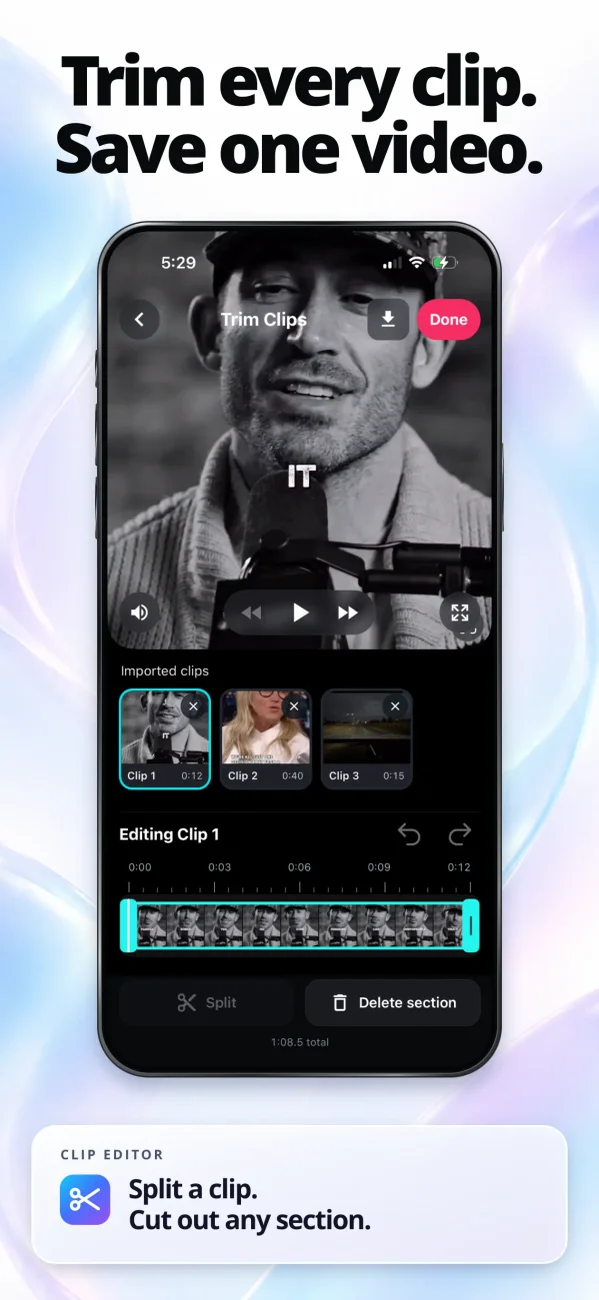
Record in portrait or landscape. Trim your video and choose a format for short-form posts, presentations, tutorials and longer videos.
• No subscription. No watermarks.
Record and save without a subscription or watermark. Standard users watch a promotional video for FanLine or our other products before saving. Eligible verified FanLine creators with completed profiles can connect their existing account to skip these promotions. A FanLine account is optional.
FirstCut was previously called CineCue.
Features, recording limits, resolutions, frame rates, camera switching and effects vary by device and recording mode. Some features cannot be used together.
What’s new
Version 1.8 · Nov 23, 2026
Improved Voice Sync in floating Picture-in-Picture mode. Your script follows your voice while you record in other apps.
• Create reaction videos with your commentary, new layouts, and a built-in teleprompter to keep your thoughts on track. Now switch cameras while recording one continuous take.
• Stitch multiple clips into one video to react to and comment on.
• Trim your clips to keep just the moments you want to react to before you start recording.
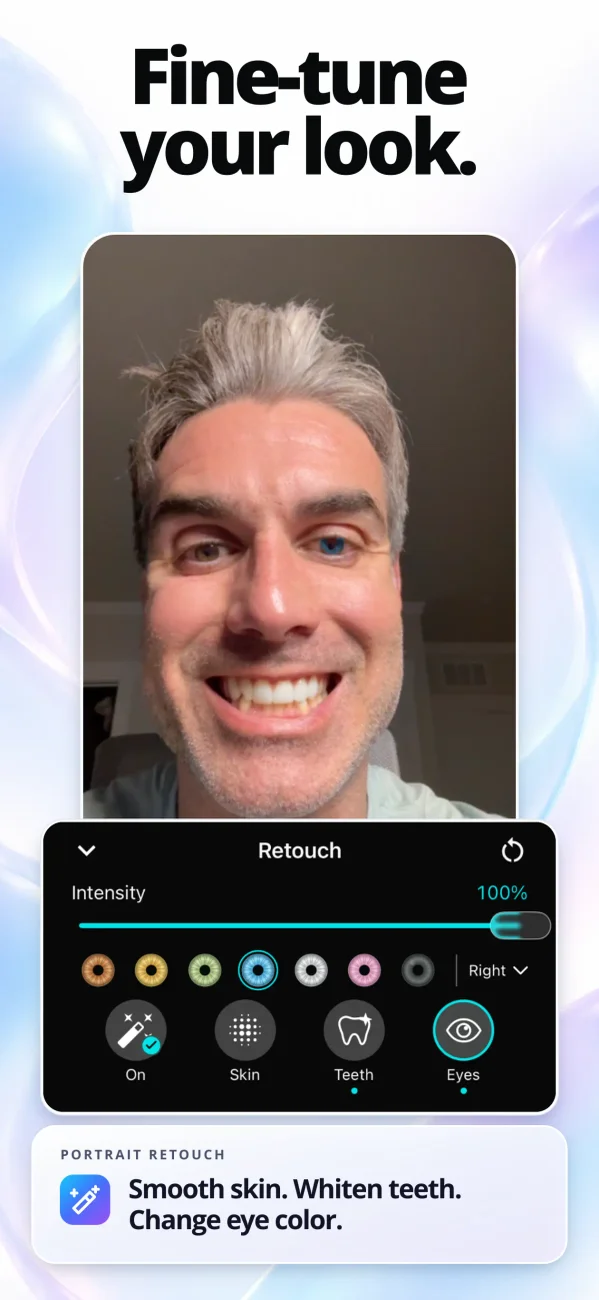
• Try Magic Touchups mode (beta).
App privacy
What REAL CONNECTION LAB LLC declares on the App Store about how this app handles data.
-
Data not collected
The developer does not collect any data from this app.
Privacy practices may vary, for example with the features you use or your age.
Information
- Seller
- REAL CONNECTION LAB LLC
- Category
- Photo & Video
- Version
- 1.8
- Updated
- Nov 23, 2026
- Released
- Oct 18, 2026
- Size
- 63.7 MB
- Requires
- iOS 15.1 or later
- Age rating
- 4+
- Price
- Free
- Languages
- English, Spanish
- Copyright
- © 2026 Real Connection Labs LLC
You might also like
-
 Teleprompter by Father of WebRead your script by the camera
-
 Cueframe: Teleprompter VideoScript Prompter & Face Masks
-
 Floating Teleprompter for iPadAI Teleprompter for Video
-
 Supascript: Auto TeleprompterWith Voice Tracking Technology
-
 Teleprompter: Voice & ScrollScript Reader & Mirror Text
-
 SpeakCam - Voice TeleprompterFloats over apps, follows you
-
 SOOC - Ricoh & Fuji RecipesFilm Simulation Settings Log
-
 Videocraft: Video MakerMultitrack, Music Sync Editor
-
 Teleprompter for video: StudioScripts & Camera Recording
-
 Telemo: Video TeleprompterPrompter for Video Creators