
- Age rating4+
- CategoryProductivity
- Developer海平 陈
- LanguagesEnglish+ 10 more
- Size383.1 MB
Links to the official App Store page
Download.org hosts no file of FITS QuickLook Mobile 12. The button opens its official App Store page, published by 海平 陈. Listing last checked on Nov 23, 2026.
Screenshots


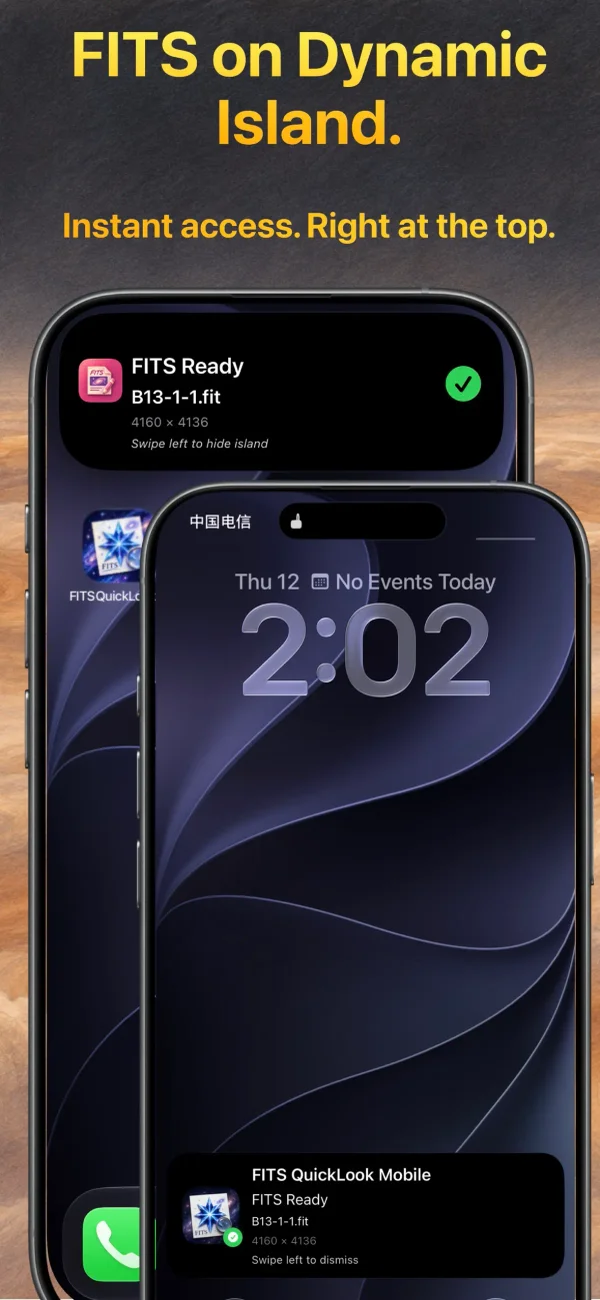
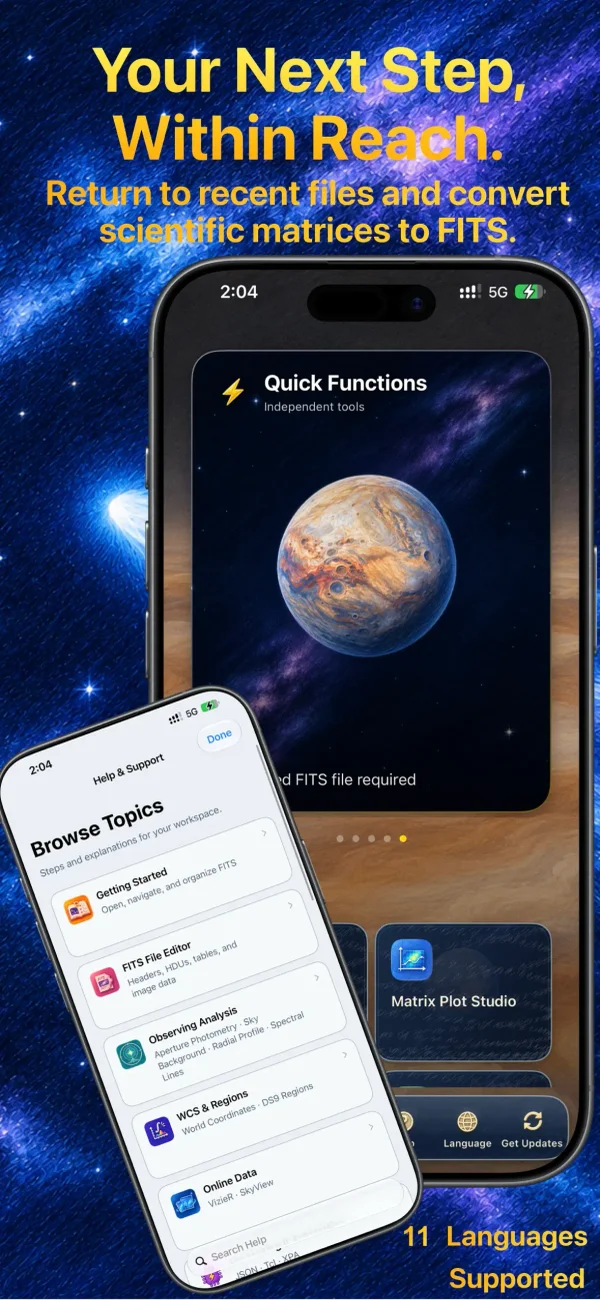
About
FITS QuickLook Mobile is a lightweight and efficient viewer for FITS images, designed for mobile devices.
Built upon the macOS version and optimized for touch, it delivers a smooth and intuitive experience on both iPhone and iPad.
On smaller screens, it focuses on fast single-image viewing; on iPad, it supports opening multiple FITS files in separate windows for convenient side-by-side comparison.
Supports standard FITS formats (.fit, .fits), compatible with both astronomical data and FITS files generated by tools such as MATLAB.
Enables precise exploration of image data using touch or Apple Pencil.
Fully offline. No accounts required. No data collection.
What’s new
Version 12.26.4 · Nov 17, 2026
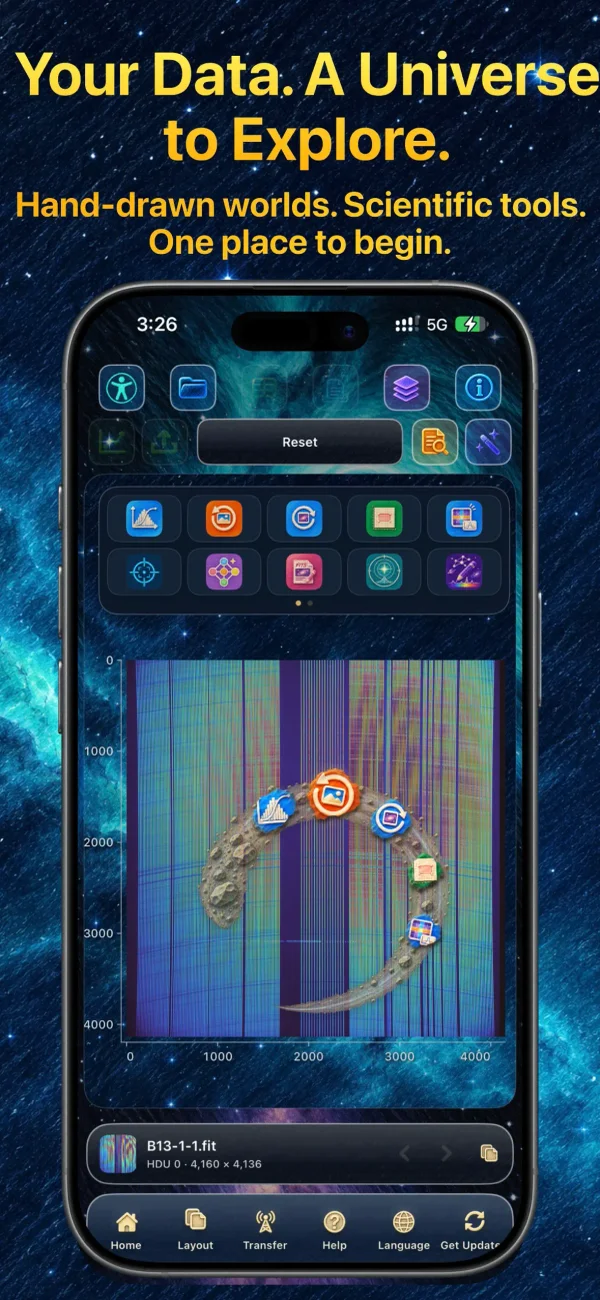
1. A new Overview page
- Continue swiping beyond the last home-screen card to enter a separate Overview page, preserving the familiar wallet-card experience.
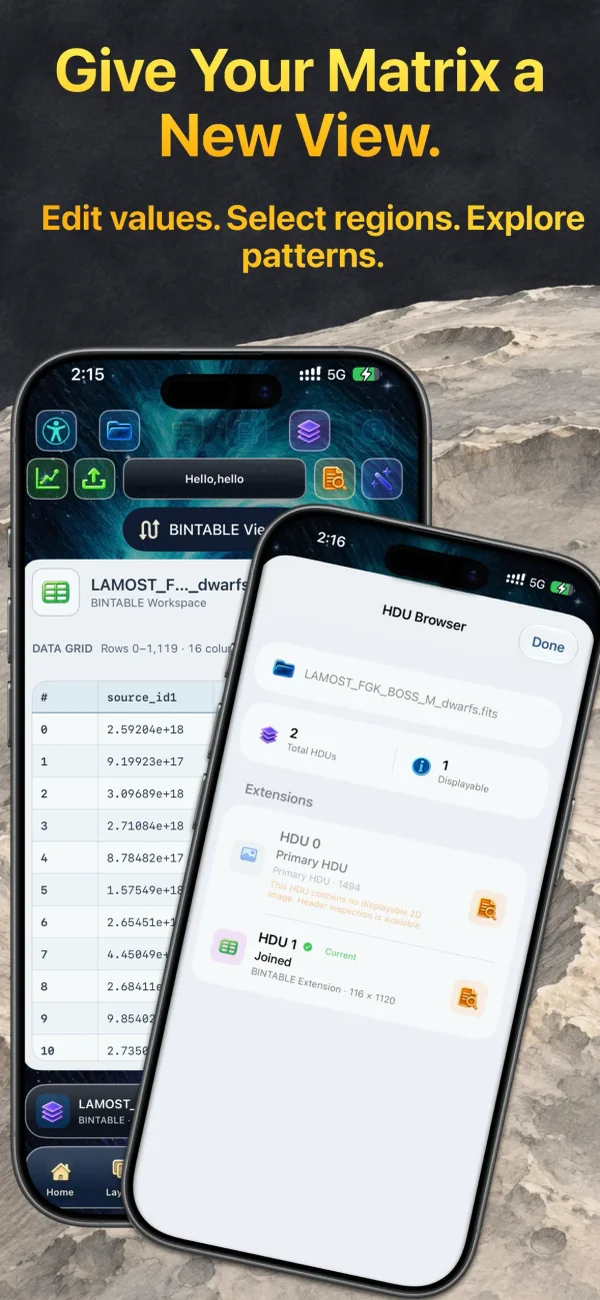
- Four quick actions in one place: open FITS, binary tables, spectral extraction, and nearby transfer.
- View the three most recently opened available files, including their names, types, and opening times, and continue inspecting them.
- New favorite-tool management: add, remove, and drag tools to reorder them.
- A single-column layout on iPhone and a two-column layout on wide iPad screens.
2. Find the right function more easily
- Search recognizes entry names and common function aliases.
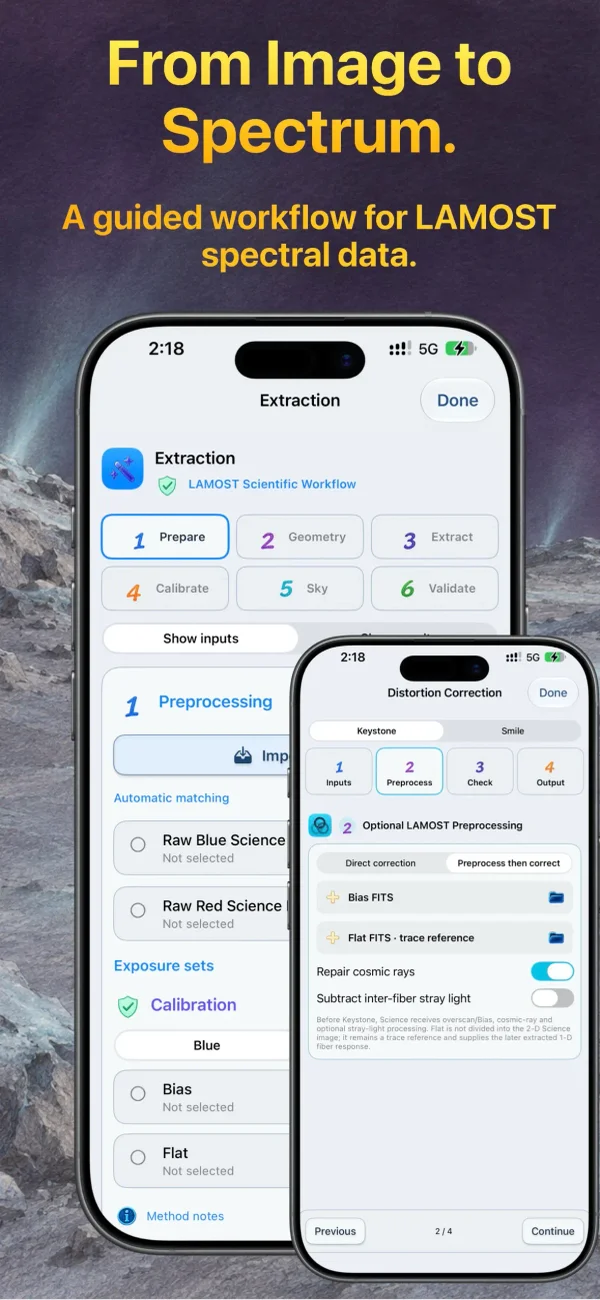
- Search for Keystone or Smile to find distortion correction, or use keywords such as spectrum, matrix, flat field, MAT, and XLSX to locate the corresponding tools.
- Improved matching of letter case, spaces, and punctuation.
3.. Usage activity
- Successful opens of FITS images and BINTABLE are recorded separately.
- Switch between the last seven days and all-time counts, with daily activity charts and animated number transitions.
- A confirmation step before resetting statistics, while keeping files and recent-file history.
4. Hand-drawn interface and Home Screen access
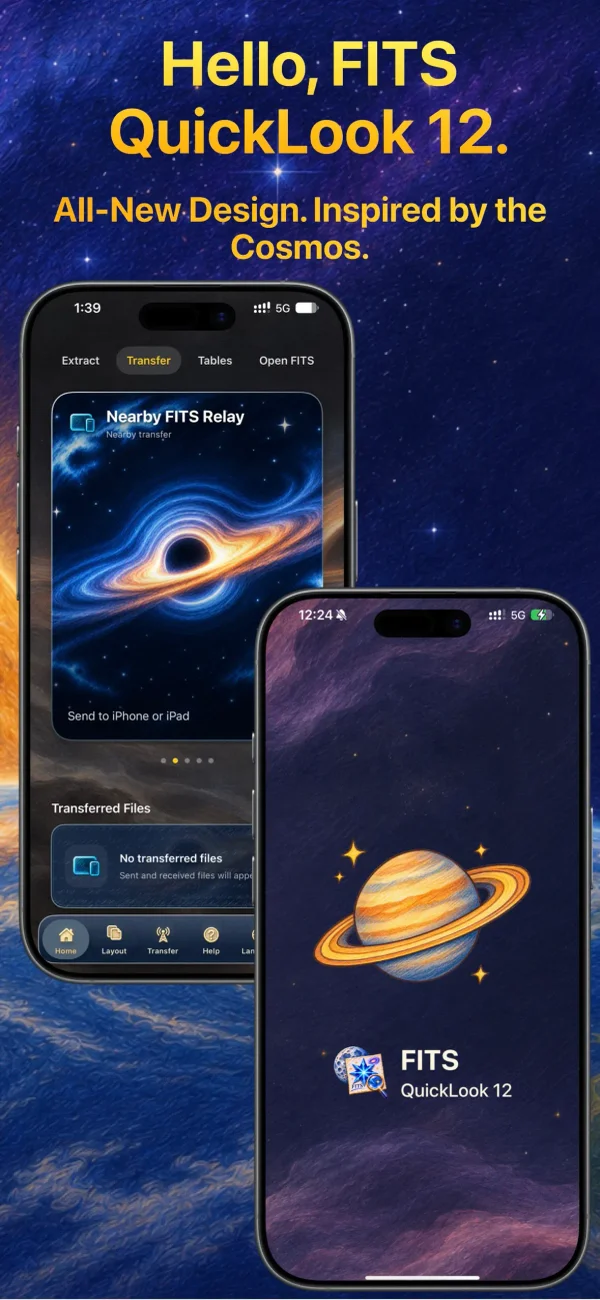
- The tools Overview page uses a fixed dark appearance, with a blurred comet background and dark-blue, hand-drawn cards.
- Refined search field, card edges, statistics area, and text hierarchy.
- New small and medium shortcut widgets, retaining function names and rounded icons.
5. Workflows and languages
- Preserved the step-by-step spectral extraction workflow while refining page sections, spacing, and the iPad layout.
- Improved the update-checking page and added fuller explanations of related apps' purposes and main features.
- App descriptions appear only on the detail page opened by tapping a card.
- Added complete translations for the new Overview text and app descriptions in English, Simplified Chinese, Arabic, Dutch, French, German, Italian, Japanese, Korean, Portuguese (Portugal), and Spanish.
App privacy
What 海平 陈 declares on the App Store about how this app handles data.
-
Data not collected
The developer does not collect any data from this app.
Privacy practices may vary, for example with the features you use or your age.
Information
- Seller
- 海平 陈
- Category
- Productivity
- Version
- 12.26.4
- Updated
- Nov 17, 2026
- Released
- Jan 8, 2026
- Size
- 383.1 MB
- Requires
- iOS 17.0 or later
- Age rating
- 4+
- Price
- $4.99
- Languages
- English, Arabic, Dutch, French, German, Italian, Japanese, Korean, Portuguese, Simplified Chinese, Spanish
- Copyright
- © 2026 Dongsheng Hu. All rights reserved.
You might also like
-
 AllisWell - ToDo and RemindersToDo , Reminders, Projects.
-
 Remoter Pro (VNC, SSH & RDP)Remote Desktop Client
-
 RuunePersonal AI Assistant
-
 Snibox - All-in-One Toolbox100+ Tools for Efficiency
-
 冰鹅事记 排班日历 排班助手 排班表 倒班日历 排版系统管理Productivity
-
 Polaris北极星Productivity
-
 Compass Map BarometerGPS True and Magnetic North
-
 DSFile StationSynology NAS File Manager
-
 a Notepad - Take & Share NotesProductivity
-
 PulsewayMaking IT Heroes