
FixPDF: PDF Editor & Converter
All-in-One PDF Editor & Tools
Designed for iPhone, iPad
Free · In-app purchases
- Age rating4+
- CategoryUtilities
- DeveloperDenisha Vadukia
- LanguagesEnglish
- Size105.1 MB
Links to the official App Store page
Download.org hosts no file of FixPDF: PDF Editor & Converter. The button opens its official App Store page, published by Denisha Vadukia. Listing last checked on Nov 25, 2026.
Screenshots

About
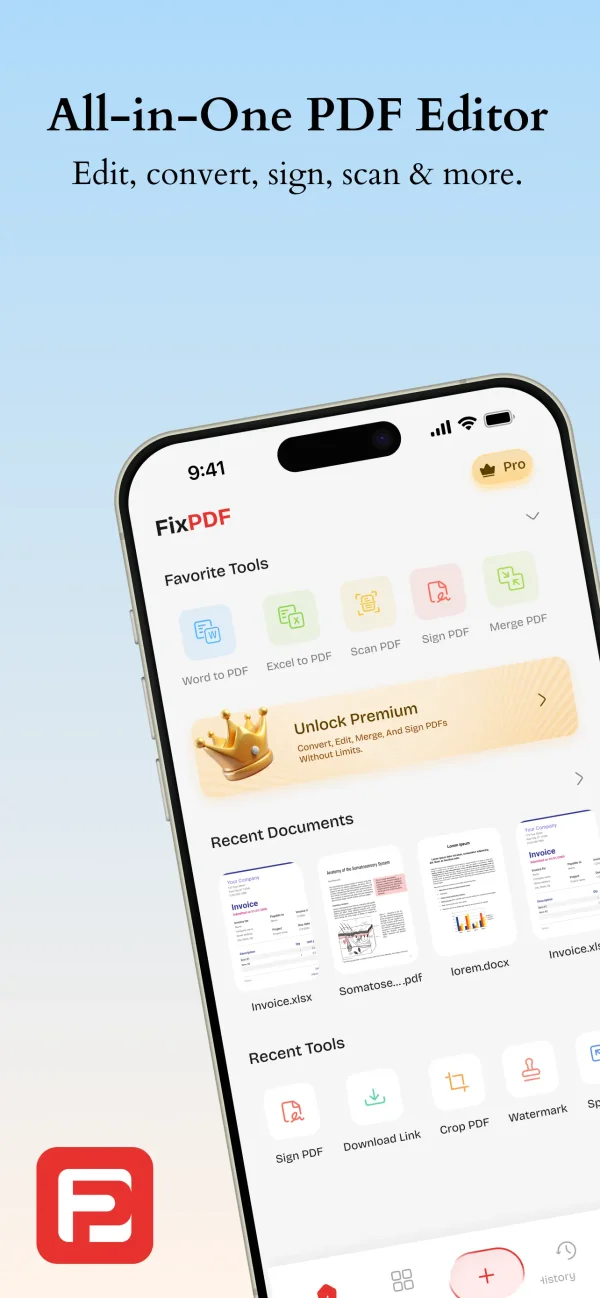
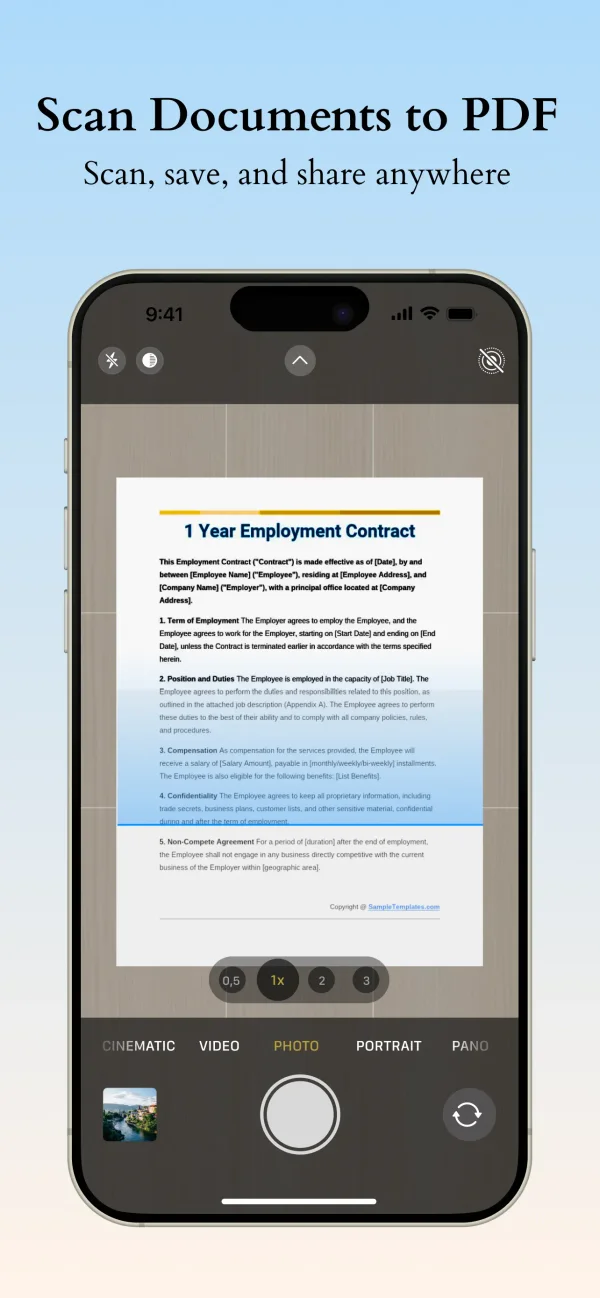
FixPDF is a PDF editor and converter for anyone who deals with documents on their phone: students turning in assignments, freelancers sending invoices, employees signing forms without a printer nearby. It edits, converts, merges, and signs PDFs in one app, so you're not stuck switching between five tools to finish one task.
Why FixPDF
PDFs are easy to receive and hard to change. A file lands in your inbox locked, scanned, or in the wrong format, and suddenly you're stuck figuring out which app can fix it. FixPDF handles it in one place, whatever the file needs. And now, open or download a PDF straight from any link, no browser detours, no separate downloader.
Convert From PDF
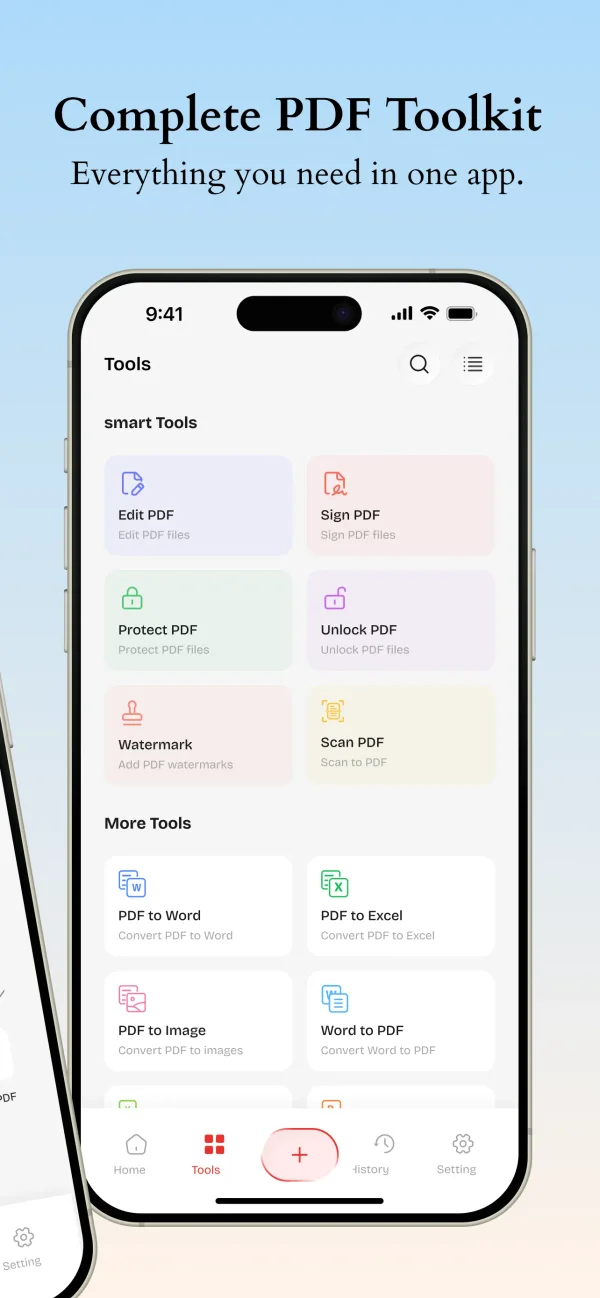
PDF to Word – turn a PDF into an editable DOCX file for revisions
PDF to Excel – pull tables and data out of a PDF into a working spreadsheet
PDF to Image, JPG, or PNG – export pages as high-quality images for sharing or reuse
Convert To PDF
Word to PDF, Excel to PDF – convert documents and spreadsheets into shareable, print-ready PDFs
Image, JPG, or PNG to PDF – combine photos or scans into one organized PDF
HTML to PDF – save a webpage as a PDF you can read offline
Text to PDF – turn a plain text file into a formatted PDF
Organize PDF
Merge or combine PDFs – bring multiple files together into a single document
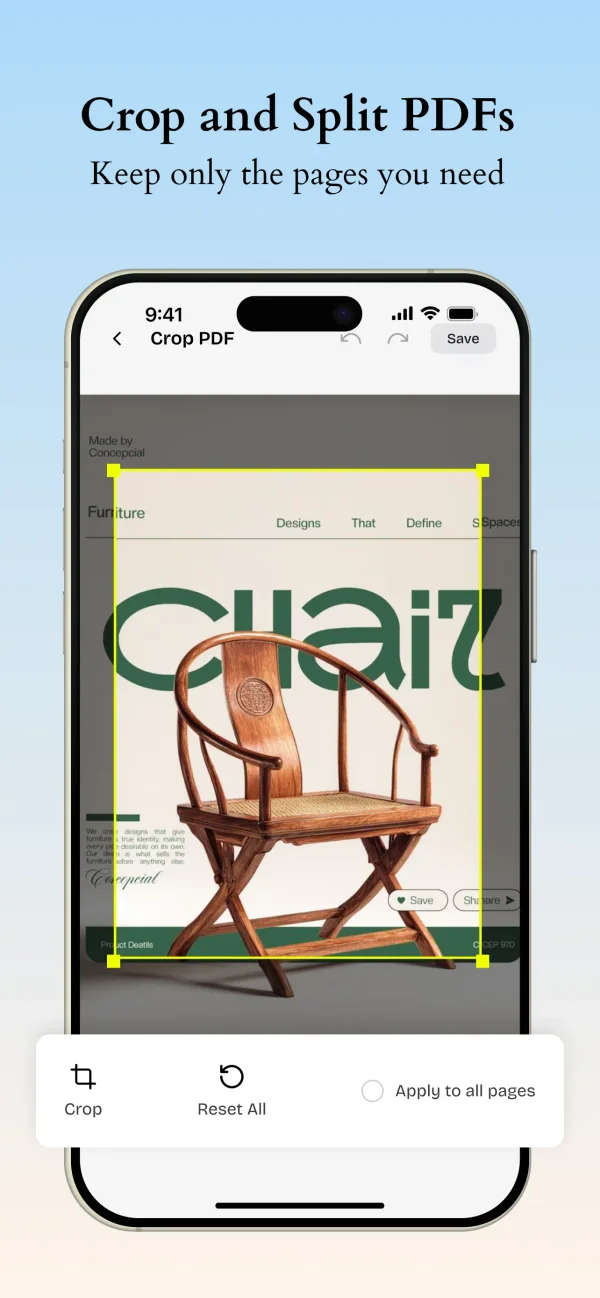
Split PDF – break a large file into smaller, more manageable ones
Crop, rotate, and reorder pages – clean up margins, fix orientation, and get pages in the right order
Add page numbers – number pages automatically for reports and submissions
Edit & Sign
Edit PDF – change text and content directly, no need to recreate the file
Annotate PDF – highlight, underline, or add notes for review
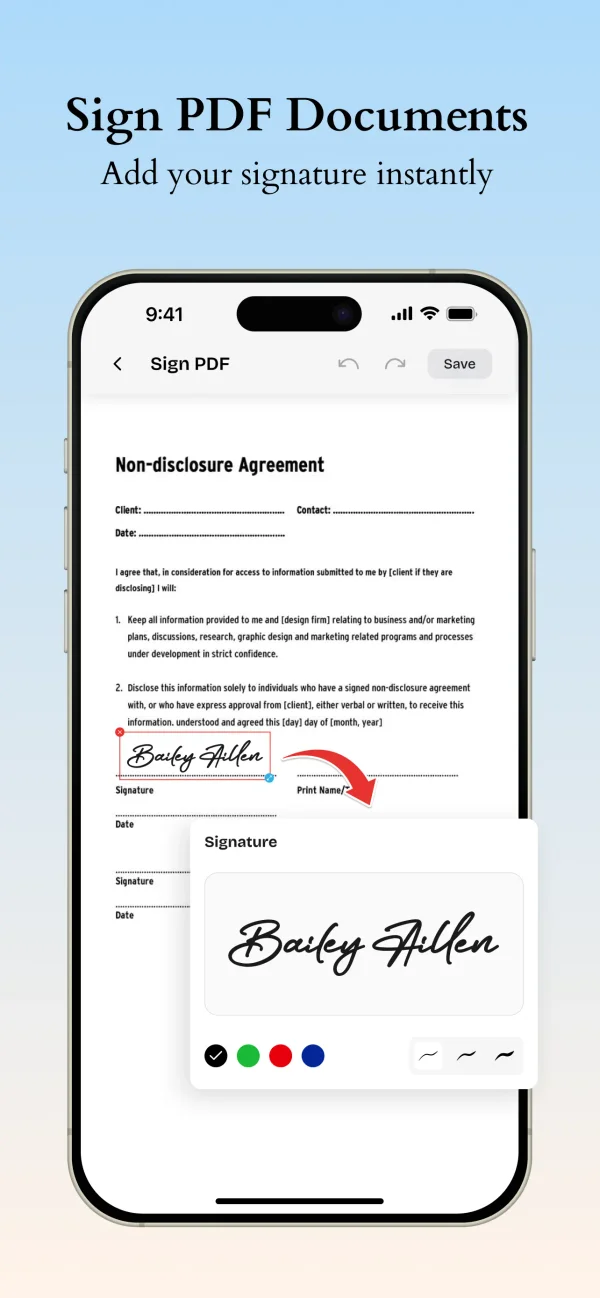
Sign PDF – add an electronic or digital signature without printing and scanning
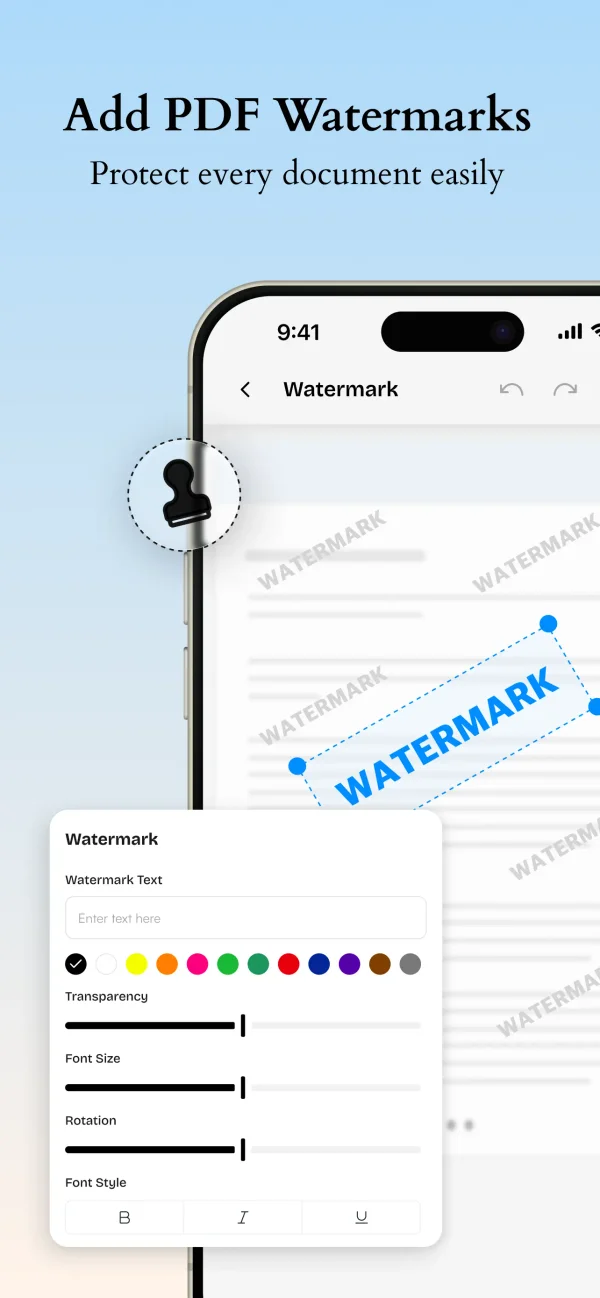
Watermark PDF – mark documents with a custom watermark
Redact PDF – remove or hide sensitive information before sharing
Resume Maker
Create a professional resume directly in FixPDF. Choose from resume templates, add and organise your personal and professional information, customise the design, and see your changes with a live preview. Save your resume as a draft, and download it as a PDF.
View & Access
Open PDFs from any link – view or download a PDF directly from a shared URL, without switching to a browser
Extract images – pull embedded images out of a PDF file
Secure PDF
Protect and encrypt PDF – lock files with a password before sending them
Unlock PDF – remove password restrictions when you have the right to access a file
Built for real work
Students use FixPDF to convert lecture notes and submit assignments in the right format. Freelancers and business owners use it to send polished invoices and contracts. HR teams and office workers rely on it to fill out and sign forms without a printer nearby. Teachers scan and organize handouts. Lawyers redact sensitive information before sharing case files. If it involves a PDF, there's a good chance FixPDF handles it.
Why people stick with it
One app for editing, converting, organizing, and signing, no jumping between tools
Conversions that hold their formatting, not just their content
A clean, straightforward interface with no learning curve
Password protection and encryption for files that need to stay private
Access PDFs from any link, in-app, without a browser
Get started
Whether it is a school assignment, a signed contract, or a document you need to send in the next five minutes, FixPDF is built to get it done without the extra steps. Install FixPDF and keep your PDF work in one place.
What’s new
Version 2.0.9 · Nov 25, 2026
Improvements and bug fixes!
App privacy
What Denisha Vadukia declares on the App Store about how this app handles data.
-
Data used to track you
May be used to track you across apps and websites owned by other companies.
- Identifiers
- Usage data
-
Data linked to you
May be collected and linked to your identity.
- Contact info
-
Data not linked to you
May be collected but is not linked to your identity.
- User content
- Identifiers
- Usage data
Privacy practices may vary, for example with the features you use or your age.
Information
- Seller
- Denisha Vadukia
- Category
- Utilities
- Version
- 2.0.9
- Updated
- Nov 25, 2026
- Released
- Mar 19, 2026
- Size
- 105.1 MB
- Requires
- iOS 16.2 or later
- Age rating
- 4+
- Price
- Free
- In-app purchases
- Yes
- Languages
- English
- Copyright
- © FixPDF
You might also like
-
 OneTools: All-In-One UtilityPro Productivity & AI Toolkit
-
 FlowCam: pausable video cameraPause, Trim, Merge, & Download
-
 PixMarker: Draw & HighlightImage Markup & Annotation Tool
-
 Video To Audio - MP3 ExtractorConvert Audio from Any Video
-
 BIShare: File Transfer to PCSend Large Files to Any Phone
-
 FlowMountMount, sync, and manage
-
 Copy as...Utilities
-
 ZeroAds: Redirect BlockerBrowser that blocks popup ads
-
 Hidden Camera Detector AIDetect Spy and Hidden cameras
-
 Clean Up - Cleaner Storage KitDelete duplicates - Free space