* FlashCards *
Smart learning with flashcards
Designed for iPhone, iPad, Mac
Free · In-app purchases
- Age rating9+
- CategoryEducation
- DeveloperSebastian Egbers
- LanguagesEnglish+ 19 more
- Size33.2 MB
Links to the official App Store page
Download.org hosts no file of * FlashCards *. The button opens its official App Store page, published by Sebastian Egbers. Listing last checked on Nov 24, 2026.
Screenshots


About
Learning that actually sticks.
FlashCards is the smart flashcard app for iPhone, iPad, and Mac. It shows you each card just before you would forget it – thanks to proven spaced repetition.
8 Algorithms. Your Rhythm.
FlashCards is the only app that offers eight spaced repetition algorithms:
• FSRS – The most advanced algorithm: FSRS 6 with a personalized forgetting curve (default) and 4.5
• ACT-R – Cognitive model based on the power law of forgetting
• Anki – Refined SM-2 variant with four rating buttons
• Bayesian – Probability-based optimization for maximum efficiency
• SM-2 – The proven SuperMemo classic
• Leitner System – The classic card box method, digitally reimagined
• 6-Phases – Progressive intervals from same-day to 90 days
• Flat – Simple: 10 correct answers in a row = learned
Choose the algorithm per card box individually – switch anytime.
Flashcards
• Front, back, and optional notes side
• Attach images and files, record pronunciation directly
• Tag cards and browse tags across all boxes
• Math formulas in LaTeX
• IPA phonetics and text-to-speech in 39 languages
• Make a card from any app: share text, a link, or an image
Apple Intelligence – On Your Device
• Turn texts, photos, scans, and PDFs into flashcards (Pro)
• Improve hard cards: clearer wording, memory aids, one card per fact (Pro)
• Tag suggestions in the card editor (Pro)
• Typed answers in other words count as correct, mistakes are explained
• Tricky wrong options in Multiple Choice, duplicates found in other words
Share & Discover
• Share card boxes directly from the app via link
• Import ready-made boxes from the built-in catalog with one tap
• Updates for imported boxes
• Import your existing Anki decks (.apkg)
• Import vocabulary lists from CSV
Training
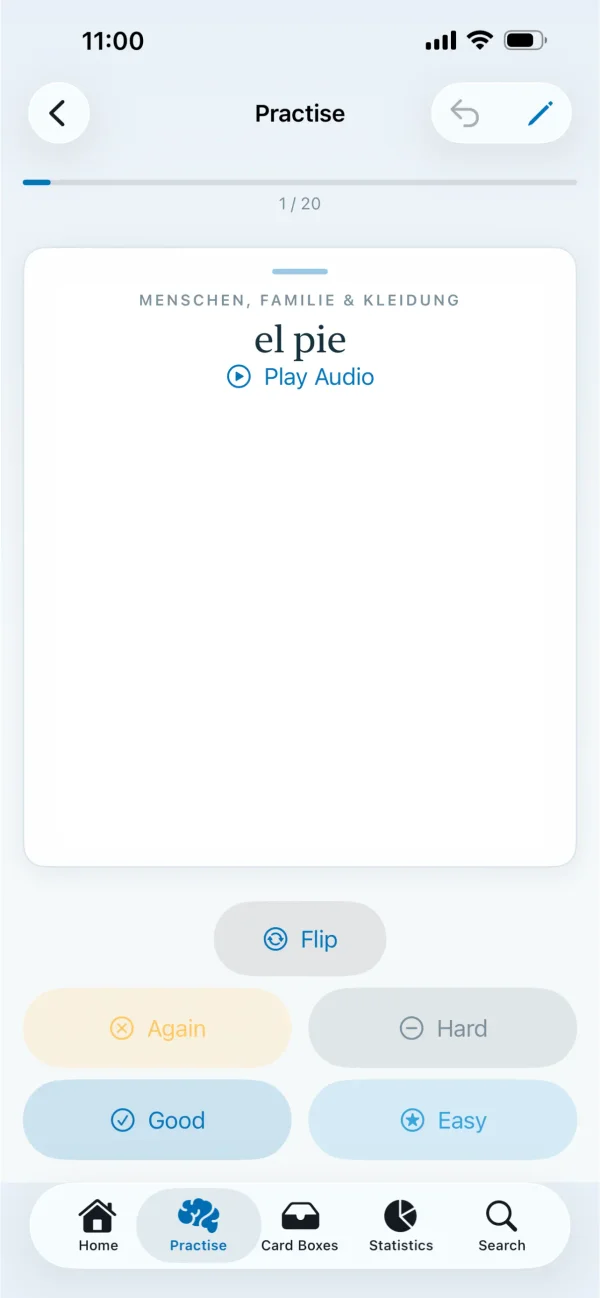
• Four study modes: Classic, Multiple Choice, Speak & Repeat, and Type the Answer (the last three Pro)
• Configurable session size, direction, and source
• Learning status per side: learn recognizing and recalling separately
• Cram mode (Pro): work through a whole box before an exam – without changing your review schedule
• Pause cards by hand or automatically after repeated mistakes – level and history kept
• Similar cards are spaced apart, so one answer doesn't give away the next
• Undo your last rating, resume an interrupted session
Statistics & Sync
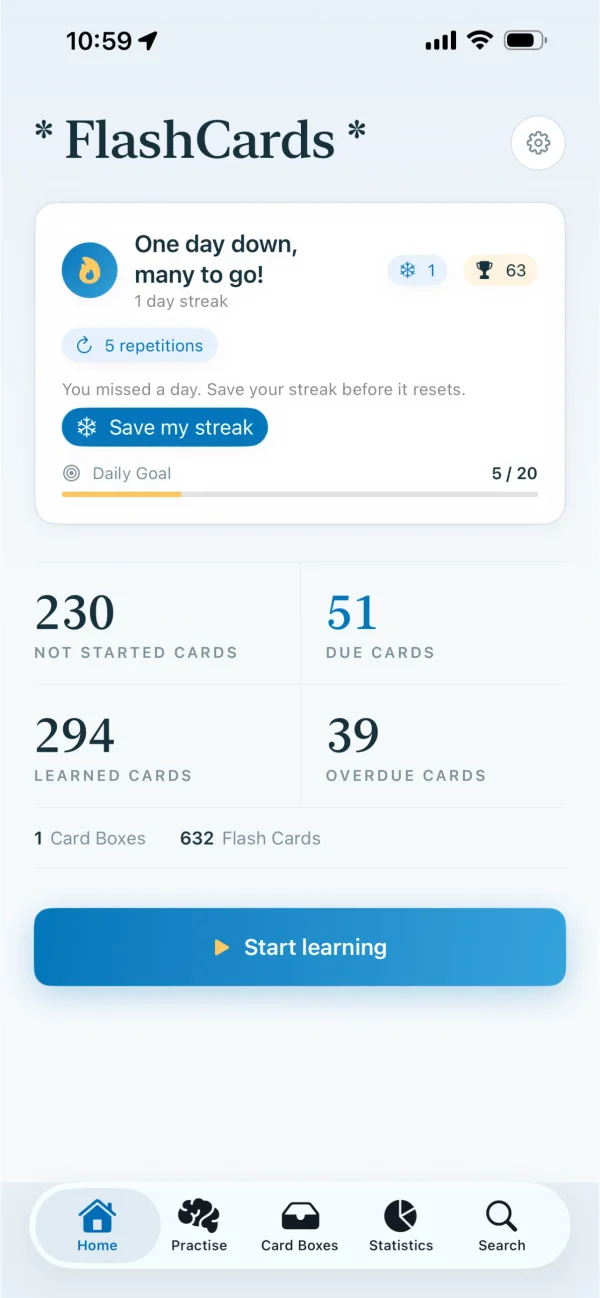
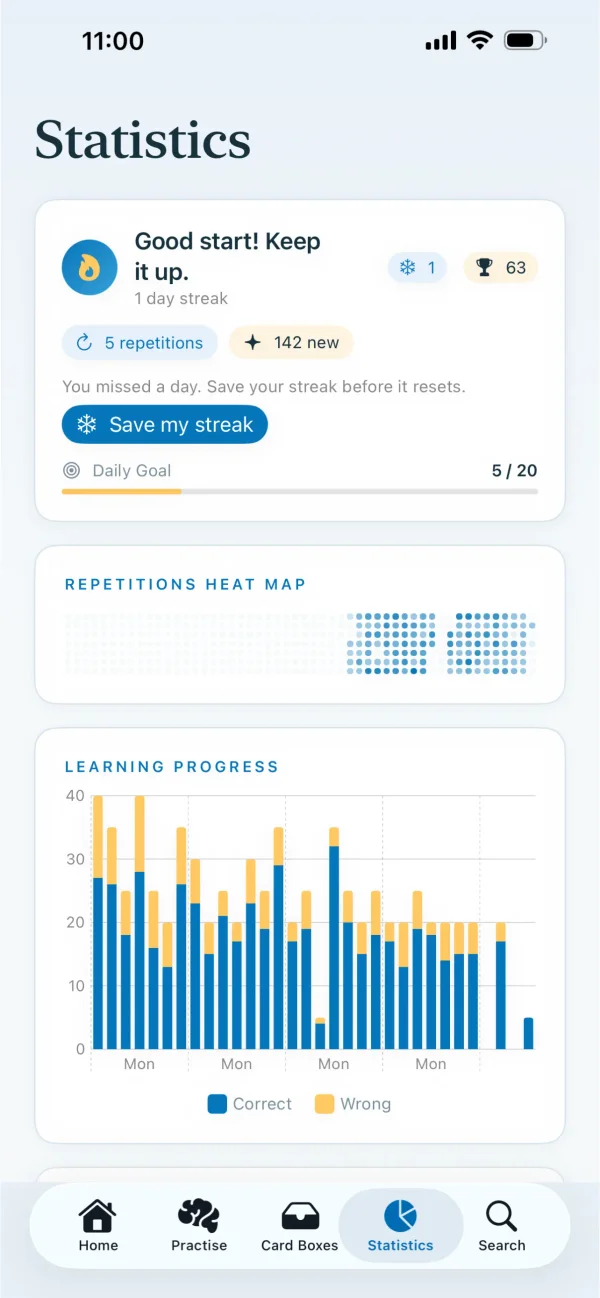
• Learning streak with streak freeze, year-long heatmap, progress charts, and per-card history
• Study mode usage breakdown and retention rate per algorithm
• Learning Insights: forecast, memory strength by deck, best time to study, cards that are stuck (Pro)
• Home Screen and Lock Screen widgets (Pro) and daily reminders
• Siri, Shortcuts, and Control Center: start training, ask for due cards
• Spotlight search: find your flashcards system-wide
• Three themes: Azur Blue, Rose, and Classic
• iCloud sync across iPhone, iPad, and Mac
Start Free. Go Pro When You're Ready.
Free:
• Full learning functionality without restrictions
• All 8 algorithms
• iCloud synchronization
• Share card boxes and import from the catalog
FlashCards Pro:
• No ads
• Multiple Choice, Speak & Repeat, and Type the Answer study modes
• Cram mode for exam preparation
• Create and improve cards with Apple Intelligence
• Practice a tag across all card boxes
• Refresh learned cards to check what really stuck
• Learning Insights
• FSRS optimization: fit the algorithm weights to your own review history
• Streak freeze to rescue a missed day
• Auto-play text-to-speech during practice
• Daily repetitions goal with history chart
• Statistics charts per card
• Reset or filter cards by learning status
• Home Screen and Lock Screen widgets
• Export data
• Backup & Restore, also daily, automatic and encrypted
• Flexible pricing: monthly, yearly, or one-time purchase (Lifetime)
Learn smarter. Remember more. Start today.
Terms of Use (EULA): https://www.apple.com/legal/internet-services/itunes/dev/stdeula/
Privacy Policy: https://80h.de/flash-cards/privacy.html
What’s new
Version 1.27 · Nov 14, 2026
• Apple Intelligence: on supported devices, FlashCards uses Apple Intelligence to help you create, improve, and check your cards – entirely on your device.
• Similar cards are spaced apart within a session, and every card lists the cards most easily mixed up with it.
• Images and sounds now appear in every study mode.
• The FSRS settings estimate your daily reviews before you save.
• Additional localizations.
Plus numerous bug fixes and stability improvements.
App privacy
What Sebastian Egbers declares on the App Store about how this app handles data.
-
Data used to track you
May be used to track you across apps and websites owned by other companies.
- Identifiers
- Usage data
-
Data not linked to you
May be collected but is not linked to your identity.
- Identifiers
- Usage data
Privacy practices may vary, for example with the features you use or your age.
Information
- Seller
- Sebastian Egbers
- Category
- Education
- Version
- 1.27
- Updated
- Nov 14, 2026
- Released
- Oct 24, 2025
- Size
- 33.2 MB
- Requires
- iOS 18.6 or later
- Age rating
- 9+
- Price
- Free
- In-app purchases
- Yes
- Languages
- English, Arabic, Danish, Dutch, French, German, Greek, Hindi, Italian, Japanese, Korean, Norwegian Bokmål + 8 more
- Copyright
- © 2025/2026 S. Egbers
You might also like
-
 Deckstreak: FSRS FlashcardsReview Daily, Remember More
-
 Discito: FSRS FlashcardsSpaced Repetition & AI Cards
-
 Flashcard Maker - Learn FasterPro study exam flash cards
-
 Flashcards Space: Learn WordsReal-Life Phrases, Fast Recall
-
 Daily Decks: FlashcardsSpaced repetition, FSRS & AI
-
 EzMemory – FSRS FlashcardsEducation
-
 Memzi - Smart Flashcards SRSMaster Anything with Ease
-
 Cardlingo: Vocab FlashcardsSpaced Repetition Word Decks
-
 Nibomo: Make AI FlashcardsSpaced Repetition & Vocabulary
-
 Repeto: Spaced RepetitionAI Flashcards & Exam Prep