FlatRemote: Remote Desktop
Control your Mac from anywhere
Designed for iPhone, iPad
Free · In-app purchases
- Age rating4+
- CategoryProductivity
- DeveloperFLATISLER BILGISAYAR YAZILIM BILISIM DANISMANLIK HIZMETLERI LIMITED SIRKETI
- LanguagesEnglish+ 32 more
- Size18.1 MB
Links to the official App Store page
Download.org hosts no file of FlatRemote: Remote Desktop. The button opens its official App Store page, published by FLATISLER BILGISAYAR YAZILIM BILISIM DANISMANLIK HIZMETLERI LIMITED SIRKETI. Listing last checked on Nov 17, 2026.
Screenshots

About
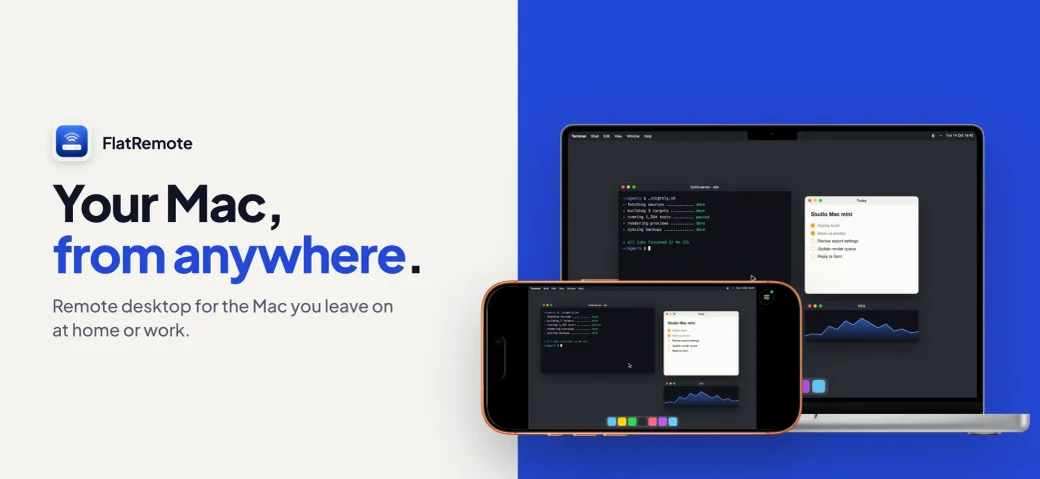
Leave your Mac on at home or in the office and use it from your iPhone or iPad, wherever you are.
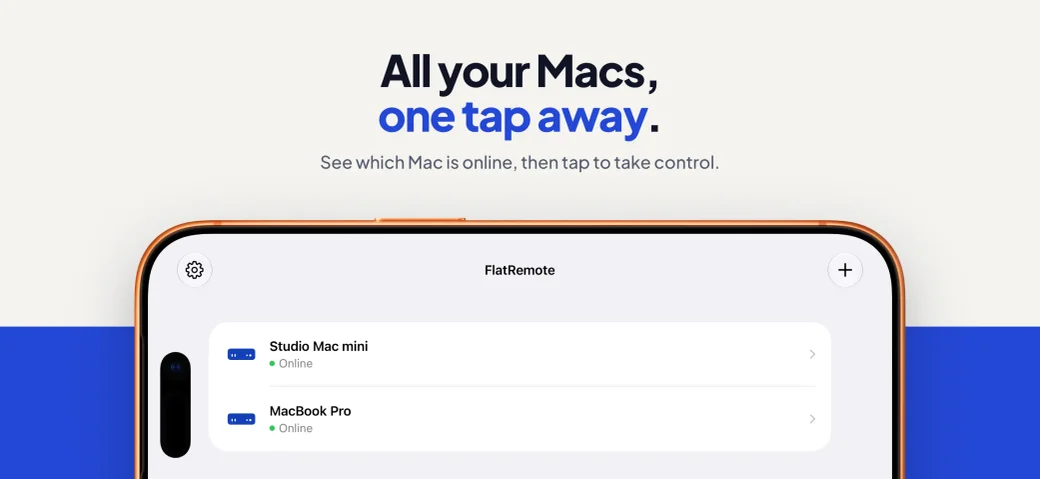
FlatRemote shows your Mac's screen and lets you control it with touch, a keyboard or a trackpad. It is made for the Mac mini that stays on: the one running your downloads, builds, servers or home media.
WORKS ANYWHERE
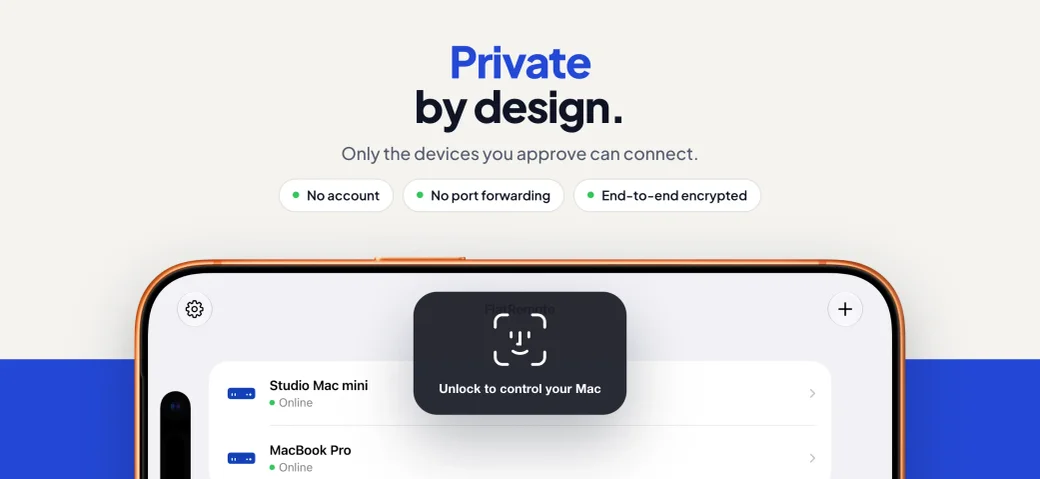
Same Wi-Fi or across the world. Your devices connect directly whenever the network allows, so there are no router settings and no port forwarding.
SHARP AND FAST
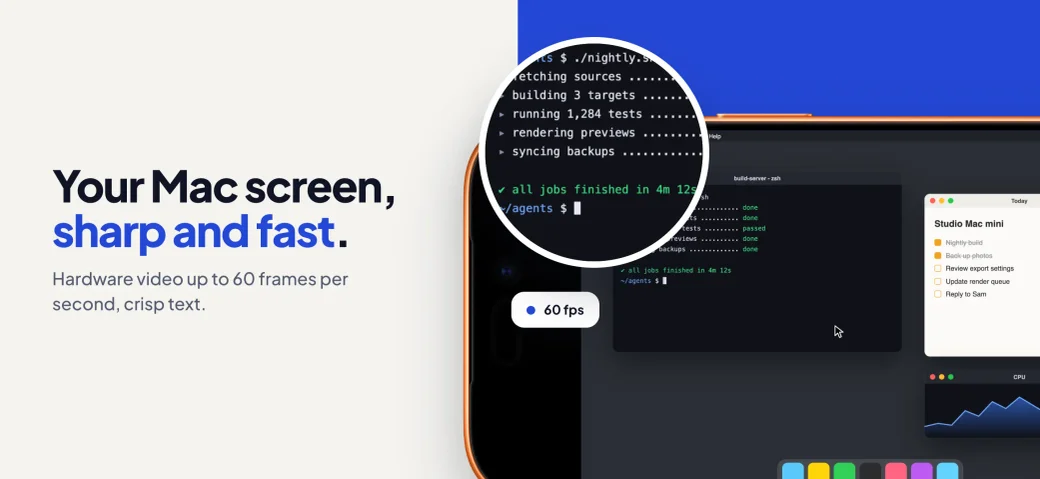
The Mac encodes its screen with hardware video, so text stays crisp and the pointer feels responsive, up to 60 frames per second.
PRIVATE BY DESIGN
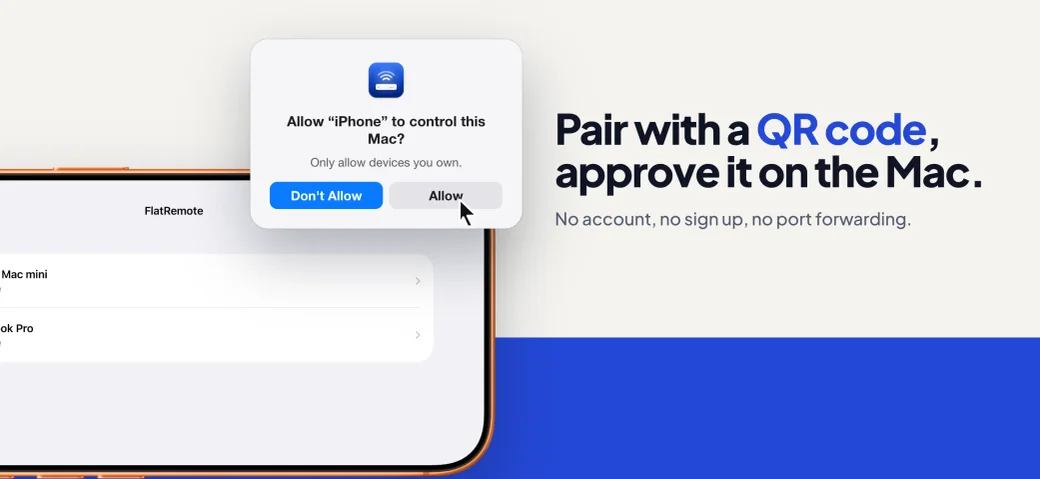
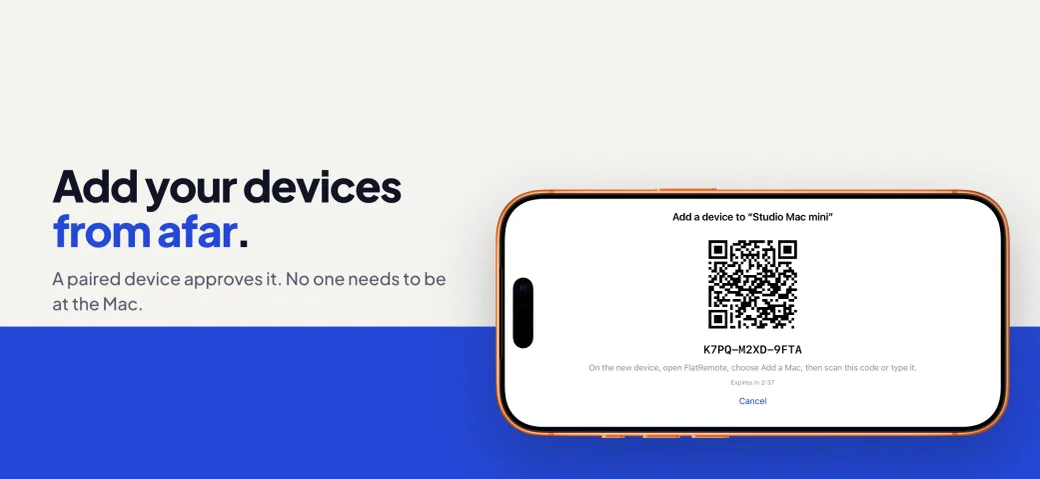
Screen and input are end-to-end encrypted. Pair with a one-time code shown on the Mac. There is no account to create and nothing to sign up for.
TOUCH THAT FEELS RIGHT
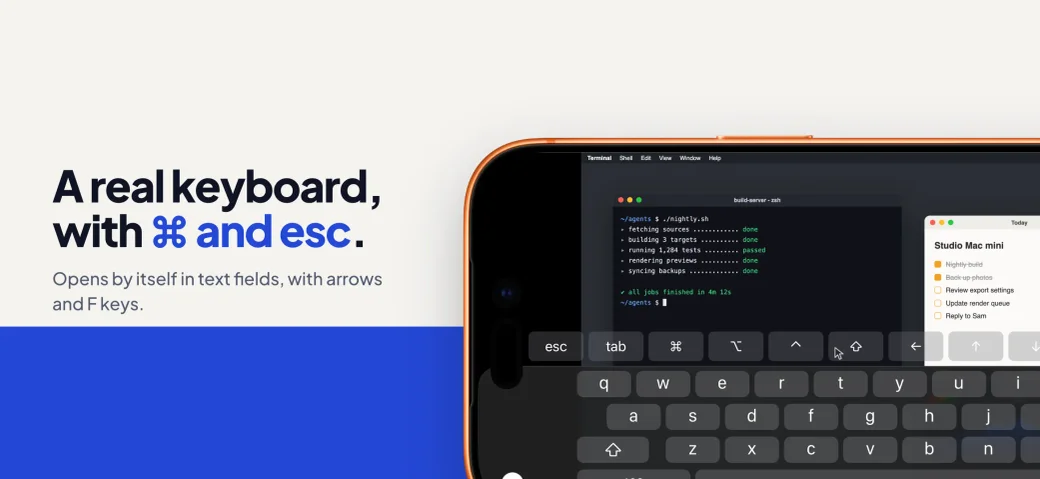
Use the screen as a big trackpad, or touch exactly where you want. Two fingers scroll, pinch zooms, and the zoomed view follows the pointer. Modifier keys, arrows and function keys sit above the keyboard. On iPad, a Magic Keyboard or mouse works just like on the Mac.
MADE FOR MACS THAT STAY ON
The Mac app keeps the computer awake, starts at login, shows who is connected and notifies you when someone takes control. A Mac mini without a monitor works too.
FROM ANOTHER MAC TOO
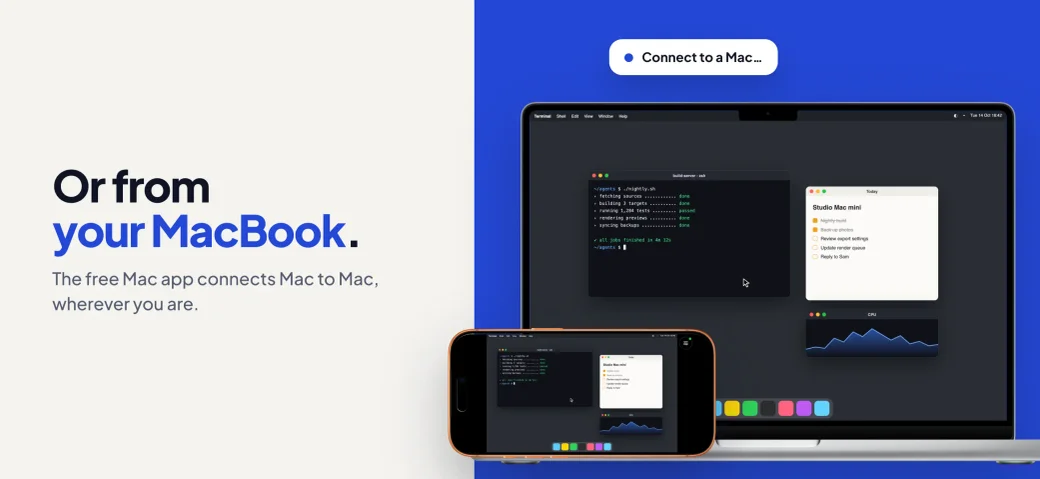
The same free Mac app connects from your MacBook or any other Mac, wherever you are: choose Connect to a Mac in its menu.
HOW IT WORKS
1. Install FlatRemote on your Mac from flatremote.app (free, macOS 14 or later).
2. In its menu bar icon, choose Add device.
3. Scan the code with this app. Done.
FLATREMOTE PRO
Connecting from your iPhone or iPad needs FlatRemote Pro: on the same Wi-Fi or from anywhere, to as many Macs as you like. Start with a free week of the yearly plan, or buy once. The Mac app is always free.
Terms of Use: https://www.apple.com/legal/internet-services/itunes/dev/stdeula/
Privacy Policy: https://flatremote.app/privacy
What’s new
Version 1.2.1 · Nov 13, 2026
Stability improvements and small fixes to keep FlatRemote running smoothly.
App privacy
What FLATISLER BILGISAYAR YAZILIM BILISIM DANISMANLIK HIZMETLERI LIMITED SIRKETI declares on the App Store about how this app handles data.
-
Data not linked to you
May be collected but is not linked to your identity.
- Diagnostics
Privacy practices may vary, for example with the features you use or your age.
Information
- Seller
- FLATISLER BILGISAYAR YAZILIM BILISIM DANISMANLIK HIZMETLERI LIMITED SIRKETI
- Category
- Productivity
- Version
- 1.2.1
- Updated
- Nov 13, 2026
- Released
- Oct 29, 2026
- Size
- 18.1 MB
- Requires
- iOS 17.0 or later
- Age rating
- 4+
- Price
- Free
- In-app purchases
- Yes
- Languages
- English, Arabic, Catalan, Croatian, Czech, Danish, Dutch, Finnish, French, German, Greek, Hebrew + 21 more
- Copyright
- © 2026 Ali Cinaroglu
You might also like
-
 eXternalTouchDisplayExternal display for PC
-
 VoiteProductivity
-
 ReachbeamRemote Desktop: RDP, VNC, SSH
-
 Sell AI - Listing MakerGenerate your listings with AI
-
 OneOpen: File ViewerHTML, Markdown, CAD & 3D
-
 Expense Tracker & Budget AppSave Money - Spending Tracker
-
 רמי לוי - מחובריםProductivity
-
 ידידיםProductivity
-
 Local Chat: Private AI ChatbotOffline assistant, open LLM
-
 Companion Tool for Anno 1800FAN-MADE Tool for Anno 1800