- Age rating4+
- CategoryUtilities
- DeveloperPressurePro Inc.
- LanguagesEnglish+ 2 more
- Size63.5 MB
Links to the official App Store page
Download.org hosts no file of Fleet TPMS. The button opens its official App Store page, published by PressurePro Inc. Listing last checked on Nov 15, 2026.
Screenshots


About
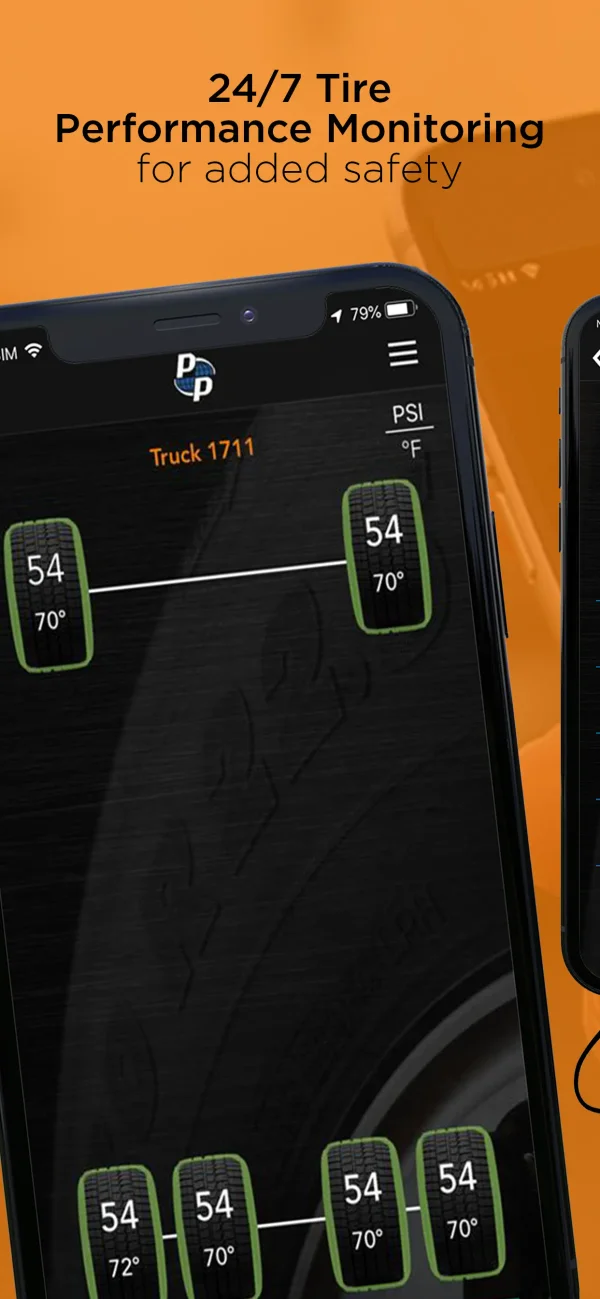
Brought to you by the most trusted name in TPMS, PressurePro’s Fleet App arms you with the real time tire performance information you need to add safety and savings to every road your vehicles travel. Working in conjunction with PressurePro’s leading-edge tire management platform – Connect – Fleet TPMS unlocks unmatched visibility and control of your tire management practices, at never before seen value. Note: PressurePro FX hardware and approved access credentials are required.
Fleet TPMS gives you:
- 24/7 Tire Monitoring
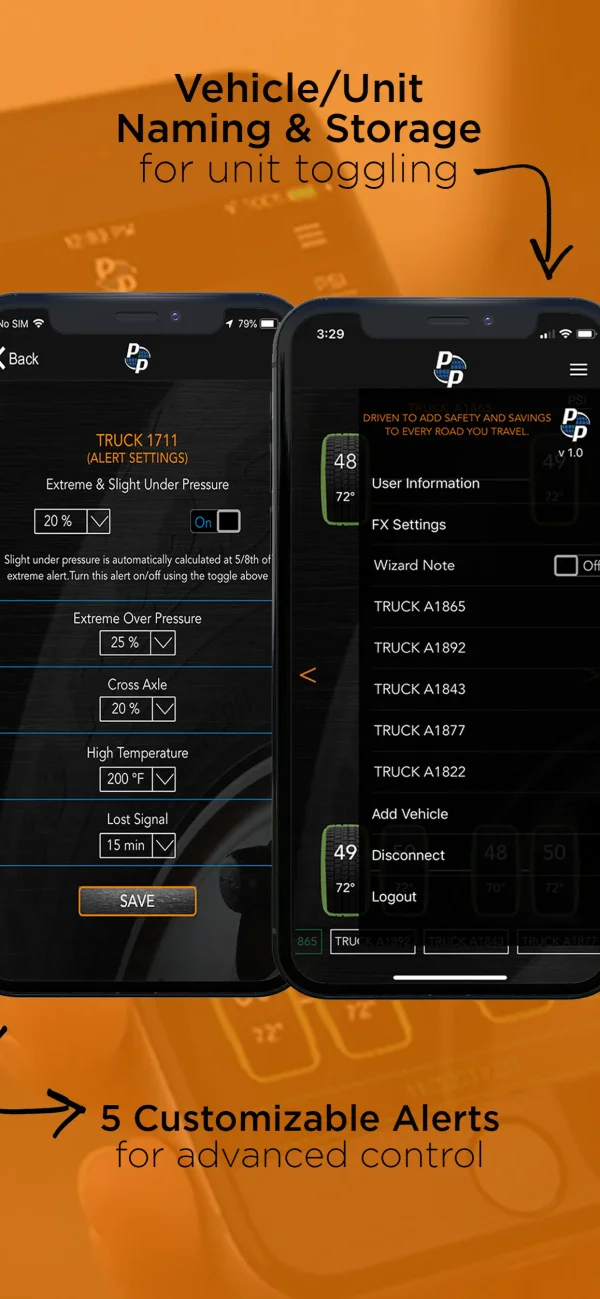
- 5 Unique & Customizable Pressure and Temperature Alerts
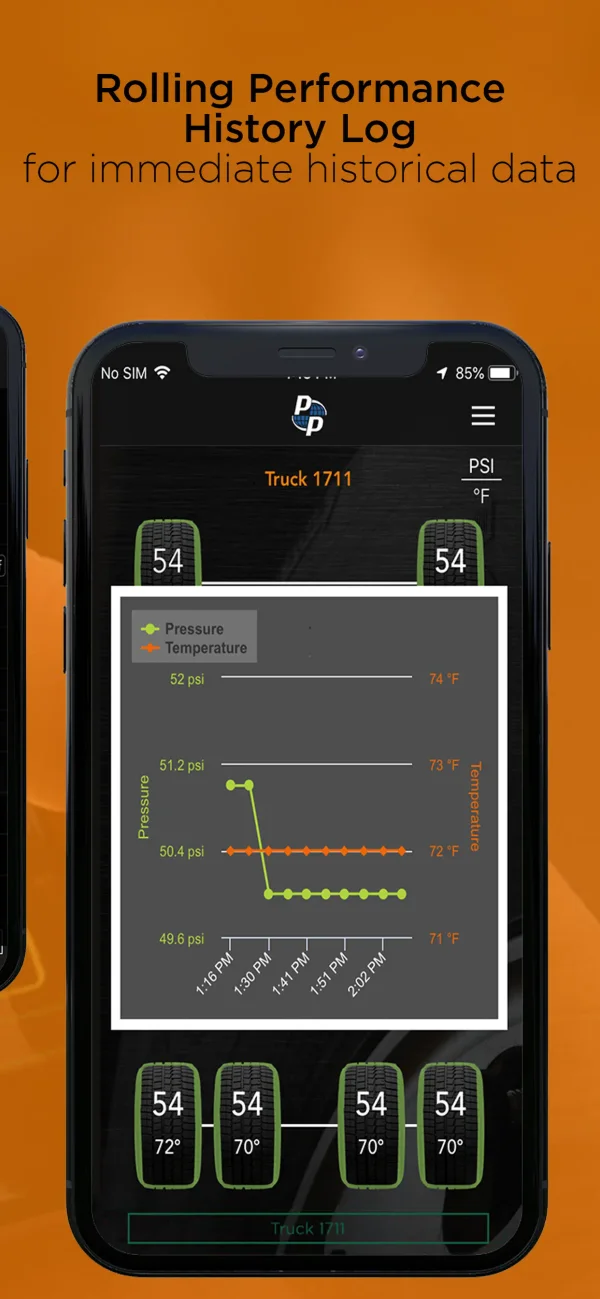
- Performance History Log
- Fully Customizable layouts
- Local Notification & FX Warning Light
- Vehicle/Trailer Naming and Storage (easy toggling between multiple units)
- Sealed/Waterproof Sensors
- Easy Installation and Simple Use
- Award-Winning Product and Service
Features gained when paired with PressurePro Connect:
- Email alerting
- Easy to use dashboard and prioritized actionable items
- Tire Detail information
- Exportable tire performance history
- Tire performance trend analysis
What’s new
Version 1.37 · Feb 20, 2024
Thank you for using the PressurePro Fleet TPMS app. We are continuously working to improve the user experience and add functionality. Please feel free to contact us via service@pressurepro.us to provide feedback, insights, report bugs, or make feature requests - we’re listening!
We have a new feature to help address cases where the local FX settings and Connect get out of sync. This new feature is called "Manual Sync" and appears in the top left of the application.
In cases where a unit active/park status or sensor configuration is mismatched between the Fleet App and Connect, pressing the Manual Sync button will trigger pop ups to allow the Fleet user to decide which configuration should be kept.
We have also included bug fixes for bluetooth connection dropping, offline data sync slowness, and alerting.
App privacy
What PressurePro Inc. declares on the App Store about how this app handles data.
-
Data linked to you
May be collected and linked to your identity.
- Location
- Contact info
- User content
- Identifiers
- Usage data
- Diagnostics
Privacy practices may vary, for example with the features you use or your age.
Information
- Seller
- PressurePro Inc.
- Category
- Utilities
- Version
- 1.37
- Updated
- Feb 20, 2024
- Released
- Dec 3, 2019
- Size
- 63.5 MB
- Requires
- iOS 12.0 or later
- Age rating
- 4+
- Price
- Free
- Languages
- English, French, Russian
- Copyright
- © 2018 Advantage PressurePro, LLC