- Age rating12+
- CategoryUtilities
- Developer深圳市云伽未来智能技术有限公司
- LanguagesEnglish+ 3 more
- Size3.3 MB
Links to the official App Store page
Download.org hosts no file of XTOOL TPMS. The button opens its official App Store page, published by 深圳市云伽未来智能技术有限公司. Listing last checked on Nov 16, 2026.
Screenshots

About
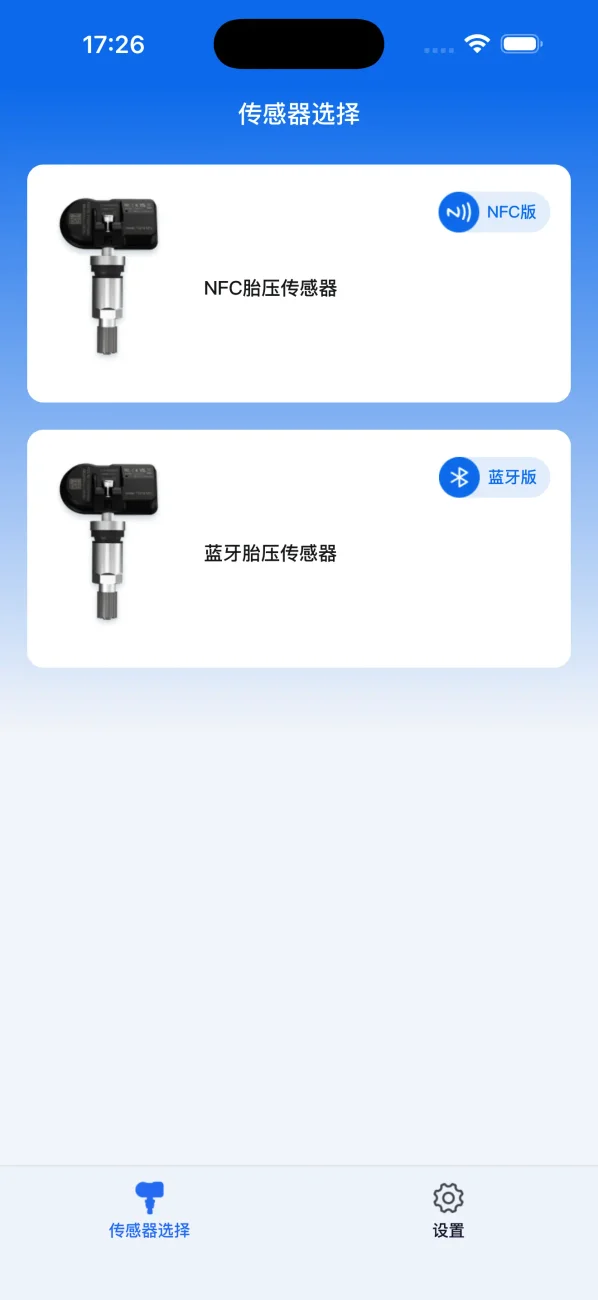
Our application focuses on optimizing user experience and offers extremely convenient operations. Even users with limited knowledge of the Tire Pressure Monitoring System (TPMS) can easily complete various operations.
Sensor Programming
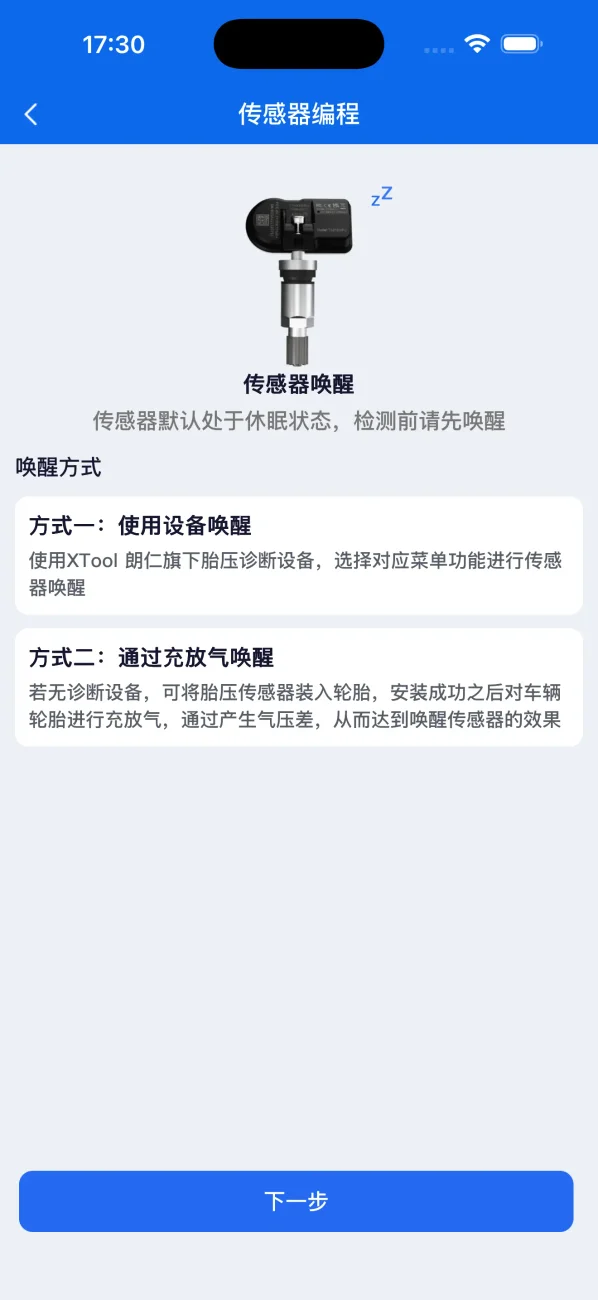
Before using the programming function, you need to select the corresponding vehicle model. The first step is that you must choose China, America, Europe, Japan, or Australia to access the vehicle database corresponding to your region. After selecting the region, you select the required vehicle brand, model, and year. After the selection is completed, you enter the corresponding relearn type (Automatic Relearn , Stationary Relearn, OBD Relearn, Clone Relearn,Indirect). After understanding the operation steps, the next step is to select the programming method. You can choose automatic Programming or Manual Programming. After the selection is completed and the application obtains the sensor ID, you enter the next step. There is an animation on the page showing the correct schematic diagram of the sensor sensing the mobile phone NFC. You click "Start Programming", and the application will program the sensor. After the programming is completed, the page will inform you whether the programming is successful or failed. If the programming is successful, you click Next to enter the learning guide page. If the programming fails, you can choose to retry.
Sensor Detection
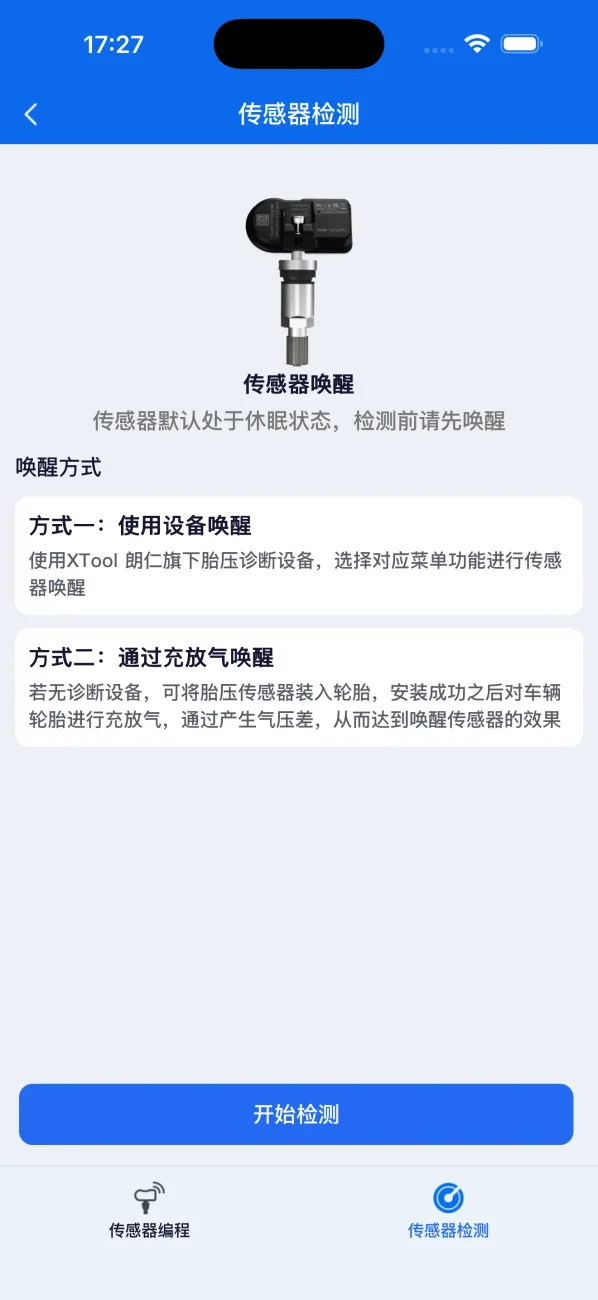
Our sensor detection only supports detecting XTOOL sensors. The detection content includes sensor ID, part number, printed No. , voltage, temperature,Boot version, programming date, and programming device model.
Settings
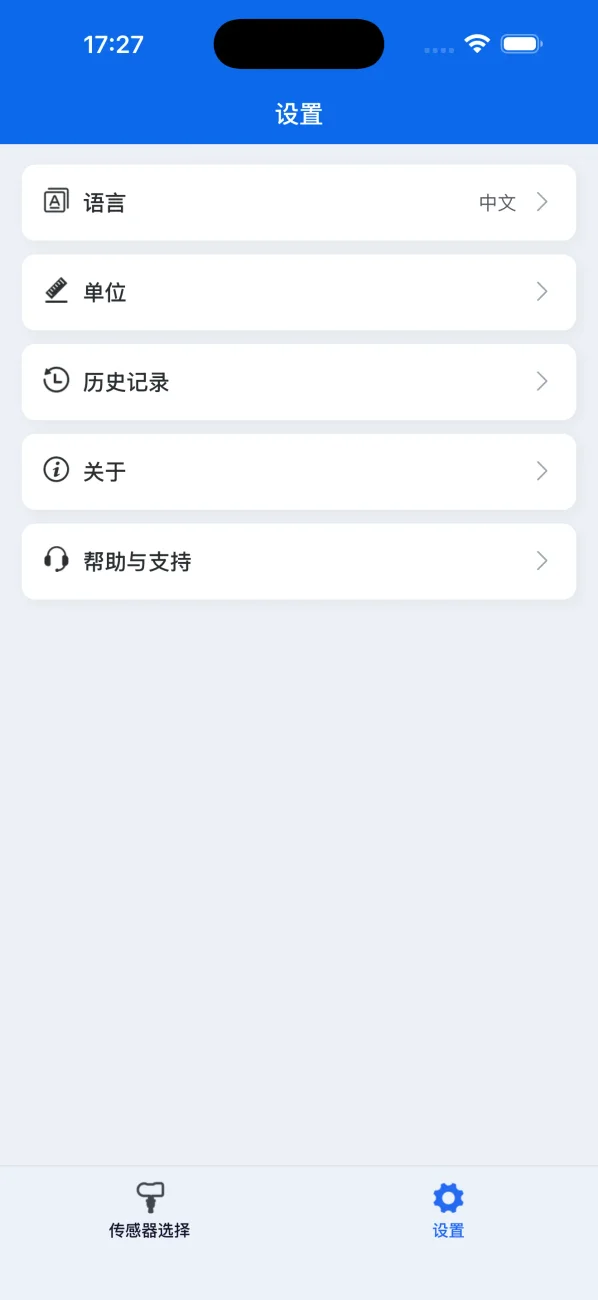
You can configure language, unit, and market region in the Settings. Additionally, you can view the historical records of using "Sensor Programming", as well as the app's version number and privacy policy. Moreover, if you encounter any issues while using the app, you can seek effective solutions in the "Help and Support" section.
What’s new
Version 1.0.2 · Aug 21, 2026
Optimize performance and enhance the experience
App privacy
What 深圳市云伽未来智能技术有限公司 declares on the App Store about how this app handles data.
-
Data not collected
The developer does not collect any data from this app.
Privacy practices may vary, for example with the features you use or your age.
Information
- Seller
- Shenzhen Yunjia Future Intelligent Technology Co., Ltd.
- Category
- Utilities
- Version
- 1.0.2
- Updated
- Aug 21, 2026
- Released
- Jan 21, 2025
- Size
- 3.3 MB
- Requires
- iOS 13.0 or later
- Age rating
- 12+
- Price
- Free
- Languages
- English, Simplified Chinese, Spanish, Traditional Chinese
- Copyright
- © 2024 YunJia Inc.