
Flight Deck AR
Head tracking for X-Plane
Designed for iPhone, iPad
Free · In-app purchases
- Age rating4+
- CategorySimulation
- DeveloperVisuality srl
- LanguagesEnglish
- Size65.4 MB
Links to the official App Store page
Download.org hosts no file of Flight Deck AR. The button opens its official App Store page, published by Visuality srl. Listing last checked on Nov 14, 2026.
Screenshots
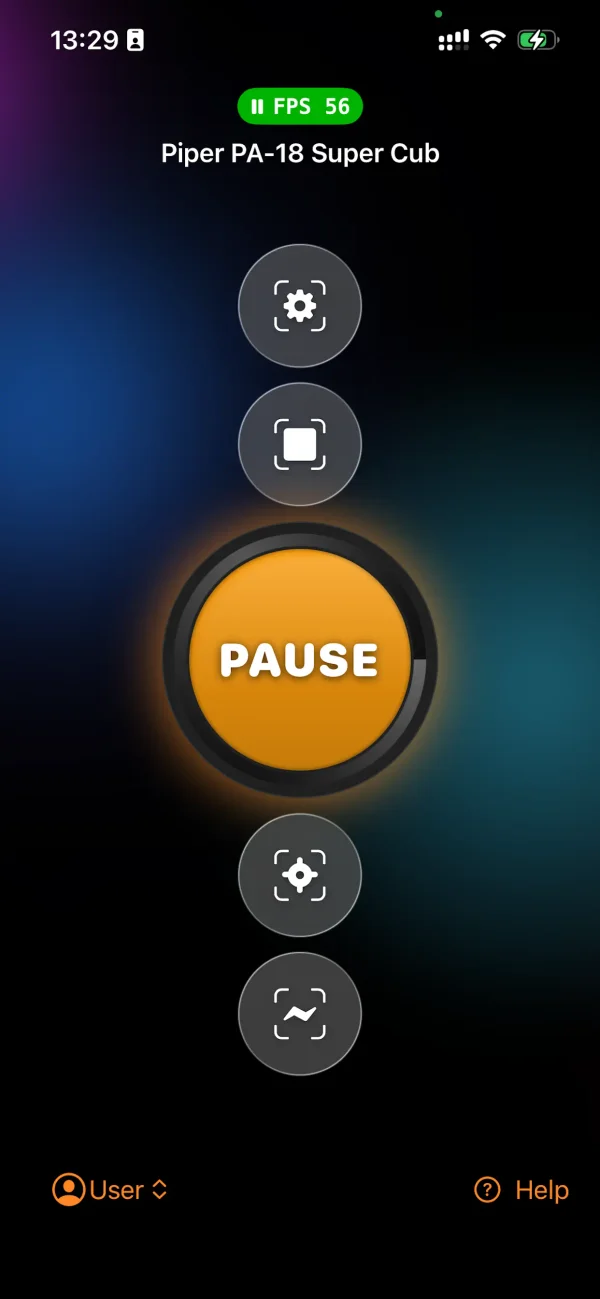
About
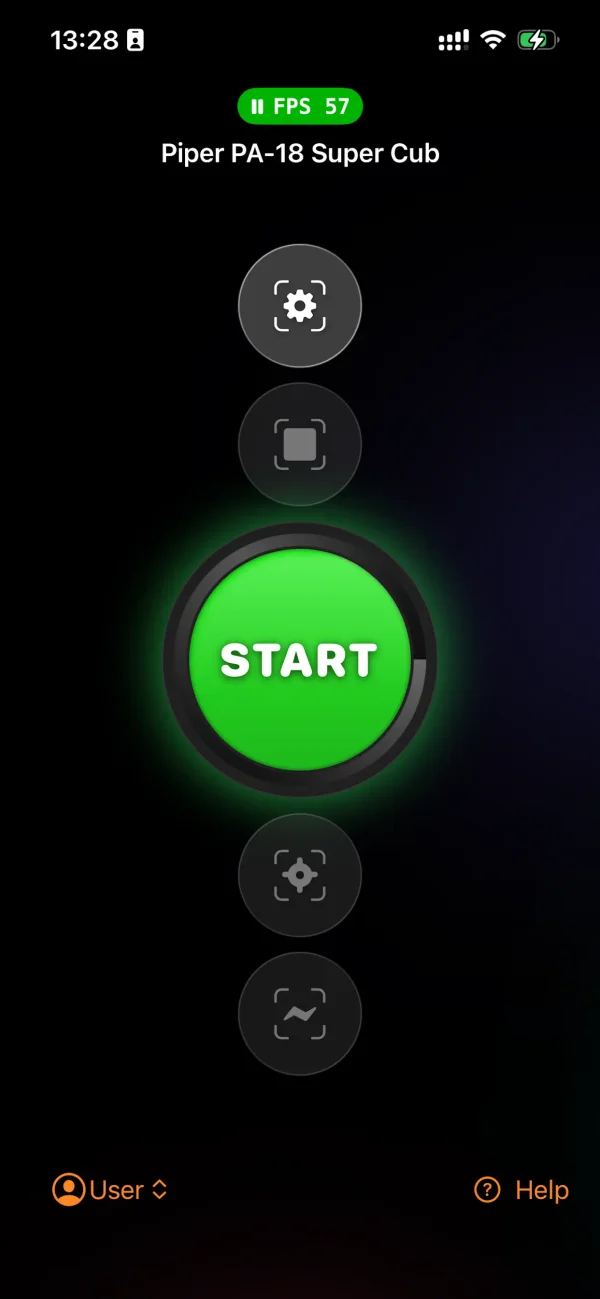
Turn your iPad or iPhone into a powerful head tracker and fly more naturally. No clips, no sensors, no plugins, no IP configurations. Just launch the app and your cockpit view follows your head instantly.
Why Flight Deck AR?
• Native integration: built directly on X-Plane’s official UDP/Datarefs.
• Cross-platform: works with X-Plane on Windows, macOS, and Linux.
• Zero setup: no IP config, no DLLs, no drivers, no emulation, no calibration. Plug & fly.
• All aircraft supported: from Laminar defaults to complex add-ons.
• Simple hardware: just your iPad or iPhone camera.
• Lightweight & smooth: optimized for performance and stability.
Features:
• Real-time head tracking with your device’s camera
• Native X-Plane integration (UDP & datarefs)
• Full integration, zero-config, with X-Camera plugin
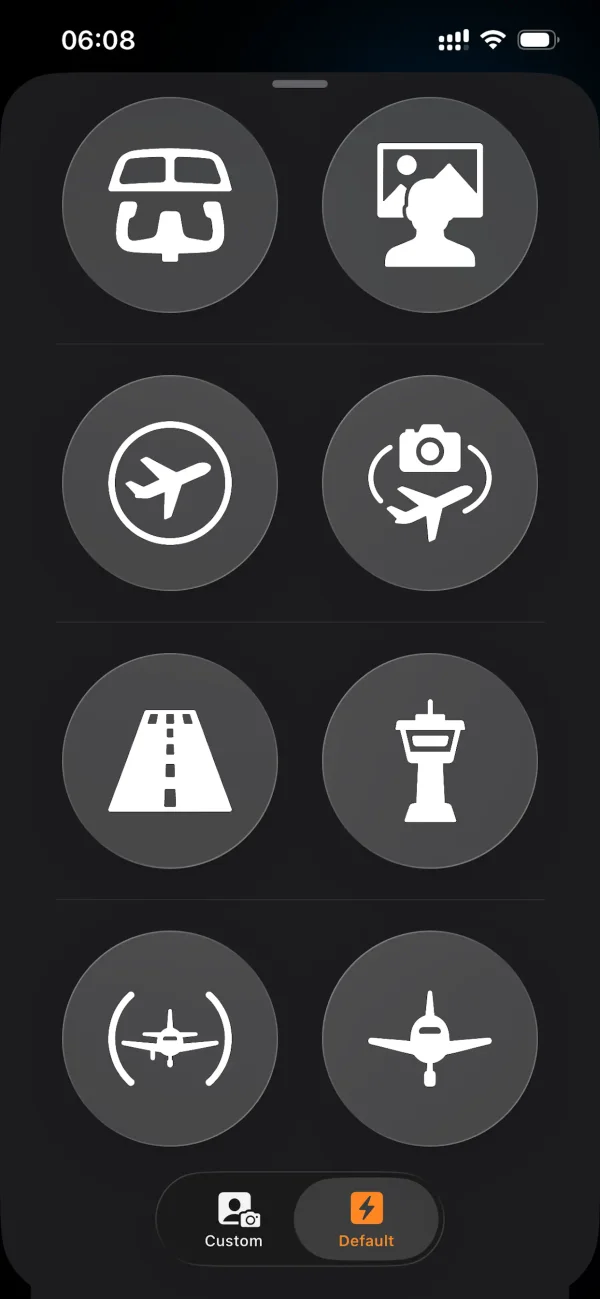
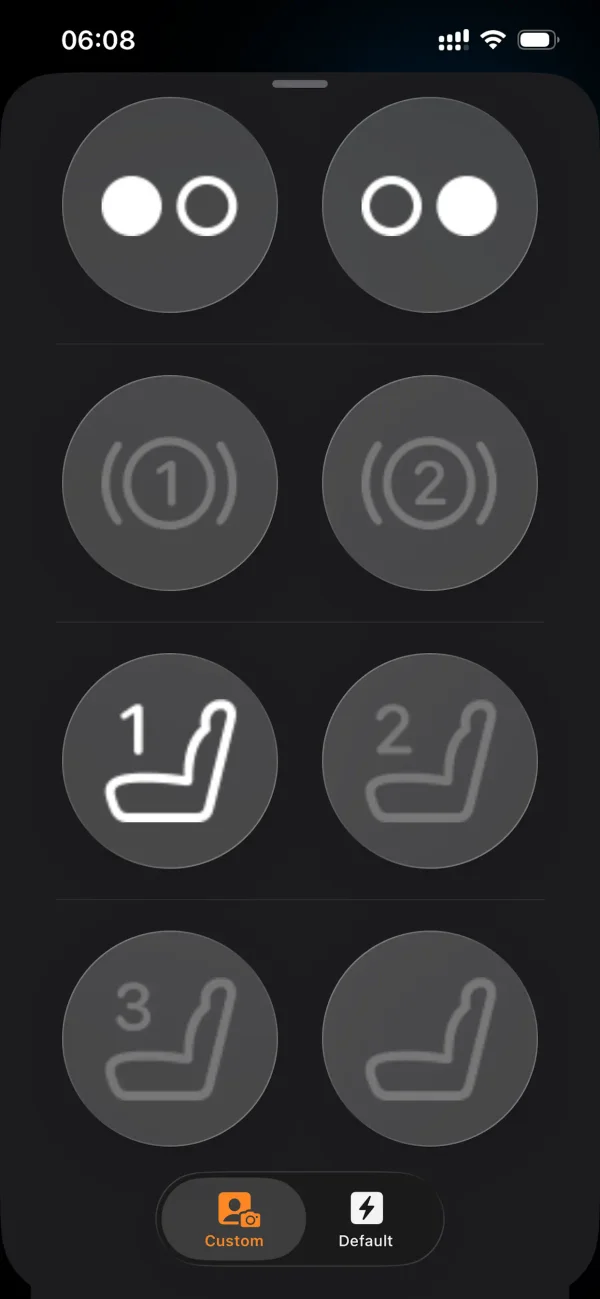
• Camera controls, with custom head-tracked cameras for each Aircraft
• Auto-Pause: pause the sim if face is not detected for a prolonged period.
• Works on Windows, macOS, and Linux
• Zero setup: launch, connect, and fly
• Supports all aircraft (default + add-ons)
• Uses only your iPad or iPhone camera
• Smooth, lightweight, and responsive head tracking
• Ready-to-use presets for common scenarios
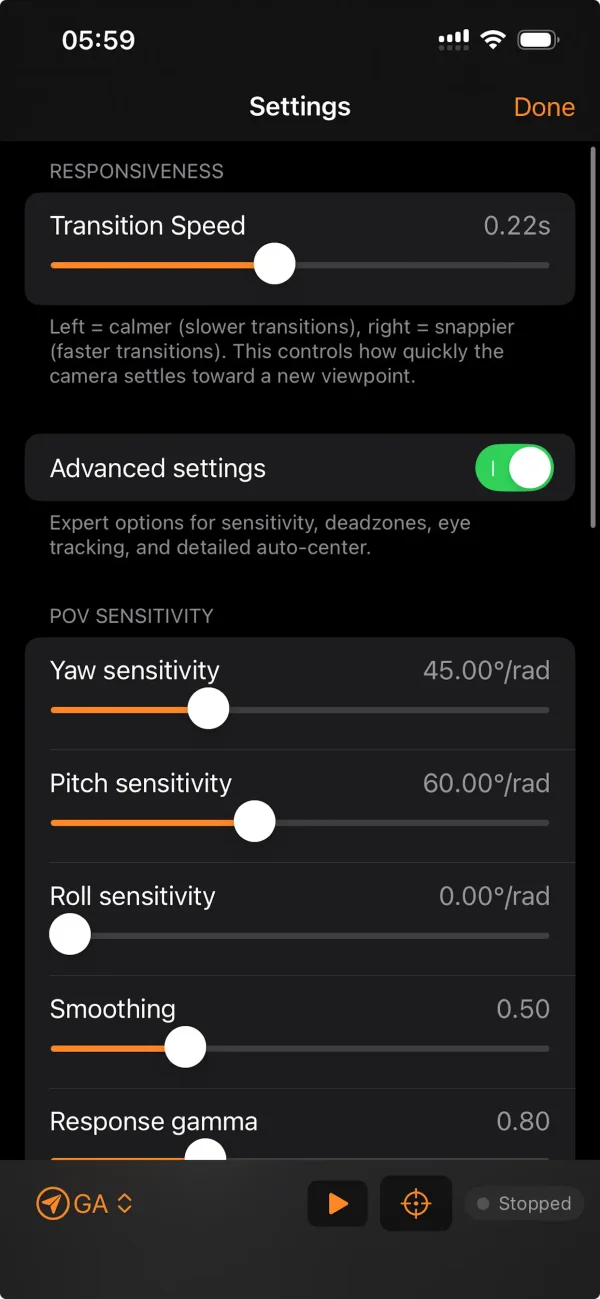
• Advanced settings for fine-tweaking
• Per Aircraft settings. Each configuration of the tracker is linked automatically and independently to the currently loaded Aircraft.
• No extra hardware required
• Control the App from your X-Plane joystick
• Eye Tracking (BETA)
Fly naturally
Move your head, look around. Lean forward to read instruments. Glance left and right on final. With Flight Deck AR, your cockpit becomes as alive as the real thing, without extra gear.
Compatibility
• Requires X-Plane 11 or 12 on Windows, macOS, or Linux.
• No additional plugins or configuration needed.
• Compatible devices:
iPhone X and later (all models)
iPhone SE (3rd generation and later)
iPad Pro 11-inch (all models)
iPad Pro 12.9-inch (3rd generation and later)
iPad Air (4th generation and later)
iPad mini (6th generation and later)
The future of head tracking
Unlike TrackIR or FreeTrack, Flight Deck AR is built for X-Plane, not hacked around it. It’s the first head tracker that works wherever X-Plane does, and it just works.
Flight Deck AR. Plug & fly.
Flight Deck AR transforms your iPad or iPhone into a powerful head tracker for X-Plane.
Using just your device’s camera, you can move your head naturally and watch the cockpit view respond instantly.
Enjoy a more immersive flying experience without wires, sensors, or complicated setups.
Made for X-Plane pilots who want immersion, simplicity, and performance.
Terms of use
https://www.apple.com/legal/internet-services/itunes/dev/stdeula/
What’s new
Version 1.3.1 · Sep 23, 2026
Flight Deck AR Foxtrot 2
• Your AR PRO purchase stays unlocked even when the App Store is unreachable
• Reconnects to X-Plane on its own after the device is locked
• Smaller fixes and stability improvements
• Full compatibility with iOS/iPadOS 27
App privacy
What Visuality srl declares on the App Store about how this app handles data.
-
Data not collected
The developer does not collect any data from this app.
Privacy practices may vary, for example with the features you use or your age.
Information
- Seller
- Visuality srl
- Category
- Simulation
- Version
- 1.3.1
- Updated
- Sep 23, 2026
- Released
- Sep 11, 2025
- Size
- 65.4 MB
- Requires
- iOS 17.6 or later
- Age rating
- 4+
- Price
- Free
- In-app purchases
- Yes
- Languages
- English
- Copyright
- Copyright © 2025, 2026 by Michele Longhi
You might also like
-
 XpRemotePanelX-Plane Touch Instrument Panel
-
 X-Plane 12 Control PadSimulation
-
 SmoothTrack: Head TrackerHead tracking for sim games
-
 PocketSky by SayIntentionsAIThe SI Mobile Experience
-
 Emergency Plane Crash Landing!World of Airports Fly Games!
-
 GeoFS - Flight SimulatorWorldwide Satellite Images
-
 RFS - Real Flight Simulator3D Airplane Pilot & Plane Sim
-
 Extreme LandingsSimulation
-
 Turboprop Flight SimulatorPilot Modern Prop Planes
-
 Flight Simulator AdvancedNext level flight simulation