
XpRemotePanel
X-Plane Touch Instrument Panel
Designed for iPhone, iPad, iPod touch
Free · In-app purchases
- Age rating4+
- CategorySimulation
- DeveloperMartin Gernss
- LanguagesEnglish
- Size4.5 MB
Links to the official App Store page
Download.org hosts no file of XpRemotePanel. The button opens its official App Store page, published by Martin Gernss. Listing last checked on Nov 15, 2026.
Screenshots



About
Pilot your aircraft with a finger tip - This app provides an intuitive touch interface to frequently used gauges and avionics in X-Plane. Instead of mimicking the turning of dials you can directly interact with the instruments, for example by dragging the heading bug to the desired direction on the compass rose.
It has the following instruments for general aviation as well as airliner use:
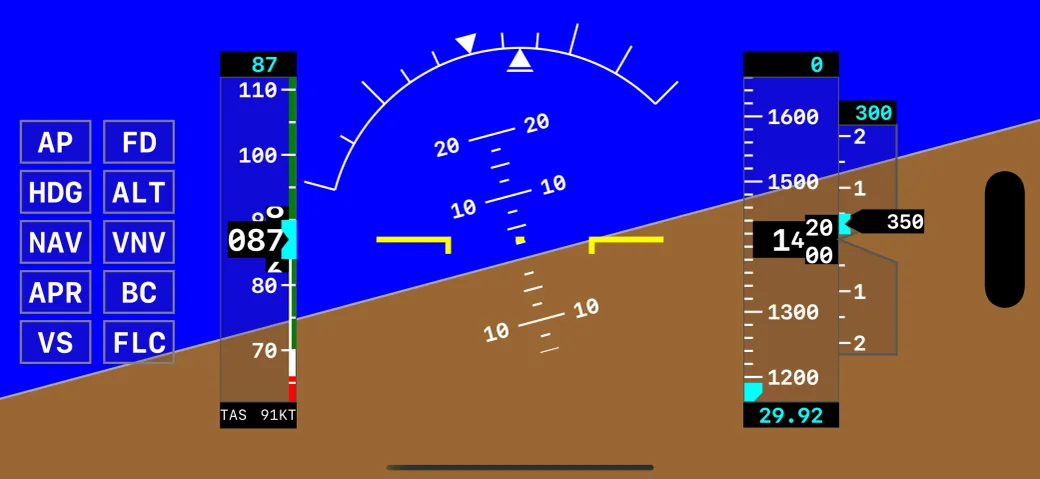
- Primary Flight Display (PFD) with attitude, speed, altimeter, vertical speed, directional giro, frequencies and autopilot buttons
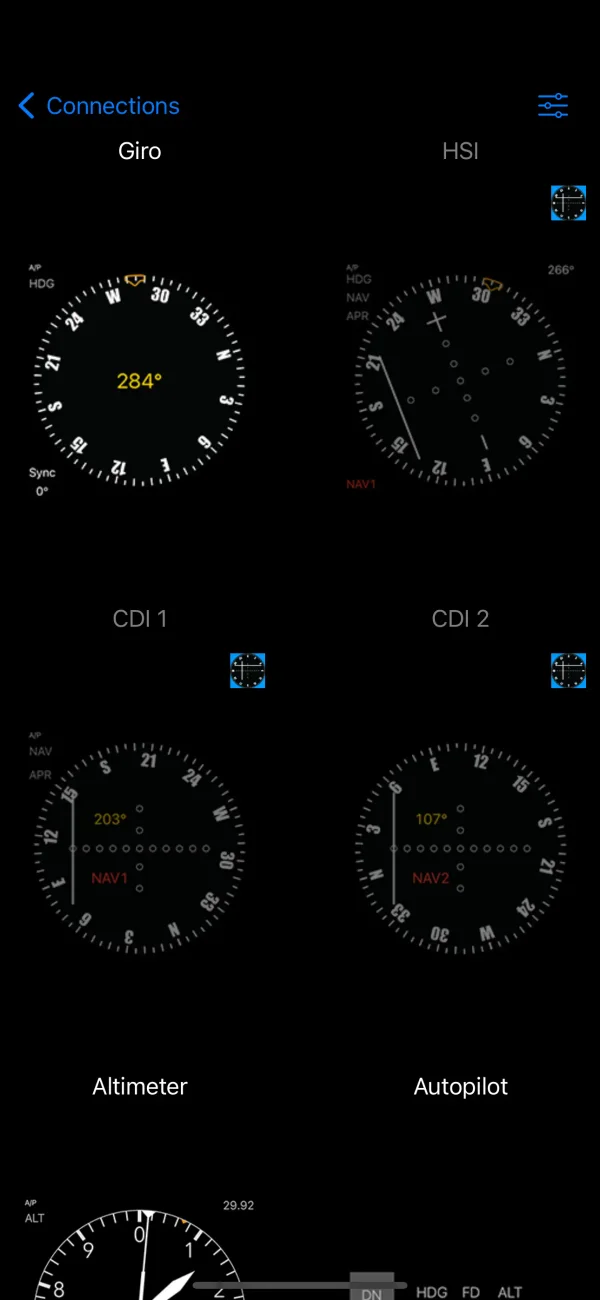
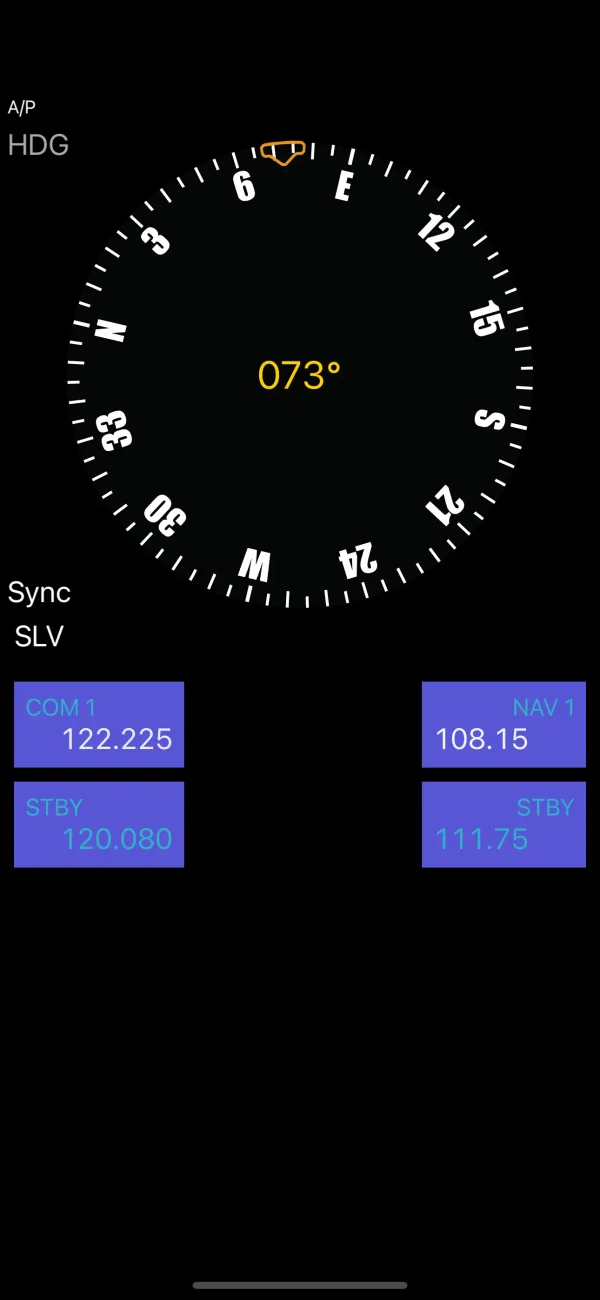
- Directional Giro with heading bug, drift indication and syncing
- Altimeter with autopilot buttons, altitude preselection bug and barometer setting
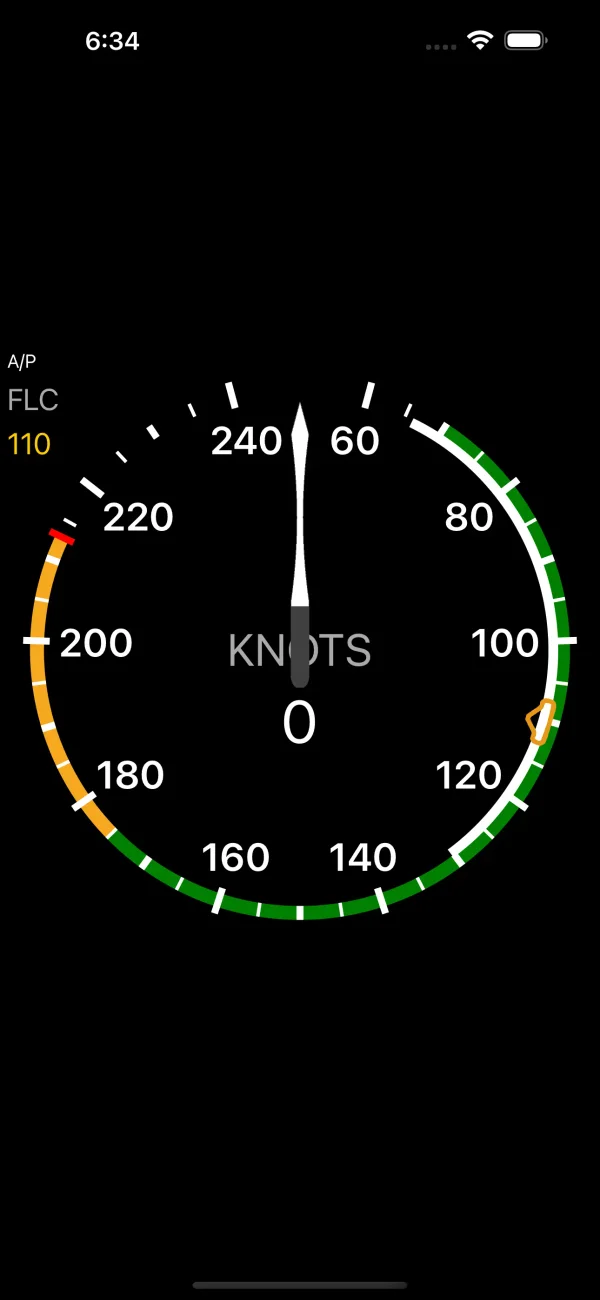
- Airspeed indicator with speed bug, v-speed indication and true airspeed display
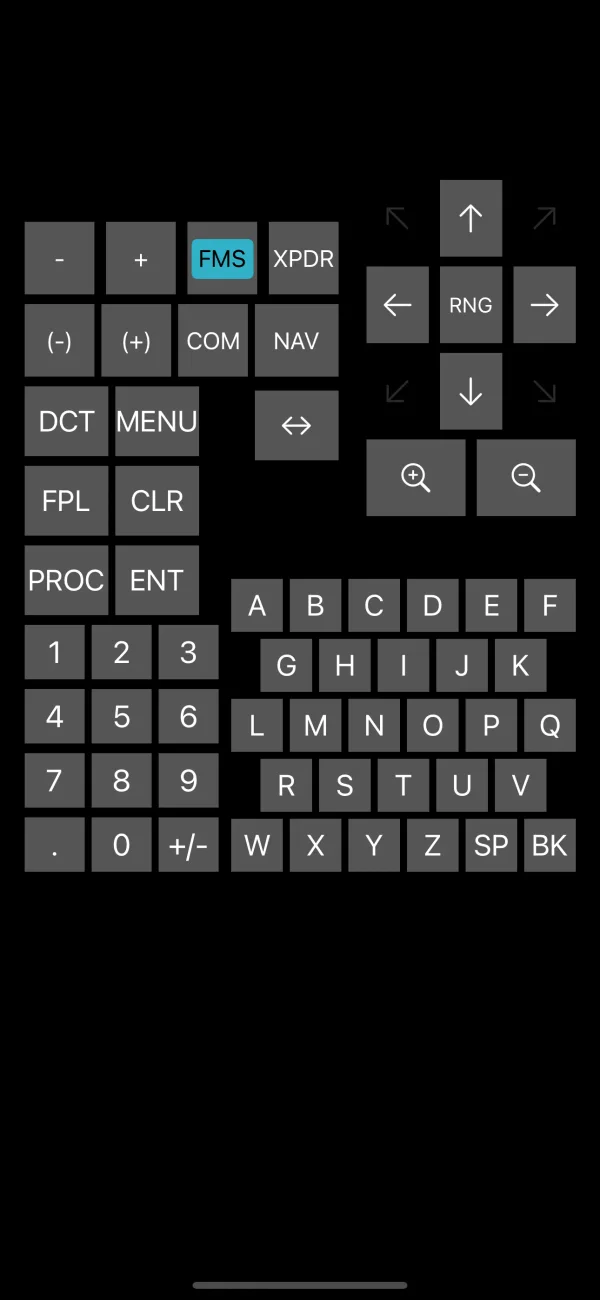
- COM Stack with Active / Standby switch and frequency entry keypad
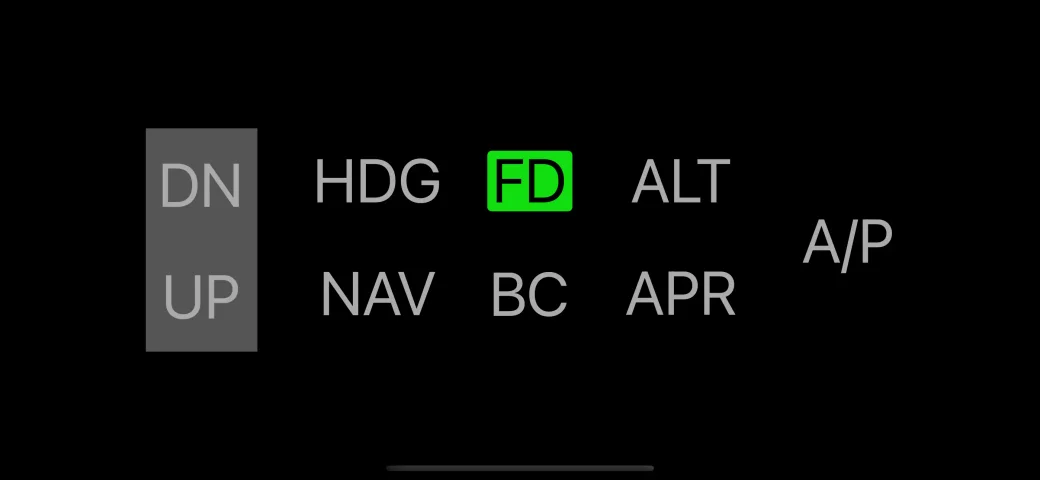
- KFC 200 style Autopilot with push and hold up/down buttons
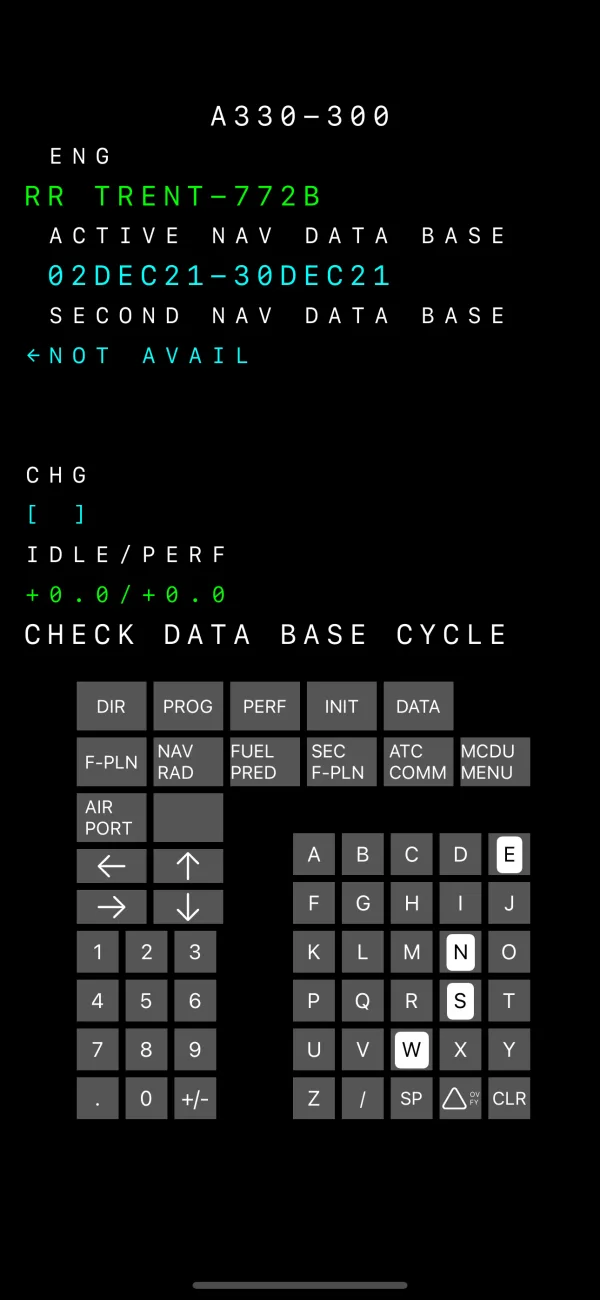
- FMS with CDU touch display (for default X-Plane FMS (B737/A330) and B737-800X Zibo Mod)
- Chronometer
The following functions are available after purchasing the optional Navigation Pack:
- NAV Stack with Active / Standby switch and frequency entry keypad (also on PFD)
- CDI gauge with course selection and locator/glide path indication
- HSI gauge with heading bug, course selection and autopilot buttons (also on PFD)
- Glideslope indicator and bearing pointers with distances on PFD
- GCU 478 style keypad for G1000. Allows easy flightplan entry for all planes with default G1000
- CDU alphanumeric keys
Multiple layouts are available based on the size of your screen. You can also show different instruments on different devices to increase the immersion.
This app requires Laminar Research X-Plane 11 or 12 and uses its standard network data interface.
For the CDU display, a plugin for X-Plane must be installed. Instructions inside the app.
What’s new
Version 3.3 · Sep 26, 2026
- Chronometer gauge
- Bugfixes
App privacy
What Martin Gernss declares on the App Store about how this app handles data.
-
Data not collected
The developer does not collect any data from this app.
Privacy practices may vary, for example with the features you use or your age.
Information
- Seller
- Martin Gernss
- Category
- Simulation
- Version
- 3.3
- Updated
- Sep 26, 2026
- Released
- Jul 31, 2021
- Size
- 4.5 MB
- Requires
- iOS 15.6 or later
- Age rating
- 4+
- Price
- Free
- In-app purchases
- Yes
- Languages
- English
- Copyright
- © 2021 Martin Gernss
You might also like
-
 X-Plane MapFlight tracker for X-Plane
-
 Air ManagerSimulation
-
 X-Plane 12 Control PadSimulation
-
 VatViewVATSIM map and information app
-
 IFR SimulatorVOR, ILS, HSI, Holding
-
 Freelook Head TrackerHead tracking for games
-
 Flight Deck ARHead tracking for X-Plane
-
 iUFCExportSimulation
-
 ATC RadarAir Traffic Control Radar Game
-
 Ivao Active ATCReal-Time ATC Tracker