- Age rating4+
- CategoryUtilities
- DeveloperBahtiyar Polat
- LanguagesEnglish
- Size1.9 MB
Links to the official App Store page
Download.org hosts no file of Flip Clock Pro. The button opens its official App Store page, published by Bahtiyar Polat. Listing last checked on Nov 20, 2026.
Screenshots

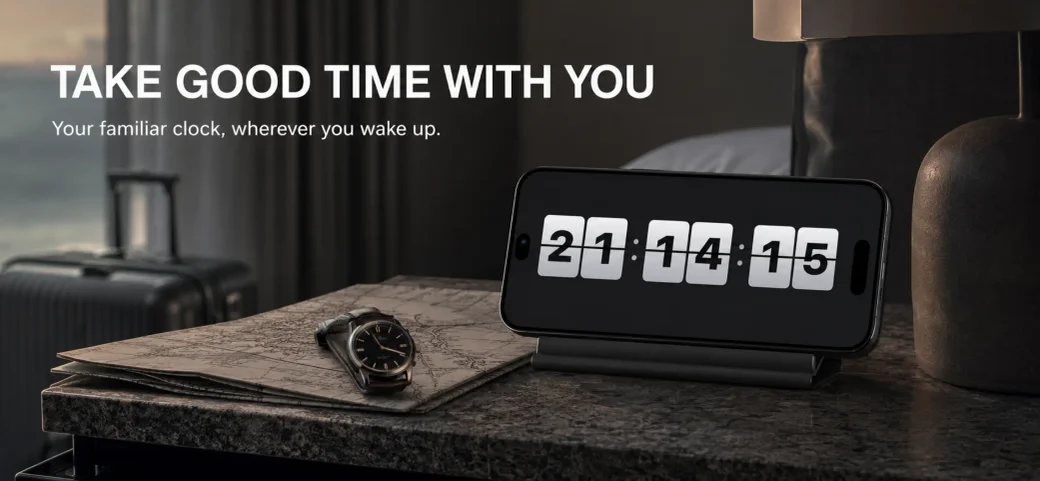

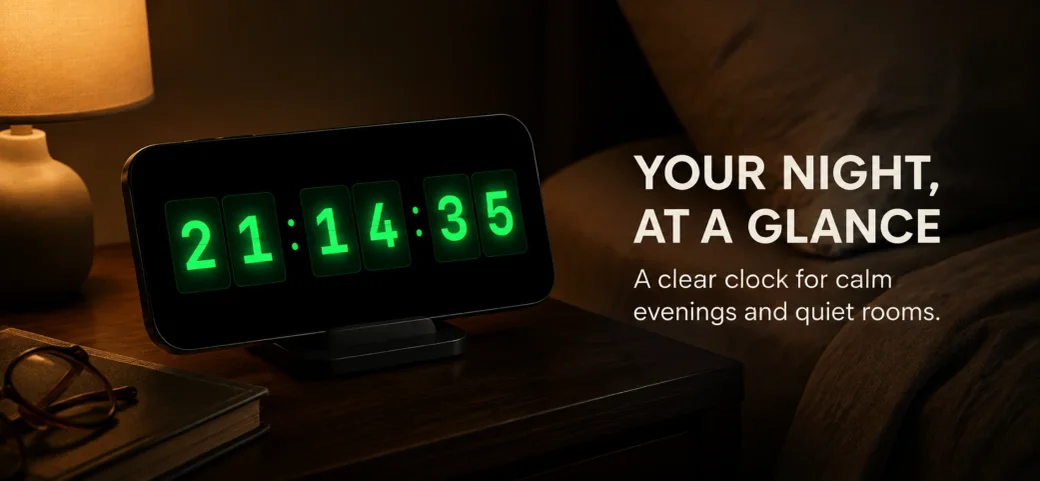
About
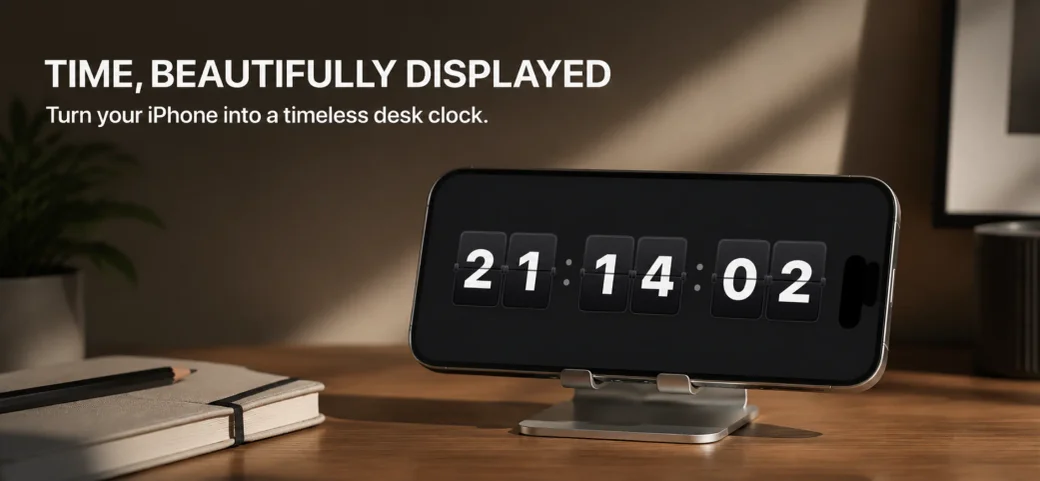
Turn your iPhone into a beautiful retro flip clock — perfect for your desk, office, or nightstand.
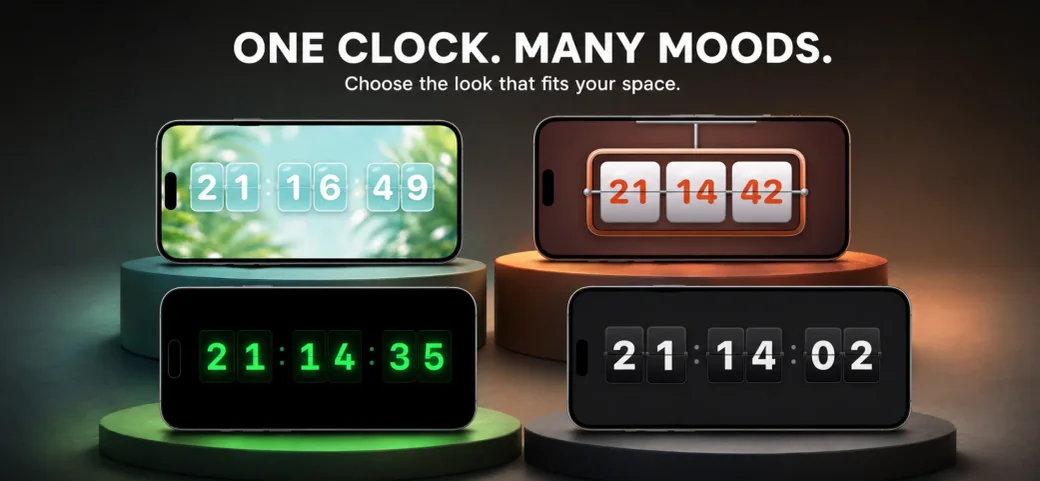
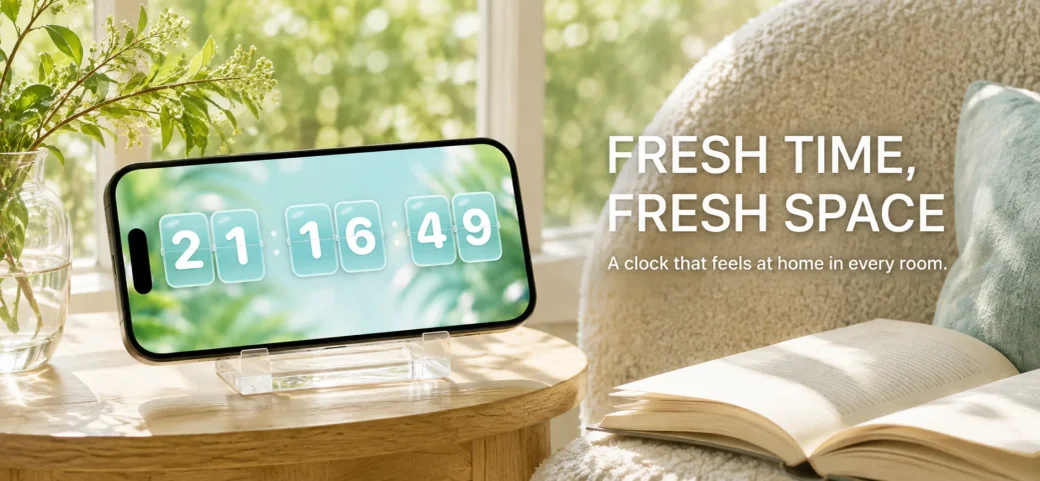
• Handcrafted themes: the giant split-flap Departures board, Liquid Glass, Neon Nights, Terminal, Retro Amber, and more — swipe to switch
• Custom Clock: pick a style and font, then set your own colors
• 12/24-hour time and optional seconds
• Screen stays on, works in portrait and landscape
What’s new
Version 2.0 · Aug 8, 2026
Flip Clock 2.0 — completely rebuilt.
App privacy
What Bahtiyar Polat declares on the App Store about how this app handles data.
-
Data not collected
The developer does not collect any data from this app.
Privacy practices may vary, for example with the features you use or your age.
Information
- Seller
- bahtiyar polat
- Category
- Utilities
- Version
- 2.0
- Updated
- Aug 8, 2026
- Released
- Jan 14, 2016
- Size
- 1.9 MB
- Requires
- iOS 16.0 or later
- Age rating
- 4+
- Price
- Free
- Languages
- English
- Copyright
- © wsoft app studio
You might also like
-
 MiniTime - Flip ClockFull-Screen Digital Desk Clock
-
 Flip Clock 3D : Study TimeA nice clock
-
 CKClockSimple flip clock
-
 Flip Clock Widget MakerClassic Flip Clock for iPhone
-
 Small Clock - Beautiful ClockFull screen desktop clock
-
 OneClock - A Simple Flip ClockCool Lasting Clock
-
 Flip Clock-DIGITAL CLOCKDigital clock&Digital widget
-
 Digits - Retro Flip Clock LCDRetro Clock Display LCD LED
-
 PlainTick Flip ClockDesk Clock · Focus & Widgets
-
 Mugen ClockBig Display & Infinite Themes