Mugen Clock
Big Display & Infinite Themes
Designed for iPhone, iPad
Free · In-app purchases
- Age rating4+
- CategoryUtilities
- DeveloperKoichiro Kamada
- LanguagesEnglish+ 11 more
- Size116.5 MB
Links to the official App Store page
Download.org hosts no file of Mugen Clock. The button opens its official App Store page, published by Koichiro Kamada. Listing last checked on Nov 24, 2026.
Screenshots


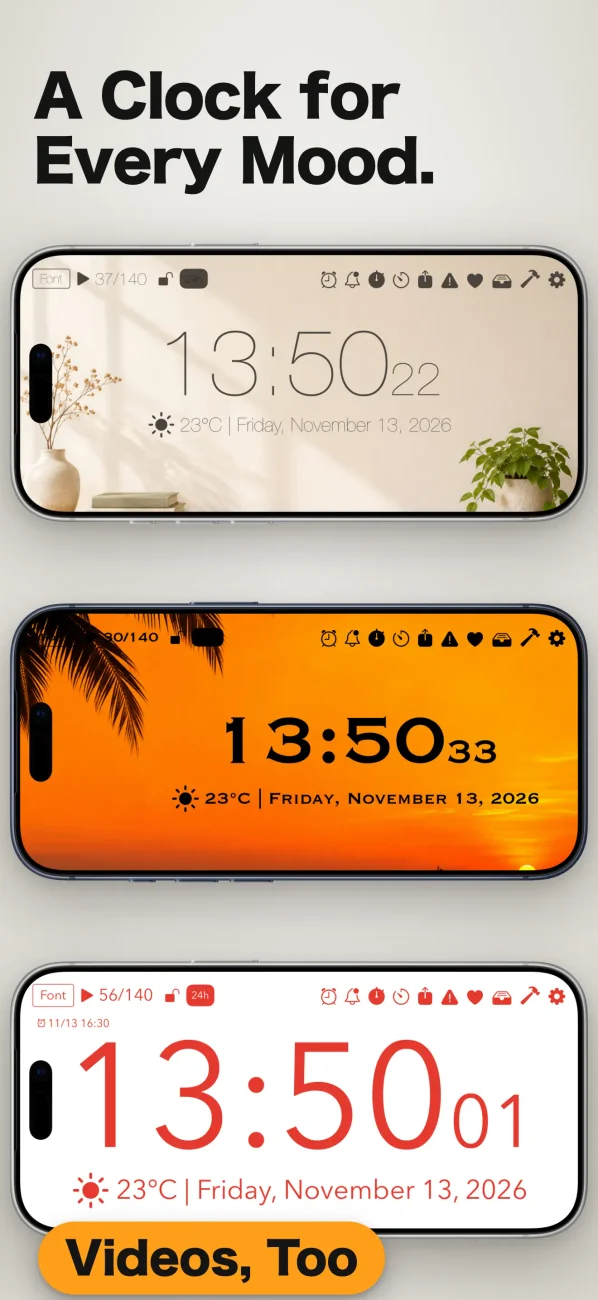
About
Looking for a clock that is easy to read?
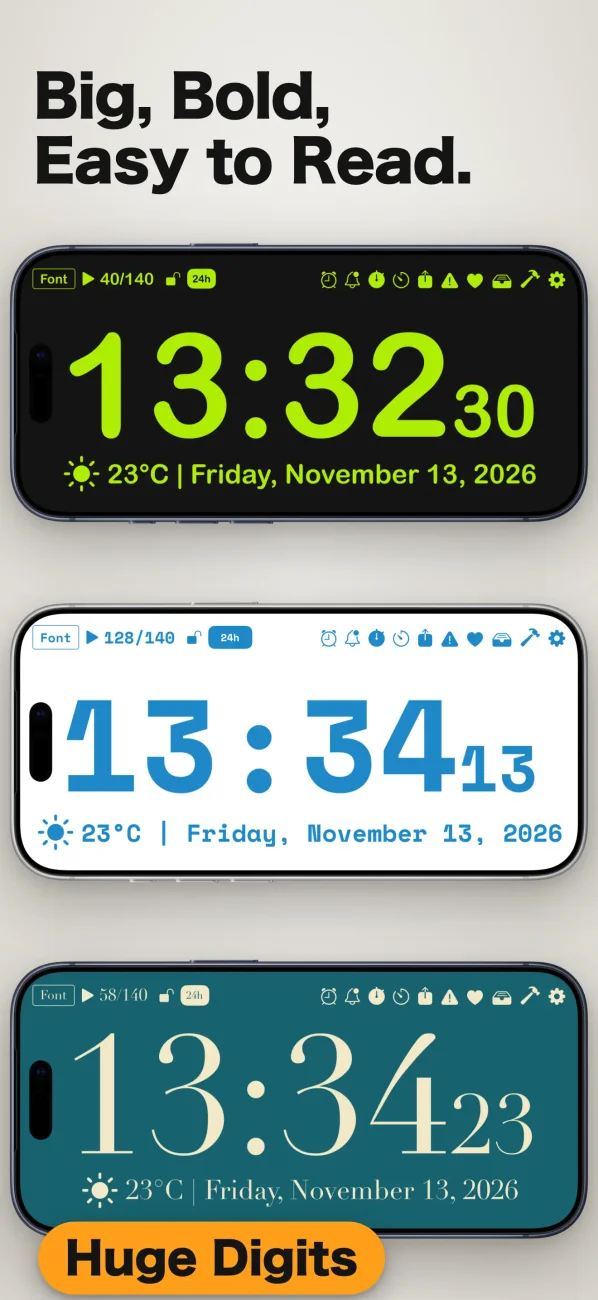
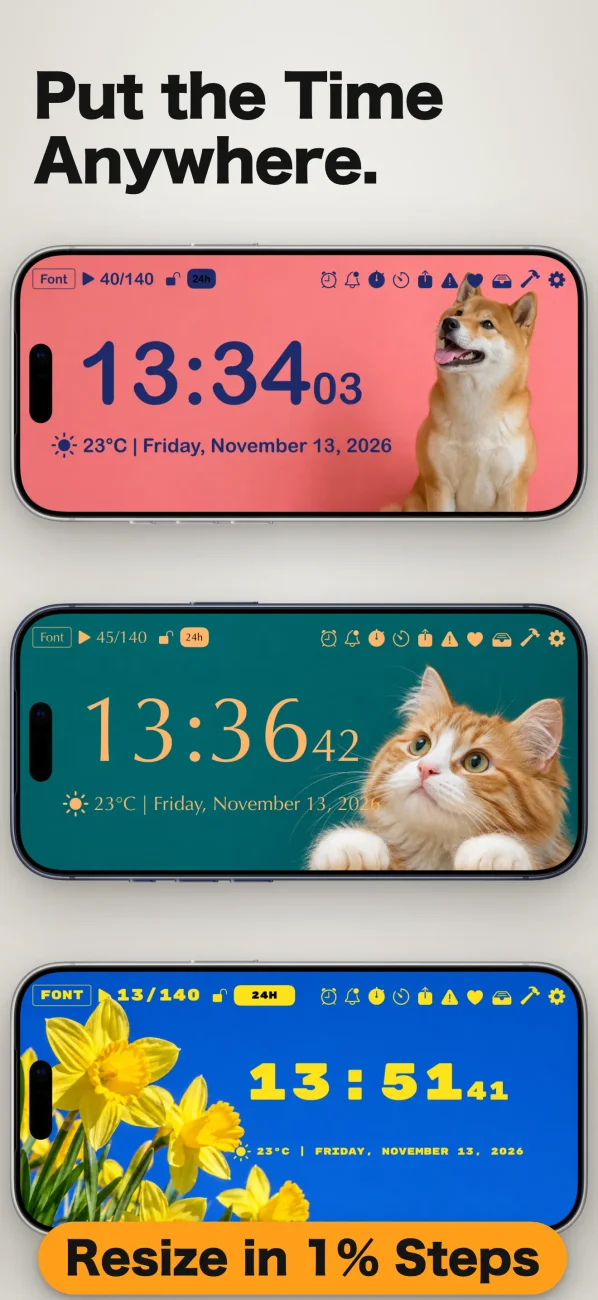
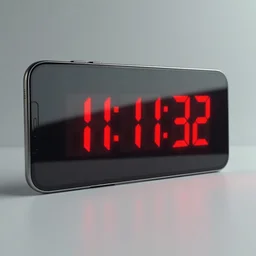
Mugen Clock fills the screen with large numbers and beautiful, vivid colors to make the time easy to see.
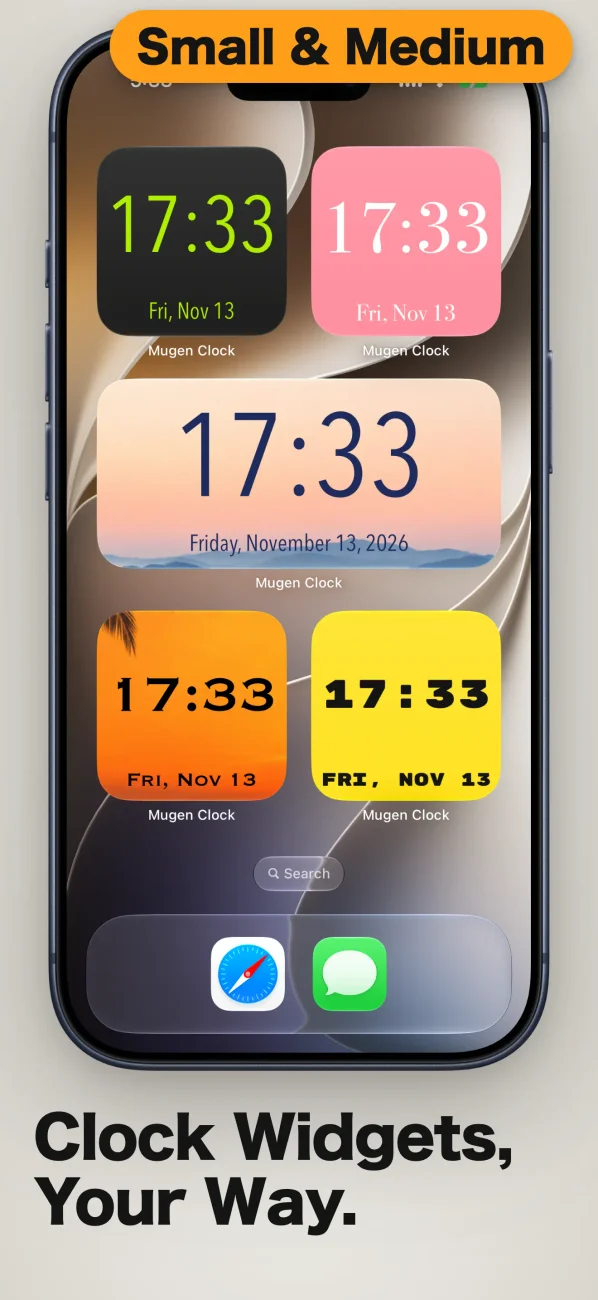
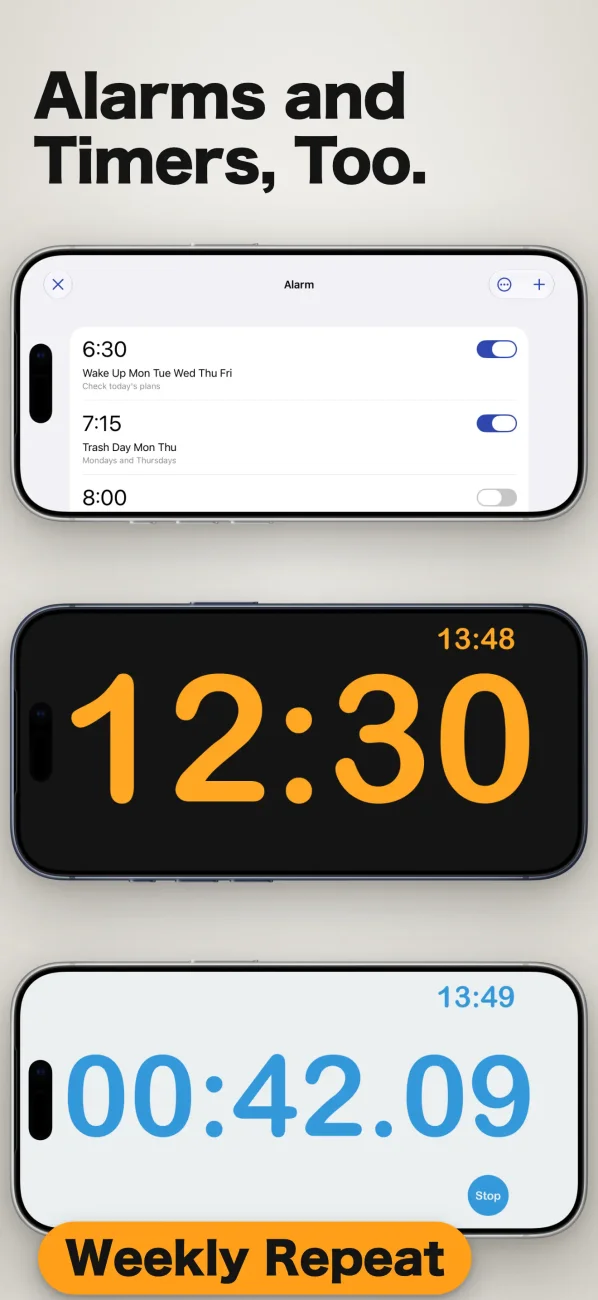
It brings together the features you expect from a clock app, including a kitchen timer and stopwatch, in a simple design.
And it offers more than readability. You can customize it in many ways to make it your own.
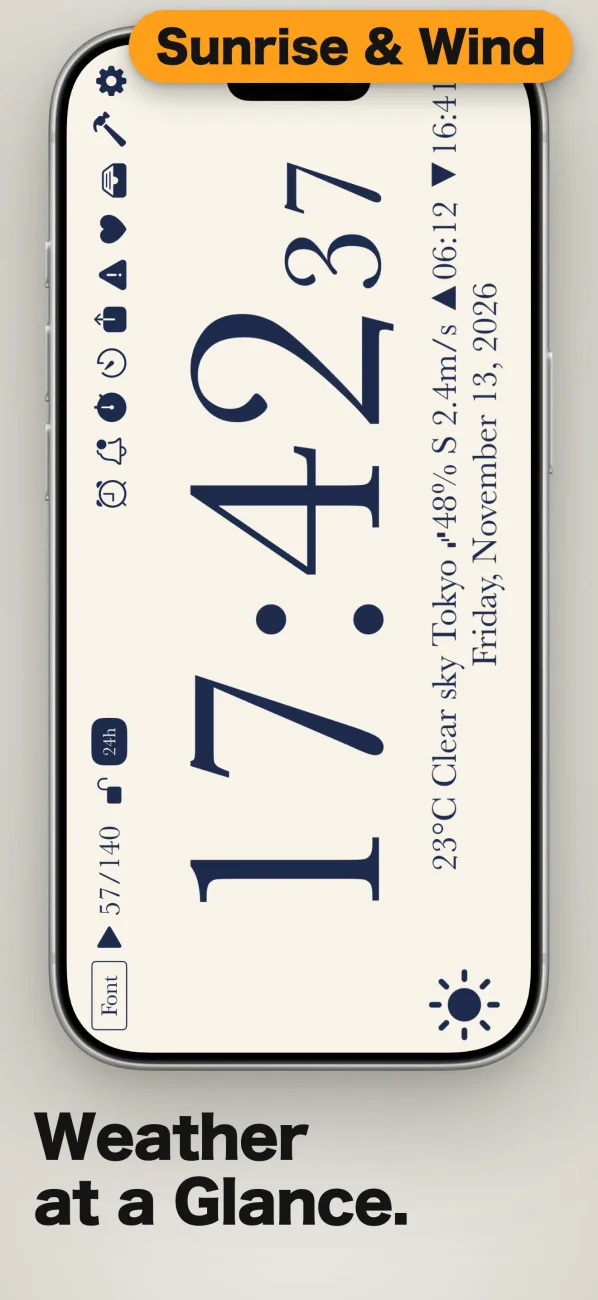
For example, you can show or hide the weather, temperature, date, day of the week, and seconds, and control the screen orientation.
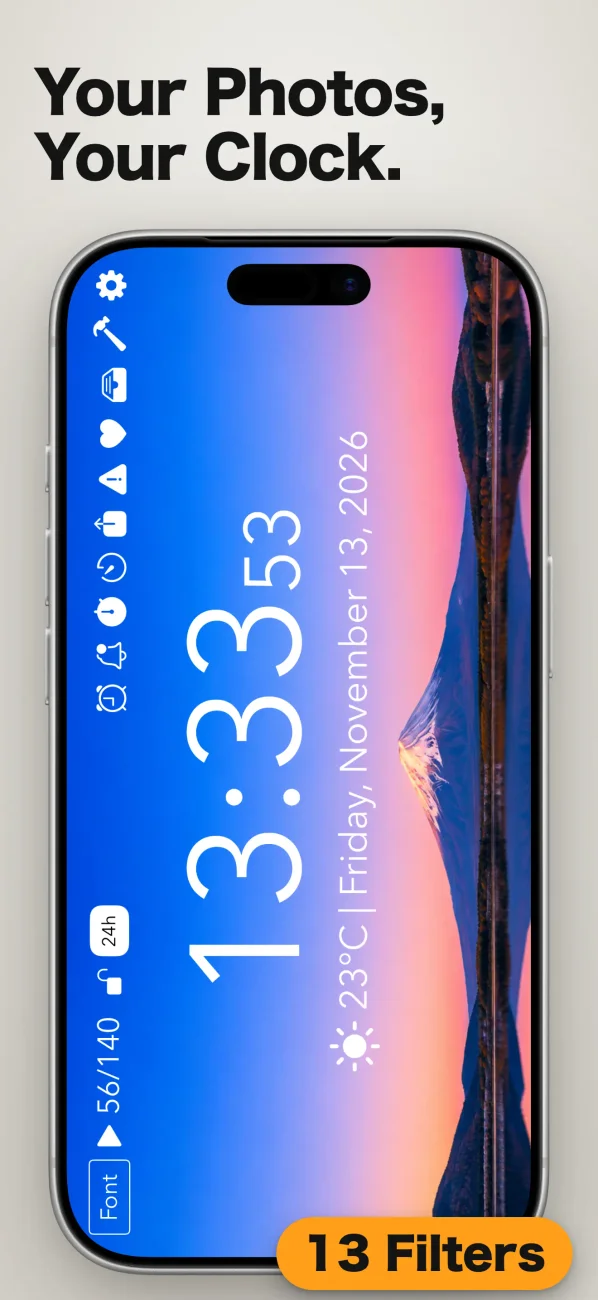
You can also set a favorite photo as the background or display a live camera view with stylish effects.
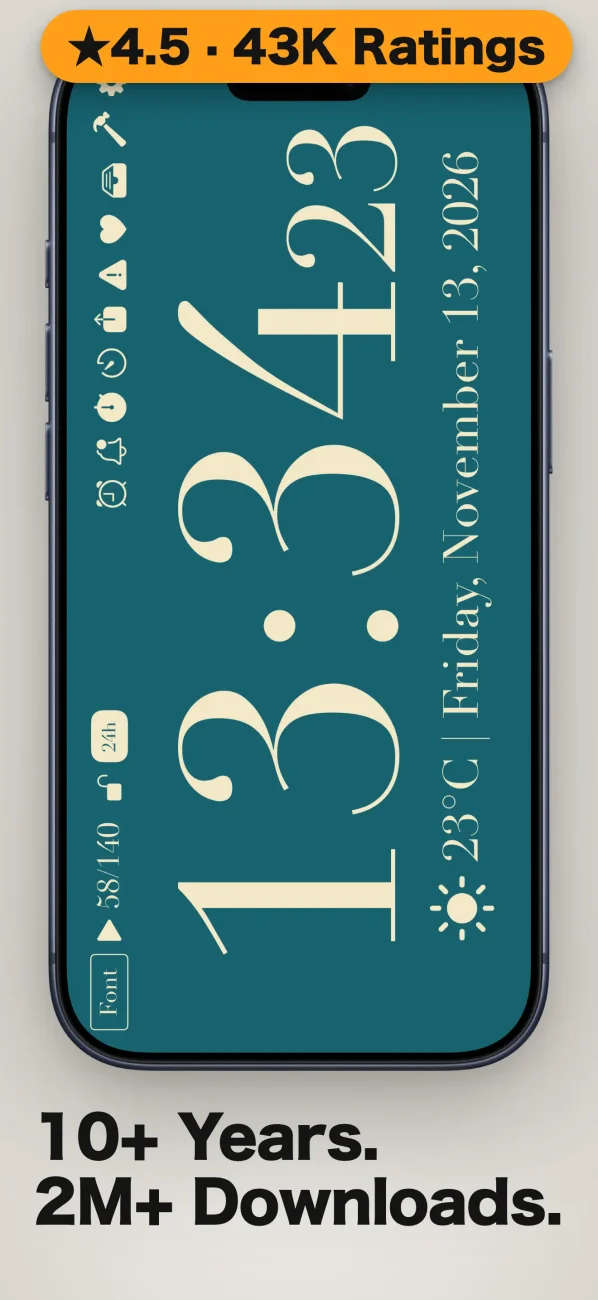
Carefully selected color themes can completely change the look and feel.
The combinations are endless.
You can save the clocks you create, too.
Switching between saved clocks to suit your needs or your mood is easy.
It does more than show the time: a simple, easy-to-use timer is also built in.
Keep it nearby while studying, cooking, or exercising. The ways to use it are endless, too.
Make this clock part of your everyday life.
What’s new
Version 5.83 · Nov 16, 2026
Your clock now remembers separate layouts for portrait and landscape!
【A Layout for Each Orientation】
The position and size of the time and of the date and weather line are now saved for each orientation. Portrait and landscape screens have very different shapes, so you can tune each one to fit. When you rotate your device, the layout you set for that orientation appears right away. Mirroring can be set for each orientation too.
Whether you turn your iPad around or switch your iPhone between upright and sideways, your clock looks just the way you want either way. Saved clocks keep both layouts as well.
Your current look stays exactly as it is after updating. Only the orientation you adjust next gets a new layout.
We'll keep making it easier to set up your clock for however you use it. Reach us anytime through Contact in the app.
App privacy
What Koichiro Kamada declares on the App Store about how this app handles data.
-
Data used to track you
May be used to track you across apps and websites owned by other companies.
- Location
- Identifiers
- Usage data
-
Data linked to you
May be collected and linked to your identity.
- Location
- Identifiers
- Usage data
-
Data not linked to you
May be collected but is not linked to your identity.
- Diagnostics
Privacy practices may vary, for example with the features you use or your age.
Information
- Seller
- Koichiro Kamada
- Category
- Utilities
- Version
- 5.83
- Updated
- Nov 16, 2026
- Released
- Dec 14, 2015
- Size
- 116.5 MB
- Requires
- iOS 17.0 or later
- Age rating
- 4+
- Price
- Free
- In-app purchases
- Yes
- Languages
- English, French, German, Indonesian, Italian, Japanese, Korean, Portuguese, Simplified Chinese, Spanish, Traditional Chinese, Vietnamese
- Copyright
- © 2015 KoichiroKAMADA
You might also like
-
 Digital Clock - NeoUtilities
-
 Smart Digital & Analog ClockCustomizable Clock with Widget
-
 Digital Clock - Advance TimeWidget, Customize Your Time
-
 Minimum ClockSimple Digital Clock
-
 SClock - Big Digital ClockUtilities
-
 SFClockSimple Flip Clock and Calendar
-
 Big Clock: Digital DisplayHuge Nightstand Clock & Timer
-
 FaceClock AnalogueAwesome Analogue Clocks
-
 eClock!Essential for study and life.
-
 Big Time Digital ClockLarge clock with many styles!