
FloatClock-Floating PiP Clock
PiP floating clock&rush timer
Designed for iPhone, iPad
Free · In-app purchases
- Age rating4+
- CategoryProductivity
- Developer玉春 蔡
- LanguagesEnglish+ 10 more
- Size24.9 MB
Links to the official App Store page
Download.org hosts no file of FloatClock-Floating PiP Clock. The button opens its official App Store page, published by 玉春 蔡. Listing last checked on Nov 17, 2026.
Screenshots
About
Time floats on your screen. Flash sales, handled.
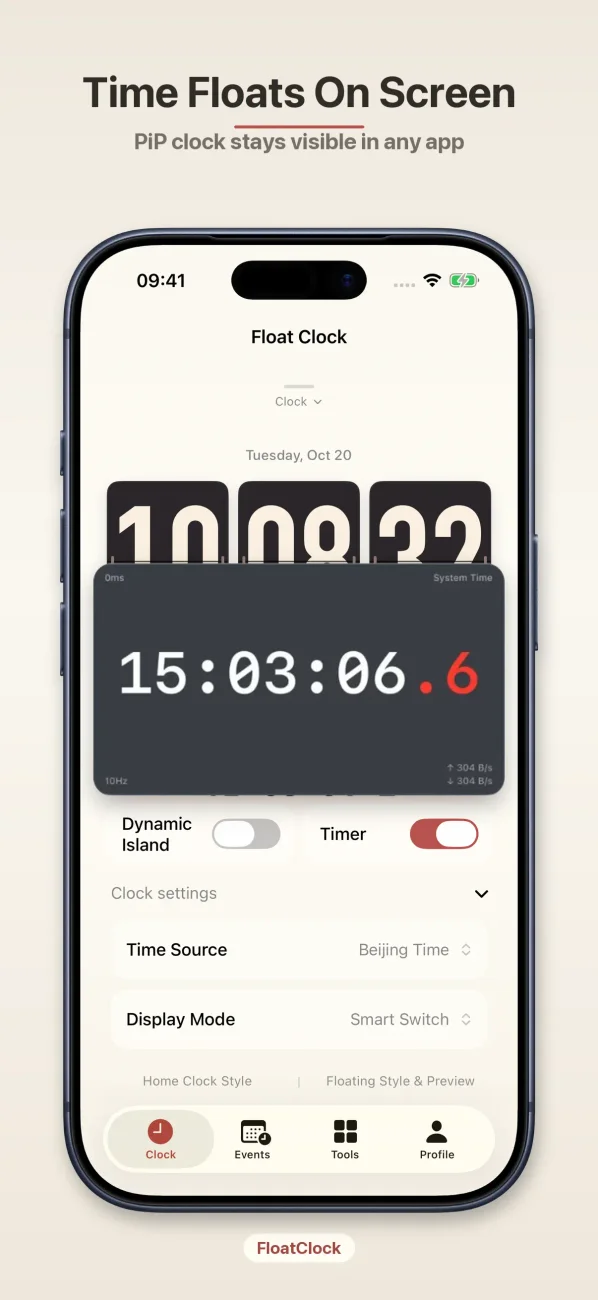
FloatClock is built for anyone who needs a clock always visible—especially flash sales on Taobao, JD, limited drops, and live stream giveaways. Powered by iOS Picture in Picture. You start PiP manually for a stable, App Store–compliant experience.
【PiP Floating Clock】
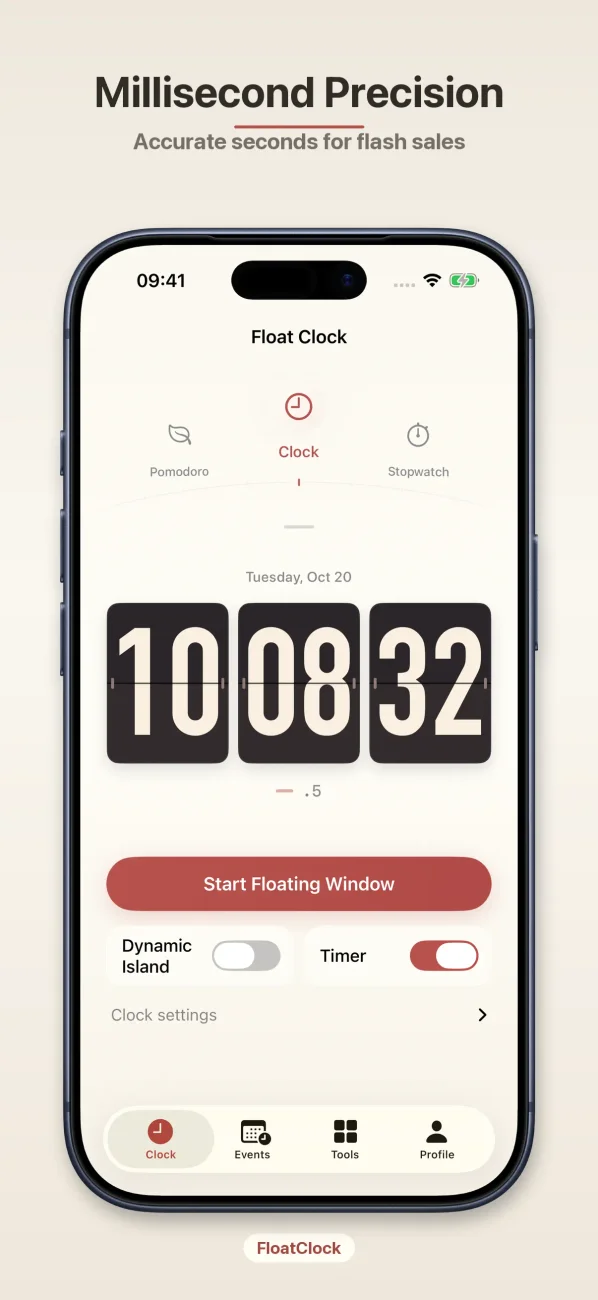
Start the floating window with one tap. Current time ticks every second while you shop, watch videos, or take classes—no need to switch back to the clock app. Millisecond display and multiple themes supported.
【Rush / Flash Sale Countdown】
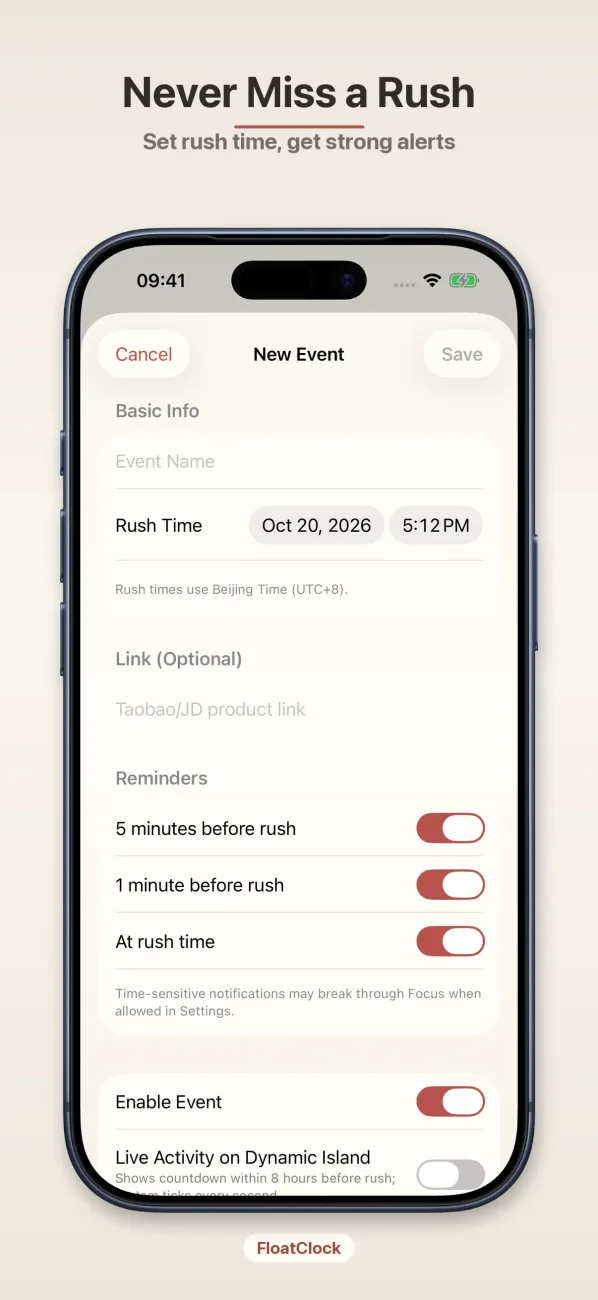
Set an exact rush time and float the countdown in PiP. See how long until go-time at a glance. Pre-rush and at-time local notifications keep you on schedule. Dynamic Island Live Activity shows the countdown on your Lock Screen too.
【Everyday Timers】
Generic countdown, stopwatch, and Pomodoro for workouts, cooking, and focus sessions. Sync time from system or network sources for better accuracy when every second counts.
【Customization】
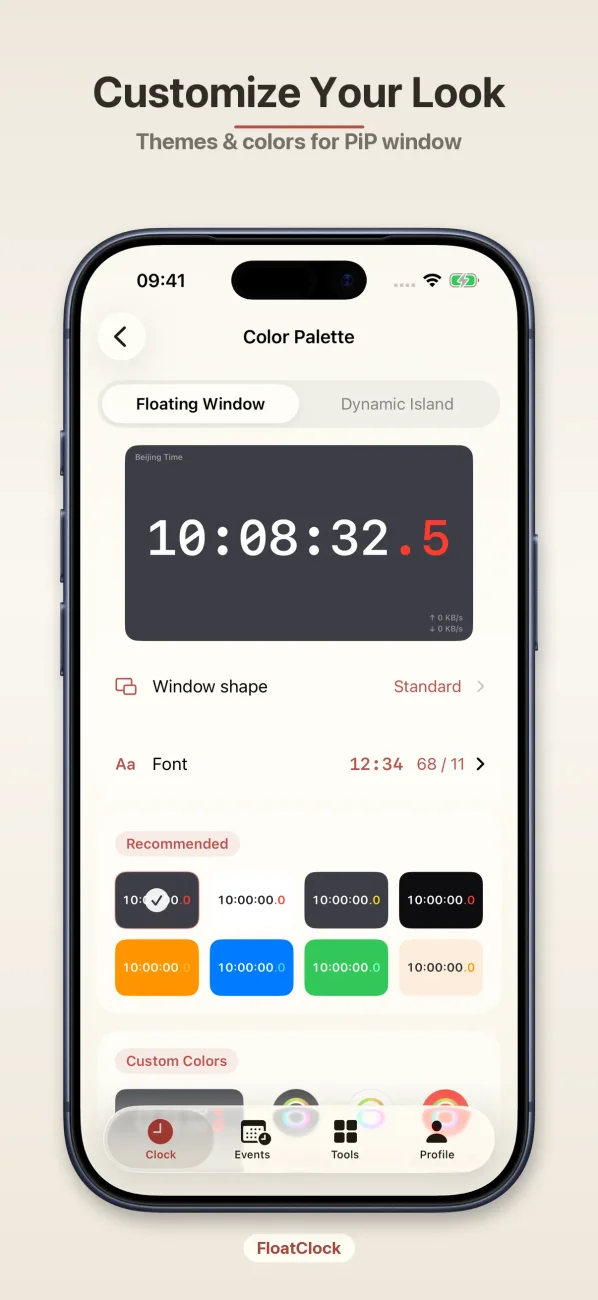
Preset PiP themes plus Pro palette: background, font, and millisecond accent colors. Dynamic Island colors can be customized separately.
Features:
• PiP floating clock (seconds / tenths)
• Fixed-time rush countdown in PiP
• Dynamic Island & Lock Screen Live Activity
• Local rush reminders
• Countdown, stopwatch, Pomodoro
• 12 / 24-hour format
• Themes & color palette
Perfect for:
• Flash sales on shopping apps
• Sneaker & collectible drops
• Live stream coupons & giveaways
• Classes & meetings with a floating clock
• Daily timing & focus
Note: PiP must be started manually inside FloatClock using iOS Picture in Picture. Settings and events are stored on device.
Download FloatClock and keep time on screen.
Privacy Policy:https://mcnzv1vkrtox.feishu.cn/wiki/BsKvwGXHziiJbOk9imocU4YBn6b?from=from_copylink
Terms of Use:https://mcnzv1vkrtox.feishu.cn/wiki/MwAQwvX0fis97PkyWoIcdyNLn5d?from=from_copylink
What’s new
Version 1.4.2 · Nov 16, 2026
We've added two new apps to our Recommended Apps section: Yike, a simple to-do app, and Thingfolio, a better way to view and manage your assets. Check them out in the app!
App privacy
What 玉春 蔡 declares on the App Store about how this app handles data.
-
Data not collected
The developer does not collect any data from this app.
Privacy practices may vary, for example with the features you use or your age.
Information
- Seller
- 玉春 蔡
- Category
- Productivity
- Version
- 1.4.2
- Updated
- Nov 16, 2026
- Released
- Jun 30, 2026
- Size
- 24.9 MB
- Requires
- iOS 16.0 or later
- Age rating
- 4+
- Price
- Free
- In-app purchases
- Yes
- Languages
- English, German, Indonesian, Japanese, Korean, Malay, Simplified Chinese, Spanish, Thai, Traditional Chinese, Vietnamese
- Copyright
- © 2026蔡玉春
You might also like
-
 Near: Pickup Codes & TicketsTickets, Codes & Lock Screen
-
 Lunbi: Habit TrackerWeekly goals. Grow your world.
-
 DBHub - Your Life OrganizerTrack Books, Habits & Spending
-
 Peoplebox: Relationship NotesRemember the people who matter
-
 Sidebar | Fast NotesRecord instantly, stay present
-
 PinNote - Lock Screen NotesSticky Note Widget & Reminder
-
 Auto Detailing: Business AppInvoice, Schedule, Dispatch
-
 Minigoal - 日程管理 & 习惯打卡与日记Productivity
-
 Ideon: Scroll Your Own IdeasBrain dump & private feed
-
 OneVoice: Offline RecorderPrivate voice notes, offline