
FloGravity Launcher
Quick Actions & Utilities
Designed for iPhone, iPad, Mac
Free · In-app purchases
- Age rating4+
- CategoryUtilities
- Developer骏 刘
- LanguagesEnglish+ 14 more
- Size60.9 MB
Links to the official App Store page
Download.org hosts no file of FloGravity Launcher. The button opens its official App Store page, published by 骏 刘. Listing last checked on Nov 28, 2026.
Screenshots
About
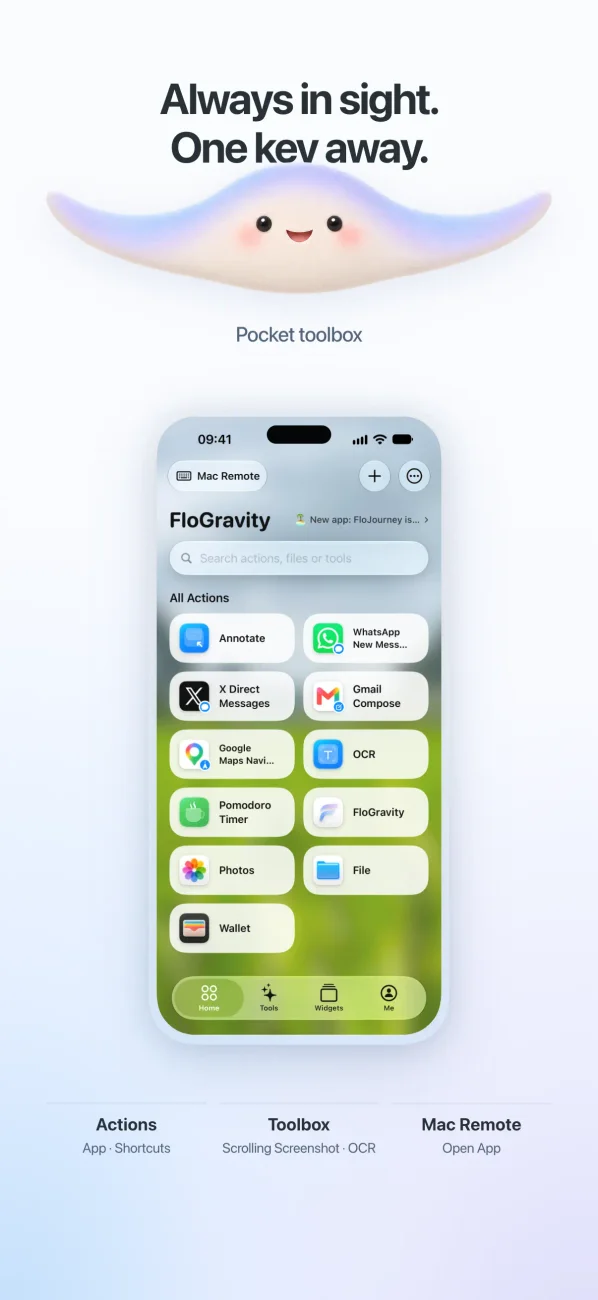
FloGravity is a Mac remote first—and an action, widget, and productivity toolbox for iPhone and iPad too.
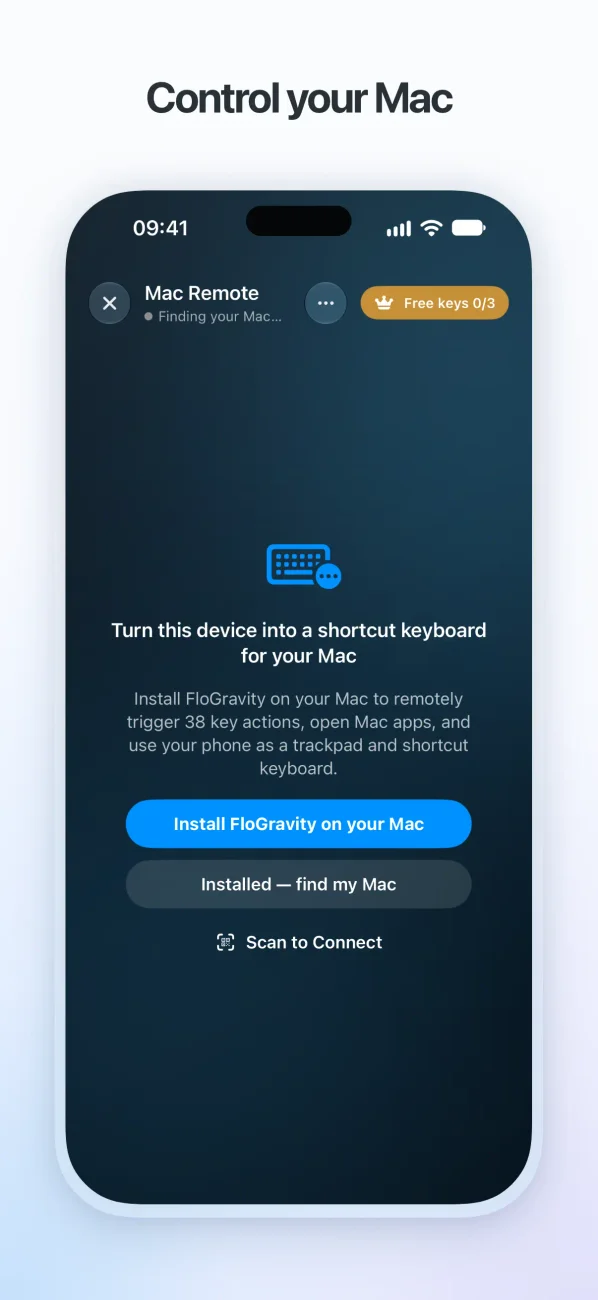
TURN IPHONE INTO A MAC REMOTE
• Discover and pair with a supported version of FloGravity for Mac through an encrypted session, then switch between multiple paired Macs.
• Trigger favorites in portrait, or rotate to landscape for the full Action Panel and app panel, with search and app launching from your Mac.
• Use the screen as a trackpad for pointer movement, clicks, scrolling, and multi-touch gestures. Text typed into the input bar can appear on your Mac as you type.
• Build shortcut combinations and use directional, editing, volume, brightness, and media controls.
• Add Mac Remote entry points to the Home Screen, Lock Screen, and Control Center for quick access from the places you use most.
A BIG-SCREEN REMOTE FOR IPAD
Mac Remote takes advantage of the larger iPad canvas: action and app panels show more at once, the touch surface has more room, and shortcut slots and system controls are better suited to extended use. Portrait and landscape adapt independently instead of simply stretching the iPhone interface.
MORE THAN A REMOTE
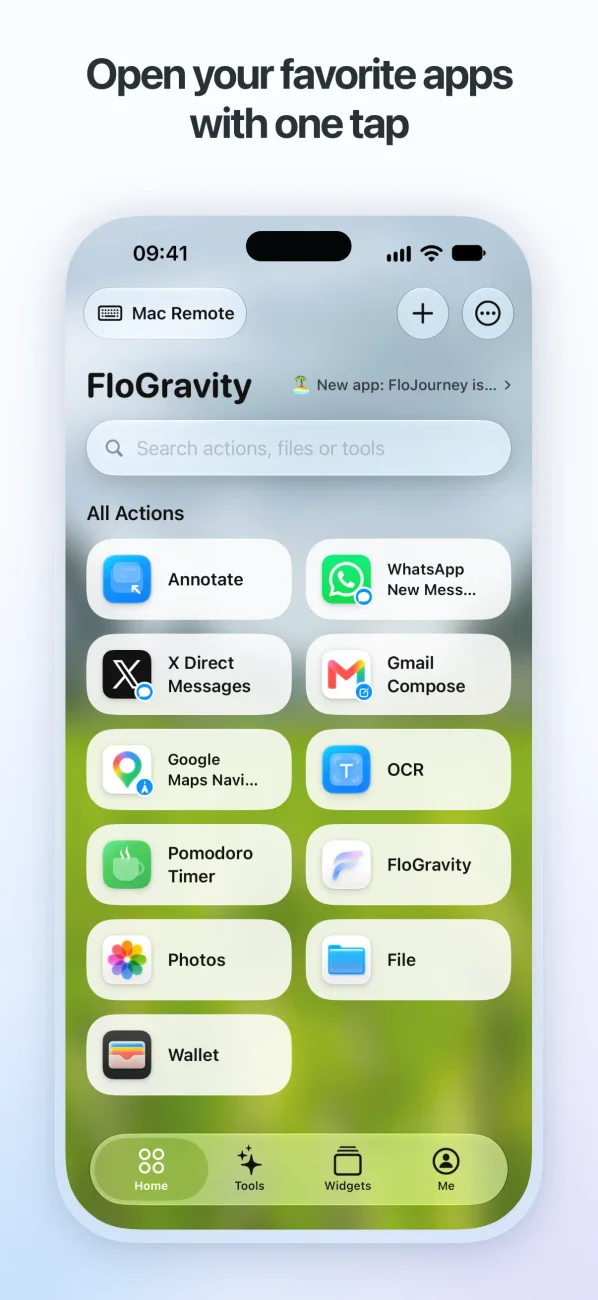
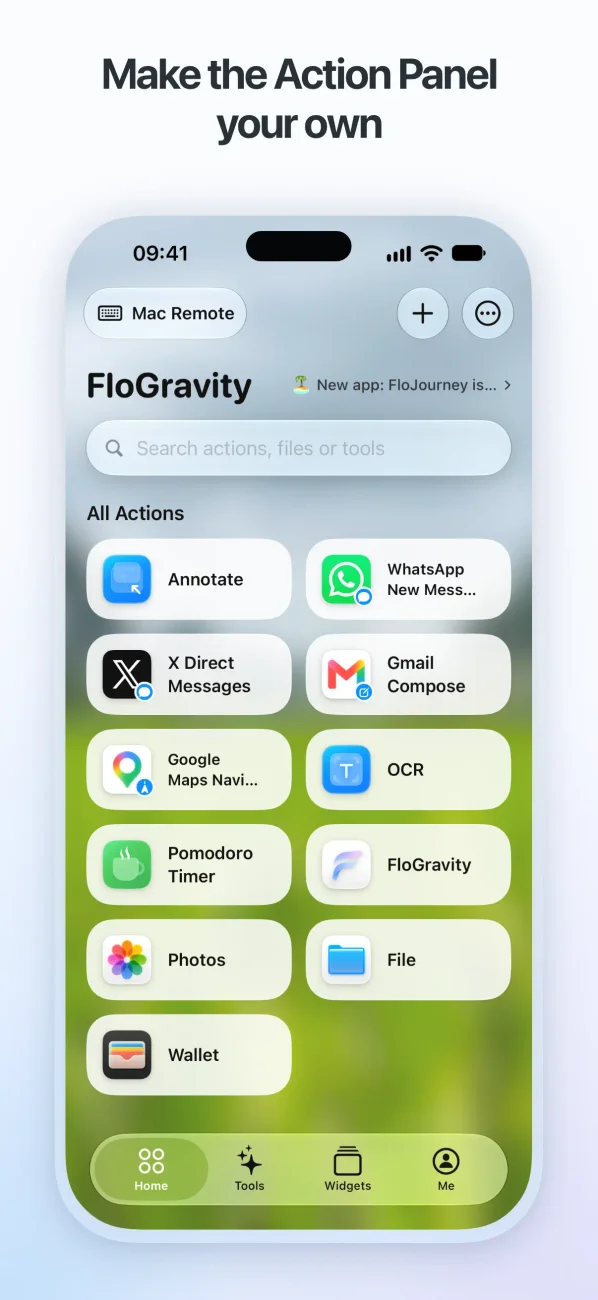
• Build a mobile Action Panel for app links, websites, Shortcuts, files, folders, and FloGravity tools.
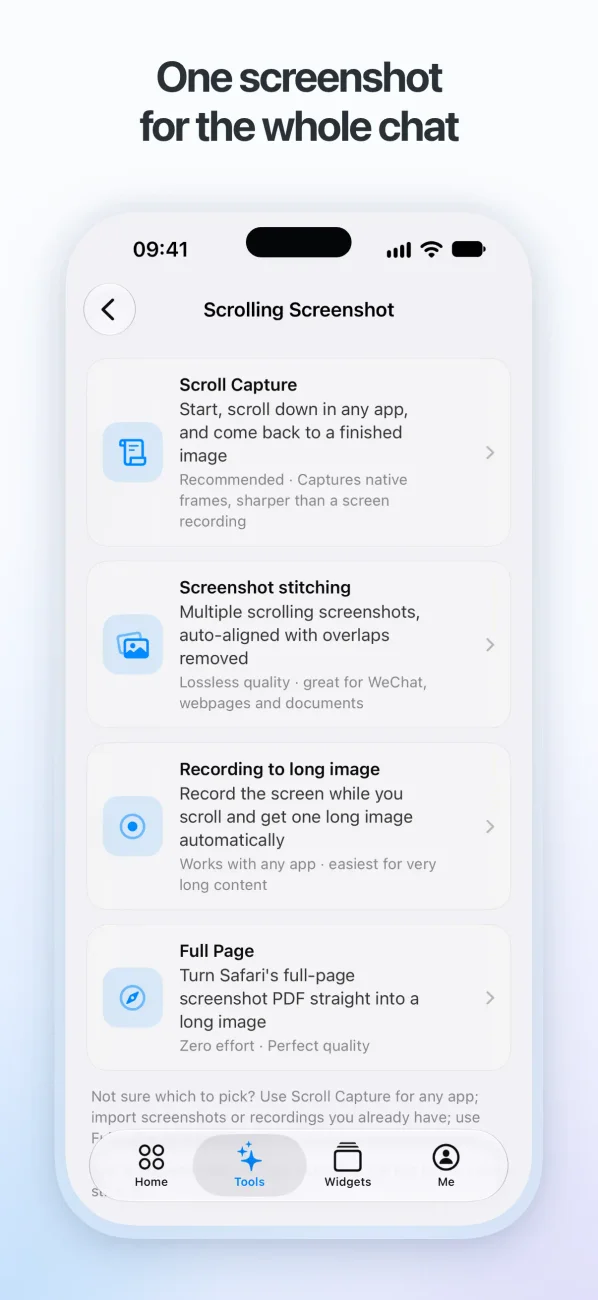
• Turn consecutive screenshots, screen recordings, or Safari full-page screenshot PDFs into scrolling images.
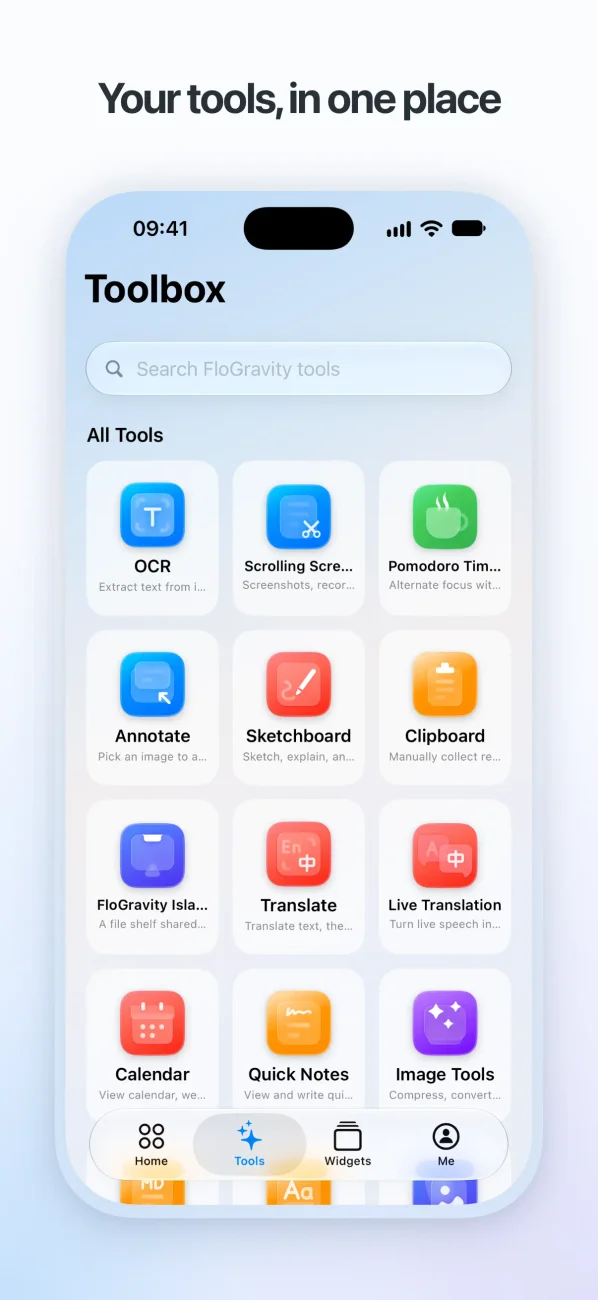
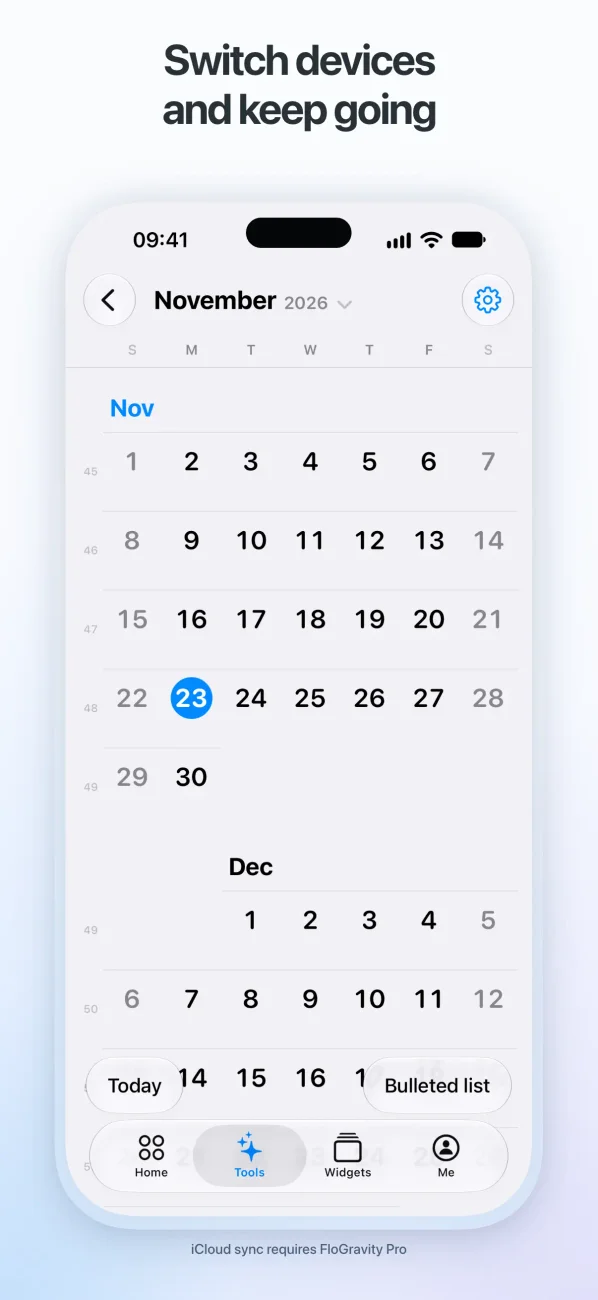
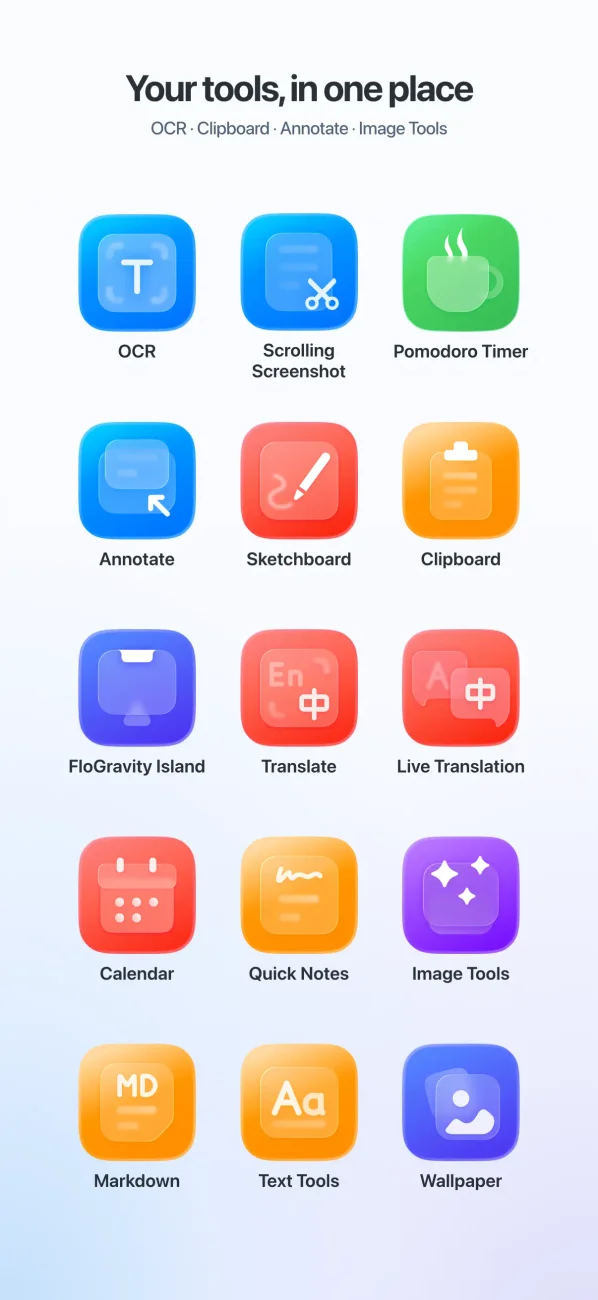
• Use OCR, Translate, Calendar, Countdowns and to-dos, Quick Notes, Clipboard, FloGravity Island, Image Tools, Markdown, Text Tools, rest reminders, and wallpapers.
SYNC AND CONTINUE
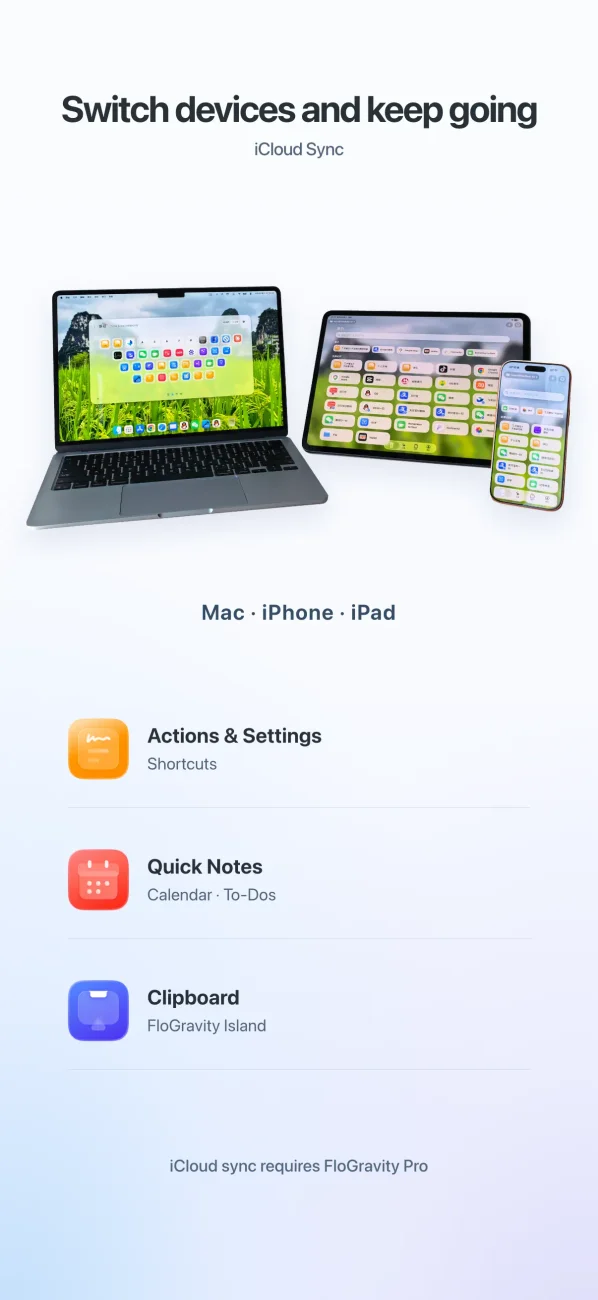
Many tools work locally. Supported content can sync through iCloud, helping you continue naturally across iPhone, iPad, and Mac.
Some advanced remote, widget, sync, and customization features require FloGravity Pro. Certain remote features require Mac accessibility permission or a supported FloGravity for Mac version, and some controls require newer system versions. Availability may vary by device, OS version, and the paired Mac version.
Terms of Use (EULA): https://www.apple.com/legal/internet-services/itunes/dev/stdeula/
Privacy Policy: https://fg.vkr.me/mac/privacy/
What’s new
Version 2.0.7 · Nov 26, 2026
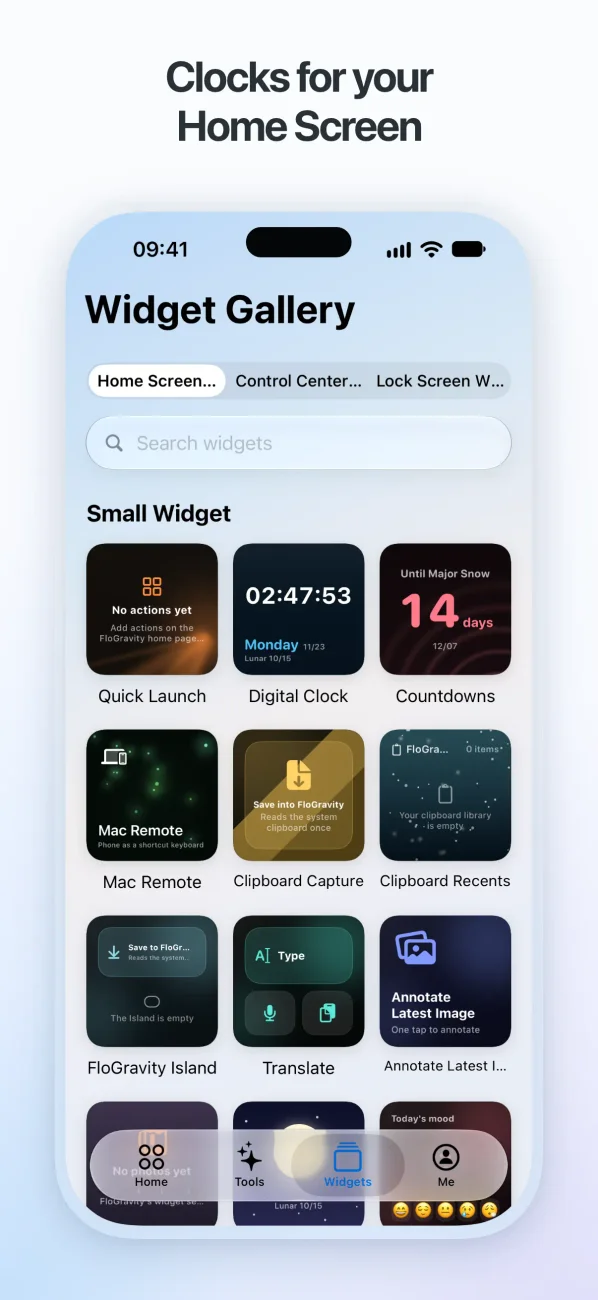
1. Home Screen widgets: Choose from seven new clocks, including flip, analog, and word clocks. Add a photo frame, illustrated cards, a mood widget, a fidget widget, a garden, or a pet. Rotate your photos, water flowers, or feed your pet right on the Home Screen. More flower varieties and pet colors require FloGravity Pro.
2. My Feedback: Sign in to find your submissions in one place, follow their status, and sort the list.
3. Image annotation: The sketch editor checks whether the handwriting font is available. If a download is needed, it shows the progress and result.
App privacy
What 骏 刘 declares on the App Store about how this app handles data.
-
Data linked to you
May be collected and linked to your identity.
- Identifiers
- Usage data
Privacy practices may vary, for example with the features you use or your age.
Information
- Seller
- 骏 刘
- Category
- Utilities
- Version
- 2.0.7
- Updated
- Nov 26, 2026
- Released
- Jul 9, 2026
- Size
- 60.9 MB
- Requires
- iOS 17.0 or later
- Age rating
- 4+
- Price
- Free
- In-app purchases
- Yes
- Languages
- English, Czech, Dutch, French, German, Italian, Japanese, Korean, Polish, Portuguese, Russian, Simplified Chinese + 3 more
- Copyright
- © 2026 JUN LIU
You might also like
-
 Scheme: Themes & WidgetsMinimal home screen wallpapers
-
 Luvelo LauncherLuvelo, Launch, Launcher
-
 iDock - App LauncherSeamless device control
-
 Virtual TouchPadWireless Mac Control
-
 beSIMUtilities
-
 Easy SSH — 随身 SSH 终端Utilities
-
 SayAllMicrophone & Remote
-
 岁岁 - 农历生日/纪念日提醒Utilities
-
 药吃了没Utilities
-
 Wisdom - 沉浸式英语学习Utilities