
Flowpin: BPMN Process Workshop
Notes, flowcharts and minutes
Designed for iPhone, iPad, Mac
Free
- Age rating4+
- CategoryProductivity
- DeveloperJoshua Reinhard
- LanguagesEnglish+ 1 more
- Size4.1 MB
Links to the official App Store page
Download.org hosts no file of Flowpin: BPMN Process Workshop. The button opens its official App Store page, published by Joshua Reinhard. Listing last checked on Nov 23, 2026.
Screenshots

About
Flowpin takes you through the whole workshop: take notes, draw the process, capture tasks and send the minutes at the end. Everything lives in one folder, everything stays on your device.
TAKE NOTES
• Note pages with handwriting (Apple Pencil) or typed text, both on the same page
• Convert handwriting to text, right on the device
• Photos of flipcharts and whiteboards, with a scanner that straightens the sheet
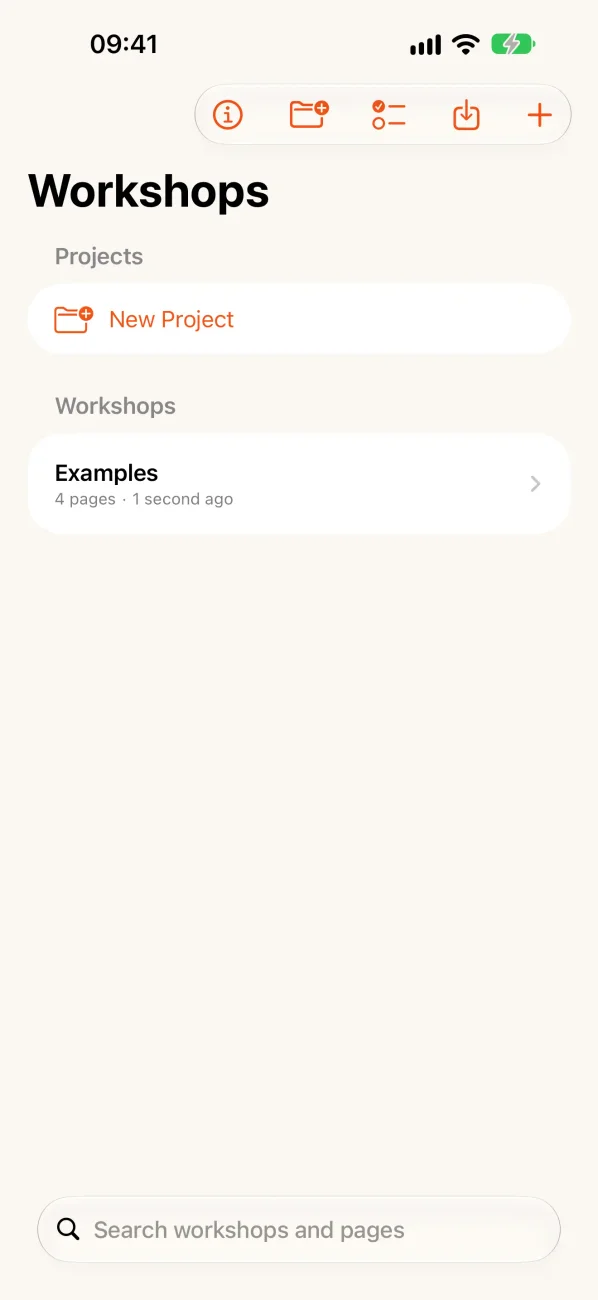
• Search across workshops, pages, typed text, handwriting and shape names
FROM WHAT WAS SAID TO A PROCESS
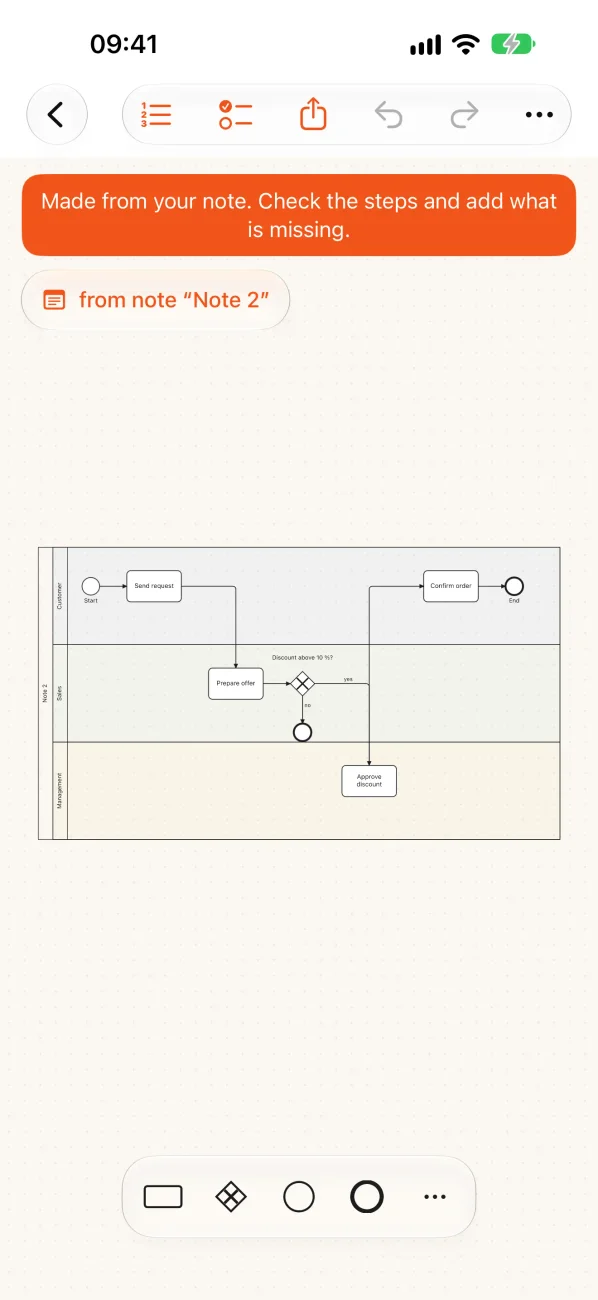
• "Model" turns your lines into a process: each line a step, "Purchasing: …" becomes a lane, a question becomes a decision
• Kept writing later? Flowpin adds the new lines to the existing process in the right place, if you want it to
• Use "@" to point to a shape: the line shows up at the step, a tap jumps to the diagram
DRAW PROCESSES
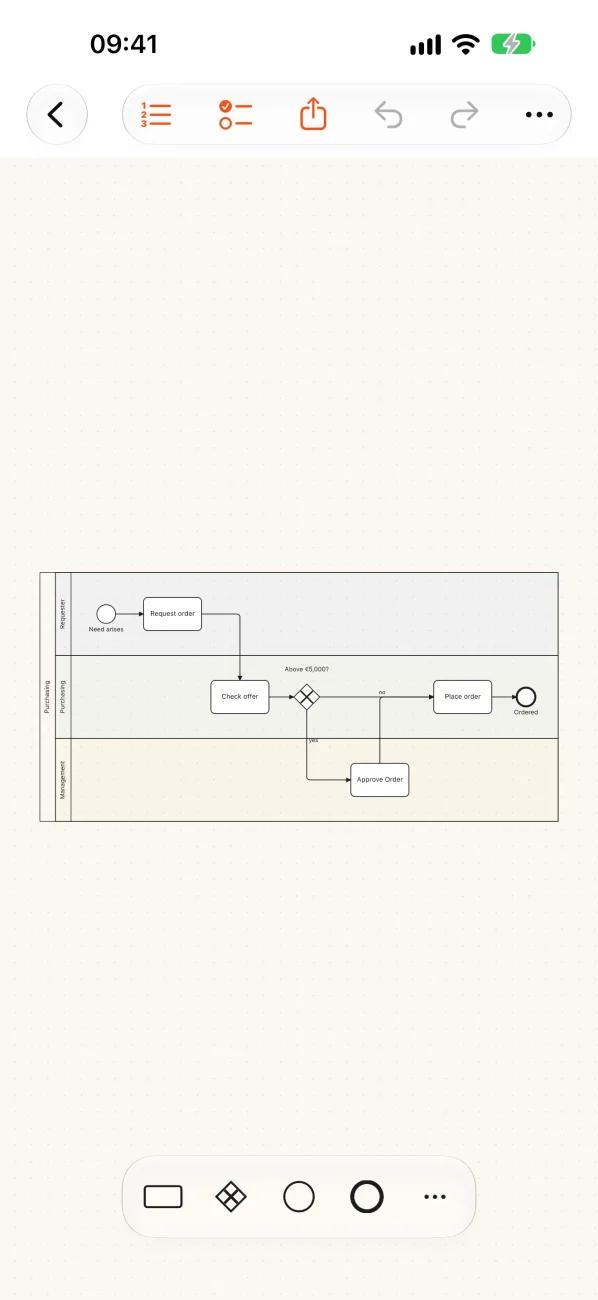
• Sketch with Apple Pencil: rectangle, circle and diamond become BPMN shapes
• Just as fast without a pencil: shapes from the palette, next step with a tap on the arrow
• Pools, lanes, gateways, events, message flows, data objects, text annotations
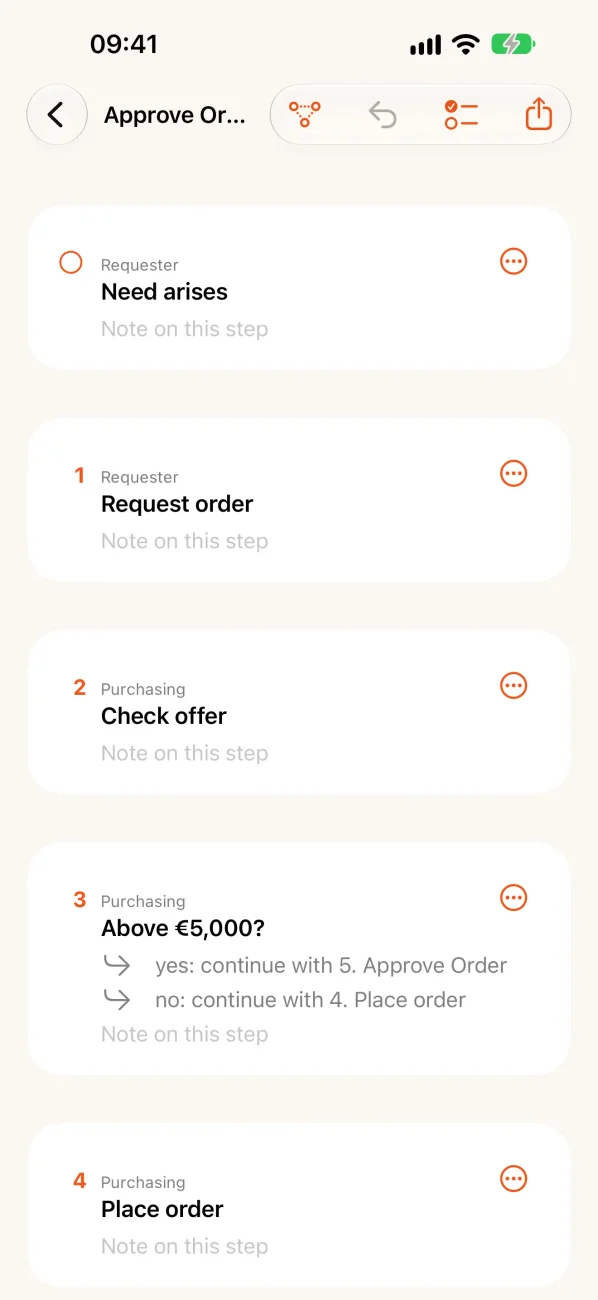
• Flow view: the same process as a numbered list of steps, linked live to the diagram
• Pin notes to shapes, annotate freely over the diagram (circle, underline, arrows)
• Hints for open ends and missing connections, can be turned off per file
AFTER THE WORKSHOP
• Tasks from notes and on shapes, collected per workshop and across all workshops
• Minutes as a PDF: details, participants, tasks, notes, photos and processes with their flow
• Export as BPMN 2.0, PDF, PNG, SVG or text
BPMN STAYS BPMN
• Every process is a valid BPMN 2.0 file
• Exports from Signavio, Camunda and ARIS open and save back without loss
YOUR DATA STAYS WITH YOU
• No account, no server, no analytics, no ads
• Saved on your device or in your iCloud Drive
• Works offline
What’s new
Version 1.2 · Nov 18, 2026
Flowpin is now much more responsive, especially when your workshops live in iCloud Drive.
• The guide, tasks and process pages open without waiting
• Autosave runs in the background, so drawing and writing no longer stutter
• The task list across all workshops loads in one go and shows a progress indicator
• When sharing or exporting the minutes as a PDF, you see right away that Flowpin is preparing the file
• Every button shows that it was tapped
• New launch screen instead of a black screen on start
Thanks for your feedback. Reach us anytime via "Settings & Info".
App privacy
What Joshua Reinhard declares on the App Store about how this app handles data.
-
Data not collected
The developer does not collect any data from this app.
Privacy practices may vary, for example with the features you use or your age.
Information
- Seller
- Joshua Reinhard
- Category
- Productivity
- Version
- 1.2
- Updated
- Nov 18, 2026
- Released
- Nov 13, 2026
- Size
- 4.1 MB
- Requires
- iOS 26.0 or later
- Age rating
- 4+
- Price
- Free
- Languages
- English, German
- Copyright
- © 2026 Joshua Reinhard“
You might also like
-
 AIxFlow: Flowchart & BPMNAI Diagram & Process Mapping
-
 OmniPlan 4Powerful project management
-
 OmniFocus 4Accomplish More Every Day
-
 Obsidian Web ClipperSave the web. Own your data.
-
 Flowdia DiagramsFlowchart & Diagramming
-
 Handwriting to Text PenToPrintConvert Image to Word with OCR
-
 Toki: Tasks, Scheduling & WorkAI agent for what matters
-
 Microsoft PlannerProductivity
-
 3D Snap: LiDAR Room ScannerDesign & Create Floor Plans