
- Age rating4+
- CategoryProductivity
- DeveloperMicrosoft Corporation
- LanguagesEnglish+ 28 more
- Size159.3 MB
Links to the official App Store page
Download.org hosts no file of Microsoft Planner. The button opens its official App Store page, published by Microsoft Corporation. Listing last checked on Nov 23, 2026.
Screenshots
About
Microsoft Planner requires an eligible Office 365 work or school subscription. This app does not support Office 365 personal accounts (for example: name@outlook.com or name@hotmail.com). If you are not sure about your company’s subscription or the services you have access to, please contact your IT department.
Planner provides a simple, visual way to organize teamwork. Planner makes it easy for your team to create new plans, organize and assign tasks, share files, chat about what you’re working on, and get updates on progress.
-- Organize work visually --
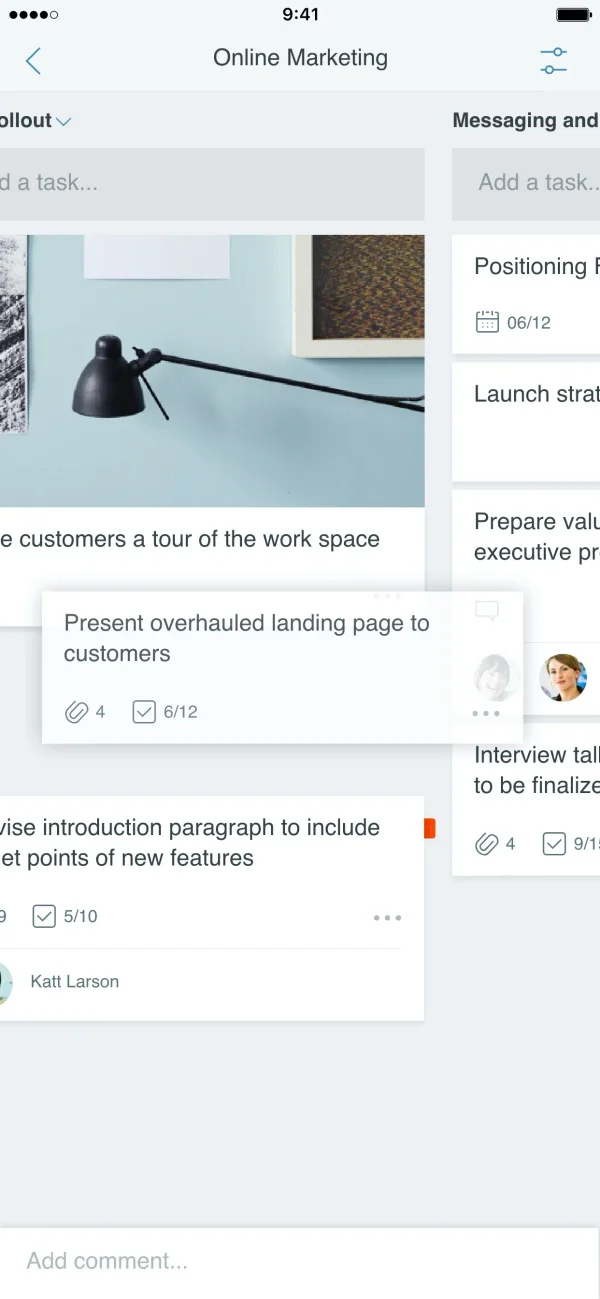
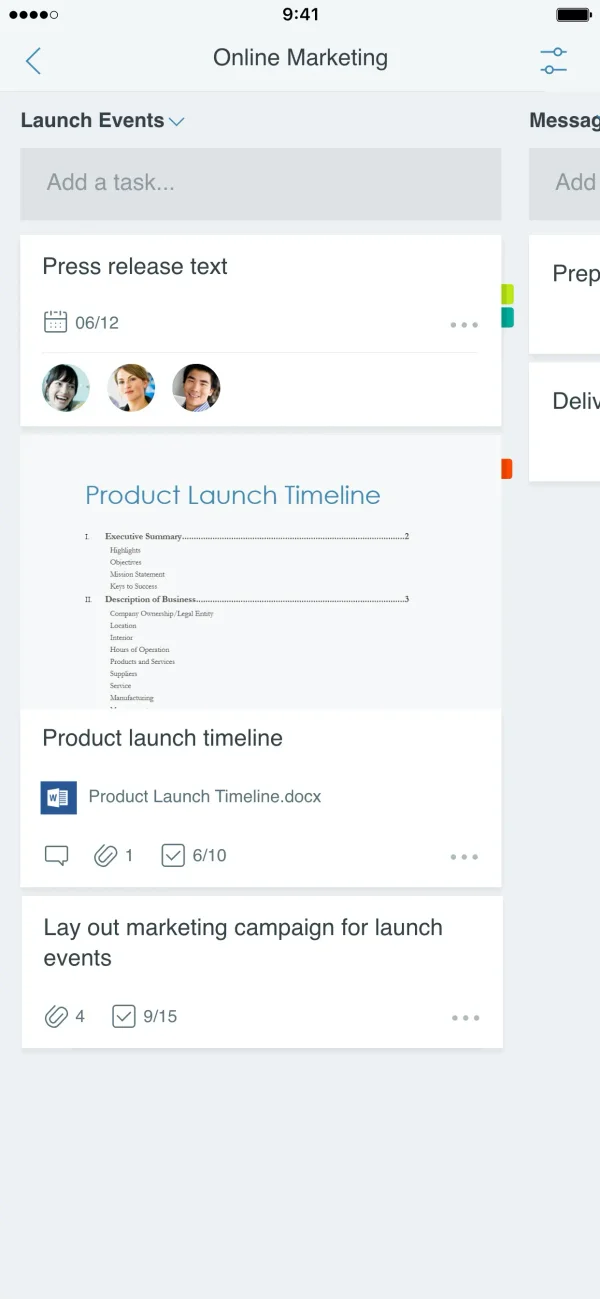
Each plan has its own board, where you can organize tasks into buckets. You can categorize tasks based on their status or on whom they’re assigned to. To update the status or change assignments, just drag and drop tasks between columns.
-- Visibility --
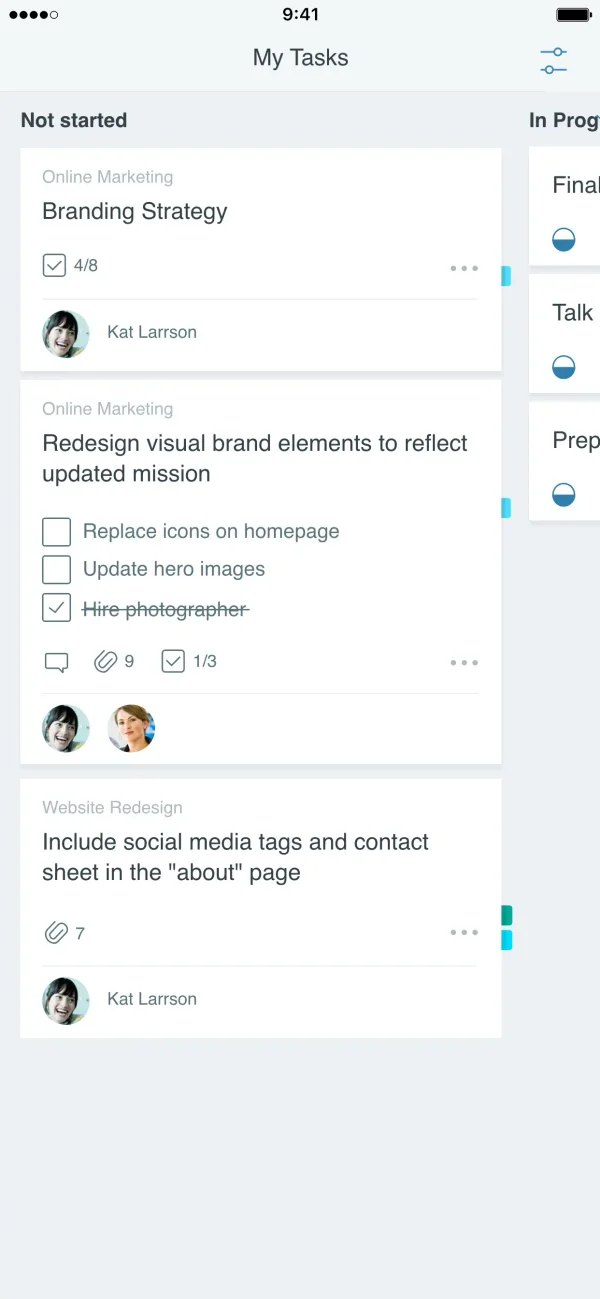
The My Tasks view provides a comprehensive list of all your tasks and their status across all your plans. When working together on a plan, team members always know who is working on what.
-- Collaborate --
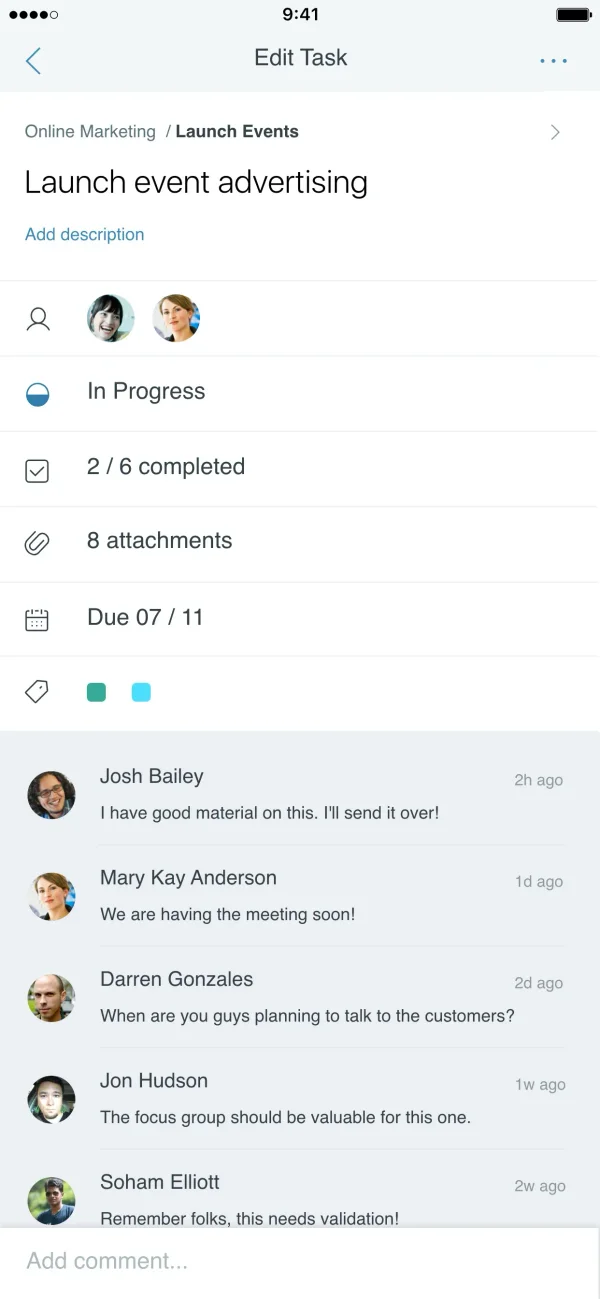
Built for Office 365, Planner lets you work together on the same tasks, attach captured photos directly to them, and even have conversations around tasks without switching between apps. With Planner, all your team’s discussions and deliverables stay with the plan and don’t get locked away across disparate applications.
-- Works across devices --
Planner works across all your devices. And with Planner, everyone is always on the same page. Continue conversations and updates tasks while on-the-go or at your desk.
Terms of service: https://go.microsoft.com/fwlink/?linkid=846830
Privacy policy: https://go.microsoft.com/fwlink/?LinkId=521839
To learn more, please visit https://go.microsoft.com/fwlink/?linkid=849067
The Microsoft Planner app will request permission to access your photos and your camera: When you try to attach a photo to a Planner task, the app requests permission to access your Photos app in order to select images. If you choose to take a photo to attach to a Planner task, the app will request permission to access your Camera app.
What’s new
Version 1.17.21 · Nov 19, 2026
Bug fixes and performance improvements.
App privacy
What Microsoft Corporation declares on the App Store about how this app handles data.
-
Data linked to you
May be collected and linked to your identity.
- Identifiers
-
Data not linked to you
May be collected but is not linked to your identity.
- Identifiers
- Usage data
- Diagnostics
Privacy practices may vary, for example with the features you use or your age.
Information
- Seller
- Microsoft Corporation
- Category
- Productivity
- Version
- 1.17.21
- Updated
- Nov 19, 2026
- Released
- May 18, 2017
- Size
- 159.3 MB
- Requires
- iOS 17.0 or later
- Age rating
- 4+
- Price
- Free
- Languages
- English, Catalan, Croatian, Czech, Danish, Dutch, Finnish, French, German, Greek, Hungarian, Indonesian + 17 more
- Copyright
- © 2023 Microsoft Corporation. All rights reserved.
You might also like
-
 Jira Cloud by AtlassianTrack tasks, projects & work
-
 Planmore: Schedule Planner AppDaily Calendar, Time Organizer
-
 ClickUp: Tasks, Chat, Docs, AI#1 AI Workspace & Agents
-
 Confluence CloudCollaborate on the go
-
 Google Tasks: Get Things DonePlan, Organize & Schedule Work
-
 Motion: Tasks & AI SchedulingA.I. Time and Project Manager
-
 BluebeamField app for PDF workflows
-
 Fantastical CalendarReminders & Todo List
-
 AirtableProductivity
-
 Google CloudProductivity