FlowRec: Web & Screen Recorder
Record any app, face included
Designed for iPhone, iPad, iPod touch
Free · In-app purchases
- Age rating17+
- CategoryPhoto & Video
- DeveloperFlowboard
- LanguagesEnglish
- Size25.9 MB
Links to the official App Store page
Download.org hosts no file of FlowRec: Web & Screen Recorder. The button opens its official App Store page, published by Flowboard. Listing last checked on Nov 17, 2026.
Screenshots
About
Record any app or website on your iPhone or iPad with your face in the picture.
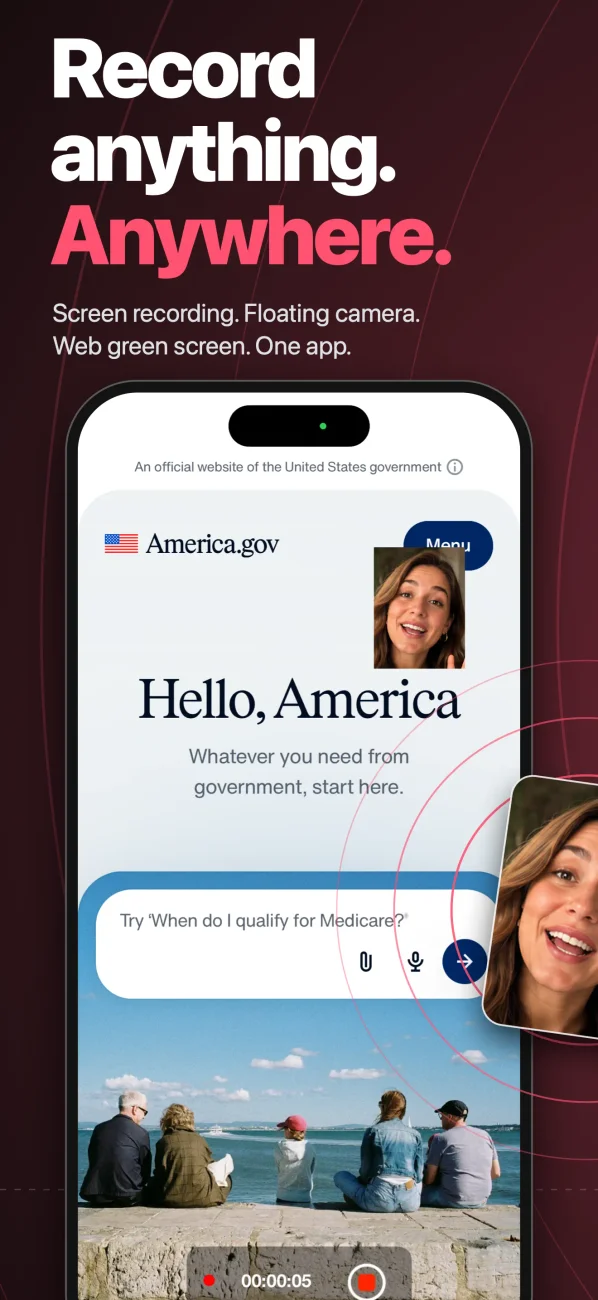
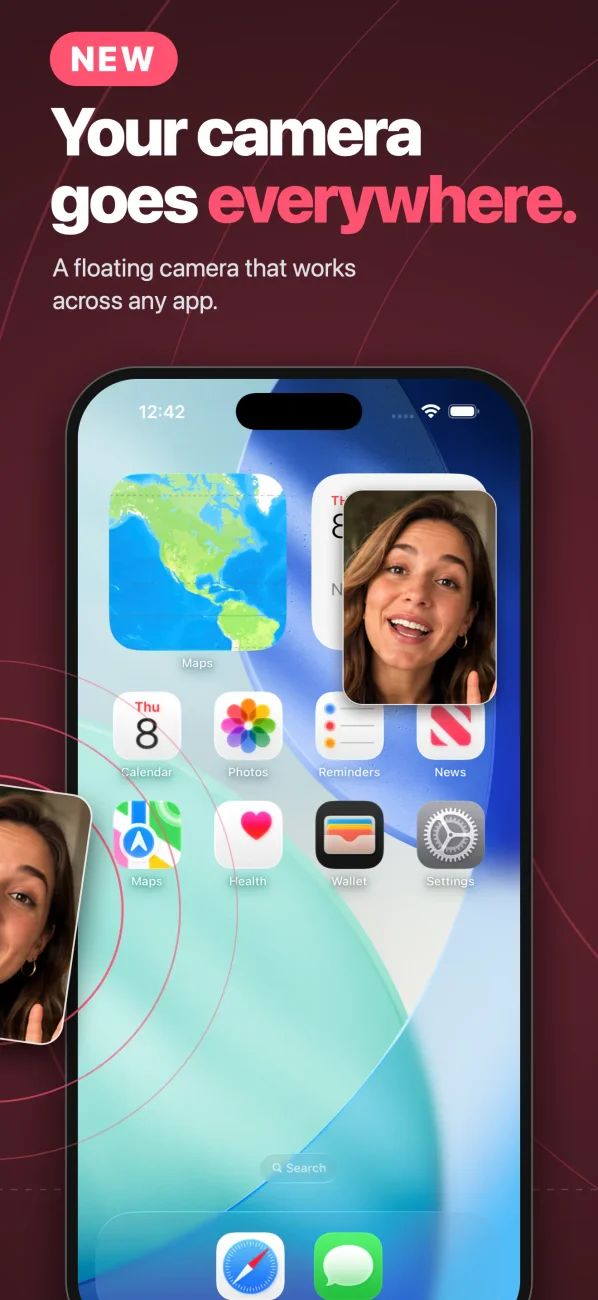
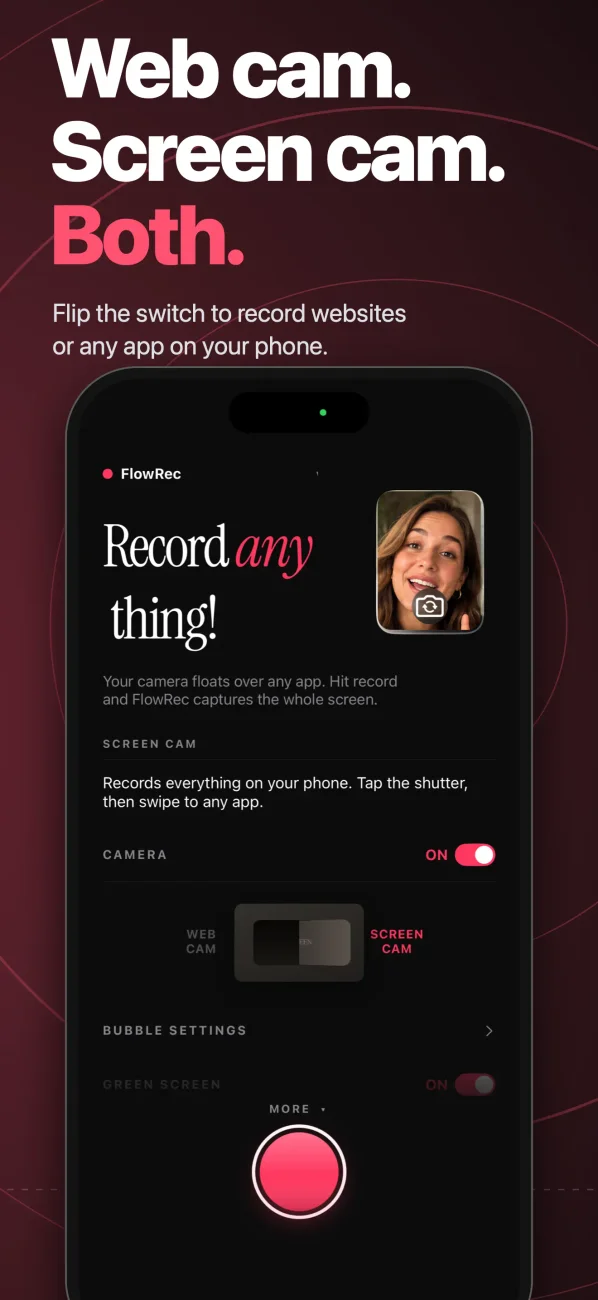
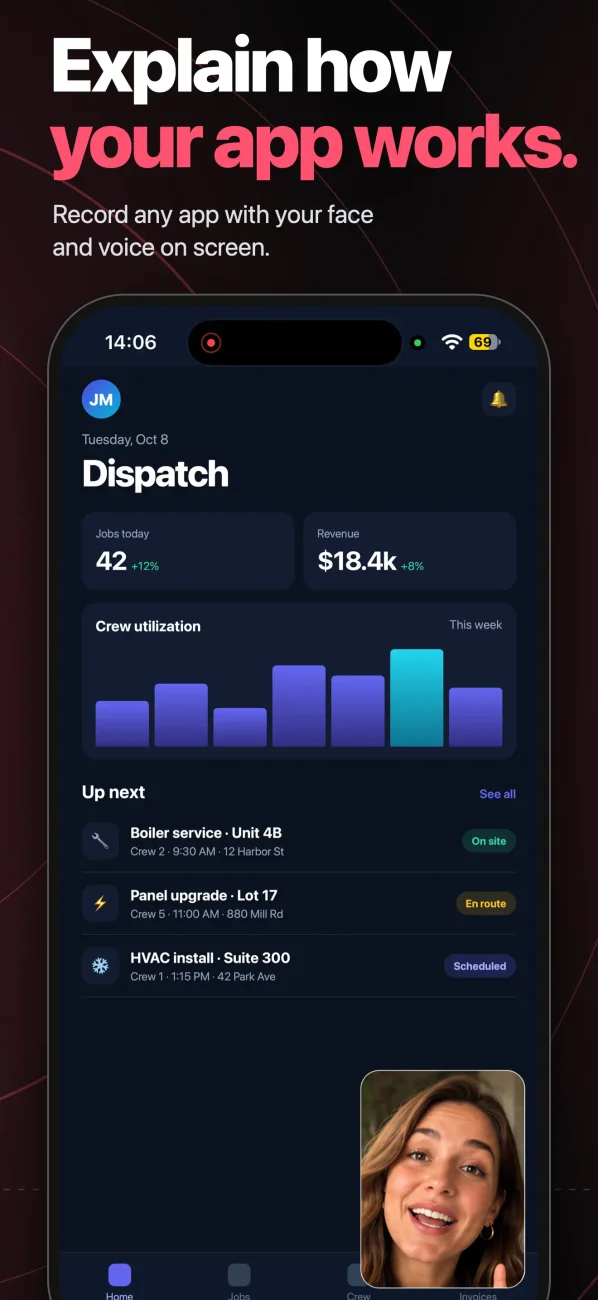
FlowRec is the screen recorder built for showing your work. Point it at a website and your green-screen camera floats over the page while sonar rings show every tap. Or switch to Screen Cam and record anything on your phone, with your face in a floating bubble that follows you from app to app.
WEB CAM
• Type a URL, hit record, and walk through any site or web app
• Your camera floats over the page with the background removed, so it's just you
• Sonar rings mark every tap, so viewers can follow along
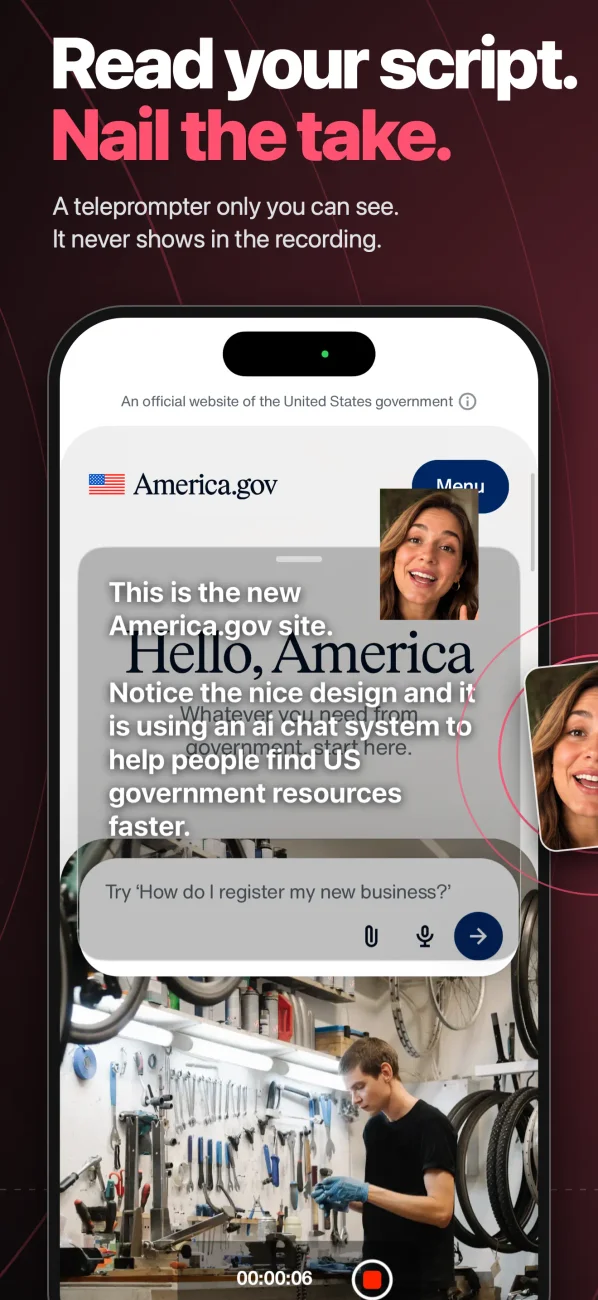
• A hidden teleprompter scrolls your script at reading pace. It never appears in the video
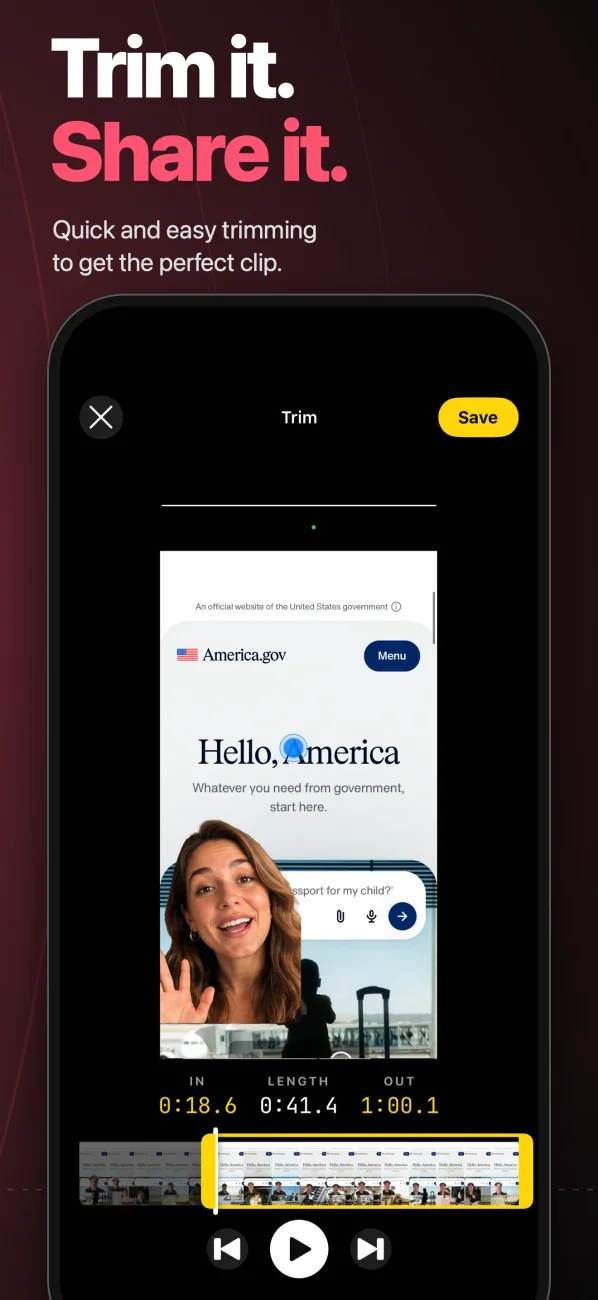
• Trim and save straight to your Photos
SCREEN CAM
• Record any app on your phone, not just websites
• Your face rides in a bubble over whatever you open. Drag it anywhere, pinch to resize
• Blur or fill the background behind you, or flip to the back camera
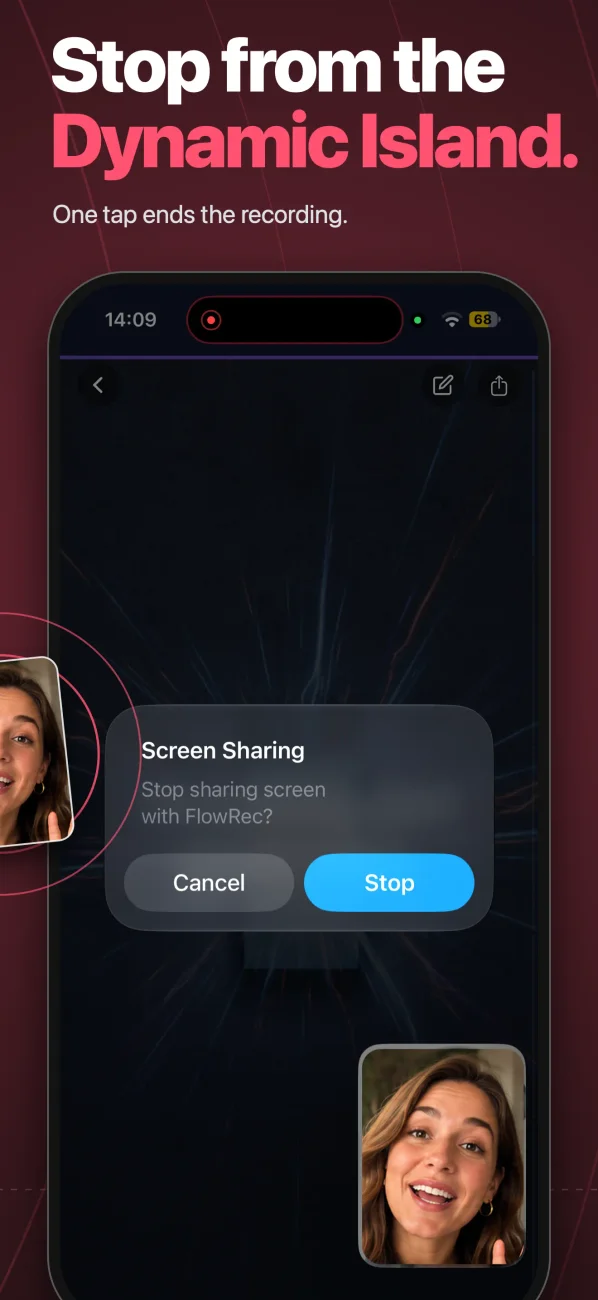
• Stop from the Dynamic Island: tap the recording indicator, choose Stop. The Lock Screen shows your recording too
• Come back to FlowRec and the clip opens already trimmed to the part you recorded outside the app
MADE FOR SHARING
• Portrait, full resolution, ready for TikTok, Reels, Shorts, and iMessage
• Review, trim, and save in a few taps
• Pick an accent color and the app icon changes to match
FREE AND PRO
Record websites free with a small FlowRec watermark. Try Screen Cam twice for free. FlowRec Pro removes the watermark, lifts the time limit, and unlocks unlimited Screen Cam recordings.
Who uses FlowRec: founders demoing their product, creators reacting to apps and sites, educators walking through tools, support teams showing how something works, and anyone who'd rather show than tell.
Terms of Use: https://www.apple.com/legal/internet-services/itunes/dev/stdeula/
Privacy Policy: https://flowrec.app/privacy
What’s new
Version 3.0 · Oct 11, 2026
Record any app, with your face in it.
• SCREEN CAM: record anything on your phone, not just websites. Your camera floats in a bubble over every app you open.
• Bubble controls: drag it anywhere, pinch to resize, blur or fill the background, flip to the back camera.
• Stop from the Dynamic Island: tap the recording indicator and choose Stop. Your Lock Screen shows the recording too.
• Clips from Screen Cam open in Trim already cut to the part you recorded outside FlowRec.
• Teleprompter for web recordings: paste a script and FlowRec scrolls it while you record. It stays out of the video.
• Pick an accent color and the app icon changes to match.
• Redesigned Home with a two-mode switch, new onboarding, and dozens of fixes.
App privacy
What Flowboard declares on the App Store about how this app handles data.
-
Data not linked to you
May be collected but is not linked to your identity.
- Usage data
- Diagnostics
Privacy practices may vary, for example with the features you use or your age.
Information
- Seller
- Flowboard LLC
- Category
- Photo & Video
- Version
- 3.0
- Updated
- Oct 11, 2026
- Released
- Apr 5, 2017
- Size
- 25.9 MB
- Requires
- iOS 15.0 or later
- Age rating
- 17+
- Price
- Free
- In-app purchases
- Yes
- Languages
- English
- Copyright
- © FlowVella
You might also like
-
 Camera Organizer: Photos VideoOrganize Media While Shooting
-
 Beep 3 - Censor swear wordsAI Video Editor/ Captions
-
 FrameTwin: Dual Format CameraPortrait + Landscape Video
-
 Spatial Pro - AI Spatial | 3D3D Photo & Video Converter
-
 BG Remover AIPrivacy-First BG Remover
-
 Denoise: AI Noise RemoverBackground noise reducer
-
 Cinemin by TinrocketCapture your imagination™
-
 Float Cam - Background cameraUse phone while recording
-
 Deep Movie - Pro Video CameraProfessional 4K Video Capture
-
 Slideshow Master Pro - MakerSlideshow with music