
Flux: IPTV Player
M3U, Xtream, live TV & EPG
Designed for iPhone, iPad, Mac
In-app purchases
- Age rating4+
- CategoryEntertainment
- DeveloperAdrien Rougier
- LanguagesGerman+ 14 more
- Size44.5 MB
Links to the official App Store page
Download.org hosts no file of Flux: IPTV Player. The button opens its official App Store page, published by Adrien Rougier. Listing last checked on Nov 23, 2026.
Screenshots

About
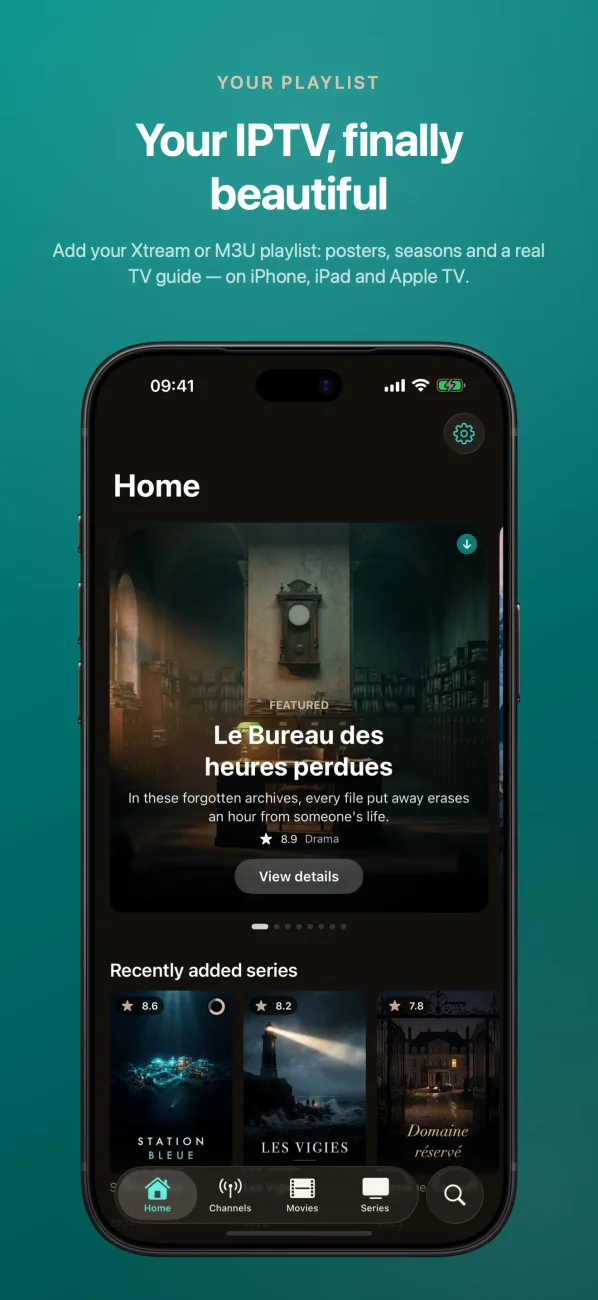
Flux is a player for the IPTV subscription you already have. It connects to your panel — Xtream Codes or an M3U list — and lays out your channels, films and series like a properly built app, not a list of links.
A free 24-hour trial from your first playback, then a single purchase for iPhone, iPad and Apple TV. No Flux subscription, no account to create.
Flux provides no content. No channels, no films, no catalogue: the subscription is yours, and you alone reach it.
WHAT FLUX DOES THAT OTHERS DON'T
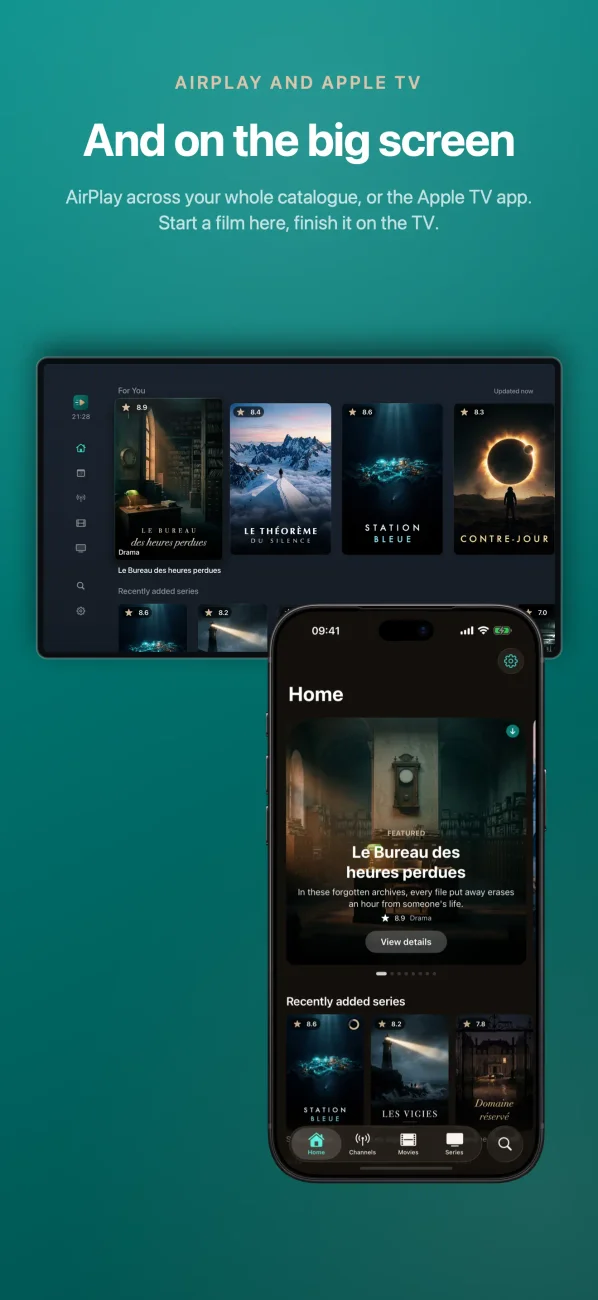
• AirPlay across the whole catalogue. Even an MKV goes to an Apple TV or an AirPlay 2 television, picture and sound, and the controls stay in your hand. The film travels through your device: keep it on, on the same network.
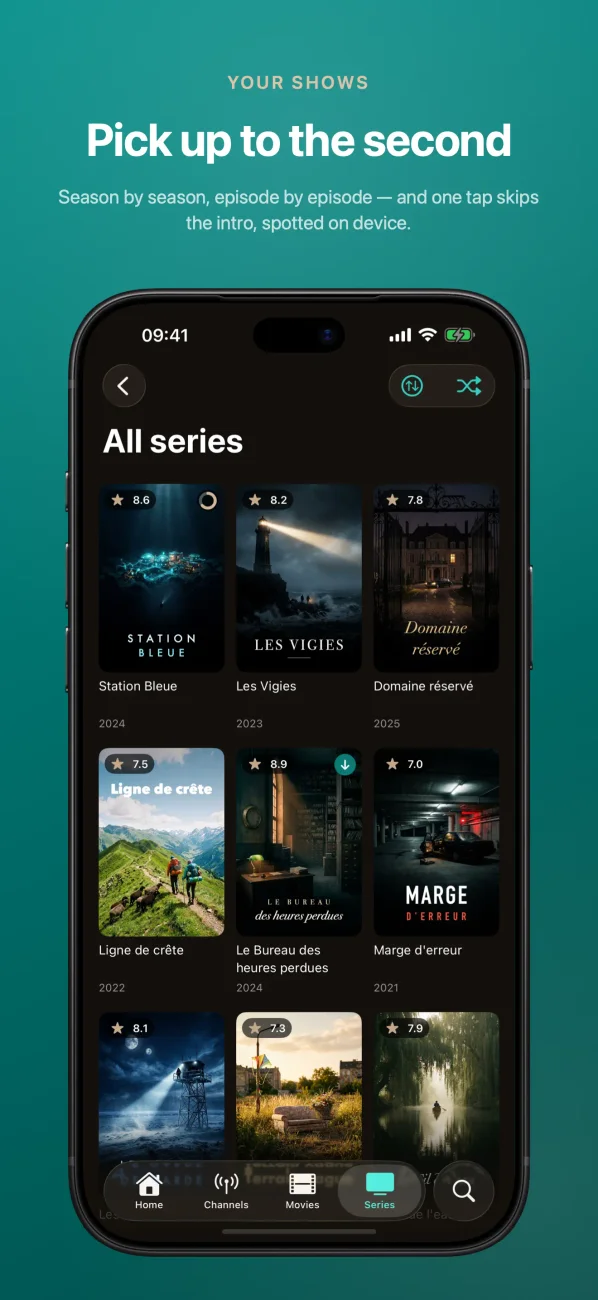
• Skip the intro. Series title sequences are detected on your device, by comparing the sound of two episodes. No database, no server.
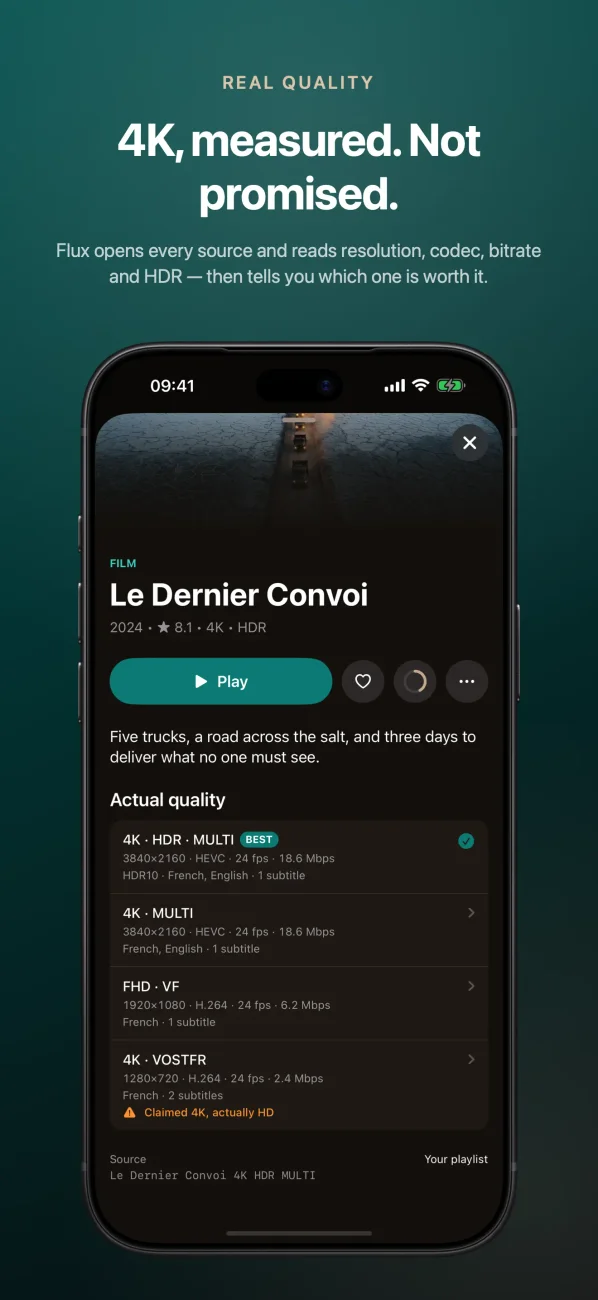
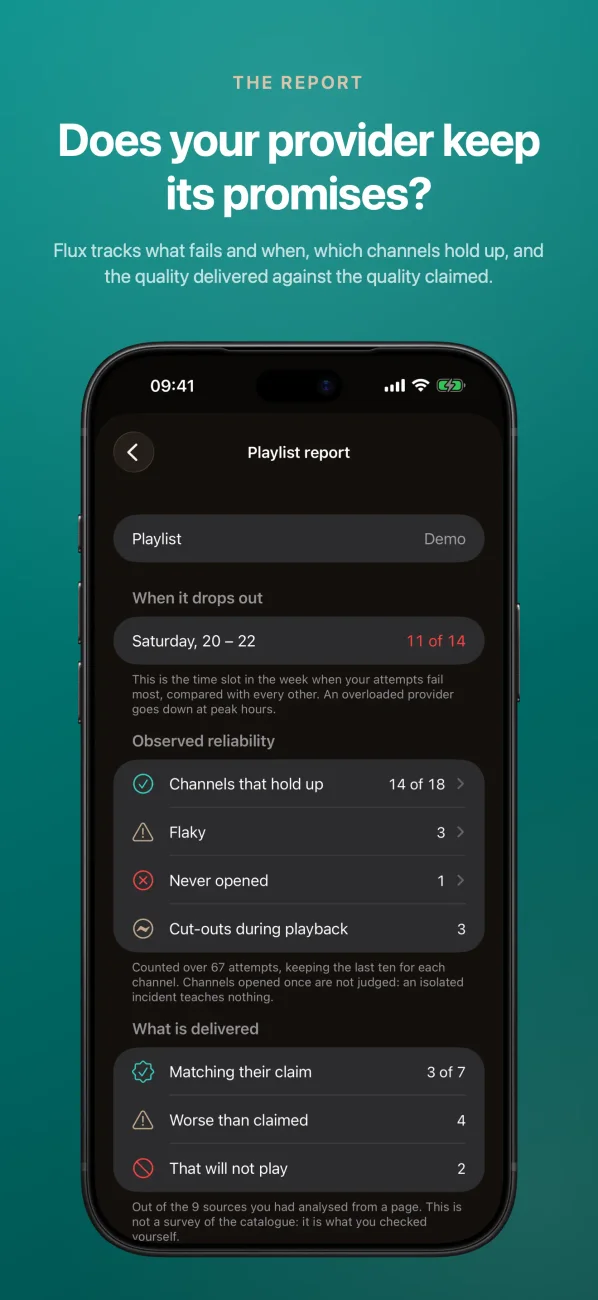
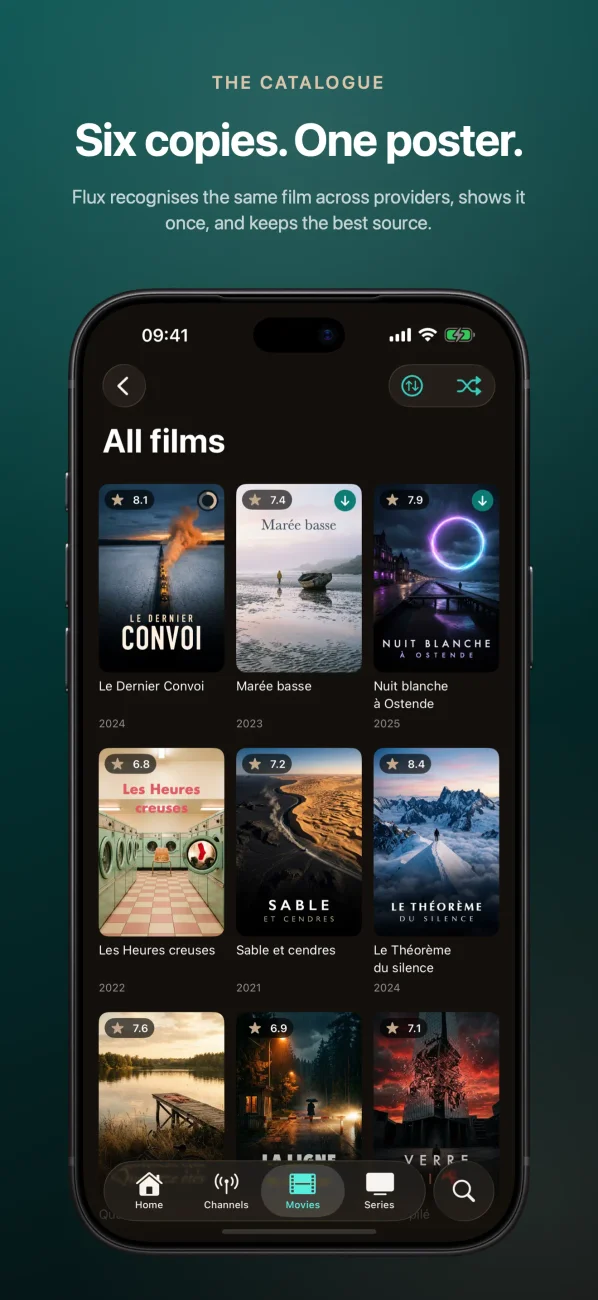
• Real quality. A file labelled "4K" often isn't. Flux opens the stream, measures its resolution, codec and bitrate, and tells you. When a film exists in several copies, it compares them and switches between them without starting over.
• Award winners. Césars, Oscars, Palmes d'Or: browse the winners and see at a glance which ones your subscription carries.
• Search for a person. Type "Coppola": their filmography appears, and what you own is marked.
• Ask in plain language. "a short thriller for tonight" — the search understands. Everything is worked out on the device.
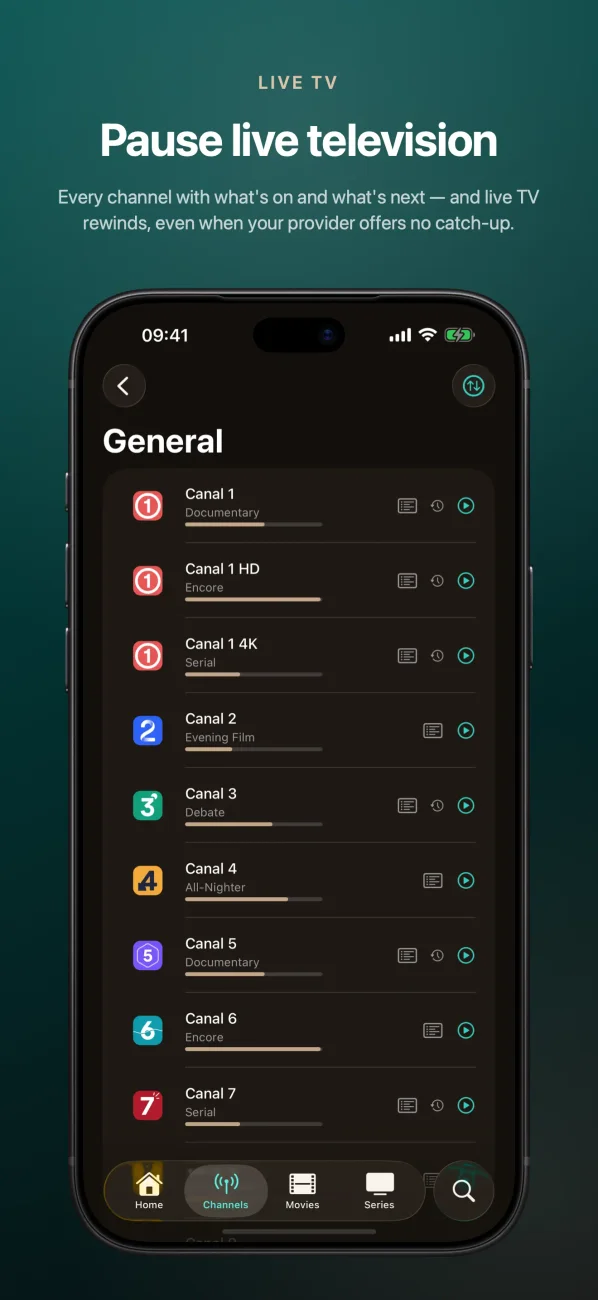
• Pause live TV. Flux keeps the last few minutes, so you can rewind a channel that offers no such thing.
• Know why it failed. When a stream won't start, Flux tells you what the server answered and what it means — expired subscription, connection already in use, dead stream — instead of showing "error".
• Translate subtitles. No subtitles in your language? Your device translates the film's own, without sending anything anywhere — and says so on screen.
AND EVERYTHING ELSE
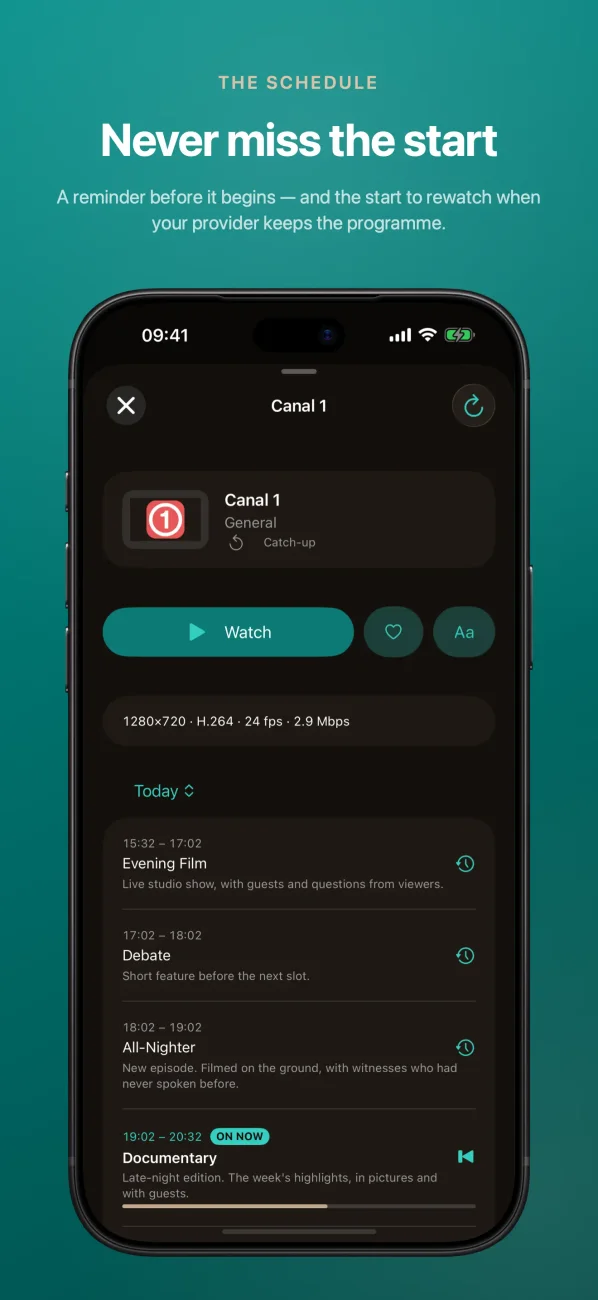
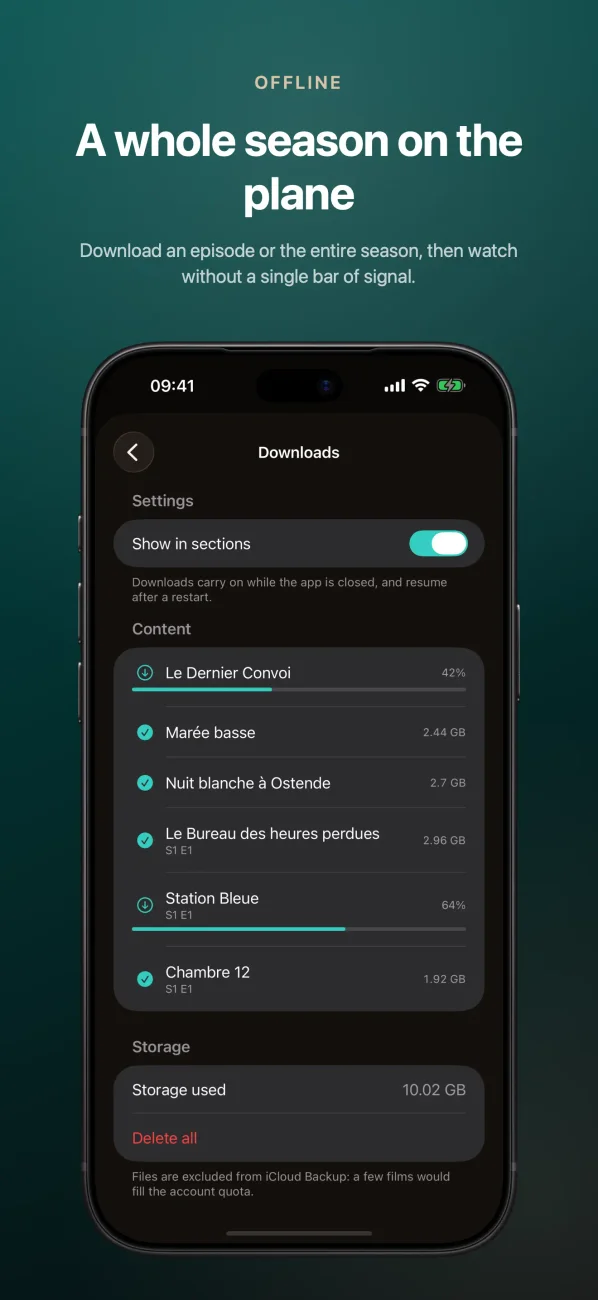
Offline downloads, a whole season or a single episode. Their progress shows on the Lock Screen and in the Dynamic Island. TV guide. Resume to the second. Favourites shared across all your subscriptions. Four channels at once. Parental controls. Adjustable subtitles. Sorting and shuffle. Viewing statistics. Incognito mode. Picture in Picture, Handoff, Spotlight and Siri shortcuts. Programme reminders, and alerts when a new episode of a followed series appears. Profiles, each with its own favourites, history and series. A queue. Restart the programme on air from its beginning. A spoiler-free mode for episodes you haven't seen. A warning before your subscription ends. A grid guide on iPhone and iPad. Dolby Atmos.
ON APPLE TV
Flux has its own app for the living room, built for the remote, with the TV guide laid out as a grid. Your playlist moves from iPhone to Apple TV without typing a thing: both screens show the same code, and you confirm on the phone. And from the iPhone's player, hand over what you're watching: it picks up right where you are.
YOUR DATA STAYS WITH YOU
No Flux account. No Flux server. Your credentials live in the device keychain, your history stays on the device, your settings travel through your own private iCloud. Nothing is collected, nothing is sold.
WHAT IT COSTS
Twenty-four hours of trial, everything open, starting with your first playback — the demo doesn't count. After that, a single purchase unlocks playback for good on every device signed in to your Apple Account — no renewal, no expiry date. Browsing, searching, measuring your sources' quality and downloading stay free.
What’s new
Version 1.0.12 · Nov 15, 2026
Films in DivX, XviD and MPEG-2 now play: Flux converts them as you watch.
As you drag along the playback bar, a frame from the film shows where you’ll land, even when streaming.
If your subscription allows only one stream at a time, pausing a film or leaving the app now releases the connection for your other devices. And when your provider refuses playback anyway, the screen says so clearly and tells you what you can do.
Playback no longer gets stuck loading, whether after about twenty minutes or when your provider’s server stops responding: Flux reconnects and picks up where you left off, or tells you what’s preventing it. And returning to the app after a long while no longer makes playback fail with “No connection”.
Sound stays in sync with the picture, both on live TV and in some films. On live TV, the delay shown is accurate, and “Back to live” returns you to the right spot. “Skip intro” gets it wrong less often. Reopening the app no longer resyncs an up-to-date catalogue, and episode images no longer flicker.
App privacy
What Adrien Rougier declares on the App Store about how this app handles data.
-
Data not collected
The developer does not collect any data from this app.
Privacy practices may vary, for example with the features you use or your age.
Information
- Seller
- Adrien Rougier
- Category
- Entertainment
- Version
- 1.0.12
- Updated
- Nov 15, 2026
- Released
- Aug 26, 2026
- Size
- 44.5 MB
- Requires
- iOS 18.0 or later
- Age rating
- 4+
- In-app purchases
- Yes
- Languages
- German, Arabic, Danish, English, French, Hebrew, Italian, Dutch, Norwegian Bokmål, Polish, Portuguese, Russian + 3 more
- Copyright
- © 2026 Adrien Rougier
You might also like
-
 IPTV Smart Player plusM3U & Xtream Codes Player
-
 skiptvIPTV player for your playlist
-
 Guidevi: IPTV Player & EPGM3U player & TV guide, no ads
-
 PlayfynThe Jellyfin Client You Want
-
 Paw Player – M3U & XtreamLive TV, Movies & TV Guide
-
 Ekrano – IPTV PlayerLive TV, M3U, Xtream & EPG
-
 Flux IPTVUniversal M3U IPTV Player
-
 WorldTV+Play your own live TV sources
-
 IPTV Player PlaysAllLive TV, M3U and Xtream
-
 IPTV Player: ConnectM3U & Xtream IPTV Player