- Age rating4+
- CategoryProductivity
- DeveloperTobias Ostner
- LanguagesEnglish
- Size45.1 MB
Links to the official App Store page
Download.org hosts no file of Focus Only. The button opens its official App Store page, published by Tobias Ostner. Listing last checked on Nov 12, 2026.
Screenshots


About
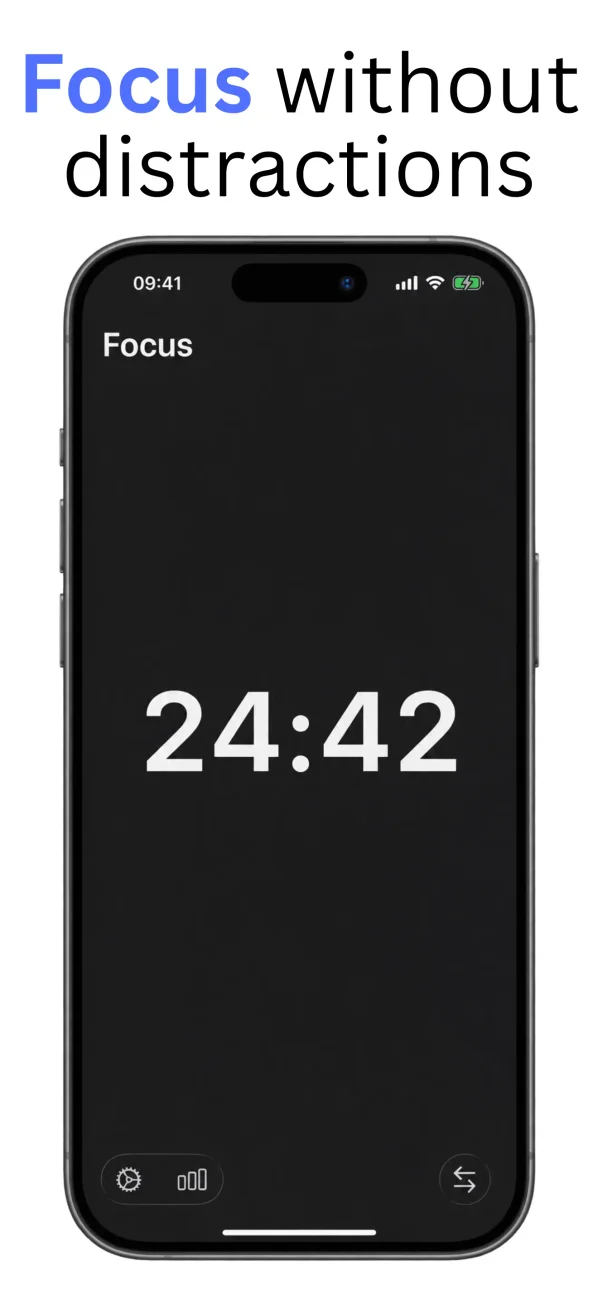
Make time for focused work, without a complicated productivity system. Focus Only gives you a clear countdown, flexible breaks, and a timer you can check without reopening the app.
Whether you’re working, studying, or making time for a personal project, choose your session length and start when you’re ready.
CHECK YOUR TIMER AT A GLANCE
See your remaining time on the Lock Screen and in the Dynamic Island with Live Activities. On supported Always-On displays, your Live Activity stays visible while the screen is dimmed.
Keep the app open for a large countdown, with the option to keep your screen awake or dim it while the timer runs.
FOCUS AT YOUR OWN PACE
• Choose focus sessions from 10 to 60 minutes
• Set breaks from 5 to 20 minutes
• Pause and resume when plans change
• Choose from seven in-app completion sounds, or turn sounds off
CONTROL YOUR TIMER WITH SIRI
Start a focus session or break, pause, resume, stop, or ask how much time is left. Use the same actions in Shortcuts to include Focus Only in your routines.
SEE WHAT YOU COMPLETED
Review your completed focus sessions by day. See how many sessions you finished and how much focused time you recorded.
MADE FOR IPHONE AND IPAD
Use Focus Only in light or dark appearance, with VoiceOver support and timer announcements. The app and its Siri and Shortcuts actions support English and German.
Choose a task. Start your timer. Focus.
What’s new
Version 1.13 · Oct 23, 2026
Focus Only 1.13 makes better use of your screen.
• Improved layouts for iPhone and iPad, with a larger countdown when space allows and better handling of resized windows.
• A clearer countdown in narrow Dynamic Island layouts.
• More reliable screen dimming and brightness restoration. Dimming now pauses in windowed layouts.
• More consistent light and dark appearance in navigation bars and sheets.
App privacy
What Tobias Ostner declares on the App Store about how this app handles data.
-
Data not linked to you
May be collected but is not linked to your identity.
- Diagnostics
Privacy practices may vary, for example with the features you use or your age.
Information
- Seller
- Tobias Ostner
- Category
- Productivity
- Version
- 1.13
- Updated
- Oct 23, 2026
- Released
- Mar 31, 2026
- Size
- 45.1 MB
- Requires
- iOS 26.0 or later
- Age rating
- 4+
- Languages
- English
- Copyright
- © 2026 Tobias Ostner
You might also like
-
 FocusOnly - Pomodoro TimerMinimalist Pomodoro & Stats
-
 Pomino: Pomodoro Focus TimerStudy, ADHD & Productivity
-
 RC MarkdownRead, Export & Share Markdown
-
 Focus & To-Do Timer - No AdsPomodoro sessions with tasks
-
 DeepFlow - Focus TimerMinimalist Pomodoro & Study
-
 time[Box]Minimalist Timer for Focus
-
 FlowSand Focus TimerProductivity
-
 Blink Alarm: AI Smart AlarmSocial, Meds, Tasks & Sleep
-
 Timylabs: Focus & HabitsStudy Timer & Daily Planner
-
 Focus App for Study, Work GABAProductivity Timer and Booster