Focus Timer & Alarm List Timer
Workout, Study, Fitness, Task
Designed for iPhone, iPad, iPod touch
Free · In-app purchases
- Age rating4+
- CategoryUtilities
- DeveloperBoltQ Media
- LanguagesEnglish
- Size24.2 MB
Links to the official App Store page
Download.org hosts no file of Focus Timer & Alarm List Timer. The button opens its official App Store page, published by BoltQ Media. Listing last checked on Nov 13, 2026.
Screenshots

About
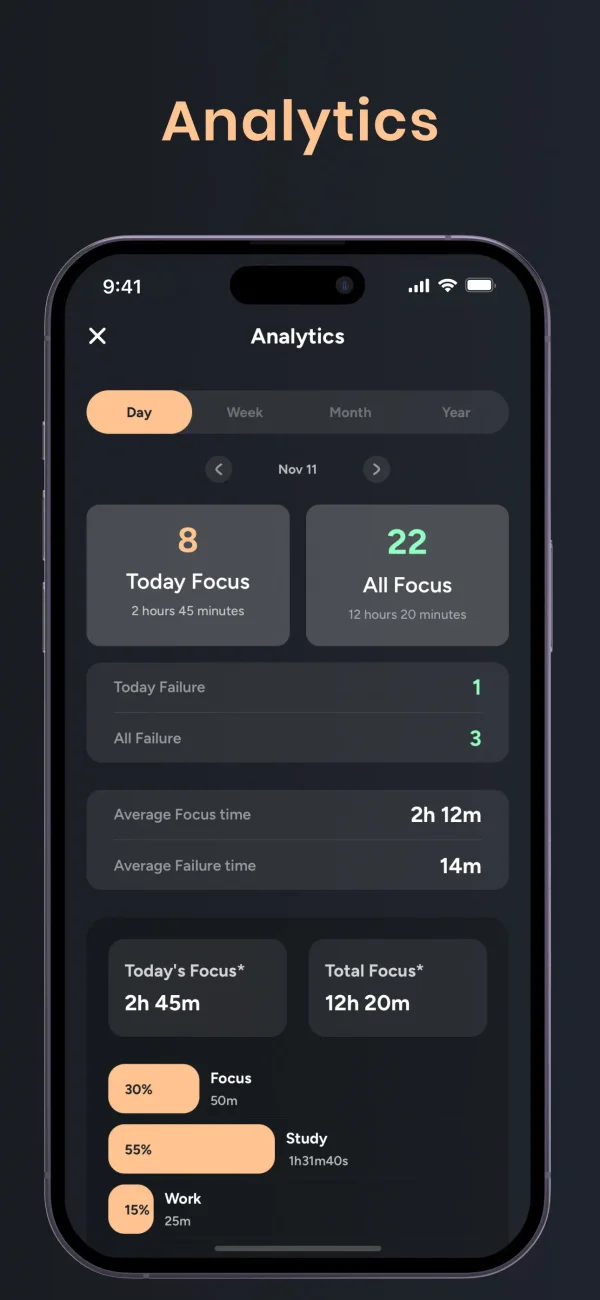
Focus Timer & Alarm List Timer is a versatile and intuitive app designed to help you manage your time efficiently and stay on track with your tasks. Whether you're working, studying, or simply need reminders throughout the day, this app provides a range of customizable features to suit your needs.
Key Features
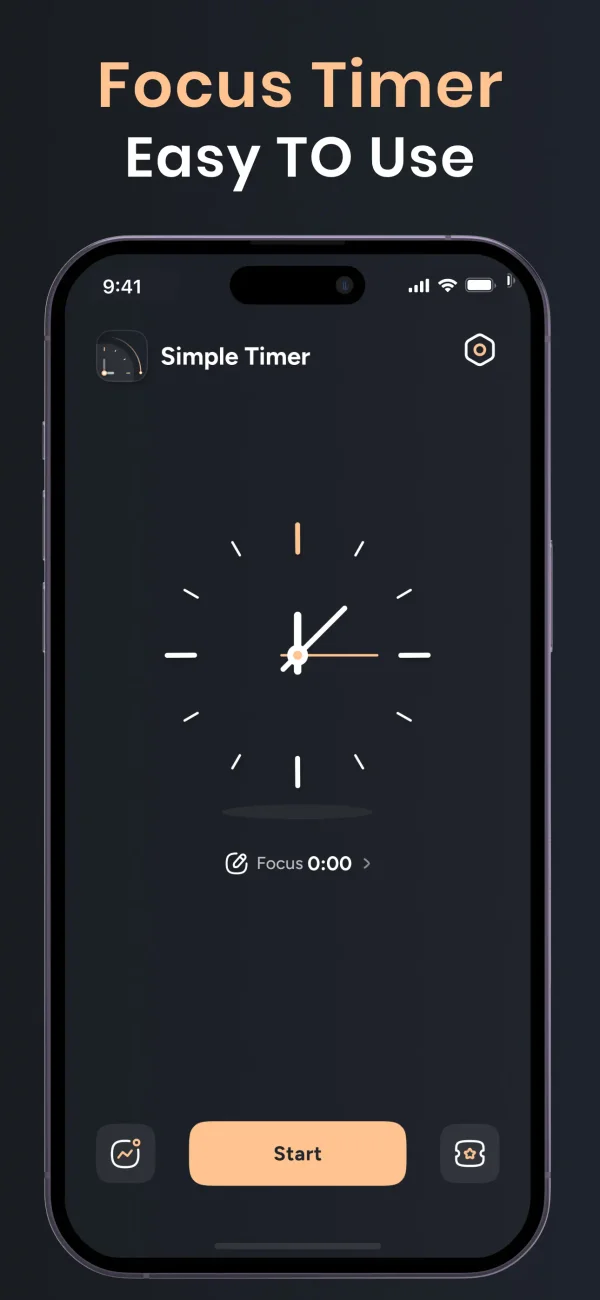
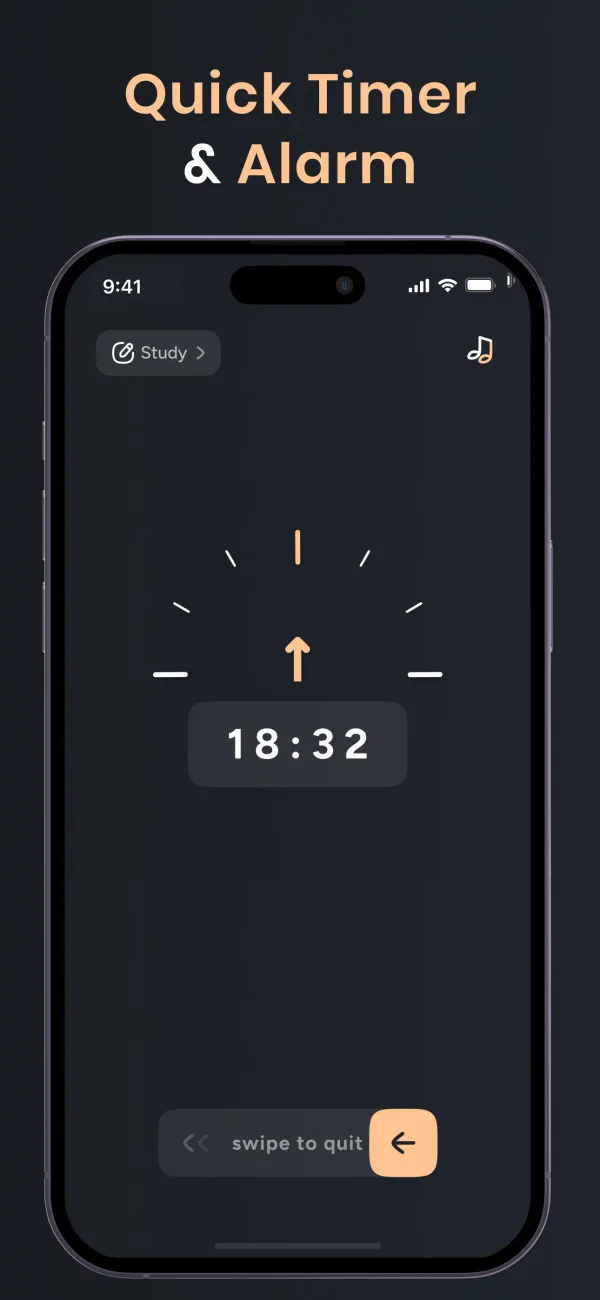
One Tap to Start Timer.
Compate Times Displayed on Screen
Custom Alarms
Create Personalized Alarms: Set alarms with your preferred label and sound to differentiate between various tasks and reminders.
Custom Sound Set: Choose from a diverse library of sounds or add your own custom audio files for a personalized touch.
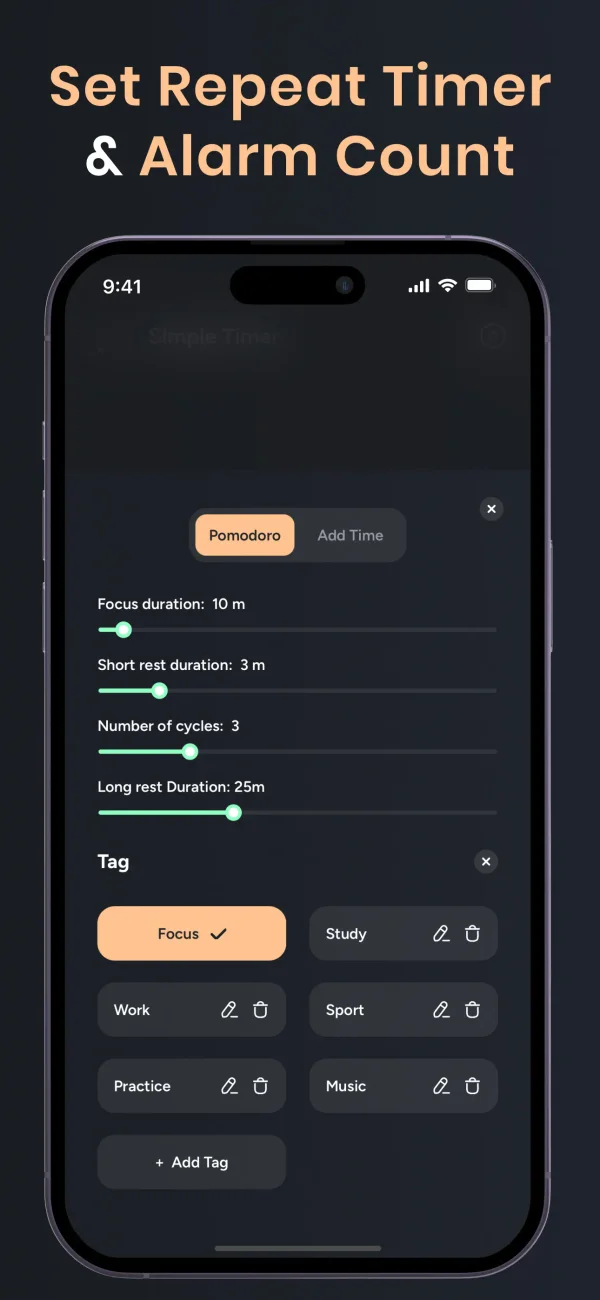
Repeat Counter
Set Repeat Intervals: Schedule alarms to repeat at regular intervals, whether daily, weekly, or on specific days of the week.
Count-Based Repeats: Define the number of times an alarm should repeat, perfect for tasks that need multiple reminders.
Multiple Alarms
Manage Multiple Alarms: Set up and manage several alarms simultaneously without any hassle. Ideal for a busy schedule with various tasks and deadlines.
Organized Alarm List: Easily view and edit your alarms in a comprehensive list format for quick access and management.
Snooze Function
Snooze Options: Customize snooze duration to suit your needs, giving you the flexibility to take short breaks and return to your tasks refreshed.
Quick Snooze: Activate snooze with a single tap for immediate postponement of alarms.
Additional Features
Flexible Scheduling: Adjust alarm settings to fit your routine, with options to set alarms for specific dates and times.
User-Friendly Interface: Navigate through the app effortlessly with a clean and intuitive design.
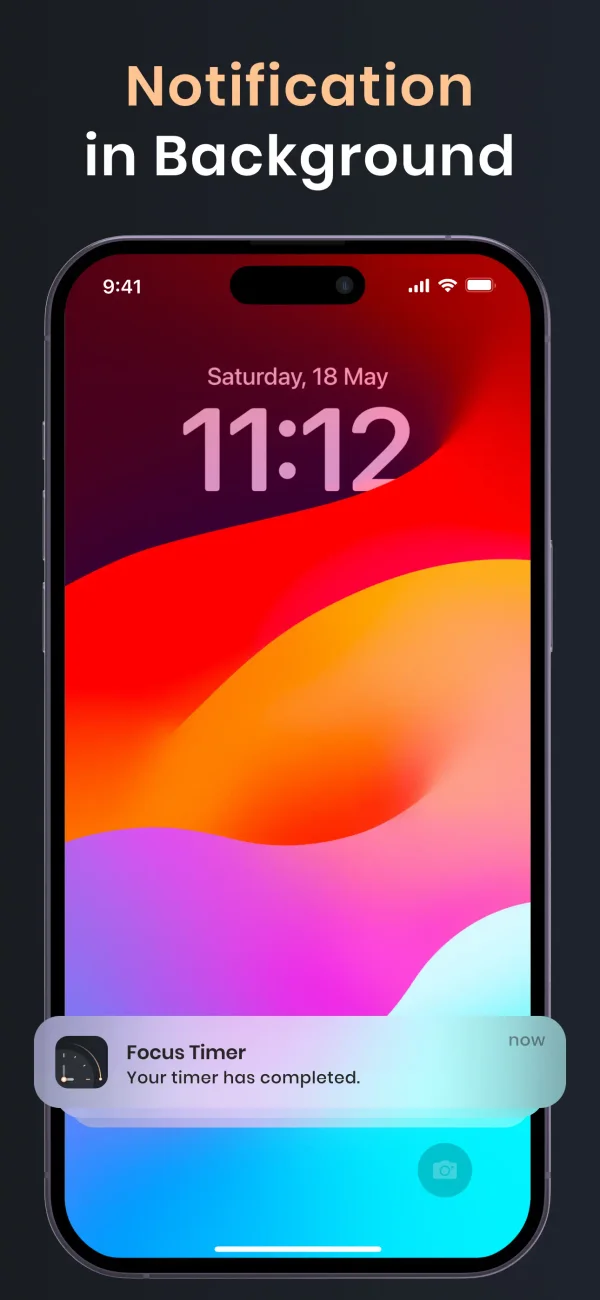
Notification Support: Receive timely notifications even when the app is closed, ensuring you never miss an important reminder.
Ideal For
Students: Manage study sessions, breaks, and assignment deadlines.
Professionals: Keep track of meetings, project timelines, and daily tasks.
Personal Use: Set reminders for medication, workouts, chores, and more.
Maximize your productivity and stay organized with Focus Timer & Alarm List Timer. Download now and take control of your schedule with ease!
Privacy policy : https://sites.google.com/view/focus-timer-app/privacy-policy?authuser=0
Term and conditions : https://sites.google.com/view/focus-timer-app/terms-conditions?authuser=0
What’s new
Version 1.0.1 · Nov 11, 2024
# Fix bugs
# update UI design
App privacy
What BoltQ Media declares on the App Store about how this app handles data.
-
Data not collected
The developer does not collect any data from this app.
Privacy practices may vary, for example with the features you use or your age.
Information
- Seller
- BoltQ Media
- Category
- Utilities
- Version
- 1.0.1
- Updated
- Nov 11, 2024
- Released
- May 19, 2024
- Size
- 24.2 MB
- Requires
- iOS 13.1 or later
- Age rating
- 4+
- Price
- Free
- In-app purchases
- Yes
- Languages
- English
- Copyright
- © Jayesh Kavathiya
You might also like
-
 Cancel Subscriptions ManagerTracker Bill Subscription
-
 Analyzer Followers TrackerUnfollowers tracker Insights
-
 Multi Timer: CountdownFocus, kitchen, workouts
-
 Snore Recorder & Sleep TrackerRelax and Sleep, Calm Sounds
-
 Authenticator: Two Factor AppMFA & 2FA Verify, Security
-
 Authenticator - OTP Security.Multi-Factor Authentication
-
 Loop - Interval & Multi TimerFor Sport, Meditation & Study
-
 Hidden Camera Detector & ScanDetect Spy Devices, Bug Finder
-
 Visual Multi Timer: TimusMultiple Interval Timers Free
-
 Hidden Camera · Spy Detector ·Detect Listening Device & Cam