Focus To Do - Pomodoro Timer
Focus Timer Deep Work & Study
Designed for iPhone, iPad, Mac, iPod touch
Free · In-app purchases
- Age rating4+
- CategoryProductivity
- DeveloperSecurity Tech
- LanguagesEnglish
- Size17.6 MB
Links to the official App Store page
Download.org hosts no file of Focus To Do - Pomodoro Timer. The button opens its official App Store page, published by Security Tech. Listing last checked on Nov 12, 2026.
Screenshots

About
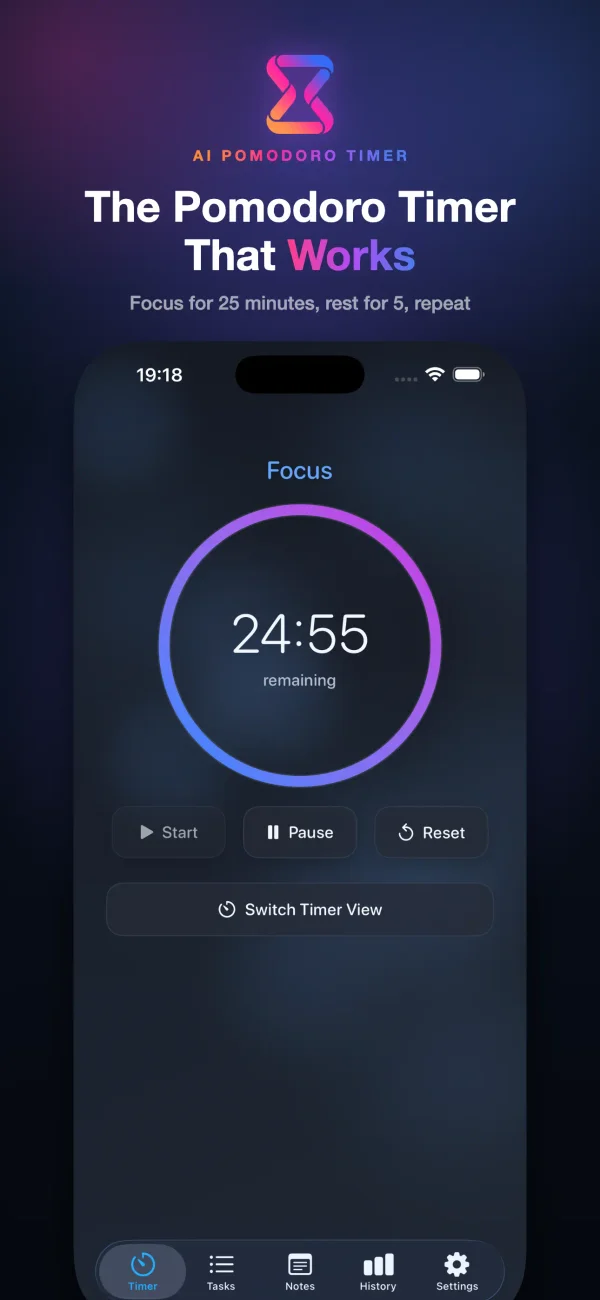
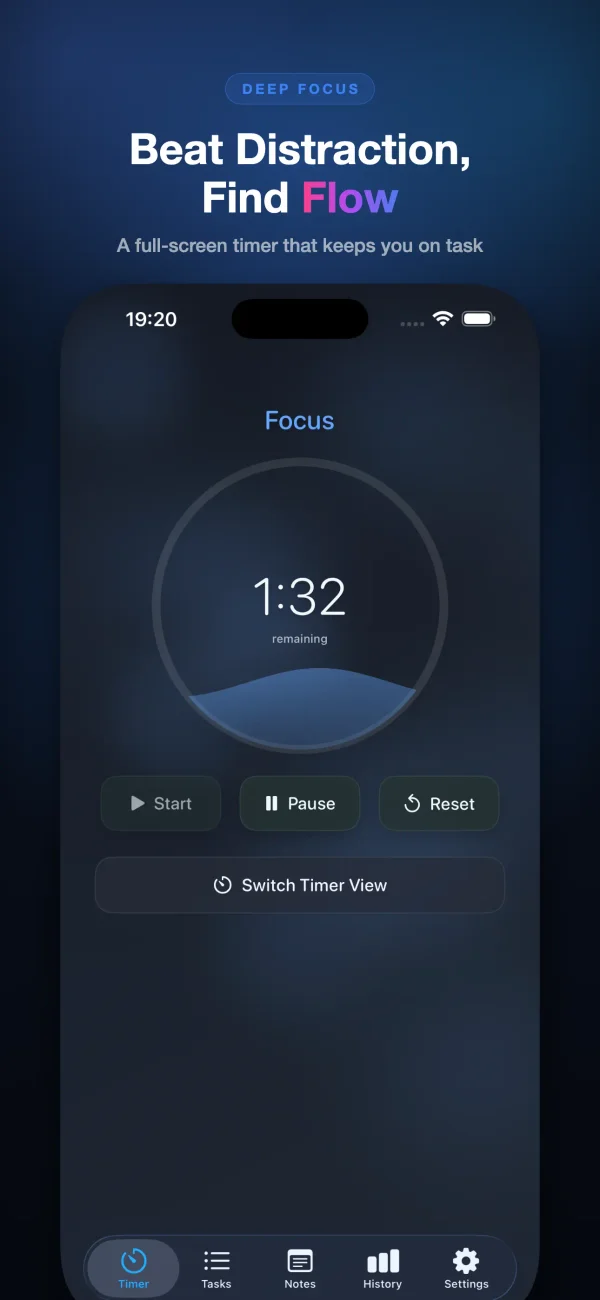
Struggling to maintain deep focus in our distraction-filled world? Pomodoro Timer combines AI-powered focus timers with intelligent task management to boost your productivity by up to 300%. Whether you are studying for exams, shipping code, or building better routines, Pomodoro Timer adapts to your unique work style.
WHY POMODORO TIMER IS DIFFERENT
Unlike basic timer apps, Pomodoro Timer learns your focus patterns and gives you real-time insights. Our smart algorithm suggests the perfect work intervals based on your performance data, helping you reach flow state faster and stay focused on what actually matters.
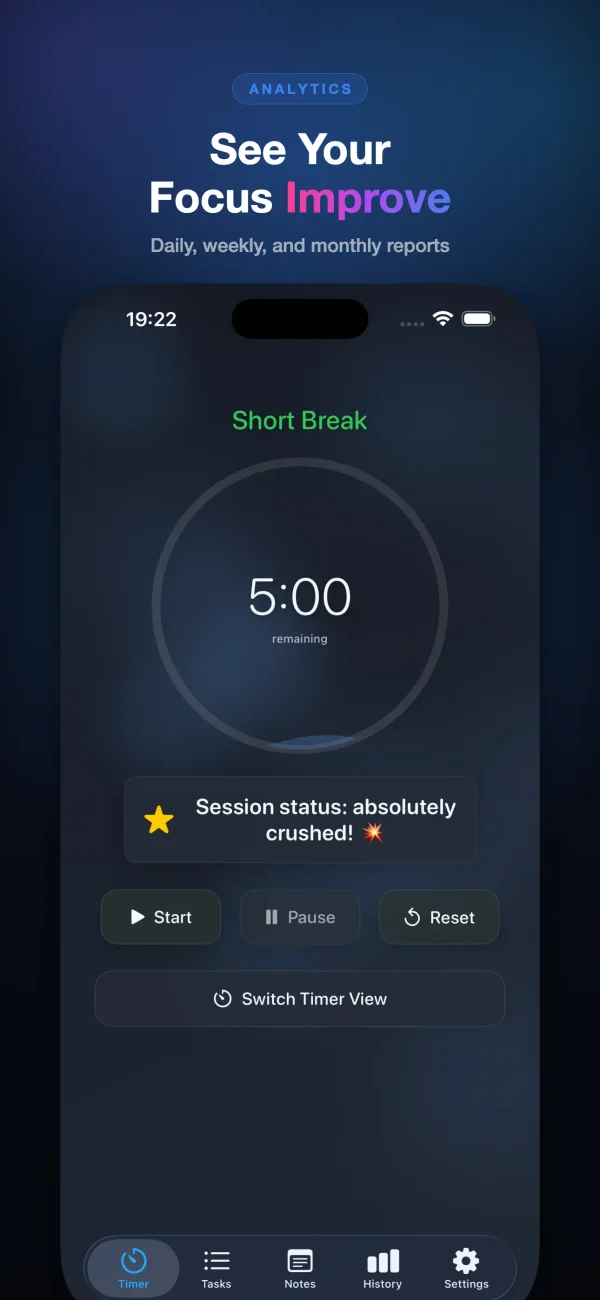
SMART POMODORO TIMER
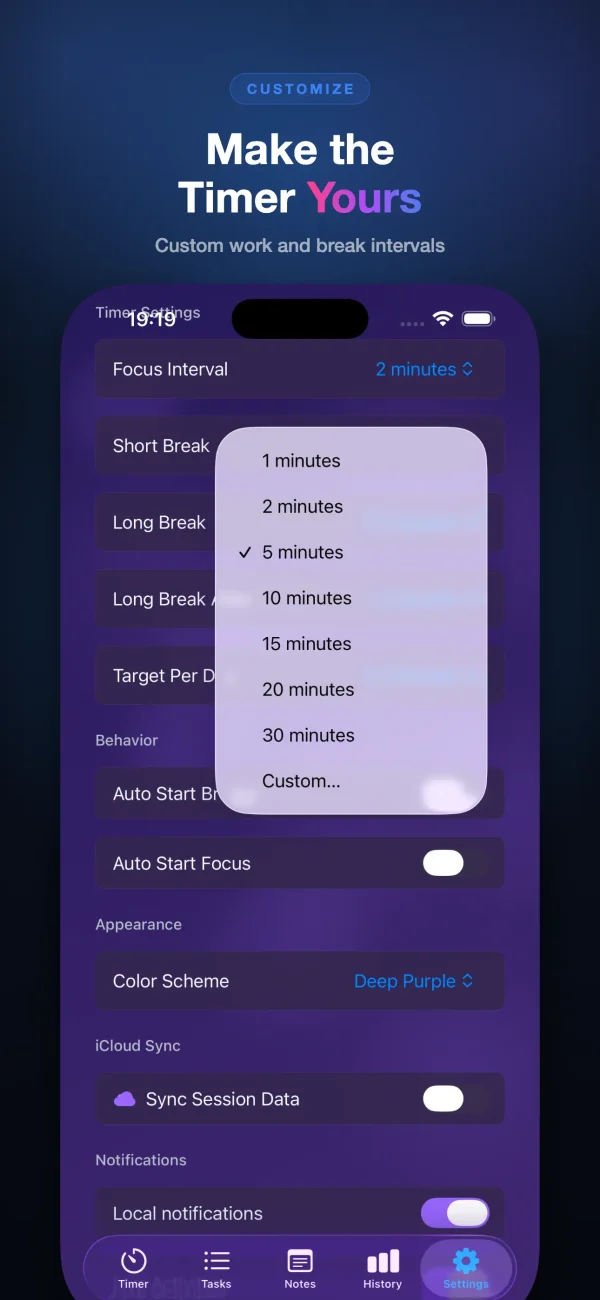
- Adaptive intervals that adjust to your energy levels
- AI-powered break recommendations for better recovery
- Focus quality analytics showing your peak productivity periods
- Background sounds designed to deepen concentration
- Cross-device sync for seamless sessions on iPhone, iPad, Mac, and Apple TV
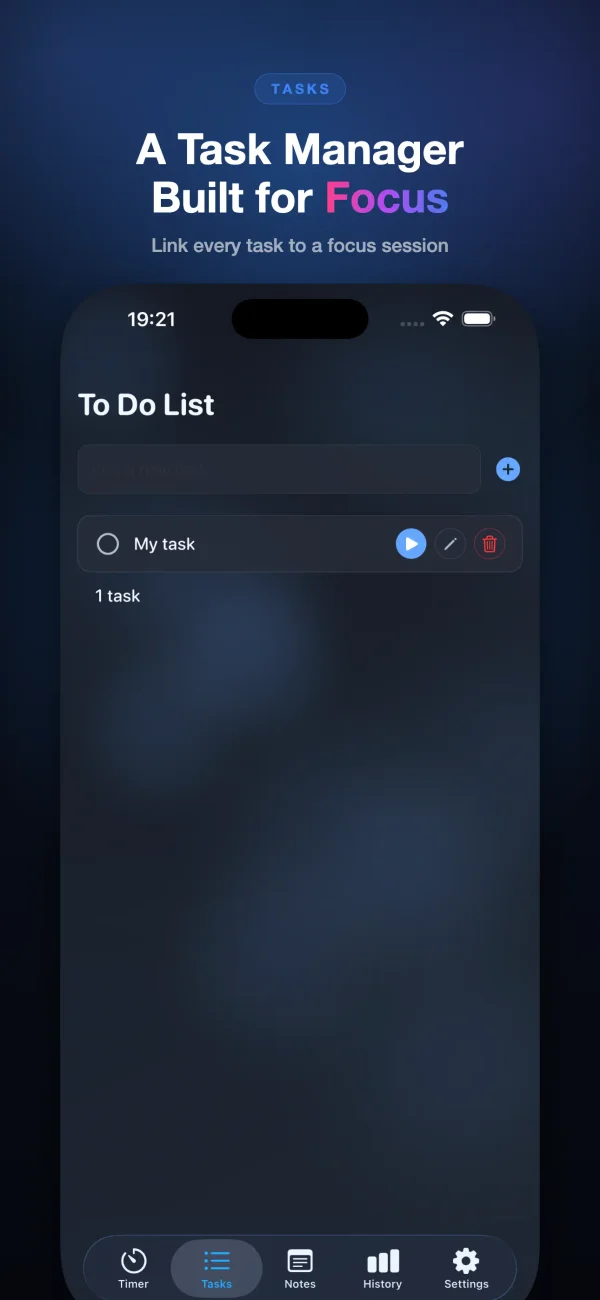
INTEGRATED TASK MANAGEMENT
- Link tasks to your focus sessions effortlessly
- Time tracking for every project and task
- Priority matrix to tackle your most important work first
- Smart reminders so deadlines never slip
- Organize work into lists with recurring due dates
HABIT TRACKING
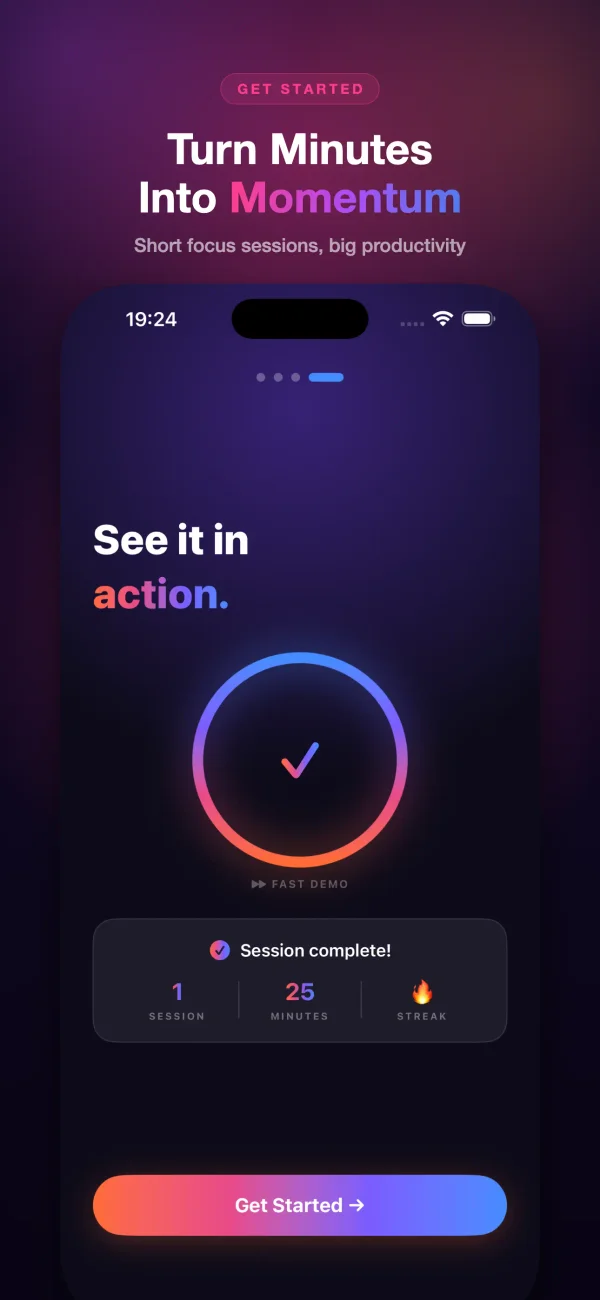
- Visual streak tracking that builds real consistency
- Progress analytics with actionable insights
- Custom categories for any study or work goal
- Milestone celebrations to keep you motivated
DEEP WORK ANALYTICS
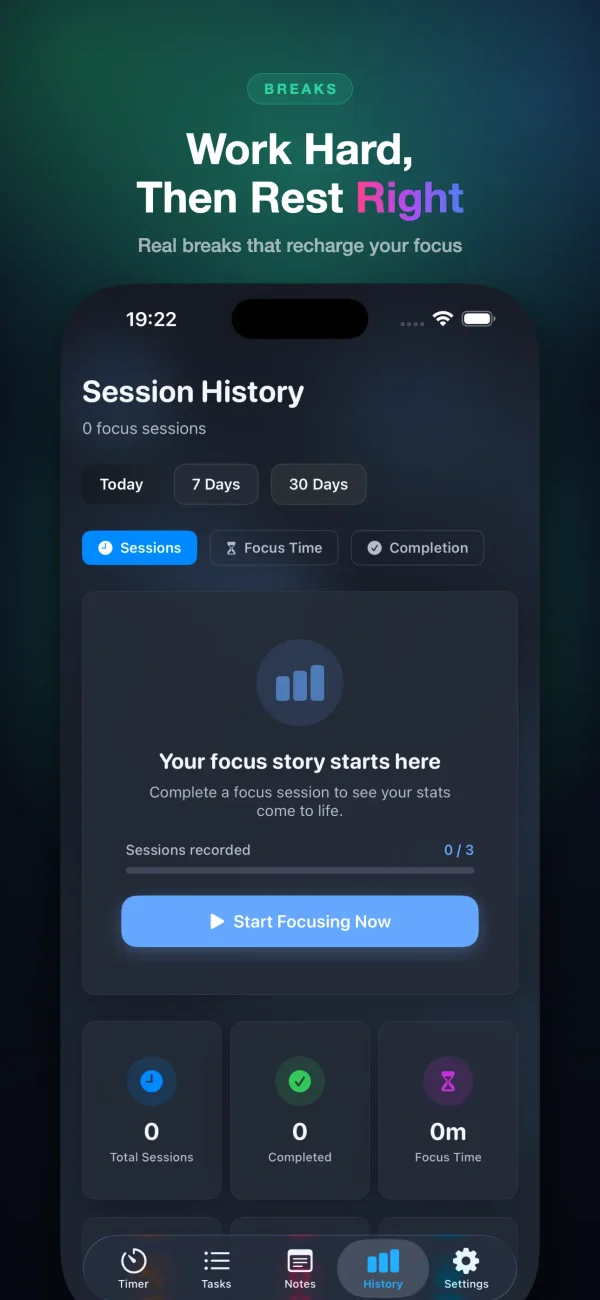
- Daily, weekly, and monthly productivity reports
- A focus score measuring your concentration quality
- Time distribution across projects, tasks, and activities
- Distraction pattern detection to protect your focus
- Personalized recommendations for better results
PERFECT FOR FOCUSED WORK
- Students preparing for exams and study sessions
- Developers in deep work sprints
- Writers conquering creative projects
- Remote workers optimizing a busy day
- Anyone with ADHD who works better in short, clear intervals
- Anyone building focus habits and beating procrastination
The Pomodoro Technique, developed by Francesco Cirillo, transformed how people work and study. Recent research links this kind of structured focus with lower mental fatigue and steadier productivity. Pomodoro Timer implements this proven method with AI enhancements that help you stay focused while building sustainable habits.
WHAT USERS SAY
"Finally, a pomodoro app helping me focus better during study time" - Sarah K.
"The AI recommendations are perfect for my focus sessions" - Mike T.
"Combines timer, tasks, and habits in one focused app" - Emma L.
PREMIUM FEATURES
- Unlimited projects and task lists
- Advanced focus analytics for your sessions
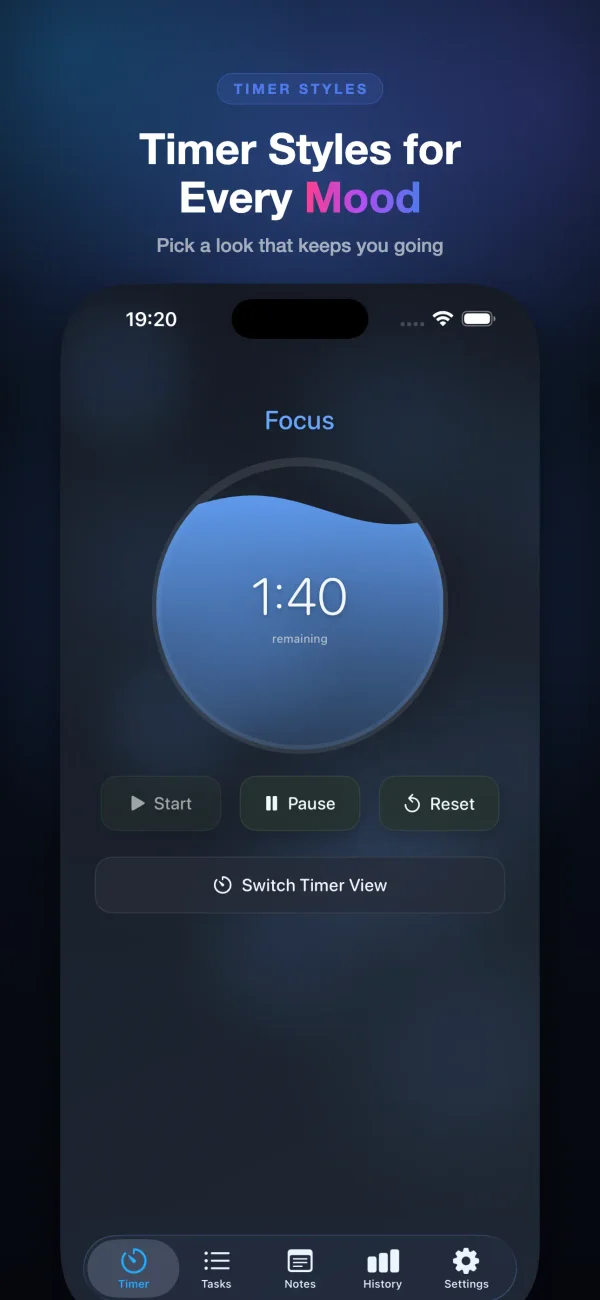
- All premium timer styles and themes
- Custom work intervals for a personalized routine
- Export detailed reports of your focused work
Try Premium FREE for 7 days.
GET STARTED
- Set your focus goals and create task lists
- Start your timer for dedicated focus time
- Watch your productivity soar through focused sessions
Join thousands transforming productivity with Pomodoro Timer. Whether you are battling procrastination, building focus habits, or optimizing your workflow, Pomodoro Timer is your intelligent companion for deep, meaningful work and study.
Premium subscription:
- Payment is charged to your Apple Account at purchase confirmation
- Subscription auto-renews unless turned off at least 24 hours before the period ends
- Your account is charged for renewal within 24 hours of the current period ending
- Manage or cancel subscriptions in Account Settings after purchase
- Any unused portion of a free trial is forfeited when you purchase a subscription
- Terms: https://www.apple.com/legal/internet-services/itunes/dev/stdeula/
What’s new
Version 6.1 · Oct 30, 2026
Control your focus without opening the app, and meet the timer built for iPhone Duo.
NEW
- iPhone Duo: open it like a book and your timer sits on one page with your day on the other: tasks, today's focus time and a quick note. Prop it up like a laptop and the top half becomes a desk clock with big controls below. Close it mid-session and the countdown is waiting on the outer screen.
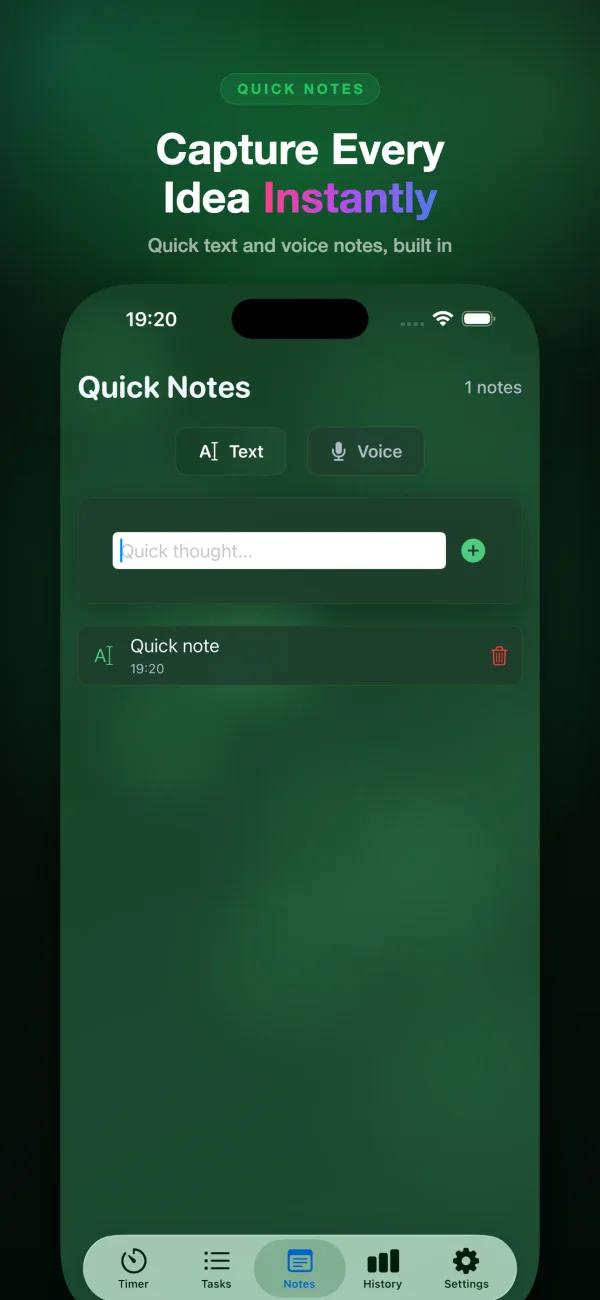
- History, tasks, notes and settings spread across both pages on iPhone Duo.
- Siri and Shortcuts: start a focus session, even on a specific task by name. Pause, resume, skip to the next phase, reset or ask how much time is left. Requires iOS 17.
- Control Center: add the Focus Timer button to Control Center, the Lock Screen or the Action button. Requires iOS 18.
- Pause and resume right from the Lock Screen and the Dynamic Island.
- Focus filter: turn on Work or Study Focus and a session starts on its own.
- The Live Activity now closes when your session ends or when you switch it off, and tells you when time is up.
IMPROVEMENTS
- Starting a task during a break now starts your focus at once. The timer no longer gets stuck.
- Notification and auto-start settings apply immediately.
- Your session count starts fresh every day, so long breaks land where they should.
- Changing a timer length while paused keeps the session you are in.
- Tasks stay in step across two windows on iPad.
- New sessions and notes are kept safe even when your history can't be opened, and appear once it can.
- The iCloud sync status in Settings now shows what is really going on.
App privacy
What Security Tech declares on the App Store about how this app handles data.
-
Data not linked to you
May be collected but is not linked to your identity.
- Diagnostics
Privacy practices may vary, for example with the features you use or your age.
Information
- Seller
- Security Tech OU
- Category
- Productivity
- Version
- 6.1
- Updated
- Oct 30, 2026
- Released
- Apr 21, 2025
- Size
- 17.6 MB
- Requires
- iOS 15 or later
- Age rating
- 4+
- Price
- Free
- In-app purchases
- Yes
- Languages
- English
- Copyright
- © Security Tech OU
You might also like
-
 Pomodoro Tale: Focus TimerLofi scenes for work & study
-
 Pomodoro Timer - PomoDonePomodoro Timer with to do list
-
 Event TimersTimers and schedules manager
-
 Tomato Timer ۬Pomdoro Productivity Timer
-
 Pomo Up - Pomodoro Timerstay focus & study timer
-
 Session Pomodoro Focus TimerKeep track study time & work
-
 Stuff | ToDos and ListsMinimalist planner & reminders
-
 Foca: Pomodoro & Focus TimerStudy, Work & Productivity
-
 Flow: Focus & Pomodoro TimerConcentration for work & study
-
 Be Focused – Pomodoro TimerDeep Focus for Work and Study