
Tomato Timer ۬
Pomdoro Productivity Timer
Designed for iPhone, iPad, iPod touch
Free · In-app purchases
- Age rating9+
- CategoryProductivity
- DeveloperBoltQ Media
- LanguagesEnglish
- Size64.4 MB
Links to the official App Store page
Download.org hosts no file of Tomato Timer ۬. The button opens its official App Store page, published by BoltQ Media. Listing last checked on Nov 12, 2026.
Screenshots


About
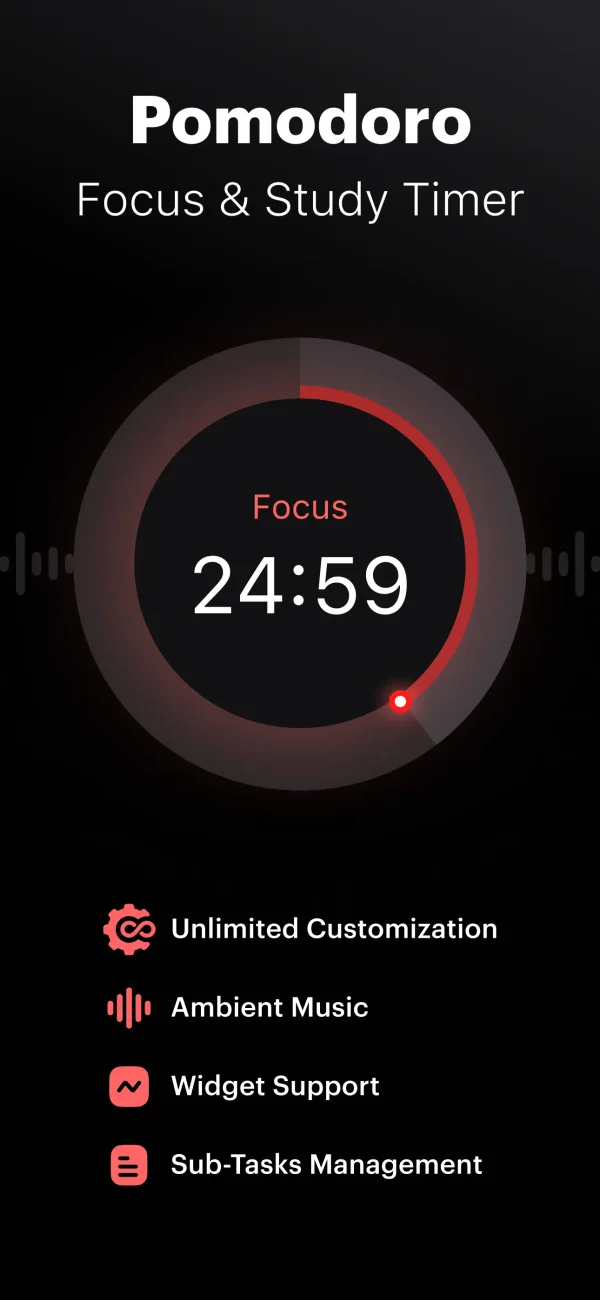
Pomodoro is an age-old time management and effective focus-improvement technique. Our Pomodoro Timer app brings that technique right to your iPhone/iPad.
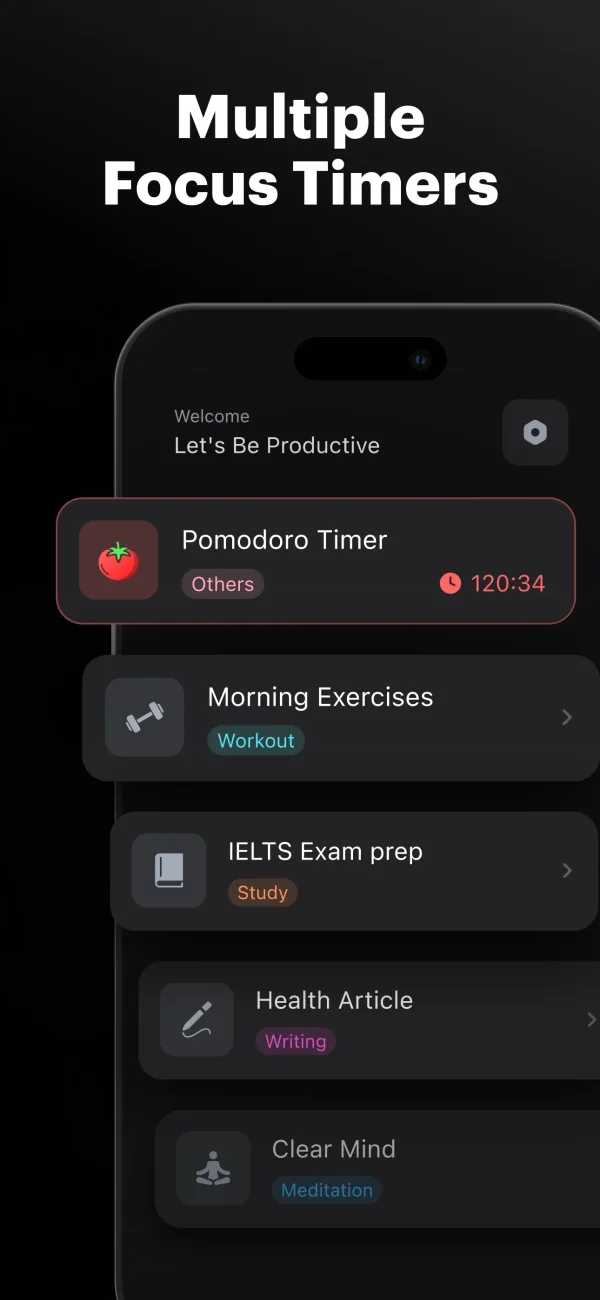
Besides other traditional focus timer apps, our app actually includes the default pomodoro timer, but also allows you to create your own timers and customize the length of your focus session, short break, long break, etc.
It might look like a very small app, but it isn’t one, it has options to add sub-tasks, play multiple ambient sounds at once, and track all your focus sessions using our advanced statistics manager (pro-users)
Key Features
> Default Pomodoro Timer: This is a default timer created which allows people to just download the app and start the pomodoro technique based timer.
> Create Multiple Timers: Create multiple Pomodoros or timers for different tasks. So whether you want to improve focus during a workout or study time, create a timer, set focus time, short breaks, long breaks, and you’re done! Do this for all the activities which require high-quality focus time.
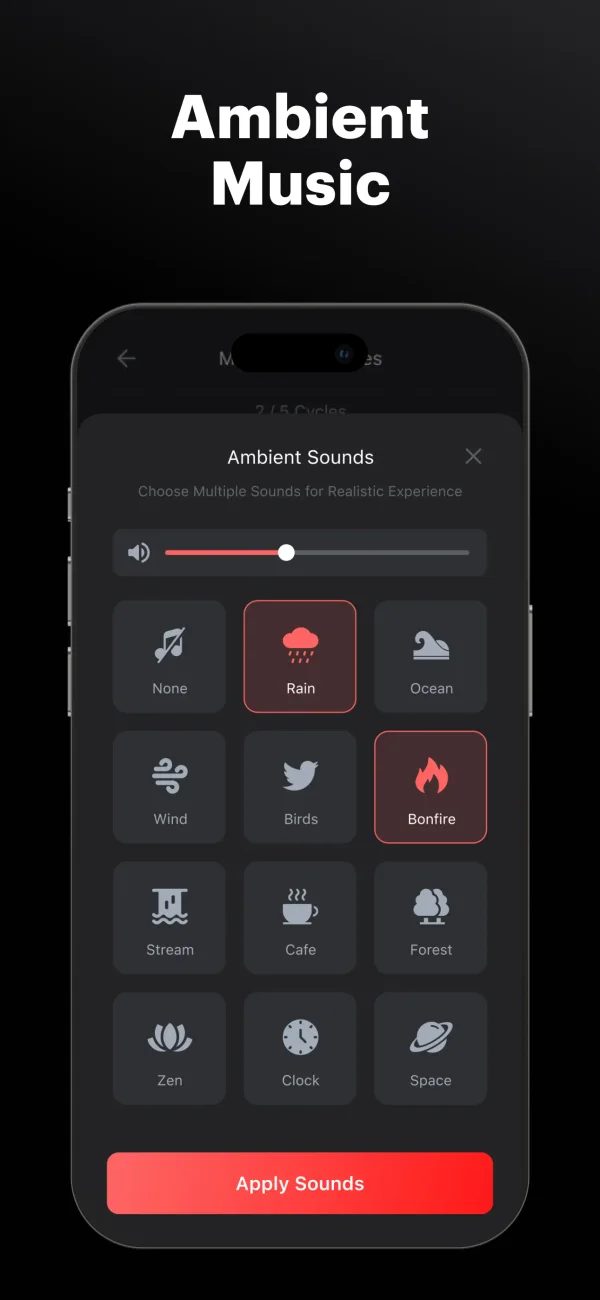
> Play multiple Ambient sounds at once: Currently our app has recordings of 15 different natural sounds, you can pick multiple For instance, you can play forest, thunderstorm, and bonfire. According to research, music of the right choice can boost focus by 30%.
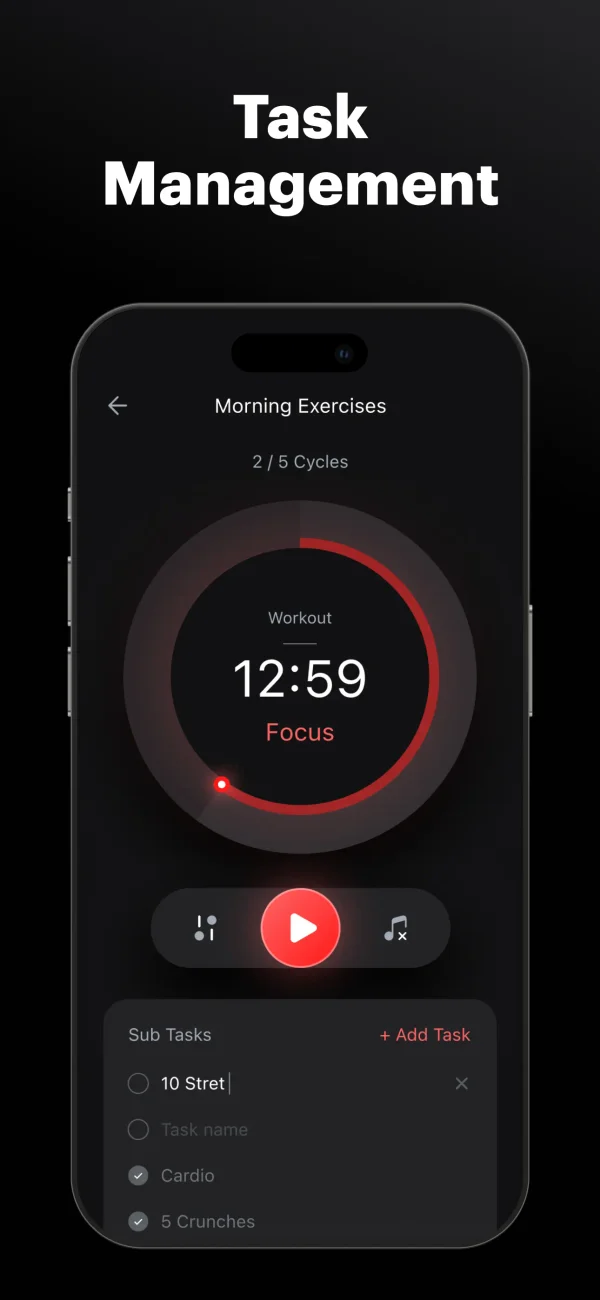
> Add Sub-Tasks: There’s always a micro-task under your main task which you forget, that’s why we’ve added the “add sub-tasks” functionality. Basically, you can add sub-tasks for your main tasks and mark them as done on the go.
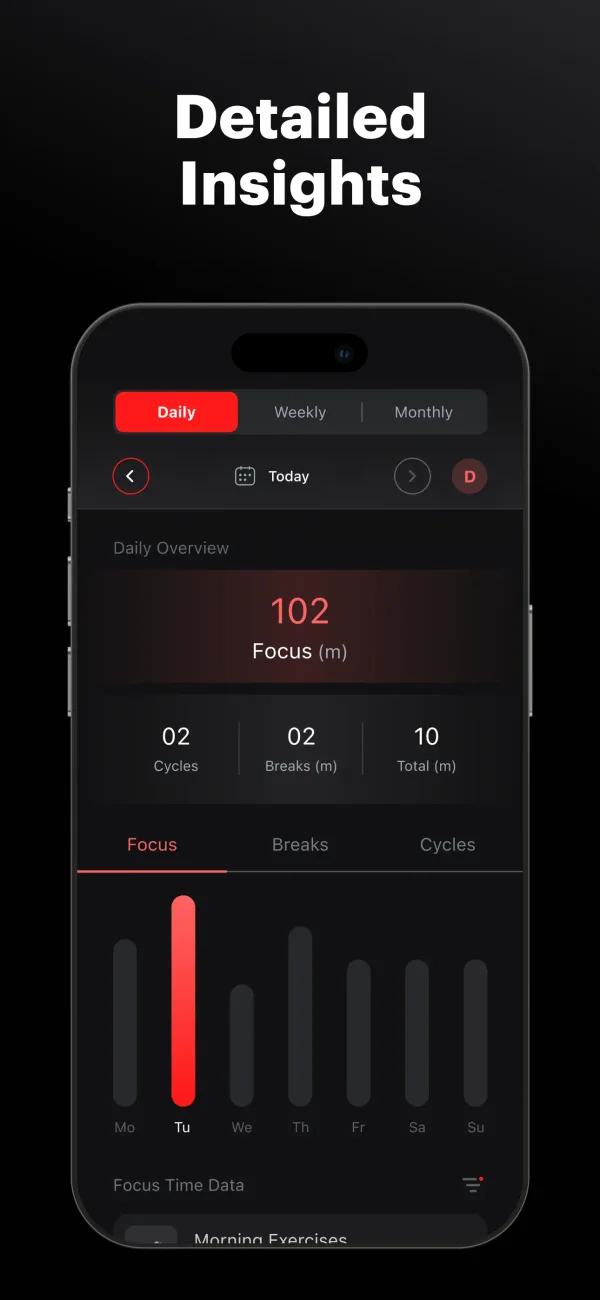
> Advanced Statistics: Do you want to calculate the time you’ve spent focusing on different tasks? How much is your break time, how many hours of focus did you take on a given day, what was the “Category” which requires more of your focus time, etc.? Well, this app is what you need.
What is the Pomodoro Technique?
It’s an old technique that helps people to stay focused, boost productivity. How does it work?
1. Choose a task
2. Set a 25-minute timer and work on it.
3. Take a 5 minute “short” break after 25 minutes of focus.
4. Take a long break after you’ve completed 4 focus sessions.
It might look like a very basic technique, people who’ve implemented this technique in their lives noticed an improvement in their focus by 20-45%. What are you waiting for? Install the app now.
Privacy Policy: https://pomodoro-timer.appstraw.com/privacy-policy
Terms of Use: https://pomodoro-timer.appstraw.com/terms-conditions
What’s new
Version 2.5 · Oct 30, 2024
- Stability improvements and bug fixes.
App privacy
What BoltQ Media declares on the App Store about how this app handles data.
-
Data not collected
The developer does not collect any data from this app.
Privacy practices may vary, for example with the features you use or your age.
Information
- Seller
- BoltQ Media
- Category
- Productivity
- Version
- 2.5
- Updated
- Oct 30, 2024
- Released
- Jan 4, 2024
- Size
- 64.4 MB
- Requires
- iOS 15.0 or later
- Age rating
- 9+
- Price
- Free
- In-app purchases
- Yes
- Languages
- English
- Copyright
- © BoltQ Media
You might also like
-
 Daily Routines & Planner AppSelf Care & ADHD Tracker
-
 Habit Tracker - Habit RewardsDaily Routine & Goal Planner
-
 Goal Tracker - IllumtoriChecklist & To-do Task Lists
-
 Habit & To Do List: MotidaytManage Tasks & Build Habits
-
 Stratword - Script WritingScreenplay Writer: Film & TV
-
 Gobble: Cold Turkey DetoxLanguage-Based App Blocker
-
 Dictation Speech to TextLive Transcribe Audio Notes
-
 Yata for GTD: Todo & CalendarYet Another Todo App for GTD
-
 GoodHacks AI: Zen ProductivityFocus Keeper & Manifestation
-
 Email Writer : AI Email WriterAI email writer and assistant