
FocusCat: Cat Pomodoro Timer
Deep Work & Study Sessions
Designed for iPhone, iPad
Free · In-app purchases
- Age rating4+
- CategoryProductivity
- DeveloperForward Tecnologia
- LanguagesEnglish
- Size97.1 MB
Links to the official App Store page
Download.org hosts no file of FocusCat: Cat Pomodoro Timer. The button opens its official App Store page, published by Forward Tecnologia. Listing last checked on Nov 27, 2026.
Screenshots

About
A Pomodoro timer with a cat that keeps you company while you study or work.
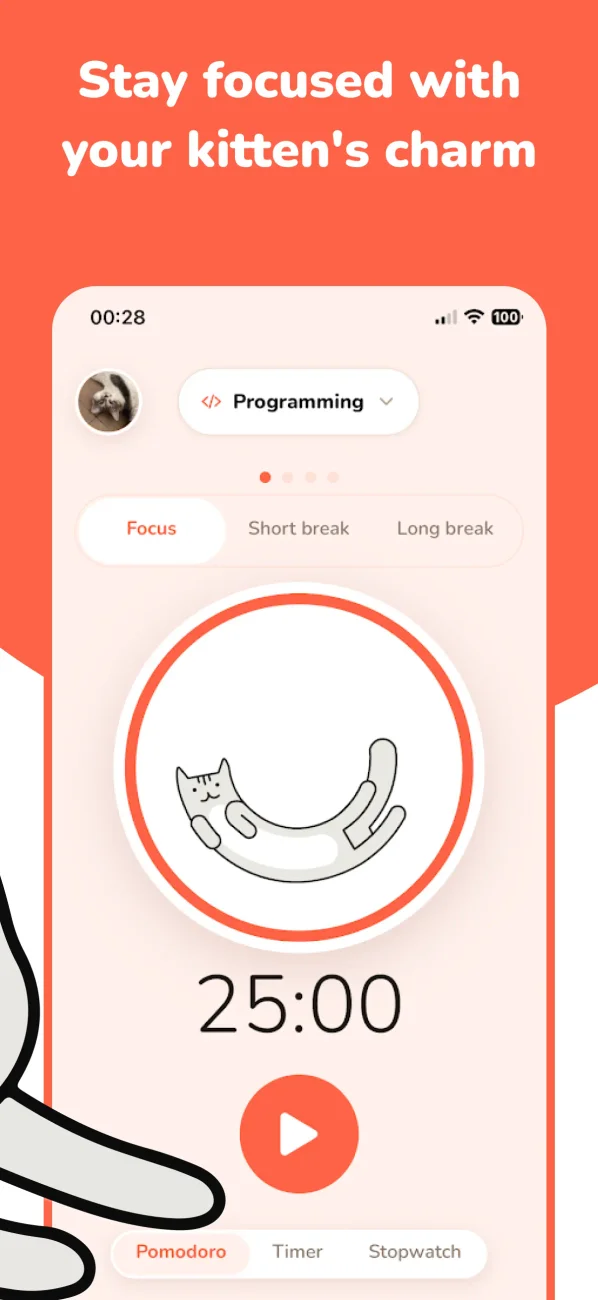
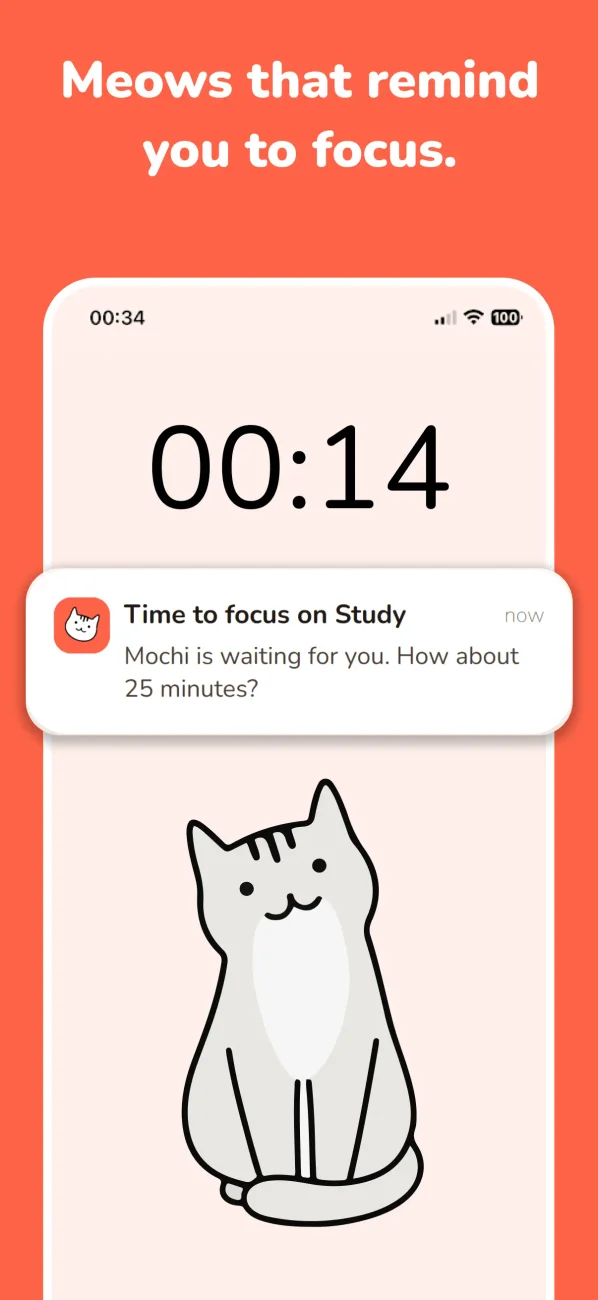
FocusCat is a simple Pomodoro timer: you press play, the kitten wakes up and moves along with your focus session. When the time is up, you both rest.
WHY FOCUSCAT
- Starts in one tap
Open the app, press play, and your focus session begins. An account is optional, so you can try the timer before deciding anything.
- Block the apps that pull you away
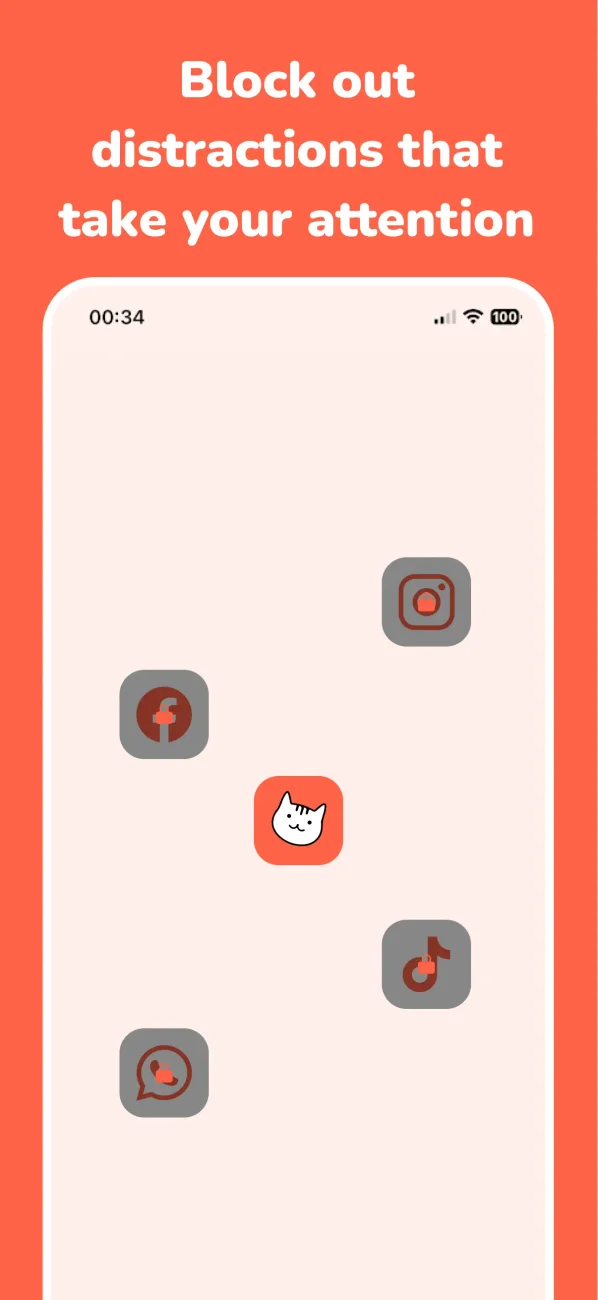
Choose which apps to block during a session and FocusCat holds the line for you. No willpower needed to ignore a notification you never receive. The block lasts as long as the Pomodoro, then everything comes back on its own.
- A cat for company
The cat animation follows the timer. It is a gentle way to feel that the session is running, with no aggressive alarms and no guilt trips.
- Study with friends in real time
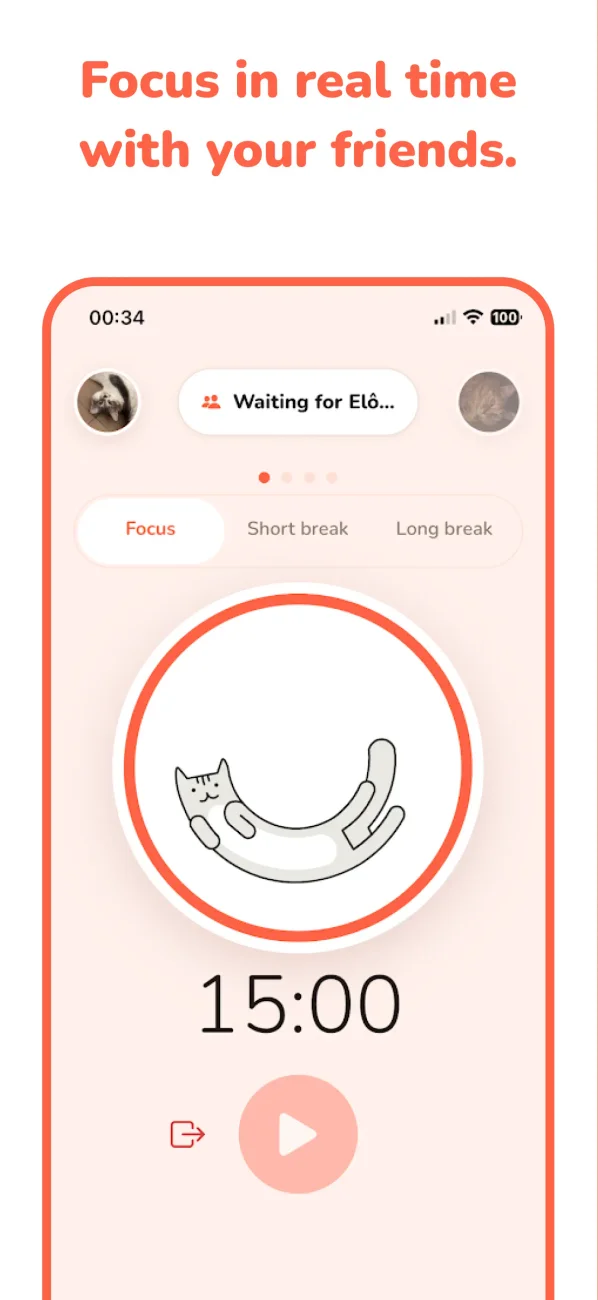
See who is in a session right now and let them see you. Studying alone is harder than studying next to someone, even when that someone is a name on a screen. Add friends and run your Pomodoro sessions together.
- Earn XP for every session you finish
Each completed block gives you XP and moves your level forward. Your progress comes from the time you actually focused, not from paying.
- Your focus, your intervals
Set the length of your focus block, your short break, and your long break. The classic Pomodoro is 25 and 5, but you can run 50 and 10 if that suits
you better.
- Categories that separate your work
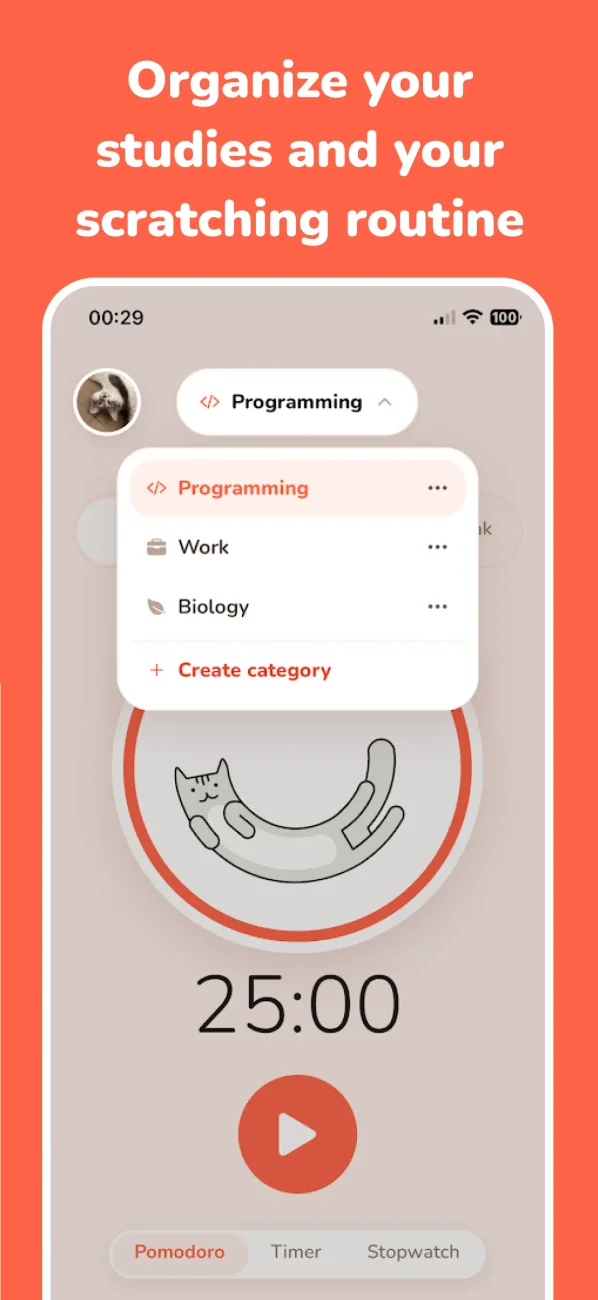
Create categories like University, Exam Prep, Work, or Reading, and see how much time went into each one.
- Statistics that show the pattern
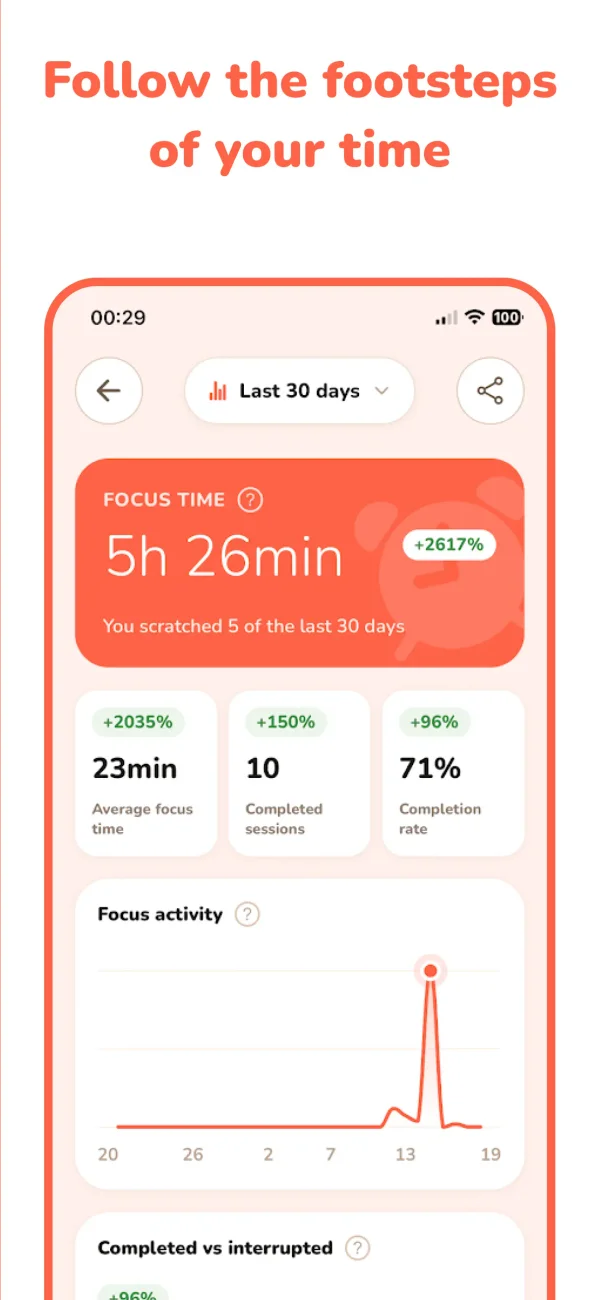
Daily focus chart, study time per day, total time per category, session completion rate, focus vs break, and recent history.
WHO IT IS FOR
- Students preparing for exams who need a study timer they can trust
- University students in the middle of a thesis, a paper, or finals
- Study groups who want to focus together without being in the same room
- Remote workers who reach the end of the day with no idea where the time went
- Anyone who struggles with concentration and studies better in short blocks
- Anyone who tried a productivity app before and quit because it was too much
HOW THE POMODORO TECHNIQUE WORKS
1. Pick one task
2. Start the 25 minute Pomodoro timer
3. Work without switching tabs until the time is up
4. Take a 5 minute break
5. After four cycles, take a longer break
The Pomodoro cycle is short on purpose. Starting is easier when you only have to hold out for 25 minutes, and the FocusCat kitten exists to make those 25 minutes less dry.
Download FocusCat, open the Pomodoro timer, and turn your study time into a routine you can actually keep.
____________________________________
Subscription Information and Legal Terms
Subscriptions automatically renew unless canceled at least 24 hours before the end of the current period. Payment will be charged to your iTunes account at confirmation of purchase. You can manage or cancel your subscription in your Account Settings after purchase.
Privacy Policy: https://docs.google.com/document/d/159KLO0Wz2Y6tor39p5OC5wzgTnxxN71FrvvkCuKtLp8/edit?usp=sharing
Terms of Use (EULA): https://www.apple.com/legal/internet-services/itunes/dev/stdeula/
What’s new
Version 2.2.1 · Nov 26, 2026
- Bugfixes at notifications
- More focus modes
App privacy
What Forward Tecnologia declares on the App Store about how this app handles data.
-
Data used to track you
May be used to track you across apps and websites owned by other companies.
- Usage data
- Diagnostics
-
Data not linked to you
May be collected but is not linked to your identity.
- Usage data
- Diagnostics
Privacy practices may vary, for example with the features you use or your age.
Information
- Seller
- Forward Tecnologia LTDA
- Category
- Productivity
- Version
- 2.2.1
- Updated
- Nov 26, 2026
- Released
- Feb 19, 2026
- Size
- 97.1 MB
- Requires
- iOS 16.4 or later
- Age rating
- 4+
- Price
- Free
- In-app purchases
- Yes
- Languages
- English
- Copyright
- © 2022 Forward Tecnologia
You might also like
-
 My Little Pomodoro: FocusYou will make it. Focus here!!
-
 Pomodoro — Focus TimerProductivity
-
 Pomocat - Adorable Focus TimerYour Focus & Productivity Pal
-
 ChickFocus: Pomodoro TimerADHD Organizer & Productivity
-
 Forest: Focus for ProductivityPomodoro Timer, ADHD & Study
-
 Unrot: Earn your Screen TimeComplete habits, then scroll
-
 Study Bunny: Focus TimerA motivational study timer!
-
 Focus Plant:forest app blockerGrow plants and stay focused
-
 Focus To-Do: Focus Timer&TasksPomodoro timer for work&study
-
 FocusPomo · Pomodoro TimerProductivity|for Work & Study