FocusCat: Focus Timer
A focus timer your cat watches
Designed for iPhone, iPod touch
Free
- Age rating4+
- CategoryProductivity
- DeveloperHyeok Kwon
- LanguagesEnglish
- Size32.2 MB
Links to the official App Store page
Download.org hosts no file of FocusCat: Focus Timer. The button opens its official App Store page, published by Hyeok Kwon. Listing last checked on Nov 20, 2026.
Screenshots

About
You want to focus, but the phone keeps pulling you back.
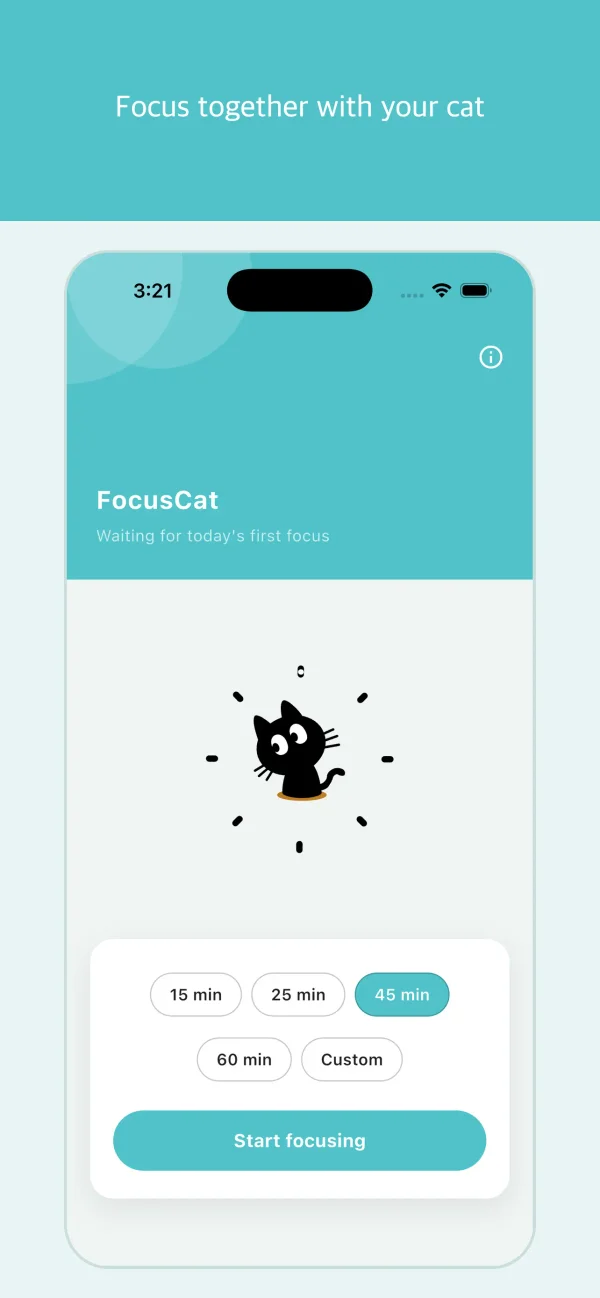
FocusCat is simple. Choose a length, start, put the phone down.
Your cat stalks a butterfly on the screen while you work.
Your cat hunts while you focus
As the timer runs, your cat closes in on a butterfly. At first it just sits and watches, tail swishing. Then its eyes go wide as it takes aim, and it starts creeping closer. When time is up it snatches the butterfly with one paw. You can tell how far along you are from the cat's posture alone, without checking the clock.
Your cat calls you when time is up
When the session ends your cat meows until you tap the screen. Leave the phone face down and you still won't miss it.
Leave the app and your focus breaks
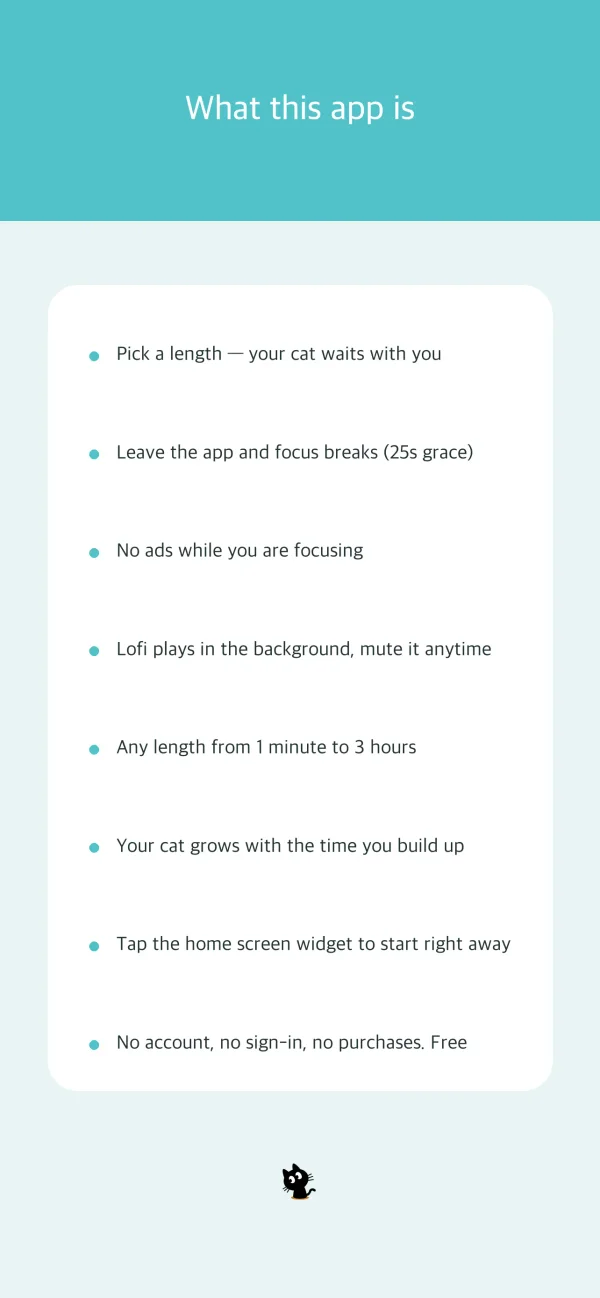
Switch to another app and the session is recorded as failed. There is a 25 second grace period for a mistapped notification or a short call, but stay away longer and your cat gives up waiting. That one rule is the whole app.
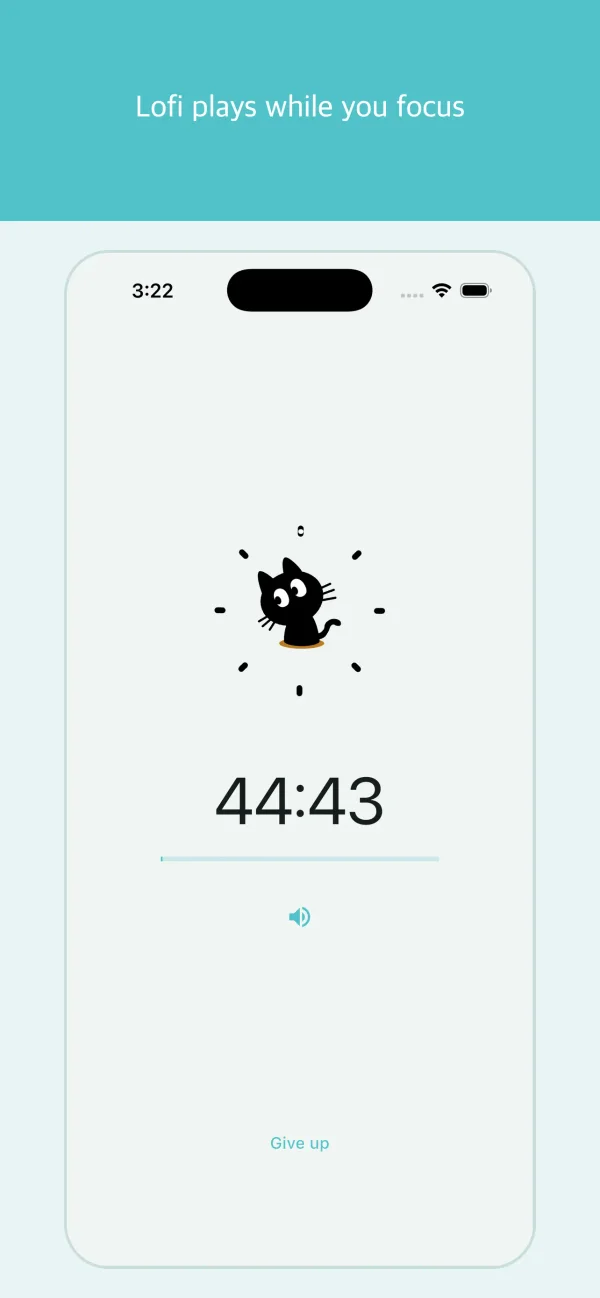
Lofi plays while you focus
A quiet loop runs in the background. One tap mutes it when you're somewhere you can't make noise.
You decide the length
Pick 15, 25, 45 or 60 minutes, or set your own from 1 minute up to 3 hours.
A cat that grows with you
Successful focus time adds up and your cat grows.
No ads while you focus
Ads appear only after a session ends. Nothing covers the screen while you're focusing.
No account, no sign-in, no purchases. Free.
What’s new
Version 1.1.0 · Aug 10, 2026
Your cat goes hunting while you focus.
• As time passes, the cat hunts a butterfly — it watches, its eyes go wide as it takes aim, it creeps closer, and when the timer ends it catches the butterfly with one paw
• You can tell how far along you are from the cat's posture alone, without checking the clock
• When your focus session ends, the cat meows. Tap the screen to stop it
• New app icon
App privacy
What Hyeok Kwon declares on the App Store about how this app handles data.
-
Data used to track you
May be used to track you across apps and websites owned by other companies.
- Identifiers
- Usage data
-
Data not linked to you
May be collected but is not linked to your identity.
- Identifiers
- Usage data
Privacy practices may vary, for example with the features you use or your age.
Information
- Seller
- Hyeok Kwon
- Category
- Productivity
- Version
- 1.1.0
- Updated
- Aug 10, 2026
- Released
- Jul 22, 2026
- Size
- 32.2 MB
- Requires
- iOS 15.0 or later
- Age rating
- 4+
- Price
- Free
- Languages
- English
- Copyright
- © 2026 Hyuk Kwon
You might also like
-
 Flow Isle: Focus & App BlockerPomodoro Timer & Screen Time
-
 Stelo: Focus Mode, App BlockerTime Blocking Planner & Study
-
 Sorin StudyTrack your study sessions
-
 Impedo: App & Website BlockerScreen time limits that stick
-
 Status: Private life organizerYour personal control hub - OS
-
 Trackdown: Days CounterCount Down, Count Up & Widgets
-
 Pawmer: Focus & Save AnimalsFocus & rescue cute animals!
-
 Focus Together: Study TimerCute Avatars, Live Study Buddy
-
 HabiterKeep Habit Go
-
 Habit Quest: Gamified TasksRPG Habit Tracker & Pixel Pet