FocusFlow: Earn Your Scroll
Screen Time & App Blocker
Designed for iPhone, iPad
Free · In-app purchases
- Age rating12+
- CategoryProductivity
- DeveloperSpencer Lay
- LanguagesEnglish
- Size3.9 MB
Links to the official App Store page
Download.org hosts no file of FocusFlow: Earn Your Scroll. The button opens its official App Store page, published by Spencer Lay. Listing last checked on Nov 25, 2026.
Screenshots

About
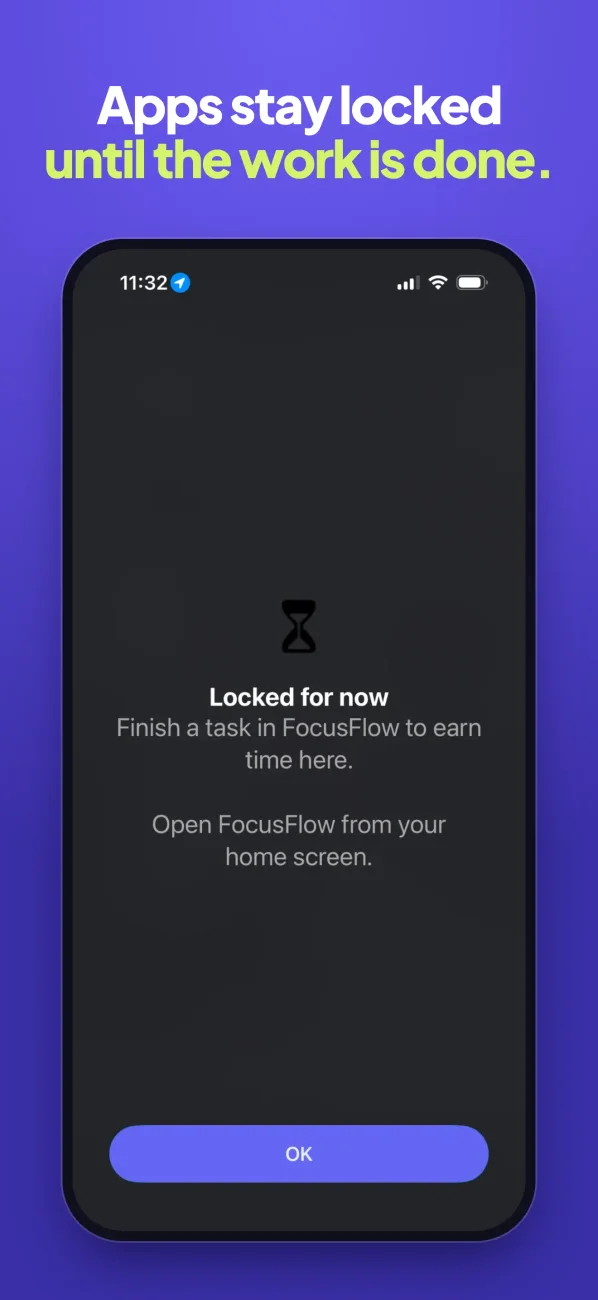
Your apps stay locked until you finish what you actually need to do.
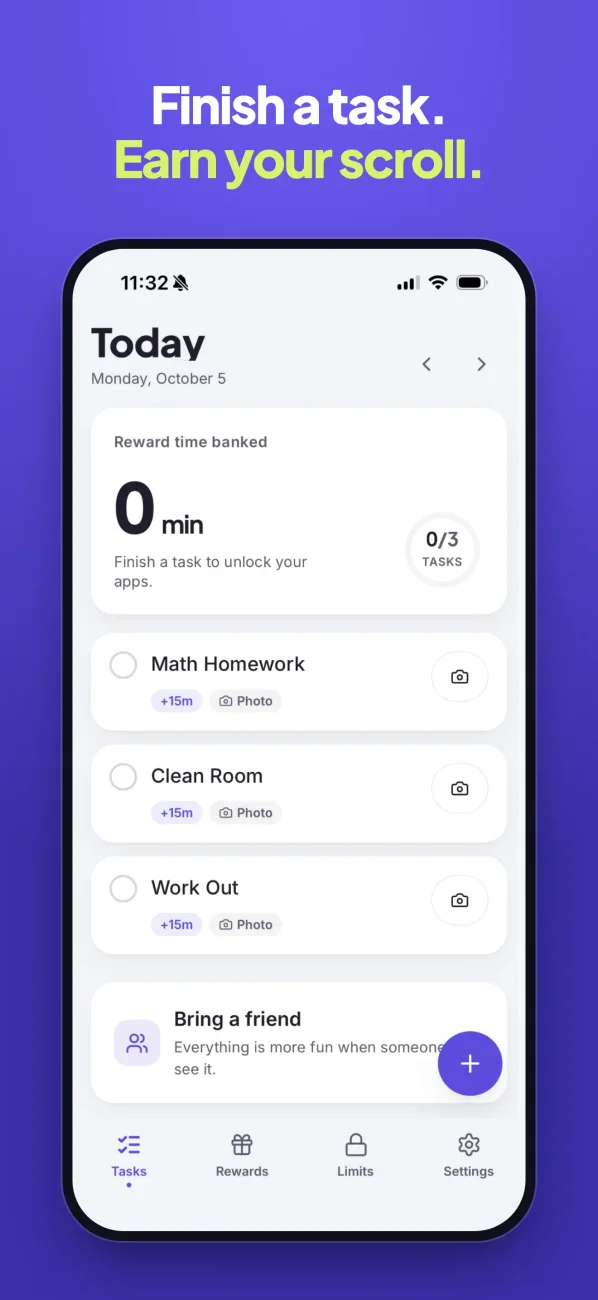
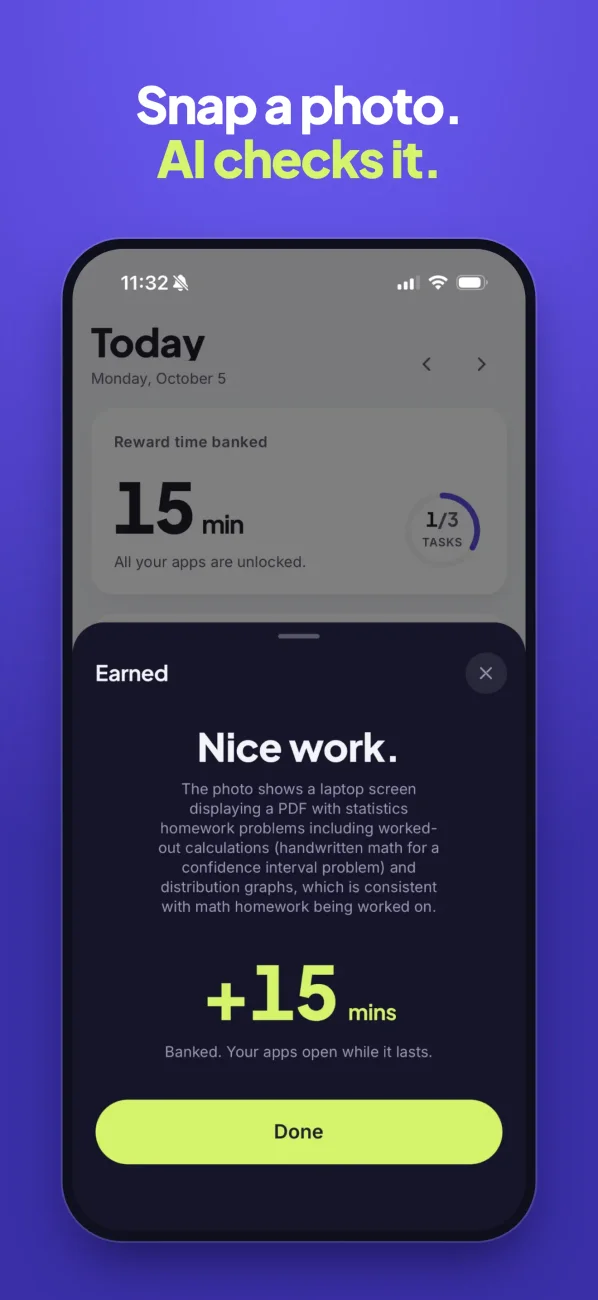
FocusFlow is a different kind of screen time app. Most blockers let you tap "ignore limit" and carry on scrolling. FocusFlow makes you earn it. Add a task, do it, take a photo as proof, and AI checks the photo really shows the work. Verified work earns scroll time. Nothing else unlocks your apps.
HOW IT WORKS
1. Pick the apps that eat your day. Instagram, TikTok, X, games, anything.
2. Add today's tasks. Homework, gym, laundry, whatever you keep putting off.
3. Finish one and snap a photo. The AI checks it against the task.
4. Earn minutes. Your apps unlock, and the time counts down while you use them.
5. Hit zero and they lock again, even with FocusFlow closed.
WHY IT WORKS
A limit you can dismiss is a suggestion. Apple's own Screen Time puts "Ignore Limit" one tap away, and everyone taps it. FocusFlow replaces that tap with doing the thing you were avoiding. The friction is the point.
FEATURES
Photo verification, so finishing means finishing.
Reward time that counts down only while you are in the apps you picked.
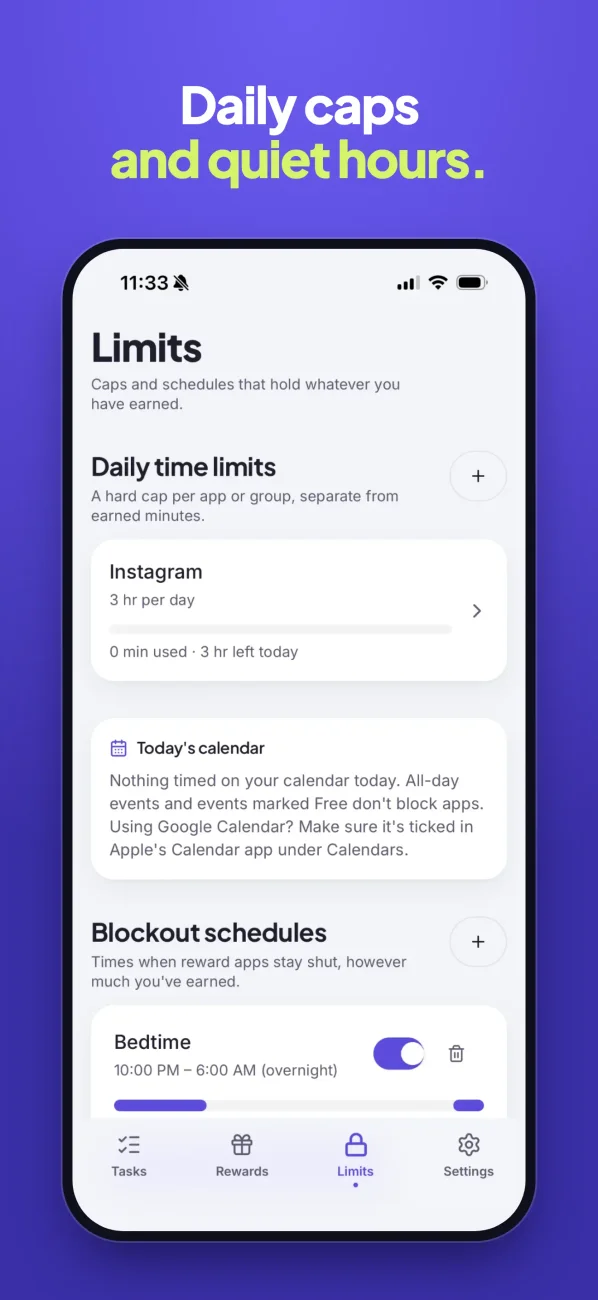
Blockout schedules for class, work, practice or bedtime, when nothing unlocks.
Daily limits per app or per group, on top of earned time.
An emergency override with a wait and a log, for when you genuinely need in.
Canvas assignments and exams become tasks automatically, and Reminders and your calendar can be imported too.
A morning notification with the day's tasks, an evening nudge to plan tomorrow, and a warning before your minutes run out.
Your own history: tasks finished, time earned, time spent.
Family accounts: parents set tasks for their kids and approve them from their own device.
PRICING
FocusFlow is free to download, and everything outside the family plan is free for now.
FocusFlow Family, for parents who set tasks for their kids, is an auto-renewing subscription: $9.99 a month or $69.99 a year, with a 7-day free trial. Payment is charged to your Apple ID when the trial ends. It renews automatically unless cancelled at least 24 hours before the period ends. Manage or cancel anytime in your Apple ID settings.
Terms of Use: https://getfocusflow.app/terms
Privacy Policy: https://getfocusflow.app/privacy
PRIVACY
FocusFlow does not sell your data, does not run ads and has no analytics. Your proof photos are used to check the task and nothing else. Apple's Screen Time keeps your app usage private, even from us. We can block an app without ever learning which one it is.
Built by a student who lost five hours a day to his phone.
Requires iPhone or iPad and Screen Time permission.
What’s new
Version 1.1.10 · Nov 23, 2026
Your companion is here.
• Finish your tasks and a plant grows, or an egg hatches. Name it, dress it up, and keep the grown ones on your shelf.
• The small widget shows your companion, with your minutes underneath.
• Streaks with friends: keep one going with a buddy, a squad, or your whole family. Nobody is ranked.
• Personal bests, and a recap of your week every Sunday.
• Rename groups, lock for any length of time, and setup asks you to pick 3 apps to use less.
Plus fixes.
App privacy
What Spencer Lay declares on the App Store about how this app handles data.
-
Data linked to you
May be collected and linked to your identity.
- Contact info
- User content
- Identifiers
- Usage data
- Other data
Privacy practices may vary, for example with the features you use or your age.
Information
- Seller
- Spencer Lay
- Category
- Productivity
- Version
- 1.1.10
- Updated
- Nov 23, 2026
- Released
- Oct 5, 2026
- Size
- 3.9 MB
- Requires
- iOS 17.0 or later
- Age rating
- 12+
- Price
- Free
- In-app purchases
- Yes
- Languages
- English
- Copyright
- © 2026 Spencer Lay
You might also like
-
 FocusFlow: Pomodoro & TasksBoost productivity
-
 Luma: Earn Your Screen TimeFocus Timer, Blocker & Habits
-
 ProveIt: AccountabilityAccountability you can't fake
-
 Nagg: Study Alarm & FocusBeat procrastination for real
-
 Proc: Procrastination BlockerApp Blocker & Procrastination
-
 Sunny: Focus & Study TimerMulti-task Pomodoro for ADHD
-
 Do Instead: App BlockerScreen Time Control & Focus
-
 Focal - Focus & BlockingBlock distractions, focus more
-
 Pomodoro Focus Timer: DayflintOne Thing a Day, ADHD Planner
-
 Pryvo - Earn Your Screen TimeUnlock Focus & Self Control