FolderSure: Verify SD Backups
Checksum proof for every copy
Designed for iPhone, iPad
$4.99
- Age rating4+
- CategoryUtilities
- DeveloperKarolis Valatka
- LanguagesEnglish
- Size1.1 MB
Links to the official App Store page
Download.org hosts no file of FolderSure: Verify SD Backups. The button opens its official App Store page, published by Karolis Valatka. Listing last checked on Nov 18, 2026.
Screenshots

About
A finished progress bar tells you the copy ended. It doesn't tell you the copy is correct.
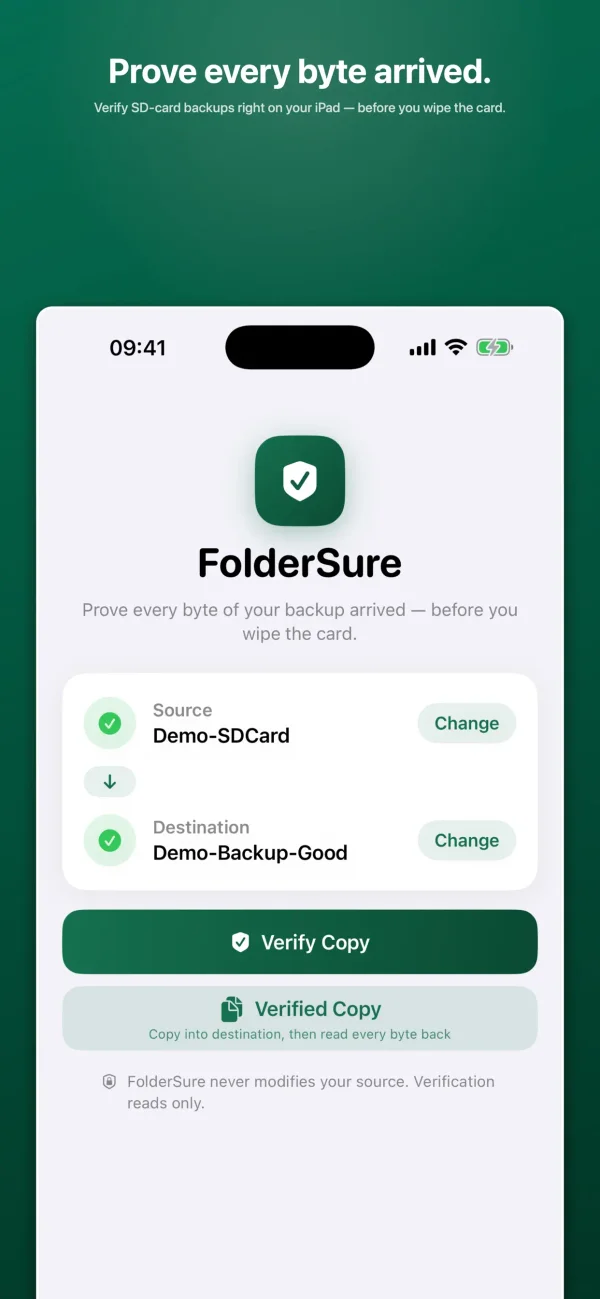
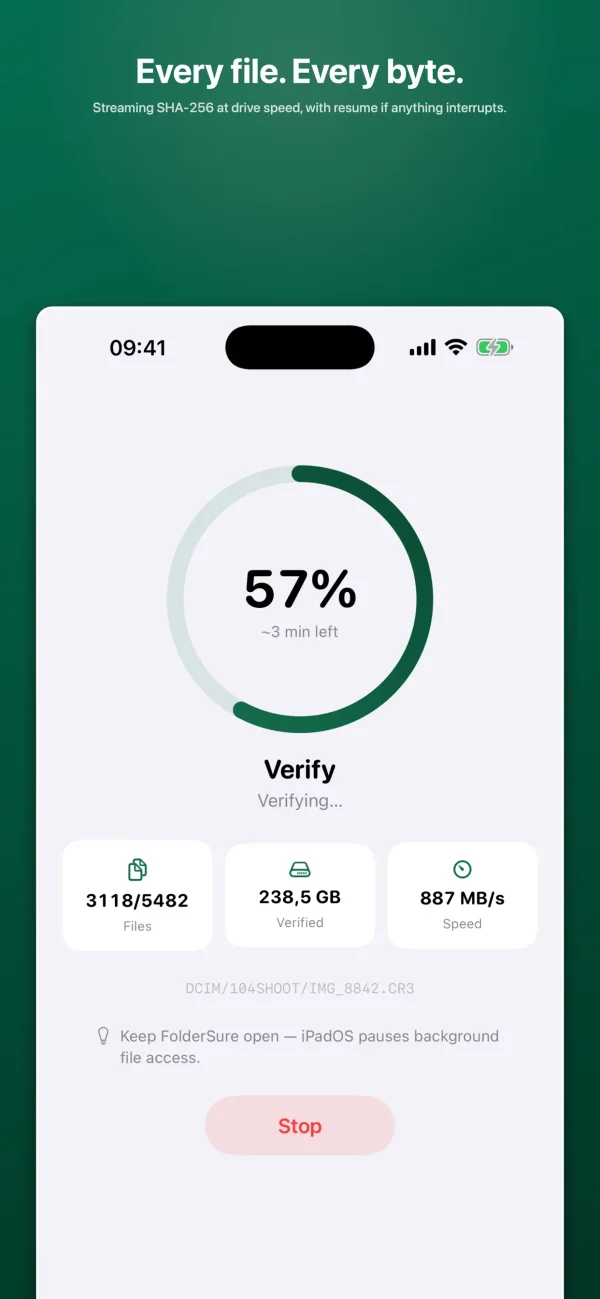
FolderSure checks your backup against the original, file by file, byte by byte, using streaming SHA-256 right on your iPad or iPhone. Plug in the card and the SSD, pick the two folders, and know for certain that every photo and every clip made it across intact.
One damaged RAW file in 400 GB is invisible until the day you need it. FolderSure finds it and tells you its name.
What it does:
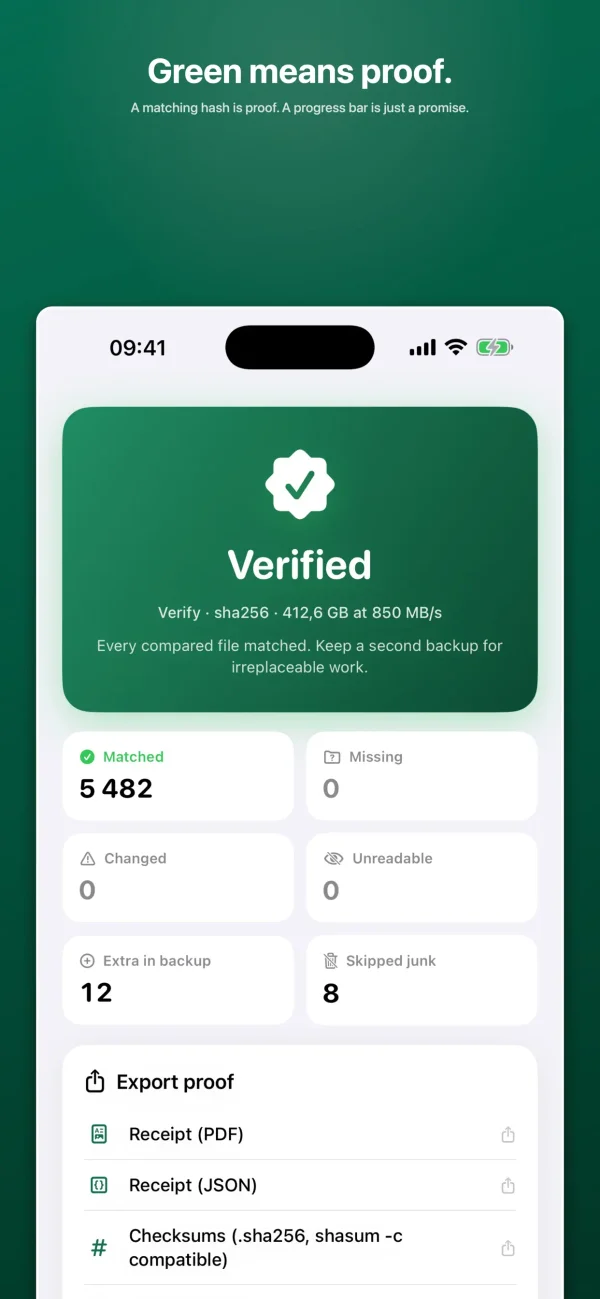
Verify. Compares source and destination with real checksums. Missing, changed and unreadable files are listed by name, not hidden in a summary.
Verified Copy. FolderSure copies the files itself, then reads every byte back from the destination before calling a file done. The safest way to offload a card.
Guarded Erase. After a fully verified pass you can delete the verified files from the card. You have to type ERASE, confirm, and the app re-checks every file at the moment of deletion. If anything changed since the pass, it refuses. It never touches files it didn't verify.
Re-Verify. Months later, check a drive against a saved manifest and catch bit rot before it costs you a shoot.
Resume. Cable pulled or app closed mid-scan? Continue where it stopped. An interrupted job is never reported as verified.
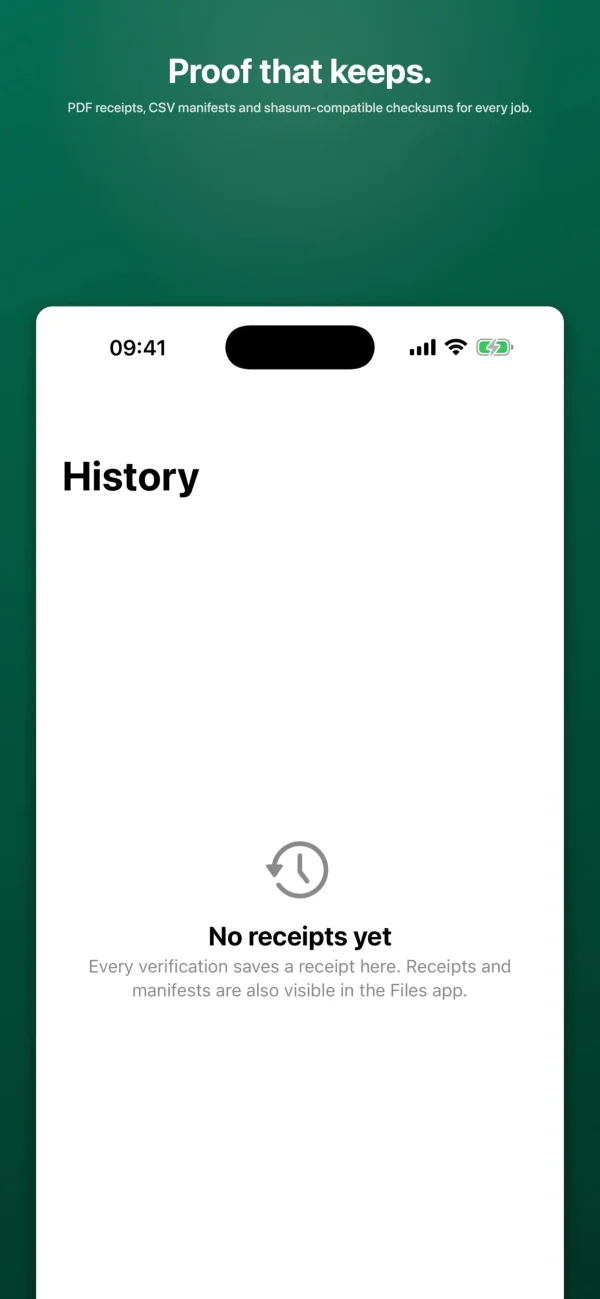
Proof you can keep. Export a PDF receipt, CSV manifest, JSON, or a .sha256 checksum file your Mac verifies with a single shasum command.
The fine print, in plain words: one-time purchase, no subscription, no account, no ads. Everything runs on your device and the app makes zero network requests. Works with SD cards, USB-C SSDs, USB sticks and any folder the Files app can open. Choose SHA-256 or the faster xxHash64.
FolderSure never modifies your source. Verification only reads. The only thing that can delete files is the erase step you unlock yourself after a verified pass.
App Review notes (reviewer field):
FolderSure needs no account, login or network connection. Everything runs on-device.
To test without an external drive: in the Files app, create two folders under On My iPad, put a few files in the first and copy them into the second. In FolderSure pick them as Source and Destination and tap Verify Copy. To see failure detection, edit or delete one file in the destination folder and verify again.
The erase feature only appears after a 100% verified pass and requires typing ERASE plus a confirmation dialog. It deletes only the verified files in the user-chosen source folder.
The app makes zero network requests. No analytics, no tracking.
App privacy
What Karolis Valatka declares on the App Store about how this app handles data.
-
Data not collected
The developer does not collect any data from this app.
Privacy practices may vary, for example with the features you use or your age.
Information
- Seller
- Karolis Valatka
- Category
- Utilities
- Version
- 1.0
- Updated
- Jul 29, 2026
- Released
- Jul 29, 2026
- Size
- 1.1 MB
- Requires
- iOS 17.0 or later
- Age rating
- 4+
- Price
- $4.99
- Languages
- English
- Copyright
- © 2026 Karolis Valatka
You might also like
-
 OffloadrKopieren & Verifizieren
-
 RenewSpark ToolsBattery Pack Design Tools
-
 CardSync - Verified CopySD card to SSD or server
-
 ADB GoUtilities
-
 Disk DecipherAccess encrypted virtual disks
-
 IC Photo Singapore AppPassport Size Photo Maker
-
 Code Scanner QR Barcode ReaderData Matrix, Batch Scan & CSV
-
 Auth app for TeslaTesla API tokens, in seconds
-
 Compress It! PDF CompressorReduce & shrink document size
-
 BearBell - Hiking Bear BellHands-free bell while you walk