FomoWave - Trend Tracker
Trend Forecast & FOMO Graph
Designed for iPhone, iPad
$1.99
- Age rating4+
- CategoryUtilities
- DeveloperPixelBrick
- LanguagesEnglish
- Size3.3 MB
Links to the official App Store page
Download.org hosts no file of FomoWave - Trend Tracker. The button opens its official App Store page, published by PixelBrick. Listing last checked on Nov 18, 2026.
Screenshots
About
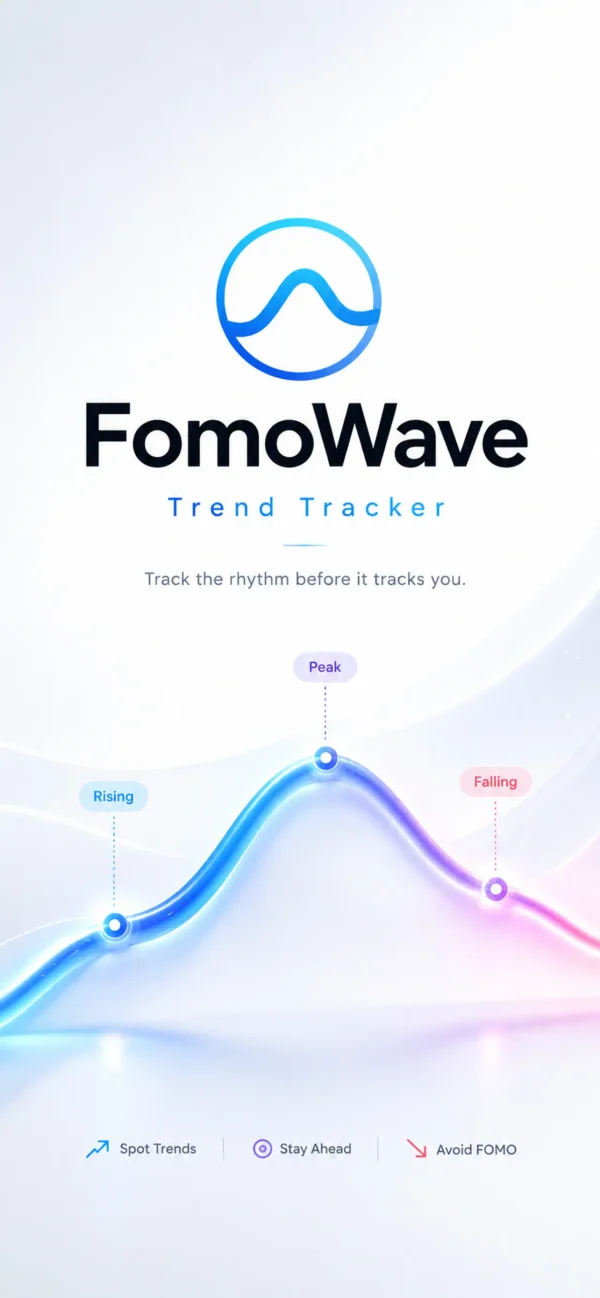
FomoWave is a trend wave app that helps you track your own FOMO keywords and understand their flow at a glance.
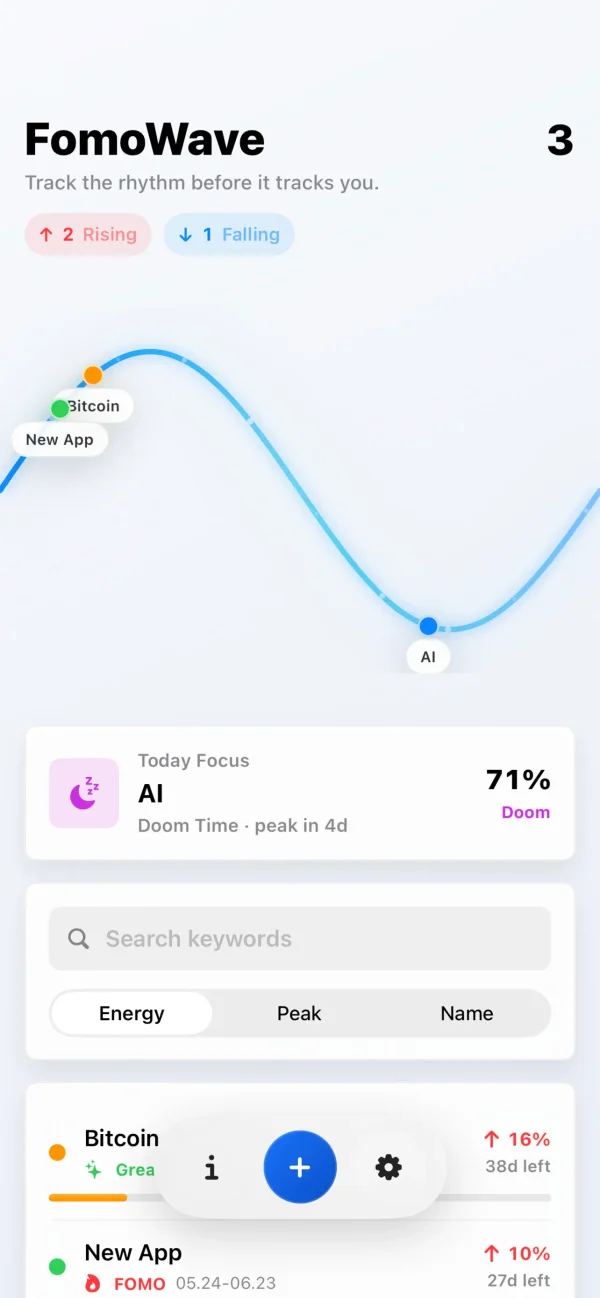
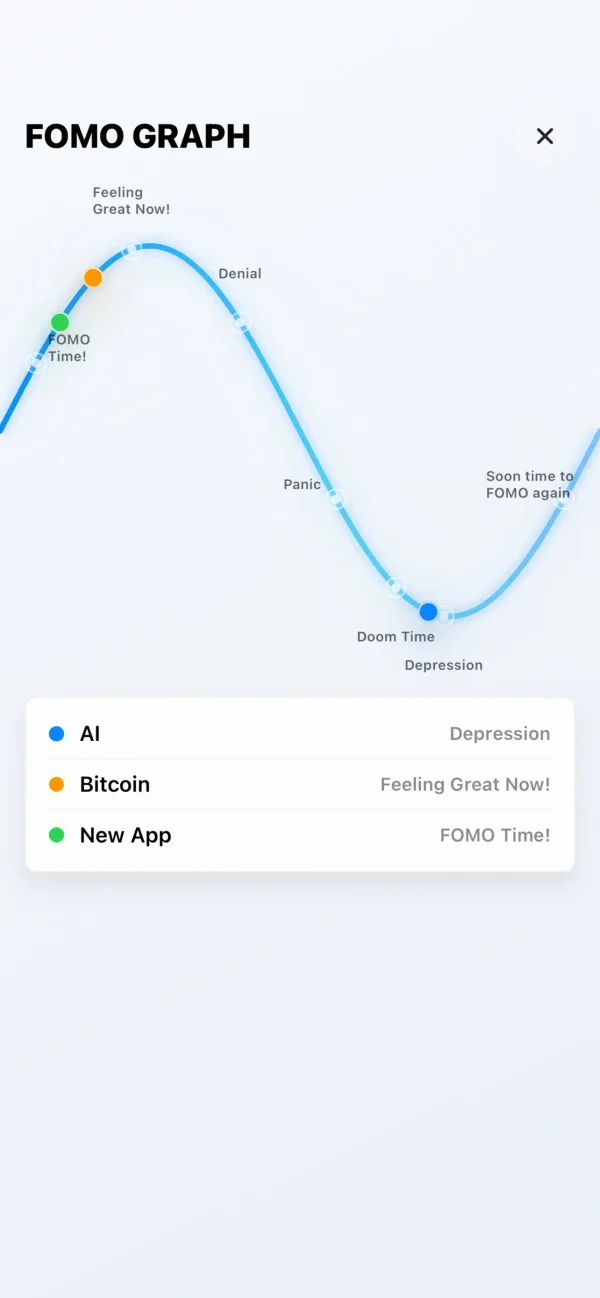
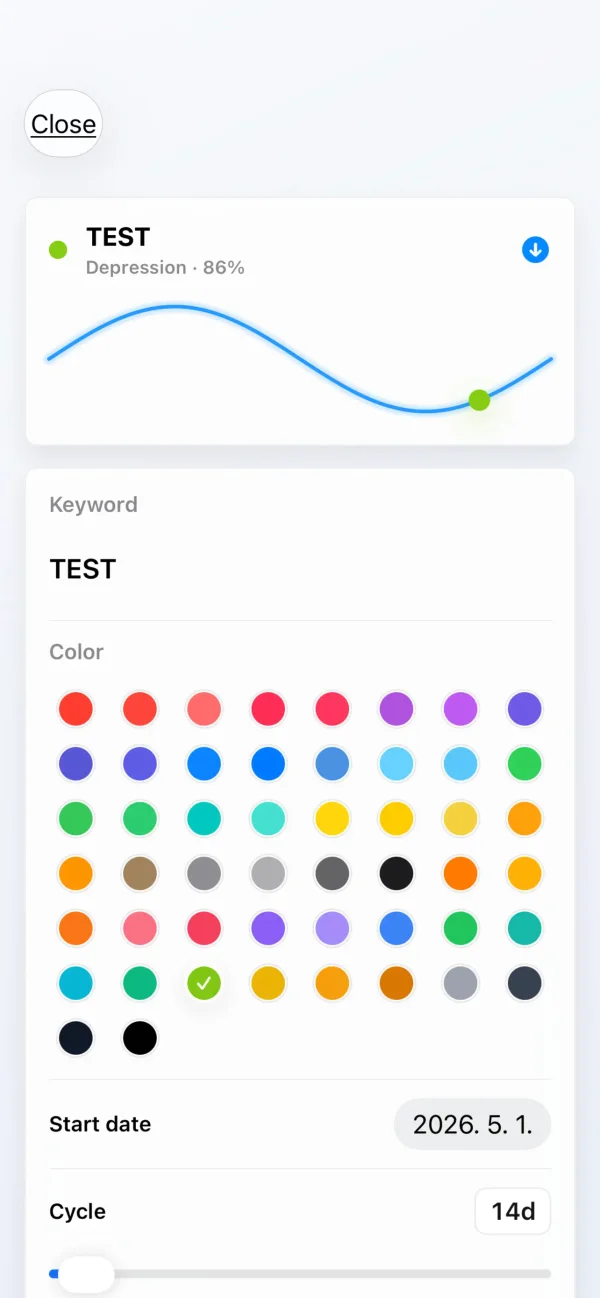
Add keywords you care about, set a start date, choose a trend duration in days, and decide whether each keyword should loop or expire. Each keyword moves along a wave over time, helping you visually estimate whether it is currently rising, peaking, or falling.
Instead of simply listing keywords, FomoWave focuses on showing where each trend is right now. It helps you organize short-term interests, hot issues, and long-term themes more calmly, so you can reduce FOMO and follow what matters with better timing.
Key Features
Wave Graph
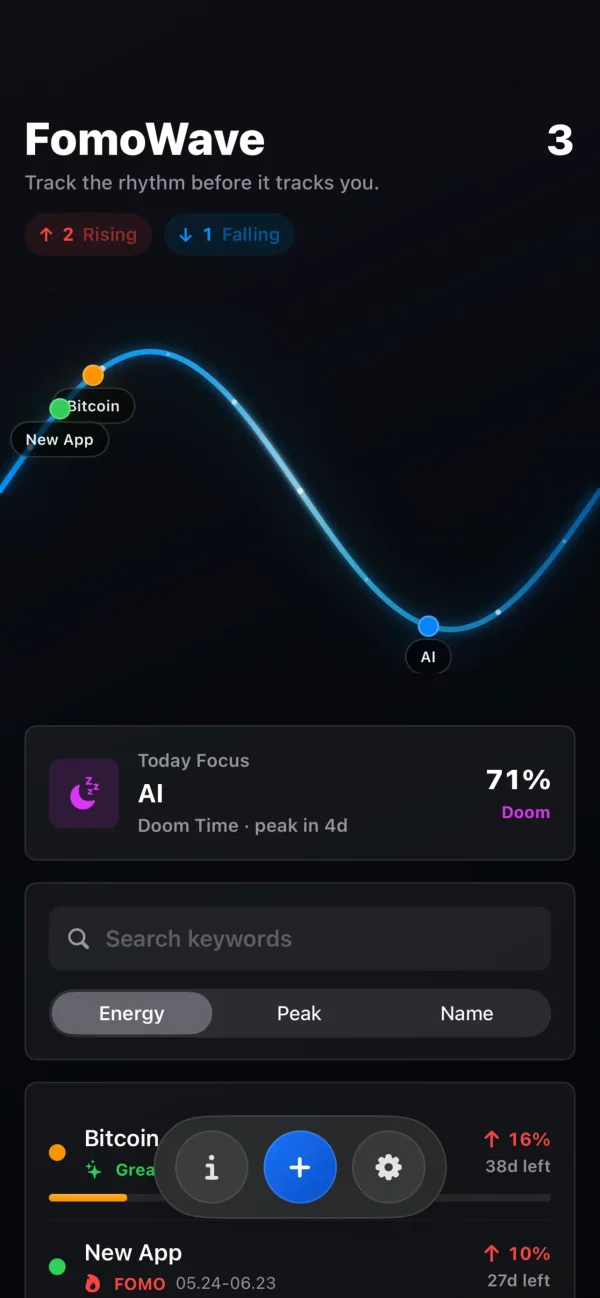
Keywords appear as points on a smooth wave and update their position over time.
Keyword Management
Add, edit, and delete your own FOMO keywords anytime.
Trend Duration
Set the expected trend period in days and control how fast each keyword moves through its cycle.
Loop On/Off
Keep tracking ongoing themes or let temporary keywords expire after a set period.
Custom Colors
Assign unique colors to recognize each keyword instantly.
Rising/Falling Indicator
See whether a keyword is moving upward or downward with simple direction arrows.
Google Search Shortcut
Tap a keyword and choose Search to quickly look it up on Google.
Widgets
Check your keyword flow directly from the Home Screen.
Settings
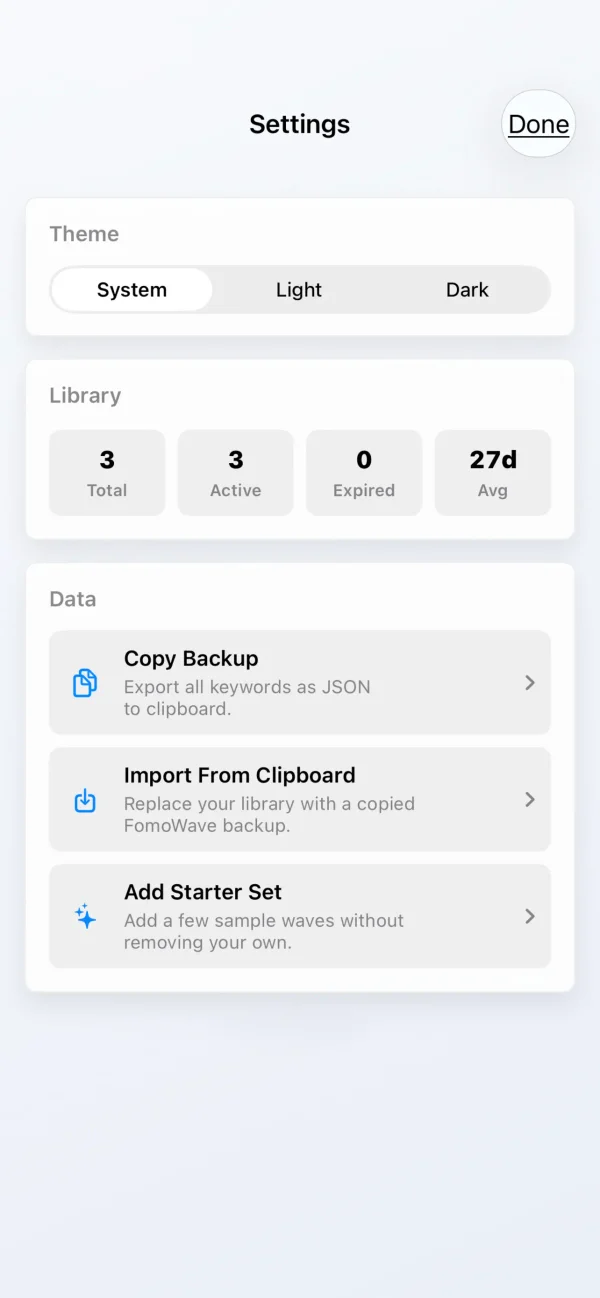
Choose Light, Dark, or System theme and adjust basic display options for a clean experience.
Recommended Uses
Track anything that triggers your curiosity or FOMO, such as stocks, crypto, memes, game metas, trending phrases, people, events, or personal interests.
Use short durations for temporary hot issues and longer durations for ongoing themes. With duration and loop settings, FomoWave gives you a simple visual way to follow trends without being overwhelmed by them.
Feedback contact
brick@pixelbricktek.com
Privacy Policy
https://sites.google.com/view/fomowavesite/fomowave/privacy-policy
Terms of Use (EULA)
https://www.apple.com/legal/internet-services/itunes/dev/stdeula/
What’s new
Version 2.2 · May 29, 2026
Improved usability and fixed other bugs.
App privacy
What PixelBrick declares on the App Store about how this app handles data.
-
Data not collected
The developer does not collect any data from this app.
Privacy practices may vary, for example with the features you use or your age.
Information
- Seller
- PixelBrick
- Category
- Utilities
- Version
- 2.2
- Updated
- May 29, 2026
- Released
- Feb 12, 2026
- Size
- 3.3 MB
- Requires
- iOS 18.0 or later
- Age rating
- 4+
- Price
- $1.99
- Languages
- English
- Copyright
- © 2026 PixelBrick
You might also like
-
 TriTab Calc Flex: CalculatorTax, Tip, Split Bill & Percent
-
 PicoStarA Simple Collimation Tool
-
 SlimTimer: Quick CountdownQuick countdown with one touch
-
 YT TimeVideo with timestamp
-
 Happened: Event LoggerNo event left behind
-
 Longing: Season TrackerLonging for Spring?
-
 Onefeed!All feeds in one place
-
 Text Scanner AI: OCR & ScanScan, Translate & Export PDF
-
 Board Game ShelfTrack your board games & plays
-
 SnapIDPro - ID Photo MakerOffline Cutouts & Print Sheets