
Forget Something?
Check it before you leave
Designed for iPhone
Free · In-app purchases
- Age rating4+
- CategoryUtilities
- DeveloperPeter Ong
- LanguagesEnglish
- Size5.4 MB
Links to the official App Store page
Download.org hosts no file of Forget Something?. The button opens its official App Store page, published by Peter Ong. Listing last checked on Nov 18, 2026.
Screenshots


About
You're halfway down the street and the thought hits you:
"Did I grab my keys?"
Forget Something? is the leaving-the-house checklist designed for people who always feel like they're forgetting something. Set it up once, and every day it's ready for you -- a clean, satisfying list of everything you need before you walk out the door.
No complicated task managers. No overwhelming features. Just a simple question: do you have everything?
HOW IT WORKS
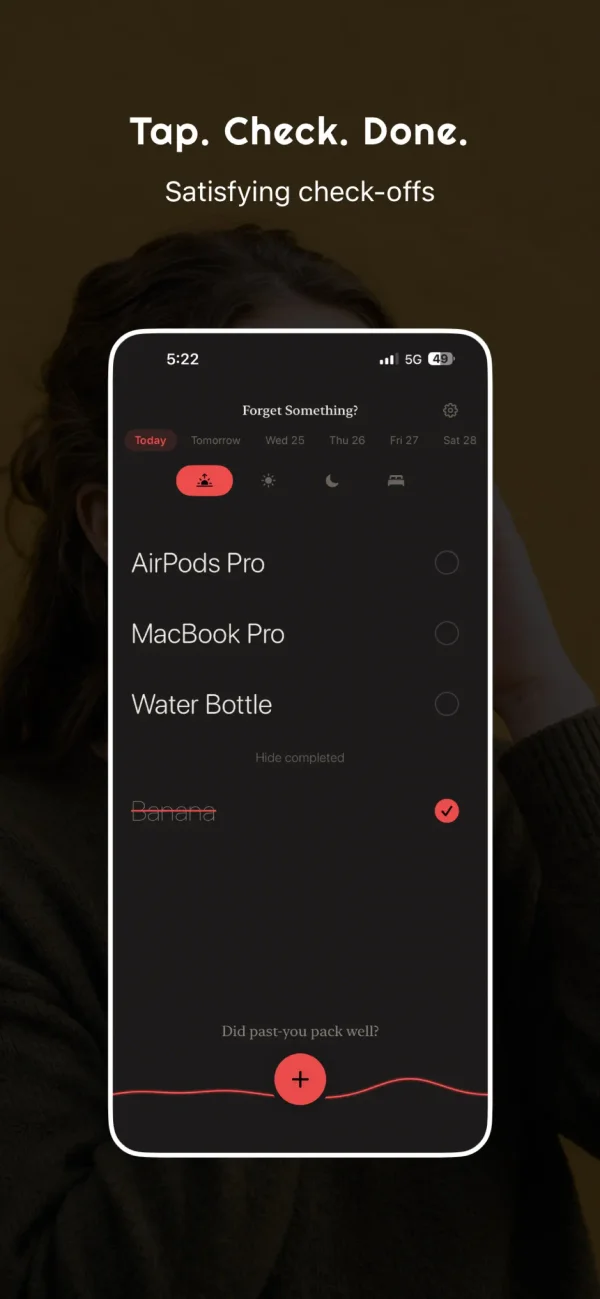
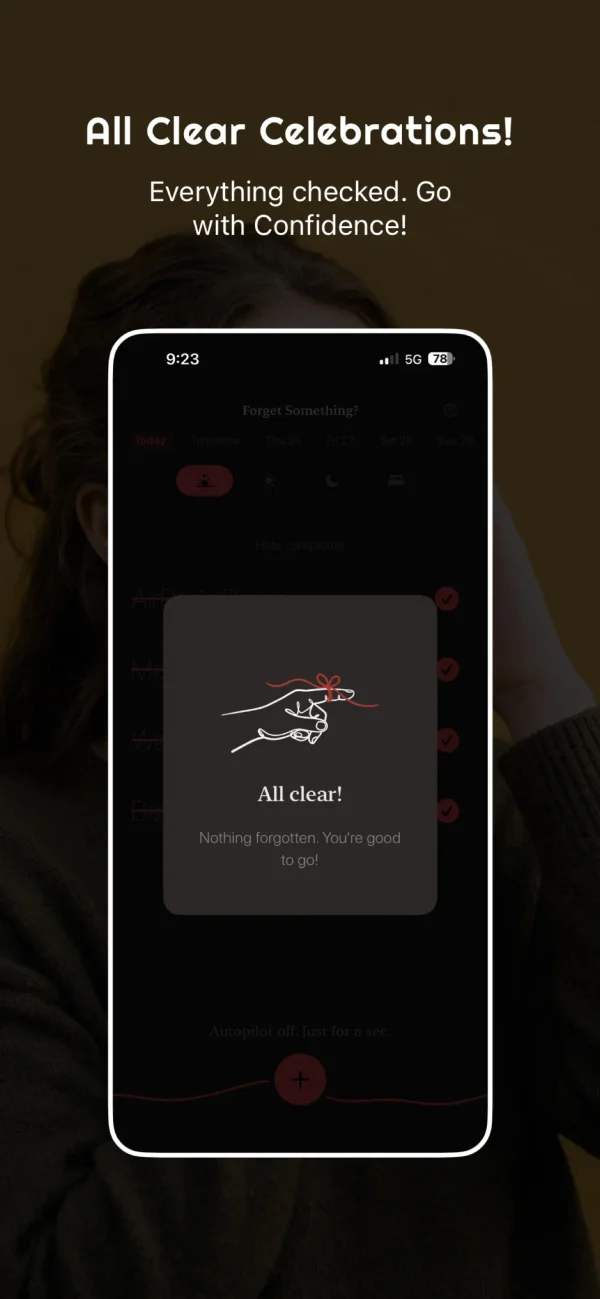
Open the app. See your items. Tap to check them off. When everything is done, you get a satisfying "All clear!" celebration. That's it.
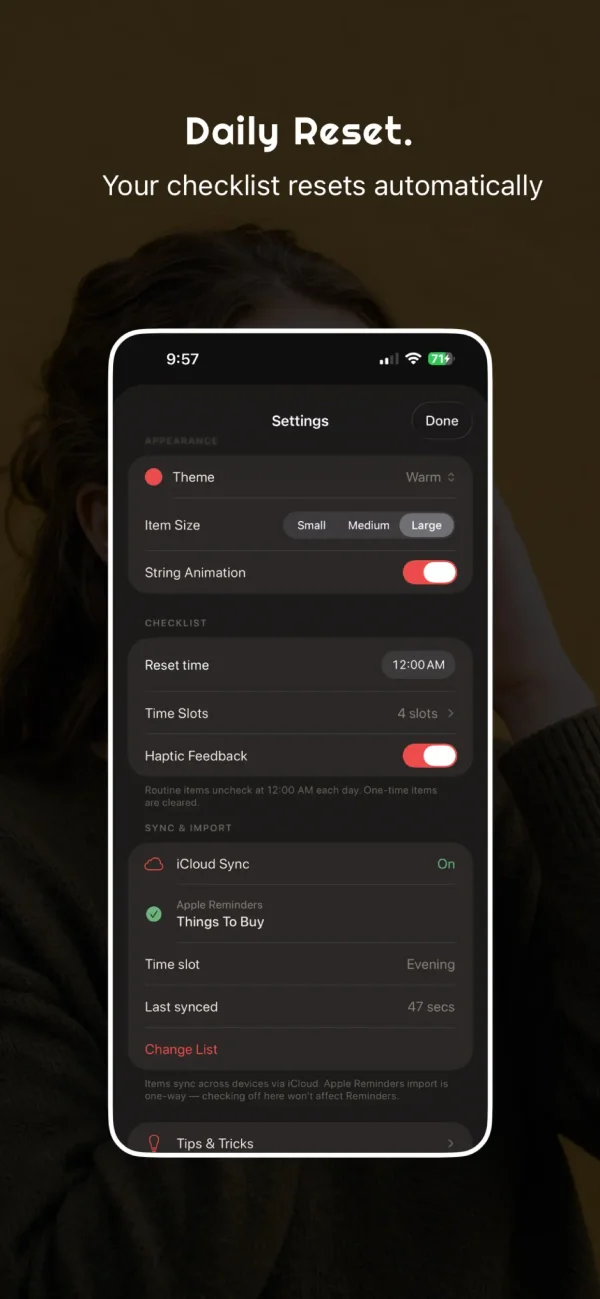
Your checklist resets automatically every day, so it's always fresh and ready when you are.
ORGANIZED BY TIME OF DAY
Set up different items for different parts of your day:
Morning -- Keys, wallet, badge, lunch
Afternoon -- Gym bag, water bottle
Evening -- Groceries list, dry cleaning ticket
Night -- Review what you might have missed
Each time slot keeps its own checklist, so you only see what matters right now.
FEELS GREAT TO USE
Every check-off is large, tactile, and satisfying -- with smooth animations and haptic feedback that make the routine feel rewarding instead of tedious.
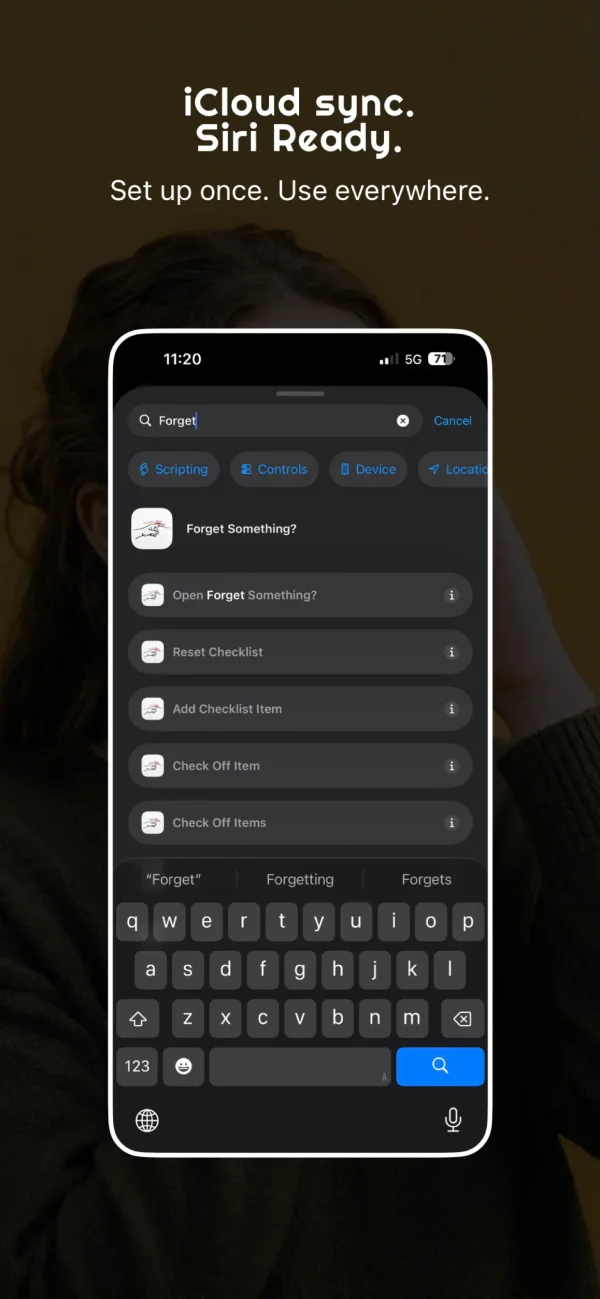
SYNCS ACROSS YOUR DEVICES
Your checklists sync automatically via iCloud. Set up your list on your iPhone and it's already there on your iPad.
SIRI SHORTCUTS
Running late? Just ask: "Hey Siri, what do I need to check?" Your checklist works with Siri and the Shortcuts app.
6 BEAUTIFUL THEMES
Choose from Warm, Ocean, Forest, Lavender, Mono, or Sand to make the app feel like yours.
QUICK ADD
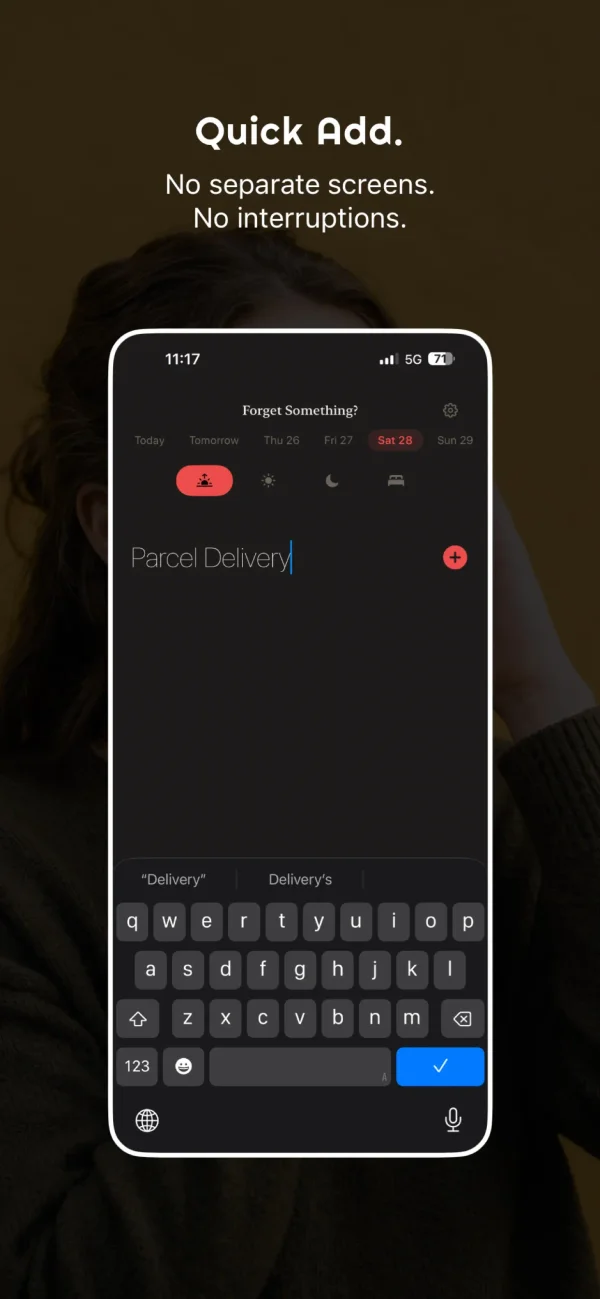
Think of something new? Add items inline -- no separate screen, no interruption to your flow.
BUILT FOR DAILY LIFE
- Daily auto-reset so your checklist is fresh every morning
- Night review to catch anything you missed
- Future-day scheduling for planning ahead
- iCloud sync across all your devices
- Siri Shortcuts integration
- Haptic feedback and smooth animations
- 6 hand-picked color themes
- Designed for accessibility with VoiceOver and Dynamic Type
TRY IT FREE
Forget Something? is free to try for 7 days with up to 3 items per time slot.
Upgrade to Pro to unlock unlimited items, all themes, future-day scheduling, night review, and Siri Shortcuts.
Payment is charged to your Apple ID account at confirmation of purchase. Subscriptions automatically renew unless canceled at least 24 hours before the end of the current period. You can manage and cancel subscriptions in your Apple ID account settings.
Privacy policy: https://forget.peterong.dev/privacy
Terms of use: https://forget.peterong.dev/terms
What’s new
Version 1.1.1 · Apr 2, 2026
- fixed widgets not showing up for some iPhones
App privacy
What Peter Ong declares on the App Store about how this app handles data.
-
Data not collected
The developer does not collect any data from this app.
Privacy practices may vary, for example with the features you use or your age.
Information
- Seller
- Peter Ong
- Category
- Utilities
- Version
- 1.1.1
- Updated
- Apr 2, 2026
- Released
- Mar 8, 2026
- Size
- 5.4 MB
- Requires
- iOS 18.6 or later
- Age rating
- 4+
- Price
- Free
- In-app purchases
- Yes
- Languages
- English
- Copyright
- © 2026 Peter Ong
You might also like
-
 Photo Cleaner: SortySwipeSwipe to Delete & Free Space
-
 Kompakt: Photo CleanerDelete Duplicates, Free Space
-
 DoneKit: Locked It?Stop Returning to Check
-
 NRL LauncherUtilities
-
 TrueSpeed: Internet Speed TestWiFi, Ping, Jitter & DNS
-
 Keyword SearchUtilities
-
 AI Caption - Image CaptionAI captions for social media
-
 Aspect Ratio ProRule of Three Calculator
-
 MagnetickDetect a magnetized watch
-
 Headroom: Remote DesktopYour AI agent, from the sofa