
Formbook
Personal database reinvented
Designed for iPhone, iPad, Mac
Free · In-app purchases
- Age rating4+
- CategoryProductivity
- DeveloperMathieu Morgensztern
- LanguagesEnglish+ 2 more
- Size10.2 MB
Links to the official App Store page
Download.org hosts no file of Formbook. The button opens its official App Store page, published by Mathieu Morgensztern. Listing last checked on Nov 15, 2026.
Screenshots

About
Formbook: the revolutionary personal database app.
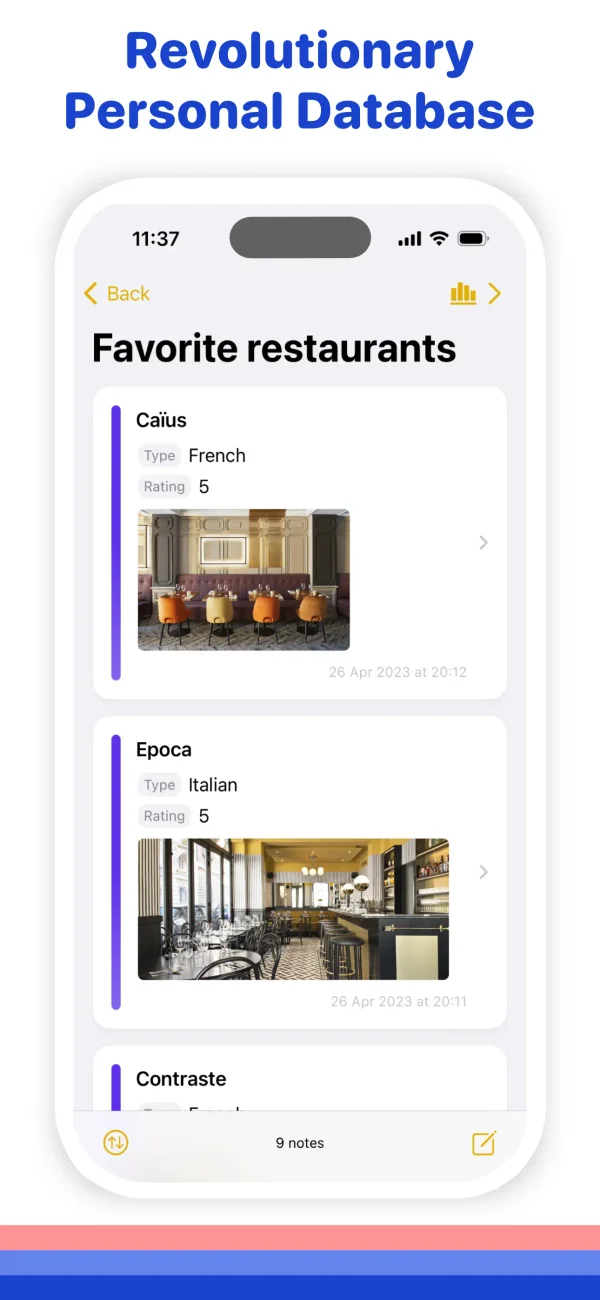
Formbook is a new generation database app in which you create form based notes to easily store information.
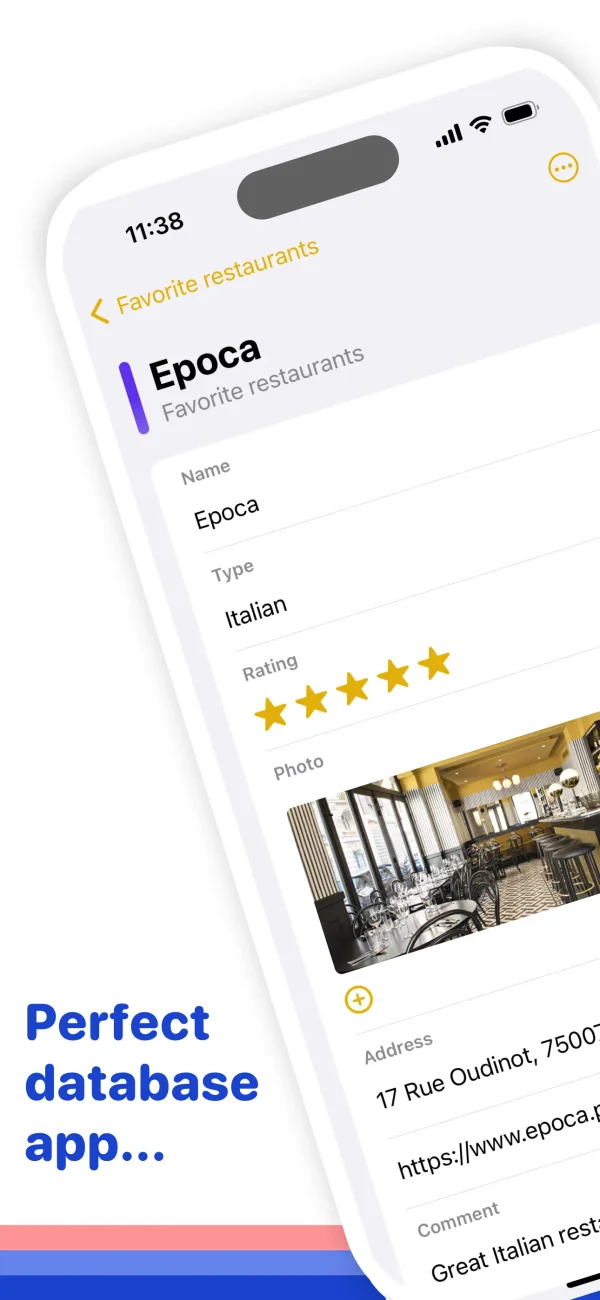
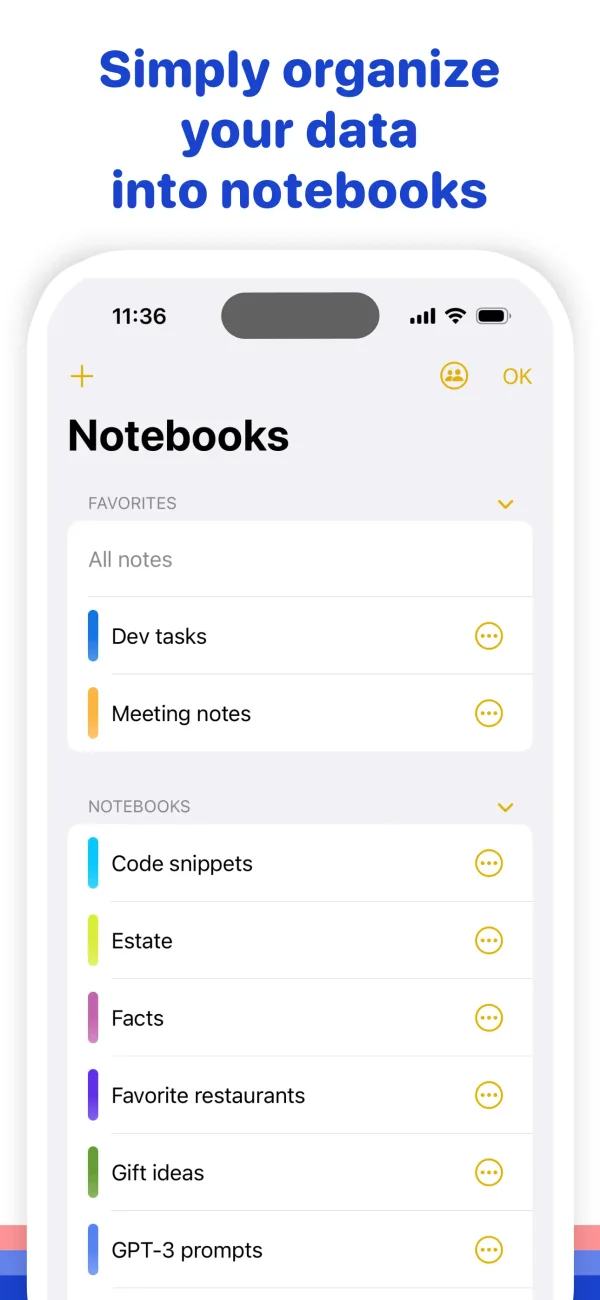
Formbook is the perfect app for structured information note taking. With Formbook, notes behave like database forms: create a notebook and define the fields you need to store your information.
Form based notes have amazing benefits:
- Gain a huge amount of time while taking notes as you just need to fill in form fields.
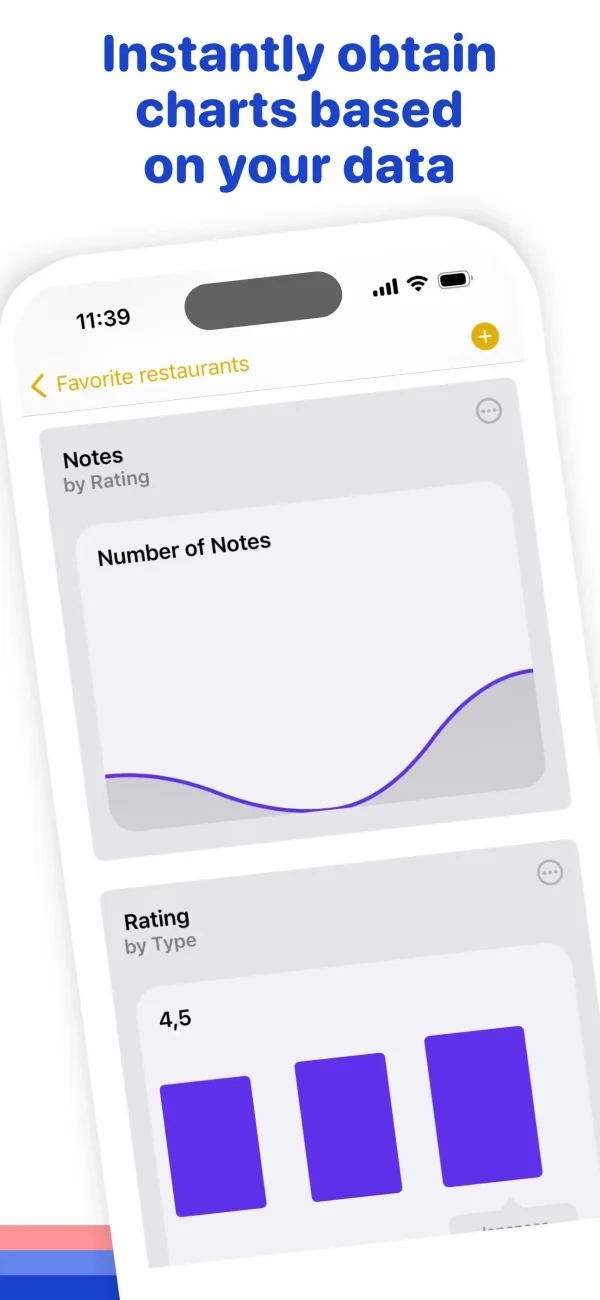
- Instantly obtain chart stats on the data contained in your notebooks.
- Share notebooks for collaboration with other Formbook users.
Here are some usage examples. Create notebooks to:
- Keep track of your progress in sport training.
- Remember your favorite restaurants in places you visit.
- Store your recipes.
- Follow to do tasks.
- Prepare a trip by describing the places to visit.
- Keep track of any object inventory (with barcode reader).
Formbook comes with a powerful dashboard feature that visually displays charts on your data. Personalize your charts and analyse data in detail.
Formbook is cross device: notes are automatically synchronized on your iPhone, iPad, Mac and Apple Watch via iCloud.
Formbook is also available on your Apple Watch: access your notes and notebooks directly from you Apple Watch.
Formbook is powered by AI: save time with the new automated form builder. Enter your notebook name and Formbook infers the database fields.
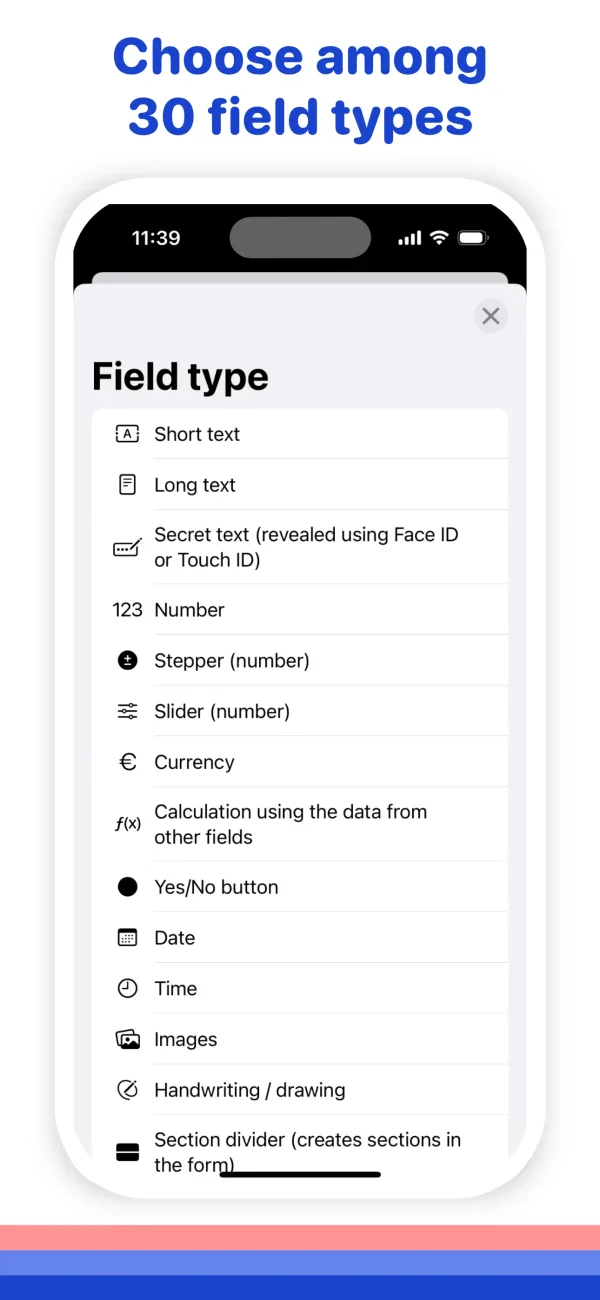
Choose among 30 form field types when conceiving your notebook structure:
- Short text field
- Long text field
- Secret text field revealed by FaceID or TouchID
- Code text field (programming languages)
- Number
- Currency
- Stepper (number)
- Slider (number)
- Calculation (using the data from other fields)
- Yes/No button
- Date and Time fields
- Duration
- Images and photos
- List of elements (with optional checkboxes)
- List of tags
- Rating (with stars)
- Email (with compose button)
- Address (with map access)
- Phone number (with compose button)
- URL (with browse button)
- Barcode and QR code (with scan button)
- Current location (latitude, longitude, address)
Export your notes as PDF file and CSV file to use the data with spreadsheet apps.
What’s new
Version 2.7.3 · Jan 27, 2025
This app has been updated by Apple to prepare for watchOS 27 compatibility. No new features are included.
The OK button is now displayed when editing a text field.
App privacy
What Mathieu Morgensztern declares on the App Store about how this app handles data.
-
Data not collected
The developer does not collect any data from this app.
Privacy practices may vary, for example with the features you use or your age.
Information
- Seller
- Mathieu Morgensztern
- Category
- Productivity
- Version
- 2.7.3
- Updated
- Jan 27, 2025
- Released
- Aug 23, 2021
- Size
- 10.2 MB
- Requires
- iOS 17.6 or later
- Age rating
- 4+
- Price
- Free
- In-app purchases
- Yes
- Languages
- English, French, Spanish
- Copyright
- © 2025 Mathieu Morgensztern
You might also like
-
 easyAsPieDB Database AppCustom Trackers & Inventories
-
 MobiDB DatabaseDatabase app with cloud sync
-
 Ikes: Idea NotesCapture Ideas, Find Them Fast
-
 Collections DatabaseEasy to use database
-
 iDatabaseEasily create databases
-
 Logmedo Database, Form BuilderProductivity
-
 Tangrid: personal databasePersonal database
-
 Memento DatabaseTrack and organize anything
-
 MyStuff2 ProHome Inventory and Database
-
 Clastly — Personal DatabaseOrganize anything, your way