- Age rating4+
- CategoryProductivity
- DeveloperShanghai Pandou Technology Co., Ltd
- LanguagesEnglish+ 18 more
- Size1.3 MB
Links to the official App Store page
Download.org hosts no file of FormDrop. The button opens its official App Store page, published by Shanghai Pandou Technology Co., Ltd. Listing last checked on Nov 11, 2026.
Screenshots


About
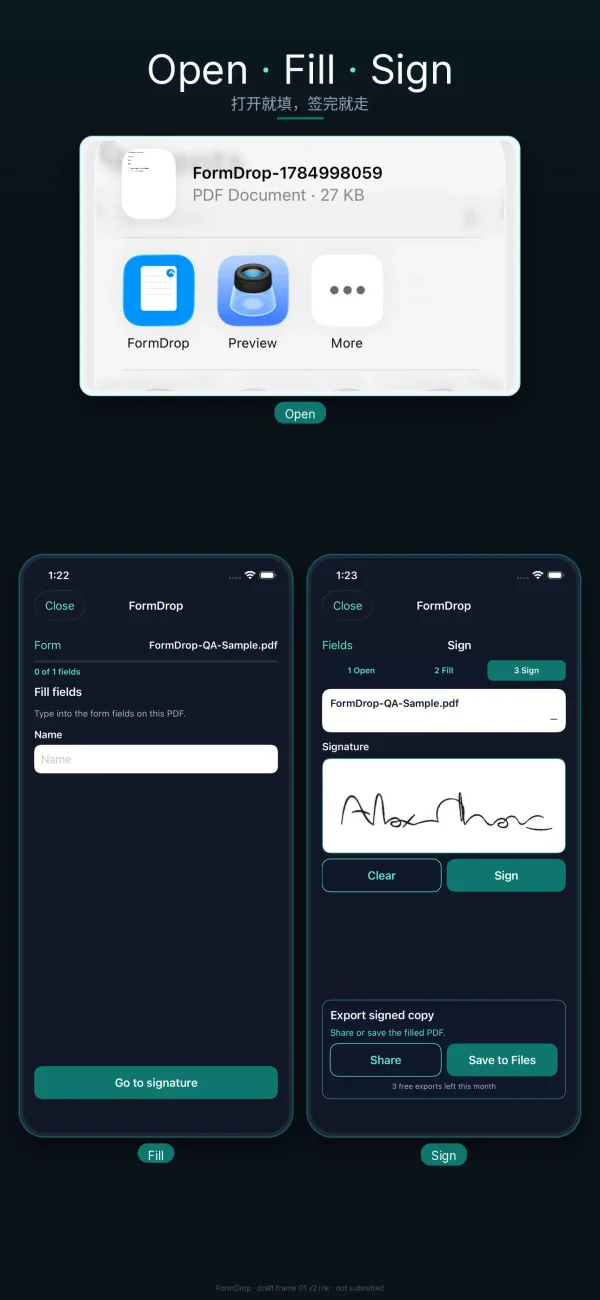
FormDrop fills and signs PDF forms on your iPhone or iPad — fully offline.
• Import PDFs from Files
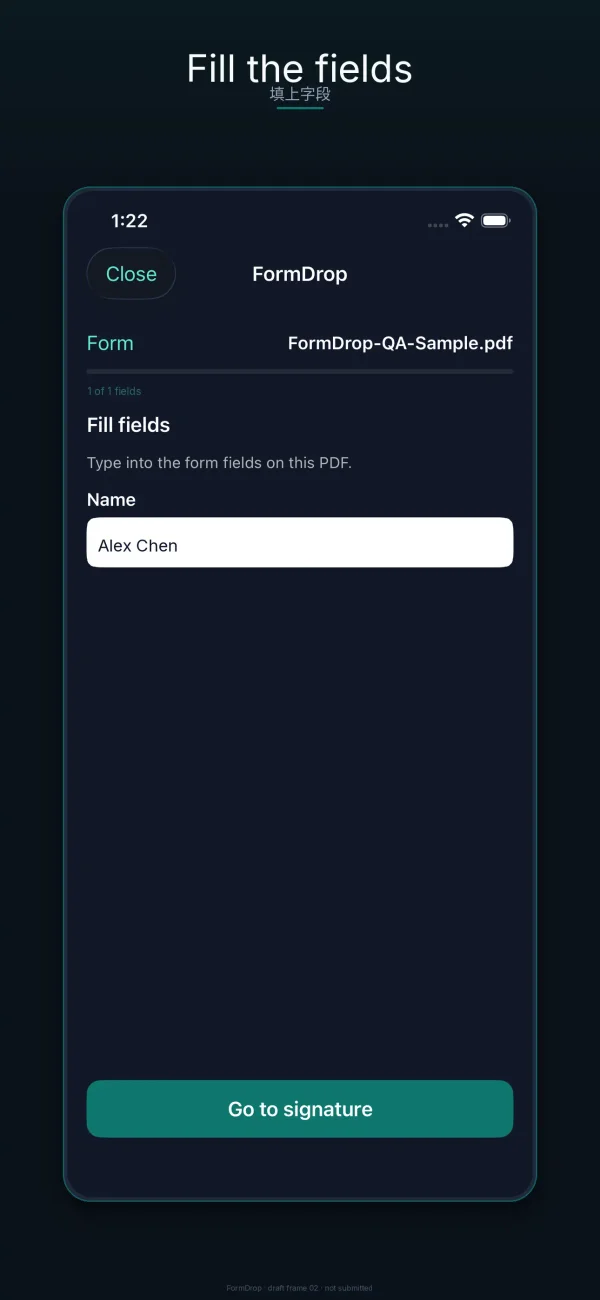
• Tap to fill form fields and checkboxes
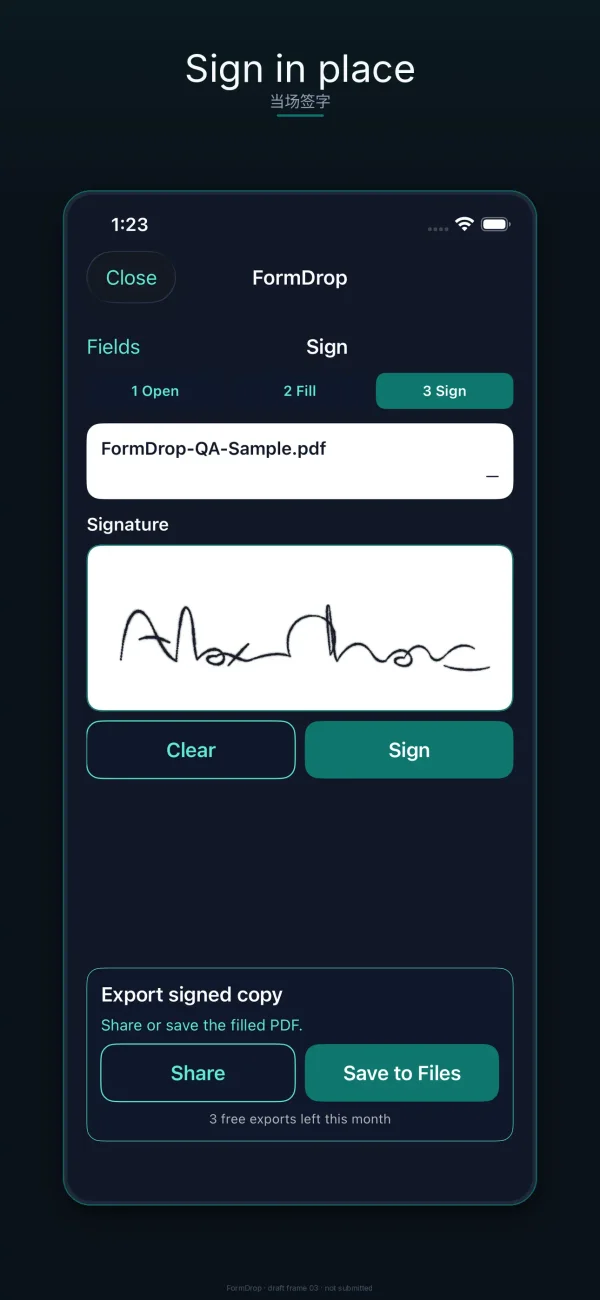
• Draw signatures and add text annotations
• Export and share instantly — no watermark
• 100% on-device — your documents never leave your device
Free: 3 PDF exports per month with all features included.
Pro: One-time purchase for unlimited exports forever. No subscription.
What’s new
Version 1.2 · Oct 31, 2026
Open a PDF from Files or share sheet, fill the fields, and sign — without opening FormDrop first and hunting for Import.
• Open with FormDrop from Files or share
• Jump straight into fill + sign
• Export your signed copy when you’re done
No format converters. Same offline fill-and-sign job, shorter path.
App privacy
What Shanghai Pandou Technology Co., Ltd declares on the App Store about how this app handles data.
-
Data not collected
The developer does not collect any data from this app.
Privacy practices may vary, for example with the features you use or your age.
Information
- Seller
- Shanghai Pandou Technology Co., Ltd
- Category
- Productivity
- Version
- 1.2
- Updated
- Oct 31, 2026
- Released
- Jun 25, 2026
- Size
- 1.3 MB
- Requires
- iOS 17.0 or later
- Age rating
- 4+
- In-app purchases
- Yes
- Languages
- English, Arabic, Dutch, French, German, Indonesian, Italian, Japanese, Korean, Malay, Polish, Portuguese + 7 more
- Copyright
- © 2026 Shanghai Pandou Technology Co., Ltd
You might also like
-
 PDF Signer: Sign, Stamp, EditSign Documents, Merge, Encrypt
-
 DocuForm: PDF Form FillerAI finds the fields to fill
-
 Doc Fill: Document Form FillerWord templates & PDF export
-
 PDF Signature: Sign & FillFill & sign documents fast
-
 AI Form FillerScan, Fill & Sign PDF Forms
-
 Kinster: Family FormsFill your family's forms fast
-
 Wise 40: Work Hours & ShiftsTimesheet, Leave & Work Log
-
 FormSign: Fill & Sign PDFContracts, leases & waivers
-
 FormFill: Fill & Sign PDFFillable forms, offline signer
-
 Pomodoro Diary: Focus TimerHabit Tracker & Time Journal