Forms App for GG Forms
AI Form builder, View Response
Designed for iPhone, iPod touch
Free · In-app purchases
- Age rating4+
- CategoryProductivity
- DeveloperYikens Technology HK Limited
- LanguagesEnglish+ 22 more
- Size90.9 MB
Links to the official App Store page
Download.org hosts no file of Forms App for GG Forms. The button opens its official App Store page, published by Yikens Technology HK Limited. Listing last checked on Nov 26, 2026.
Screenshots
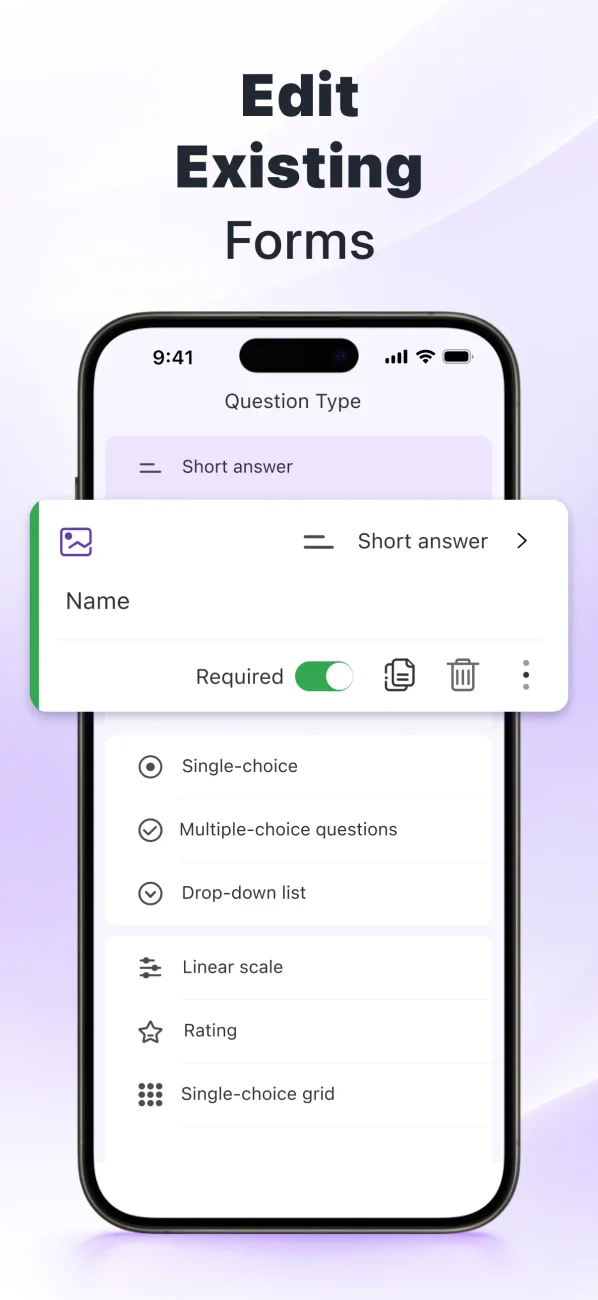
About
Ready to change the way you create forms? Forms App helps you unlock the full potential of Google Forms and upgrade basic forms to more powerful and efficient tools!
With Forms App you can:
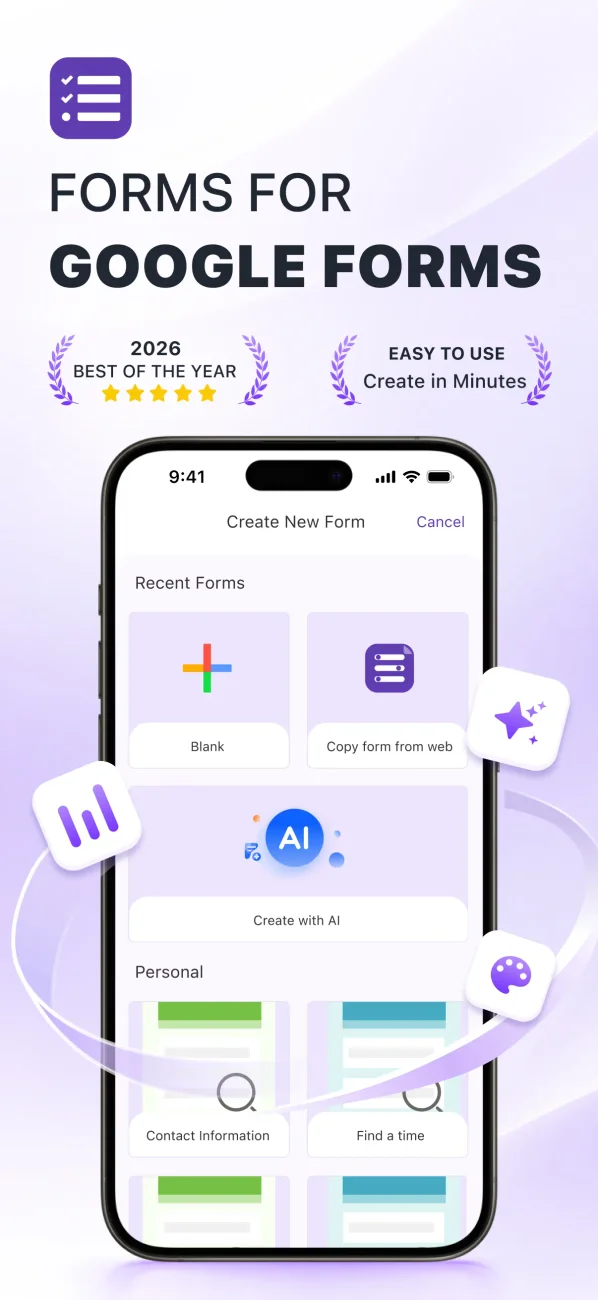
Create new forms
• Create new blank forms on your iPhone, iPad, or other iOS devices
• Copy forms by importing web links
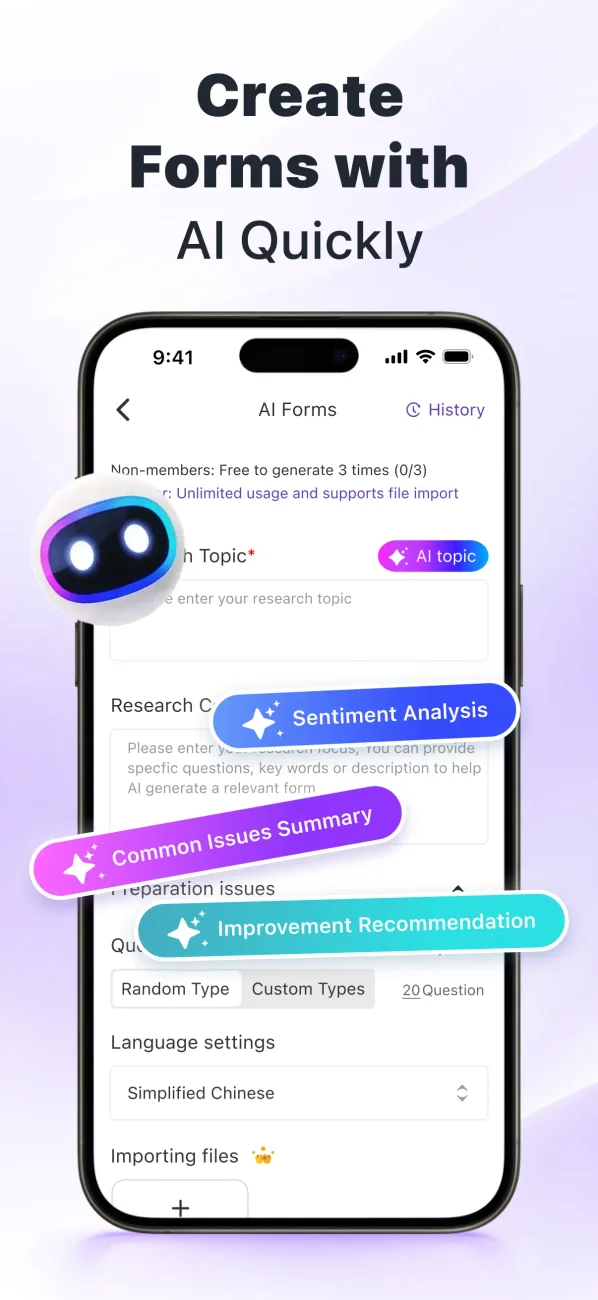
• Create forms quickly through AI conversation
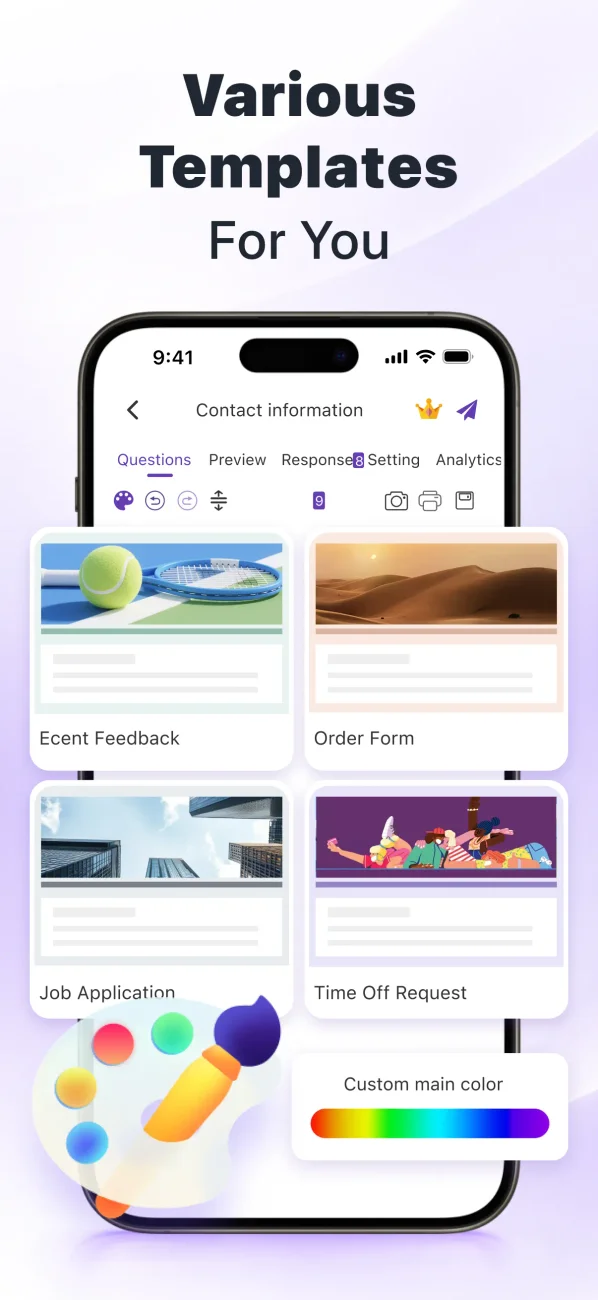
• Choose from a wide selection of pre-built templates, include surveys, quizzes, orders, activities and more
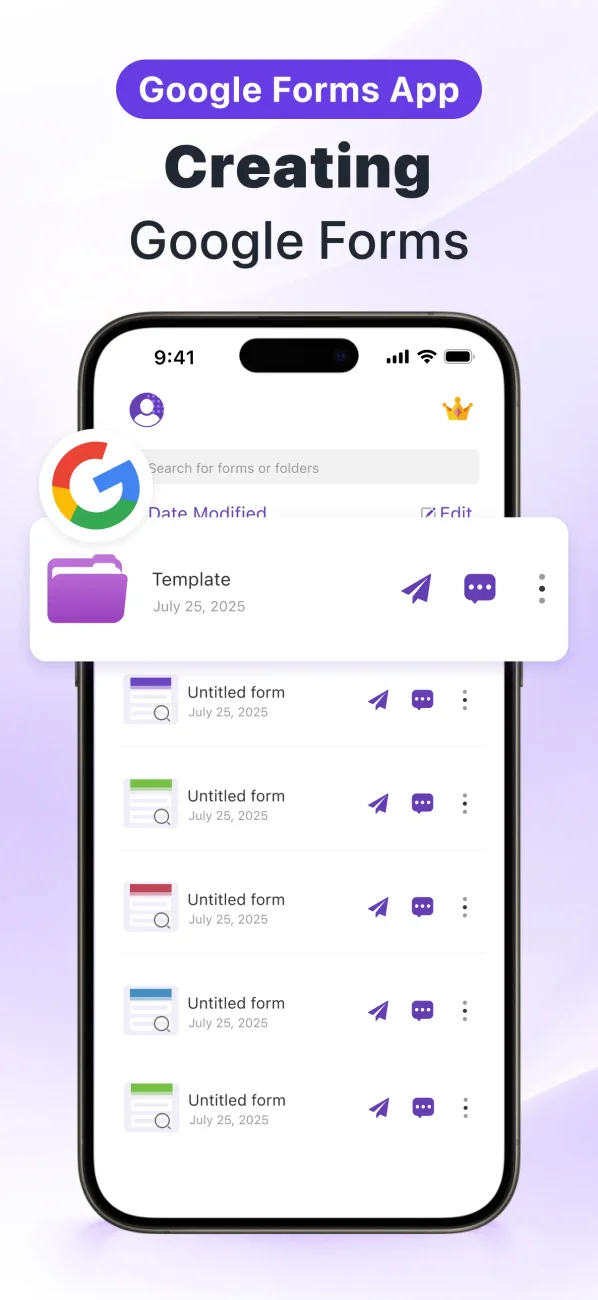
• Use Forms App as a convenient form for Google Forms to create and manage forms on the go
Edit existing forms
• Open any form from your Google Drive on your mobile device
• Create or edit multiple question types, add titles and descriptions, insert images and videos
• Customize form themes with fonts, colors and backgrounds
• Undo/redo support and re-order questions
• Preview the form
• Add and delete sections, add response validation
• Make quizzes, assign point values, set answers, and automatically provide feedback
• Add feedback with url links
• Share forms via email, link, social media and more
• Customize QR codes for form links and share directly to social platforms
Response notifications
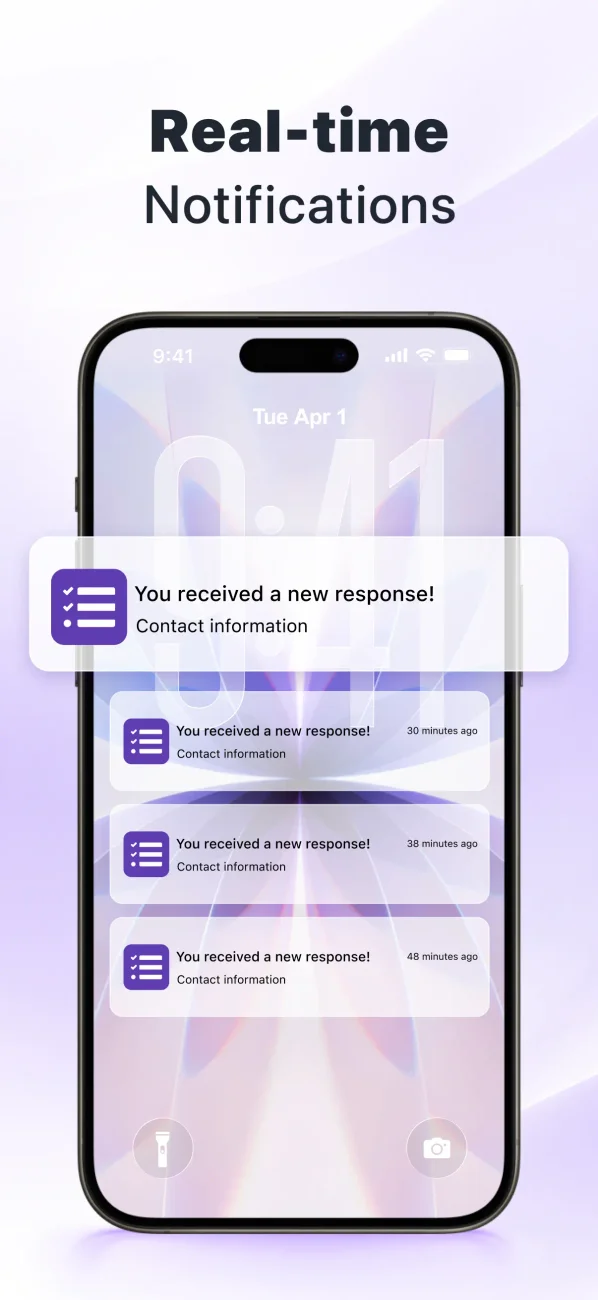
• Receive notifications whenever someone submits a new response.
• Set a limit on the number of responses
• Set the start and end time for form responses
Scan questions
• Scan questions using camera
• Scan questions using images from photos gallery
• Scan questions from DOC, PDF, PPT, and other files in the Files app
• Scan questions using clipboard
View Form responses
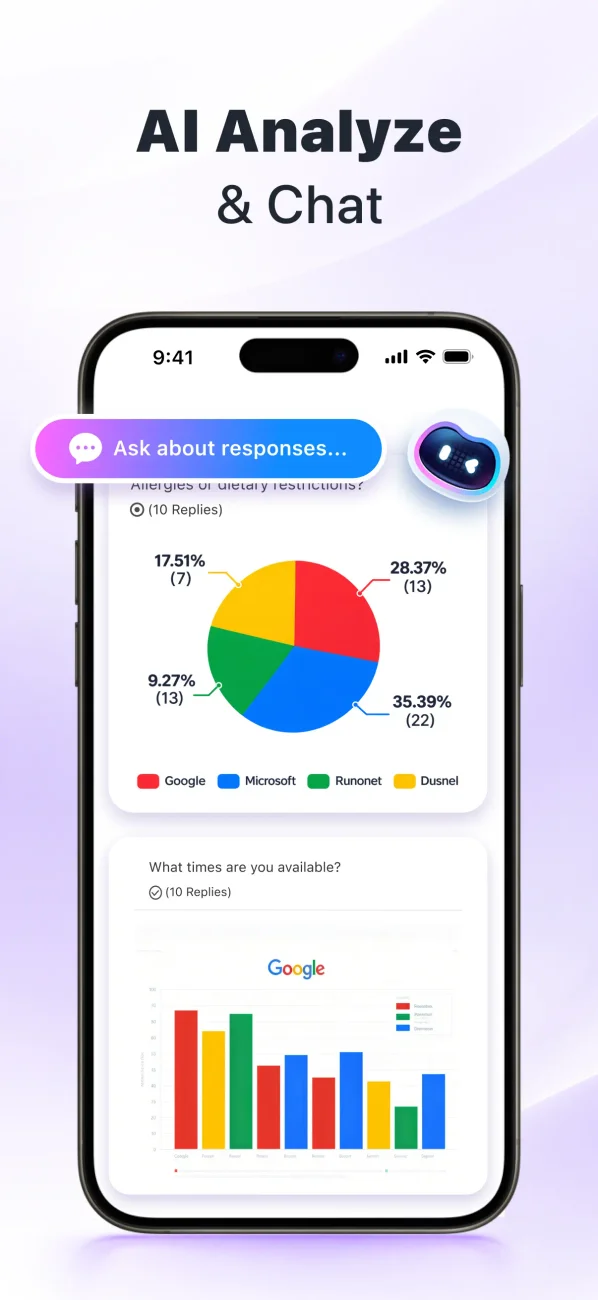
• View Google Forms responses in a clean and organized layout, with three modes: Summary, Question, and Individual responses
• In Summary mode, view responses as charts, then copy charts to your clipboard or save them to your photo gallery
• In Question mode, view responses based on individual questions
• In Individual mode, view responses from individual users
• Set personalized feedback for quiz responses
• Filter form responses based on date, email, questions and score
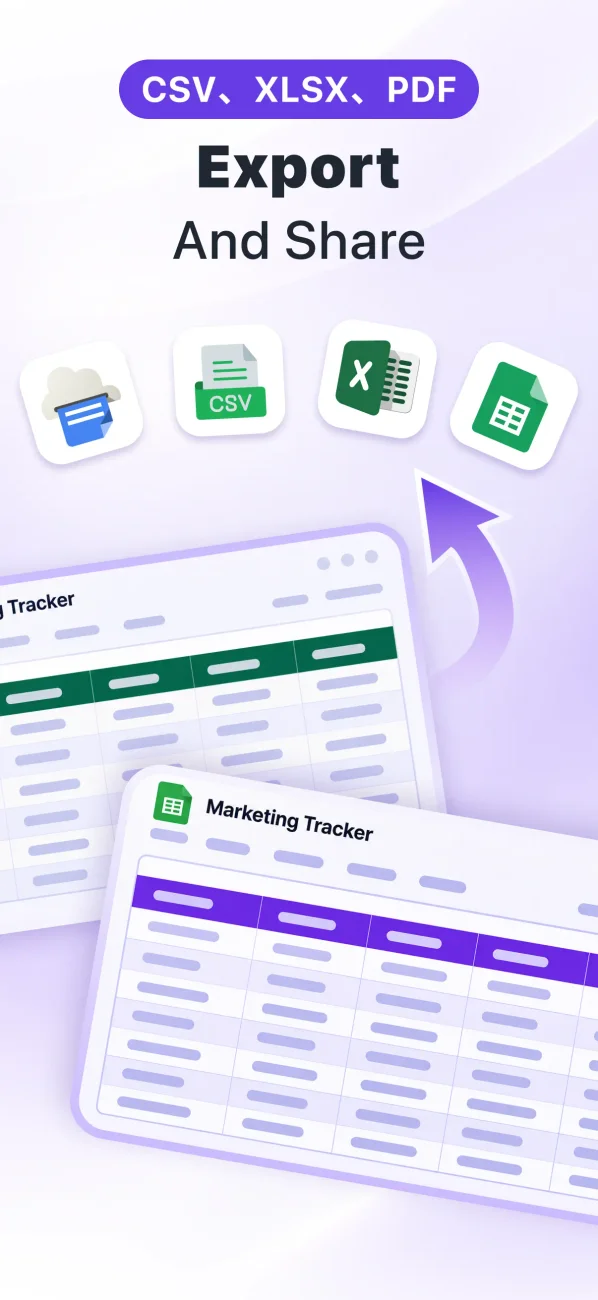
• Export responses as CSV or Excel files
• Open the raw data with Google Sheets for deeper analysis or automation
Build forms and analyze results together
• Add collaborators / editors to your forms and build questions together in real-time
• Share edit link with your team
Subscription Information:
Premium Access:Unlock the Pro content, including but not limited to all the features mentioned above.
Plans:Weekly, monthly, and annual subscription options available.
Auto-Renewal:Payment is charged to your iTunes Account upon confirmation. Subscriptions auto-renew unless canceled 24 hours before the current period ends.
Management:Manage your subscription and disable auto-renewal in your Account Settings after purchase.
Thank you for choosing Forms App. Start building smarter forms and take control of your data collection now! If you have any questions, feedback, or need assistance, feel free to reach out to our support team.
Disclaimer: This is a third party app not associated with Google. Google Forms and other trademarks are the property of their respective owners.
Email: sl9283191@gmail.com
Privacy Policy: https://forms.yikenhk.com/privacy
Terms of use: https://forms.yikenhk.com/terms
What’s new
Version 1.1.0 · Nov 25, 2026
Bug fixes and detail polishes for a smoother experience.
App privacy
What Yikens Technology HK Limited declares on the App Store about how this app handles data.
-
Data used to track you
May be used to track you across apps and websites owned by other companies.
- Identifiers
-
Data not linked to you
May be collected but is not linked to your identity.
- User content
- Identifiers
- Usage data
- Diagnostics
Privacy practices may vary, for example with the features you use or your age.
Information
- Seller
- Yikens Technology HK Limited
- Category
- Productivity
- Version
- 1.1.0
- Updated
- Nov 25, 2026
- Released
- May 5, 2026
- Size
- 90.9 MB
- Requires
- iOS 15.0 or later
- Age rating
- 4+
- Price
- Free
- In-app purchases
- Yes
- Languages
- English, Arabic, Danish, Dutch, Filipino, French, German, Hindi, Indonesian, Italian, Japanese, Korean + 11 more
- Copyright
- © 2025 Yikens
You might also like
-
 Forms for Google - Online FormPolls, Responses, Quiz, Docs
-
 forms.app: Unlimited ResponsesCreate online forms & surveys
-
 Forms for Google Drive ™Ready-Made Templates
-
 Forms: Online Form BuilderCreate Form & View Responses
-
 Forms for Google Forms & Docs.Create AI Form, Poll & Survey
-
 Form - for Google FormsCreate Forms & View Responses
-
 Forms for Google Forms ․AI Build Forms,Survey, Analyze
-
 Builder for Google FormsCreate Form & View Responses
-
 Forma: App for G FormsSurvey, Quiz & Poll Maker
-
 FormsCreate Quizzes & Form Surveys