
- Age rating4+
- CategoryMusic
- DeveloperJustin Newbold
- LanguagesEnglish
- Size46.2 MB
Links to the official App Store page
Download.org hosts no file of Fractal Remote. The button opens its official App Store page, published by Justin Newbold. Listing last checked on Nov 22, 2026.
Screenshots


About
Control your Fractal Audio rig from your iPhone or iPad and Apple Watch. Switch presets and scenes, turn effects on and off, edit your tone and save it, all without walking back to your rig.
THREE WAYS TO CONNECT
• Bluetooth: plug a small Bluetooth MIDI adapter into your unit's MIDI jacks and your phone talks straight to it, from up to about 30 feet away. No computer needed.
• USB cable: plug an AM4, FM9 or Axe-Fx III straight into your iPhone or iPad. No adapter and no computer.
• Computer: plug your unit into a Mac, Windows PC, Linux computer or Raspberry Pi running the free Fractal Remote desktop app (fractal.newbold.cloud/downloads). Your phone then works from any distance: across the stage, another room or another building, with less lag and more features.
The app shows you which adapter or cable to get and how it plugs in, step by step. Adapters are sold separately.
TRY IT FREE FOR 7 DAYS
Start a free 7-day trial of the full version and use it with your own rig. Nothing is charged when it ends, and the demo is always there to play with first.
EDIT YOUR TONE AND SAVE IT
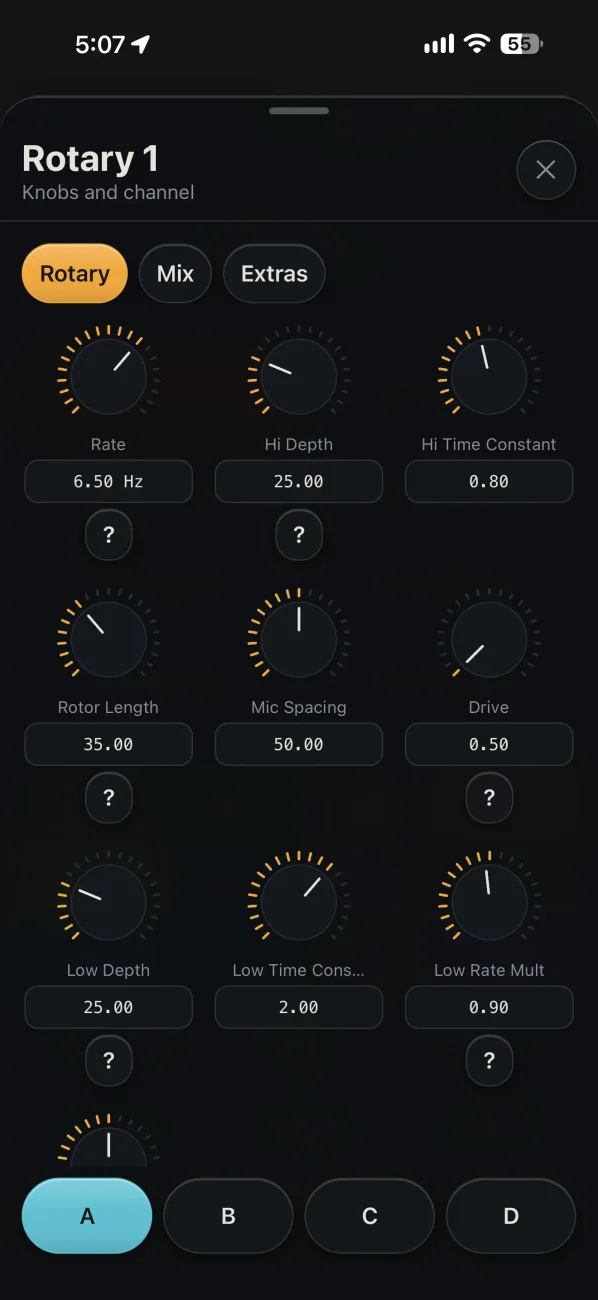
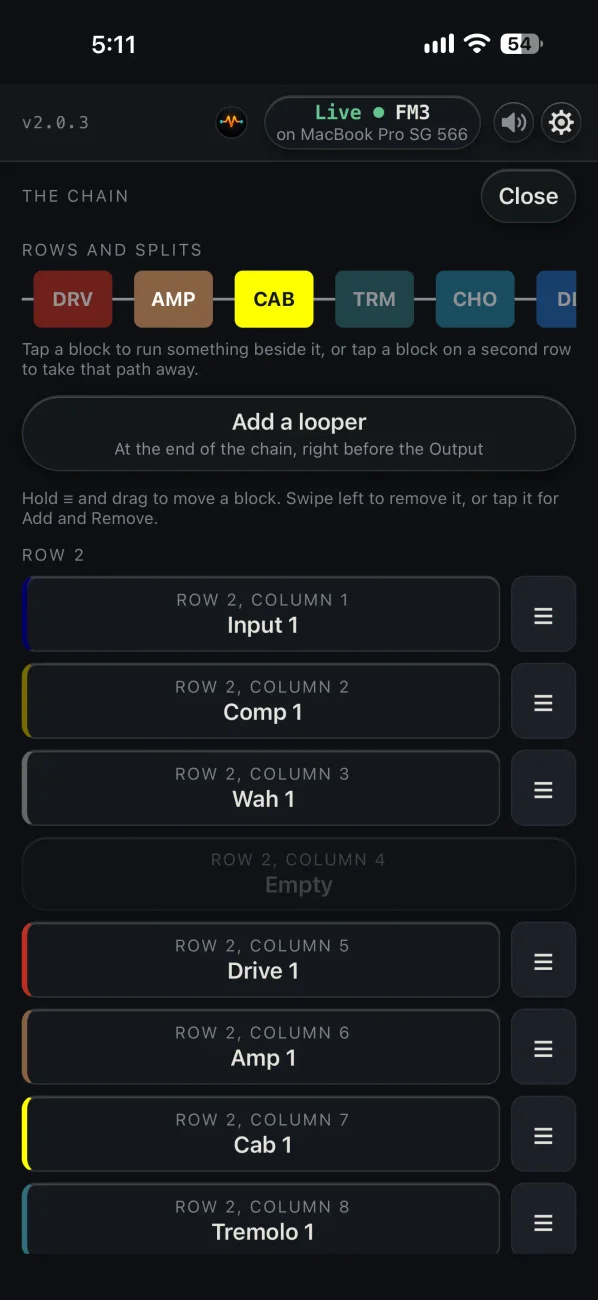
On an AM4, FM3, FM9 or Axe-Fx III, open Edit and turn real knobs, change amp and effect models, switch blocks on and off and pick their channels. You hear every change right away. Tap Save to keep it in the preset.
Starting from an empty preset? Quick build puts in the blocks you tap and joins them up, and you can keep your own Starter chains.
NAM AND TONE3000 ON THE AXE-FX III
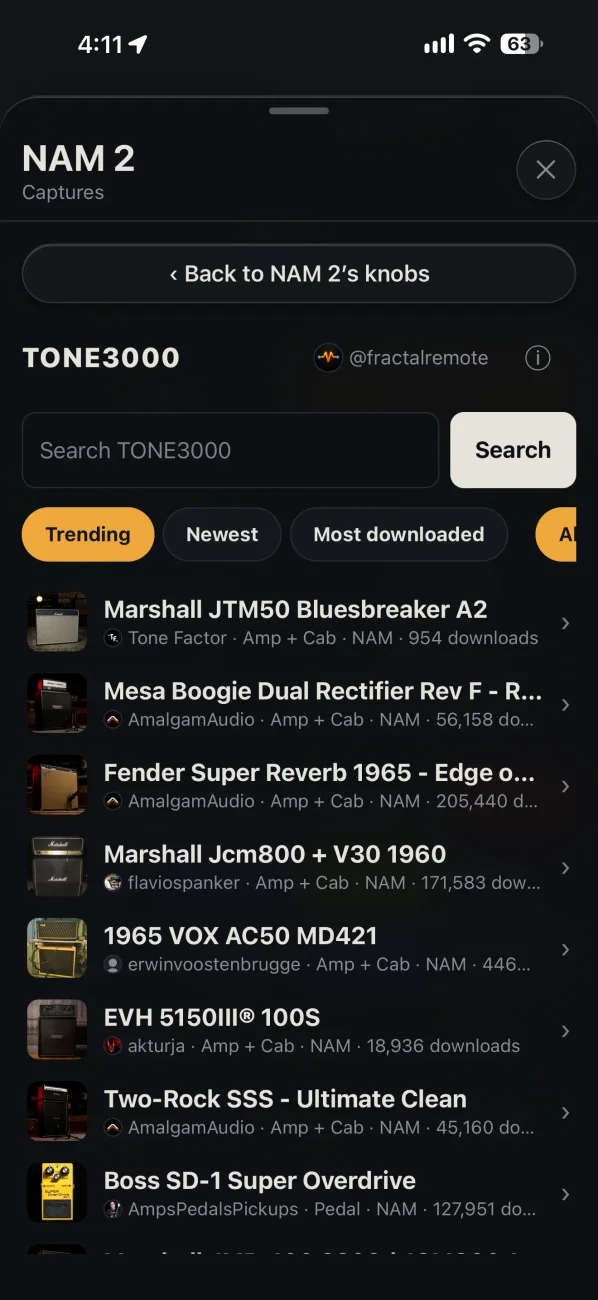
Pick the capture in a NAM block right from the app. Or hold a NAM block, tap TONE3000 and browse thousands of amp and pedal captures: preview one in your preset, and get the ones you like onto your unit. TONE3000 is a separate service with its own free account.
WHAT IT DOES
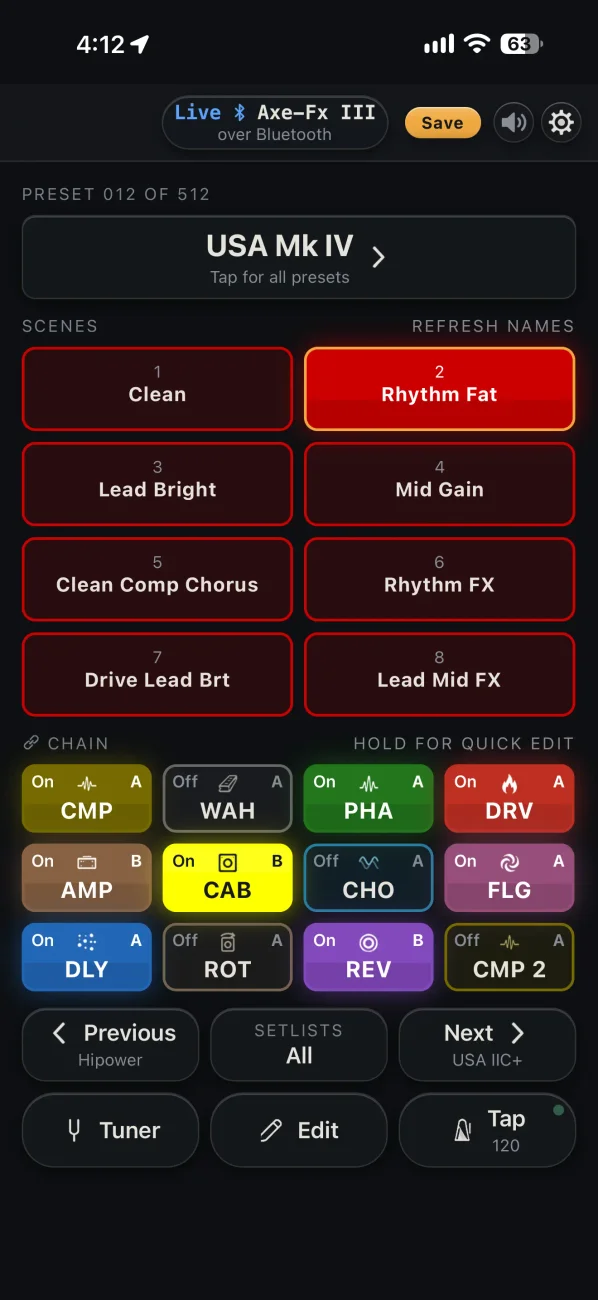
• Switch any of your presets, by name, in slot order or from a setlist
• Scenes, with the names your unit already uses
• Turn effects on and off, and pick channels A to D
• Turn your phone on its side: scenes on one half, pedals on the other
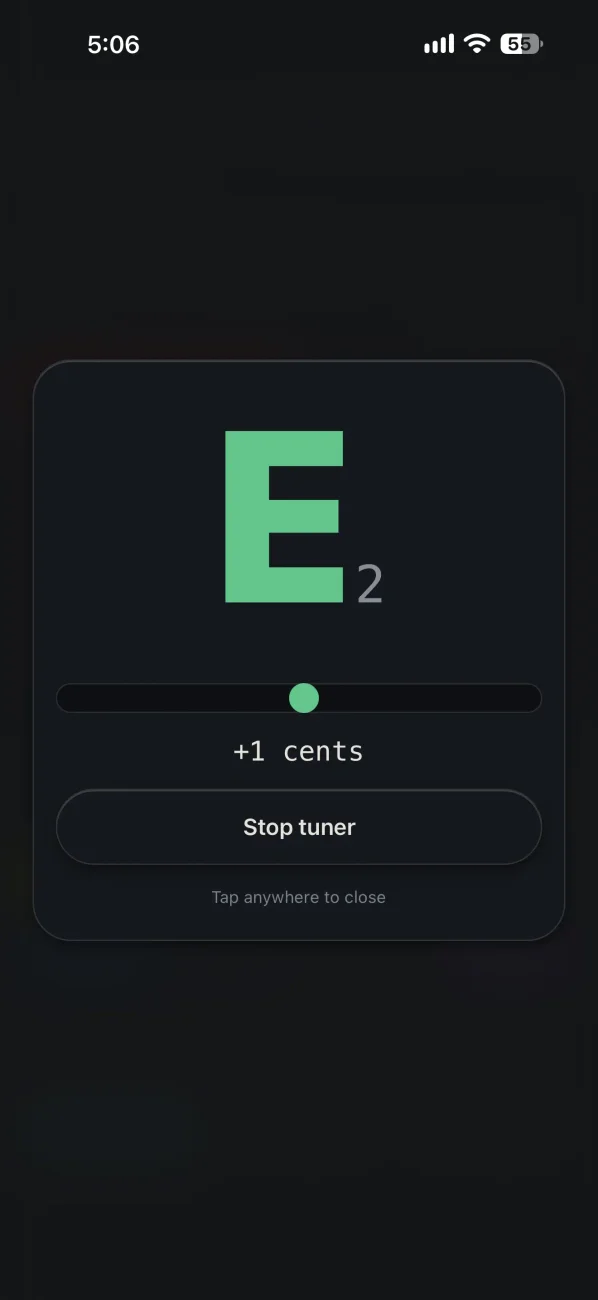
• Tuner, with the note and how far off you are
• Tap tempo and a metronome you can see, hear and line up with your unit
• Setlists and starred presets that follow your account to every device
• Two big Previous and Next buttons you can hit in the dark
• Colors that can match your Fractal unit, so you find things at a glance
• An Apple Watch app, and Siri for hands-free scene and song changes
SUPPORTED UNITS
FM3, FM9, Axe-Fx III and AM4.
ONE PAYMENT, YOURS FOR GOOD
The demo is the whole app running on a simulated unit, with nothing cut short and nothing that expires. When your 7-day trial ends, one payment unlocks everything on every device you own, forever, with every future update. No subscription.
Fractal Remote is independently developed and is not affiliated with, endorsed by, or supported by Fractal Audio Systems, LLC. “Fractal Audio”, “Axe-Fx”, “FM3”, “FM9” and “AM4” are trademarks of Fractal Audio Systems, LLC, used here only to say which hardware this app works with.
Questions or ideas? Settings → Troubleshooting → Feedback, or fractal.newbold.cloud/support.html.
What’s new
Version 2.0.0 · Nov 18, 2026
• Axe-Fx III: pick NAM captures, and browse and get new ones from TONE3000.
• Turn your iPhone on its side on Play: scenes on one side, pedals on the other.
• Save from the app over Bluetooth or USB, with no computer.
• Quick build: on an empty preset, tap the blocks you want and the app builds the chain.
• Over Bluetooth, knobs follow the unit, and you get output and scene levels.
• Metronome: choose where it clicks, flash the screen edge, and line it up with your unit.
• Apple Watch: order its pages, a new Tempo page, and quick edit with the Digital Crown.
App privacy
What Justin Newbold declares on the App Store about how this app handles data.
-
Data linked to you
May be collected and linked to your identity.
- Purchases
- Contact info
- User content
- Identifiers
- Usage data
- Diagnostics
-
Data not linked to you
May be collected but is not linked to your identity.
- Purchases
- Identifiers
- Diagnostics
Privacy practices may vary, for example with the features you use or your age.
Information
- Seller
- Justin Newbold
- Category
- Music
- Version
- 2.0.0
- Updated
- Nov 18, 2026
- Released
- Oct 7, 2026
- Size
- 46.2 MB
- Requires
- iOS 16.4 or later
- Age rating
- 4+
- Price
- Free
- In-app purchases
- Yes
- Languages
- English
- Copyright
- © 2026 Justin Newbold
You might also like
-
 Fractal StudioYour Fractal Companion
-
 FracPad LiteNow AxeFx III compatible!
-
 Stadium RemoteRemote for Helix Stadium
-
 ToneRig: NAM Amp & PedalboardNAM captures, IR cabs & pedals
-
 GENOME Amp SimulatorGuitar Amp Sim & FX Suite
-
 Ampero ControlMusic
-
 TONEX ControlBluetooth control over TONEX
-
 Torpedo Wireless RemoteFor Two notes hardware
-
 Eventide ControlEventide Control for iPad
-
 Ampero II StageMusic