
FrameCutter
Cut Frames from your Videos
Designed for iPhone, iPad
Free · In-app purchases
- Age rating4+
- CategoryPhoto & Video
- DeveloperMiguel Lopez Saenz
- LanguagesEnglish
- Size9.2 MB
Links to the official App Store page
Download.org hosts no file of FrameCutter. The button opens its official App Store page, published by Miguel Lopez Saenz. Listing last checked on Nov 20, 2026.
Screenshots


About
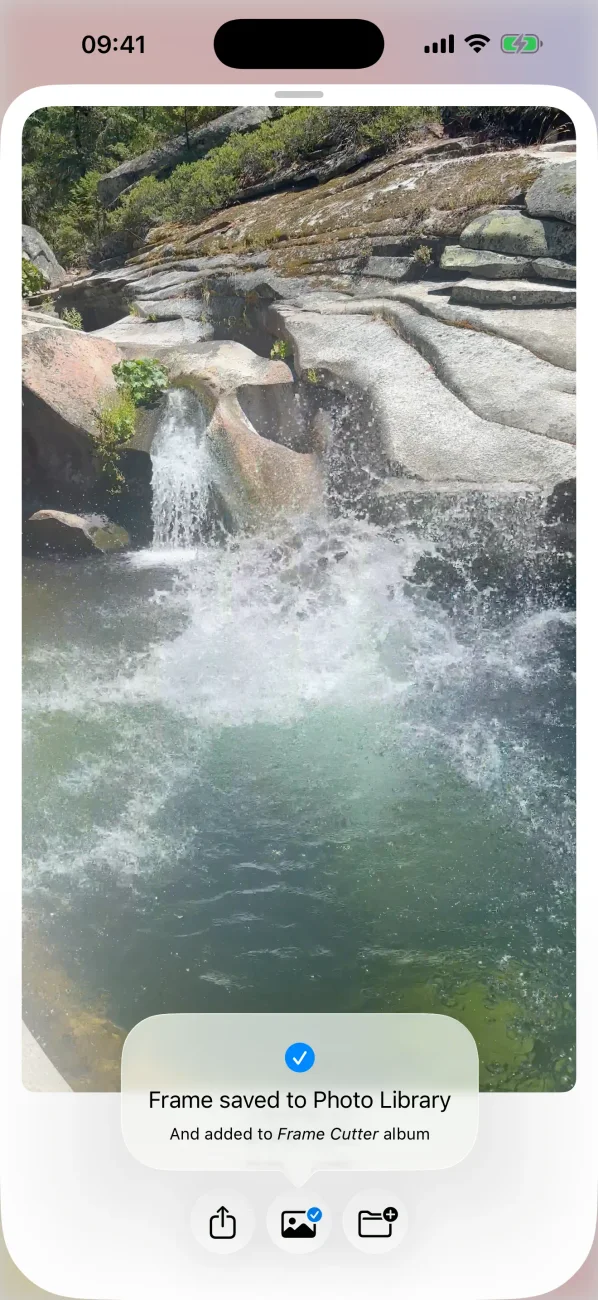
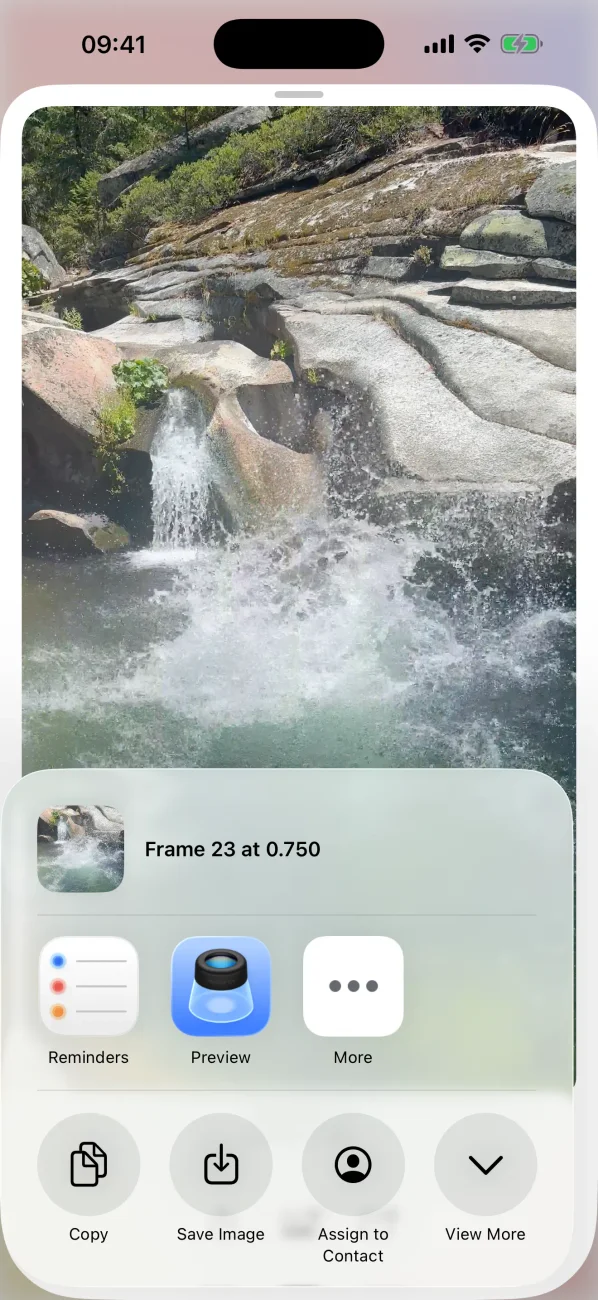
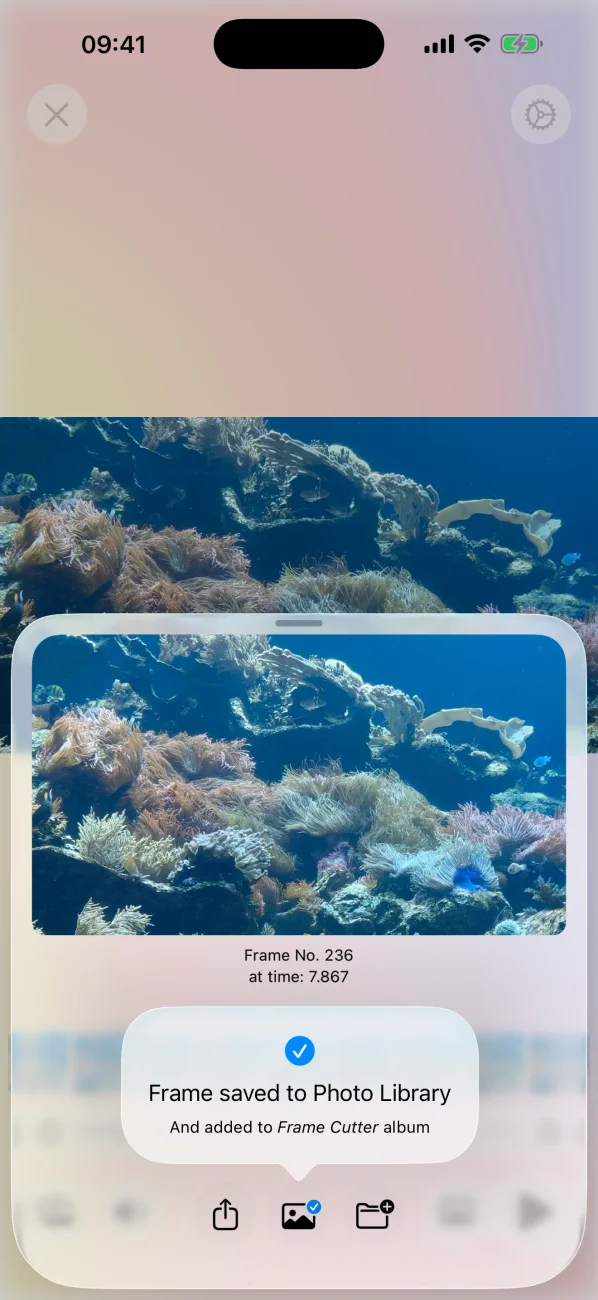
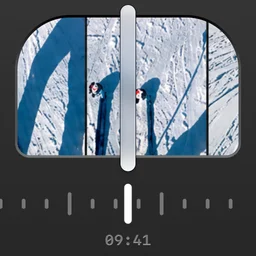
Cut any video frame with all its metadata. Frames can be saved back to the Photo Library, to Files, or Shared.
All metadata available in the video is saved along the frame: location, camera information, and time of the video. When you add a frame back into photos, it will sit right next to the original video. The time of the frame is even adjusted to the video time plus the time of the frame itself.
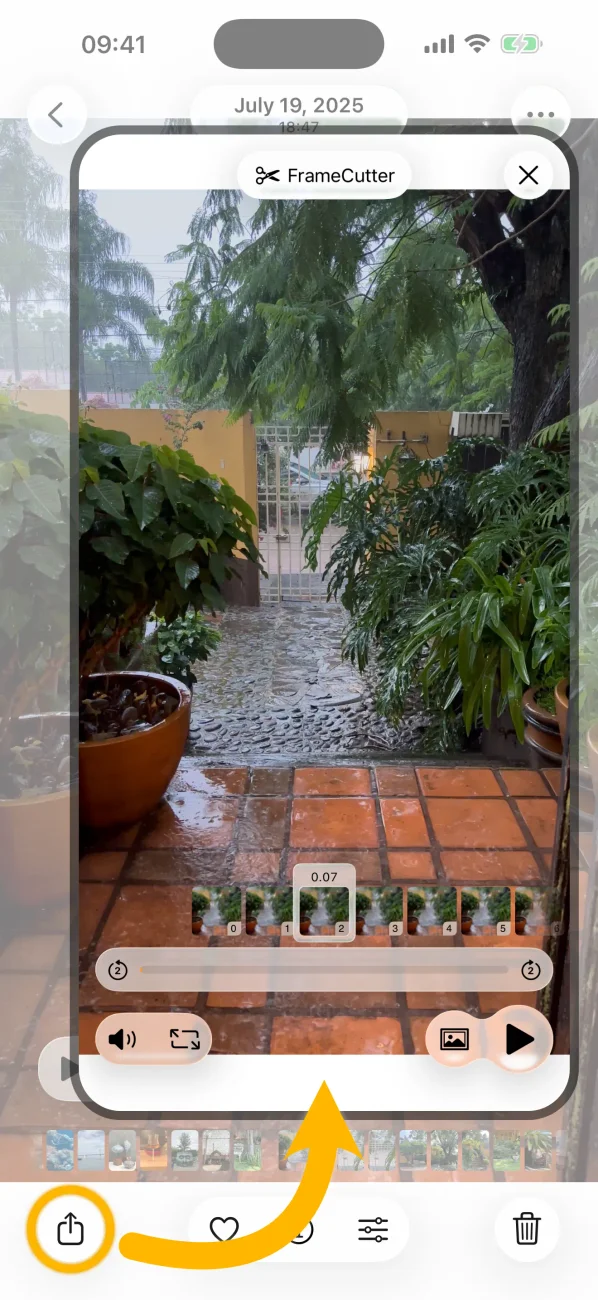
Open a video using the Share Extension. From Photos or Files, share a video and choose the FrameCutter extension to cut a frame right there.
This is a free app, there are no paywall or subscriptions in any manner. If the app is useful, there is an In-App-Purchase to support the development.
What’s new
Version 1.1.1 · Oct 14, 2026
Frames of videos with HDR are correctly saved with HDR data.
App privacy
What Miguel Lopez Saenz declares on the App Store about how this app handles data.
-
Data not collected
The developer does not collect any data from this app.
Privacy practices may vary, for example with the features you use or your age.
Information
- Seller
- Miguel Lopez Saenz
- Category
- Photo & Video
- Version
- 1.1.1
- Updated
- Oct 14, 2026
- Released
- May 18, 2026
- Size
- 9.2 MB
- Requires
- iOS 26.0 or later
- Age rating
- 4+
- Price
- Free
- In-app purchases
- Yes
- Languages
- English
- Copyright
- © 2026 LopSae
You might also like
-
 VideoTo4toExtract Photos from Video
-
 ko Frame ExtractorCreate photos from videos
-
 OsomeFrame: Video to PhotoFrame Grabber & Still Capture
-
 Video Screenshot ProFrame Grab & HD Export
-
 Duolix - Dual Camera AppRecord Portrait and Landscape
-
 FrameCatFull-resolution video frames
-
 FanFramePhoto & Video
-
 Frame Grabber: FrameLiftVideo to Photo, Still Export
-
 AI CometStack - Comet StackingAligned stars & comet photo
-
 Frame Grabber - GabbyVideo to pic