
- Age rating4+
- CategoryPhoto & Video
- DeveloperKENICHI HIYAMA
- LanguagesEnglish+ 1 more
- Size4.3 MB
Links to the official App Store page
Download.org hosts no file of ko Frame Extractor. The button opens its official App Store page, published by KENICHI HIYAMA. Listing last checked on Nov 12, 2026.
Screenshots
About
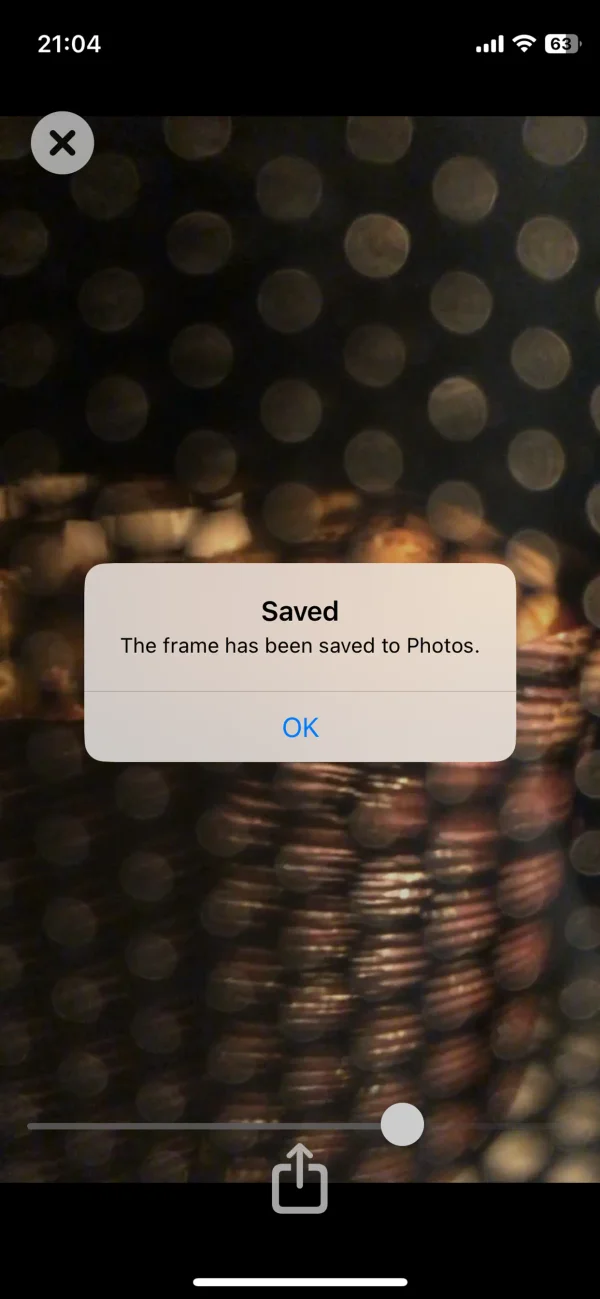
This app extracts and saves a single frame from any video.
While screen capture creates large files, this app saves the image as a compressed JPEG, so it doesn't waste data storage space.
@@@ Simple Instructions @@@
• After launching the app, select and open a video saved on your device.
• Use the slider to display the frames. You can move between frames by swiping left or right.
• Press the share button to save the image to your photos app.
What’s new
Version 1.0.3 · Jun 10, 2026
We have improved the processing to make your app experience more comfortable.
App privacy
What KENICHI HIYAMA declares on the App Store about how this app handles data.
-
Data not collected
The developer does not collect any data from this app.
Privacy practices may vary, for example with the features you use or your age.
Information
- Seller
- KENICHI HIYAMA
- Category
- Photo & Video
- Version
- 1.0.3
- Updated
- Jun 10, 2026
- Released
- Nov 3, 2025
- Size
- 4.3 MB
- Requires
- iOS 15.0 or later
- Age rating
- 4+
- Price
- Free
- Languages
- English, Japanese
- Copyright
- 2025 © KENICHI
You might also like
-
 Four M CameraPhoto & Video
-
 vismo - Film CameraCities through film
-
 SBOX CameraPhoto & Video
-
 Framera: Video to PhotoPixel-Perfect Frame Grabber
-
 OshiKoma: Video to PhotoCollect every moment you love
-
 Find My Frame: Frame GrabberFind perfect photos from video
-
 SmolcamCustomizable retro camera
-
 FrameCutterCut Frames from your Videos
-
 Cue Camera: AI Photo CoachSelfie framing, better shots
-
 GenVid AIAI Video Generator & Creator