
FramePair: Dual Camera
Front & Back Video Recorder
Designed for iPhone
Free · In-app purchases
- Age rating4+
- CategoryPhoto & Video
- DeveloperAQUALLEY BILISIM TEKNOLOJILERI ANONIM SIRKETI
- LanguagesEnglish
- Size18.5 MB
Links to the official App Store page
Download.org hosts no file of FramePair: Dual Camera. The button opens its official App Store page, published by AQUALLEY BILISIM TEKNOLOJILERI ANONIM SIRKETI. Listing last checked on Nov 12, 2026.
Screenshots
About
FramePair helps you capture one moment in more than one way.
CHOOSE YOUR CAMERAS
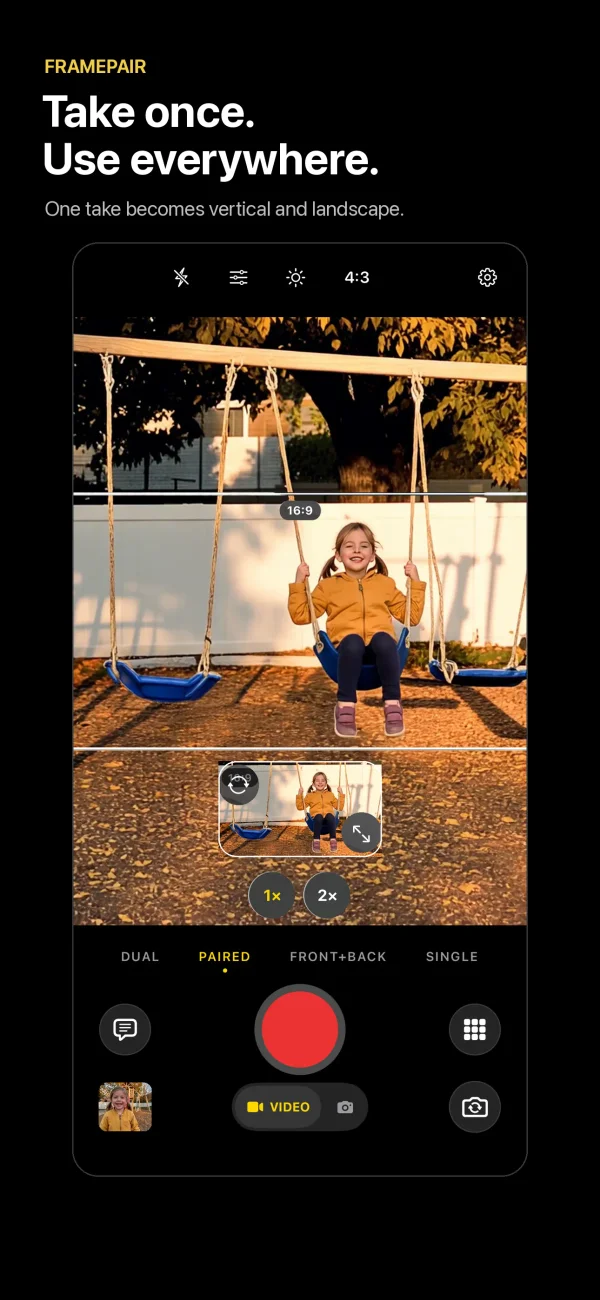
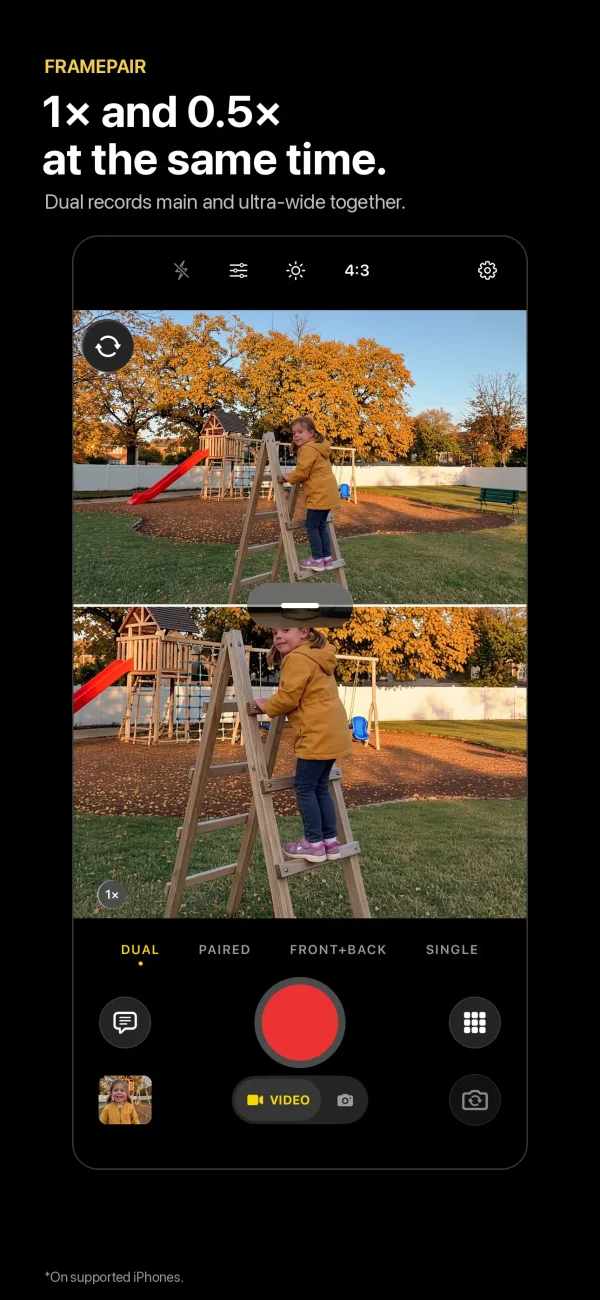
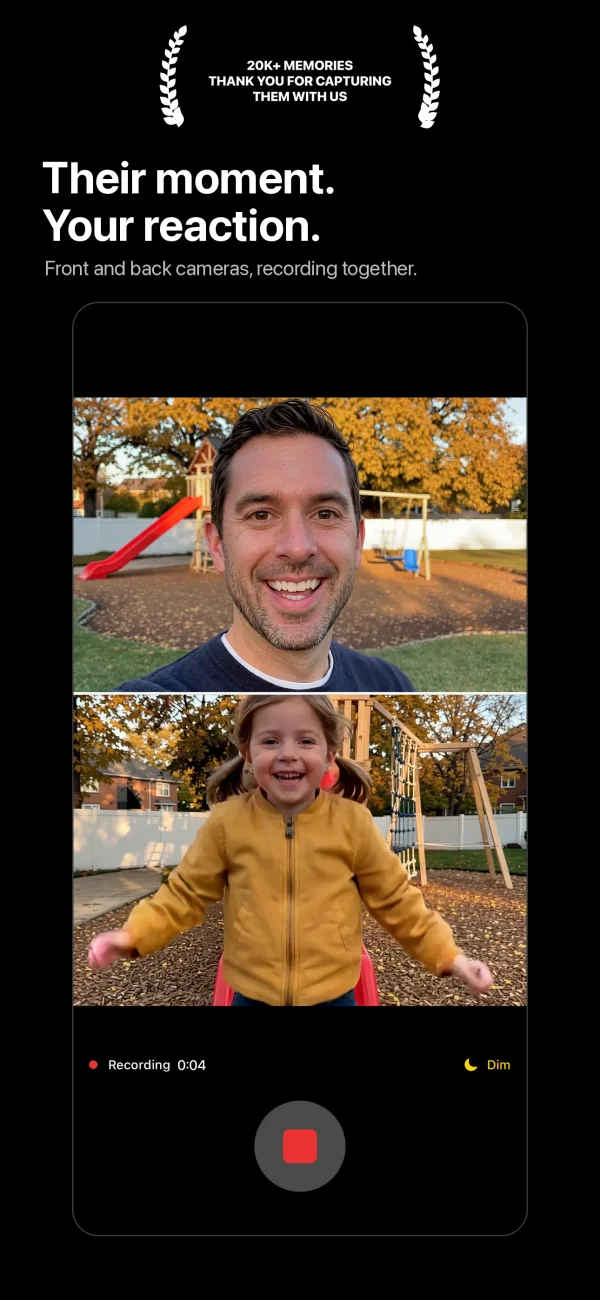
Use Dual Cam for the rear main and ultra-wide cameras on supported iPhones. Choose Front + Back to capture yourself and the scene together. Paired creates landscape and portrait views from one camera; Single keeps one original.
MAKE THE FRAME YOURS
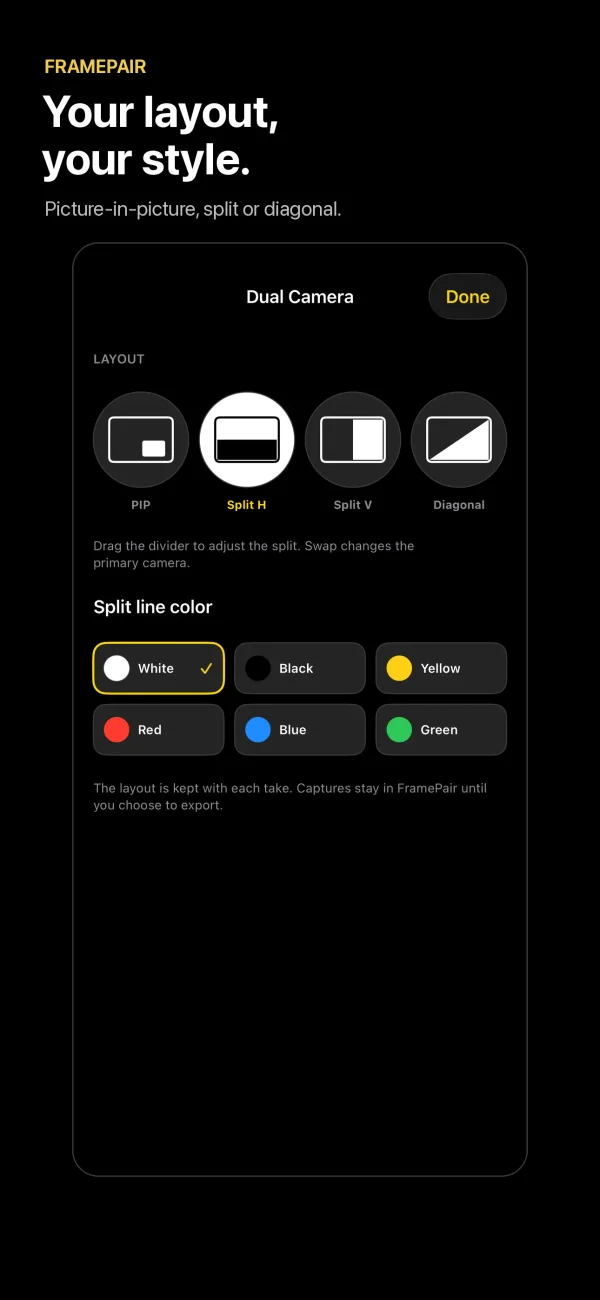
Cycle between 4:3, 16:9, 1:1 and 9:16 framing. Move and resize the inset with your fingers. Choose picture-in-picture, horizontal or vertical split, or diagonal layouts with your choice of split-line color. Adjust focus and exposure, and use the built-in teleprompter while recording.
KEEP YOUR ORIGINALS
Review recordings on your iPhone. Trim video, choose a crop, and create edited copies while preserving the original files. Save to Photos or share explicitly when you are ready.
RECORD LONGER MOMENTS
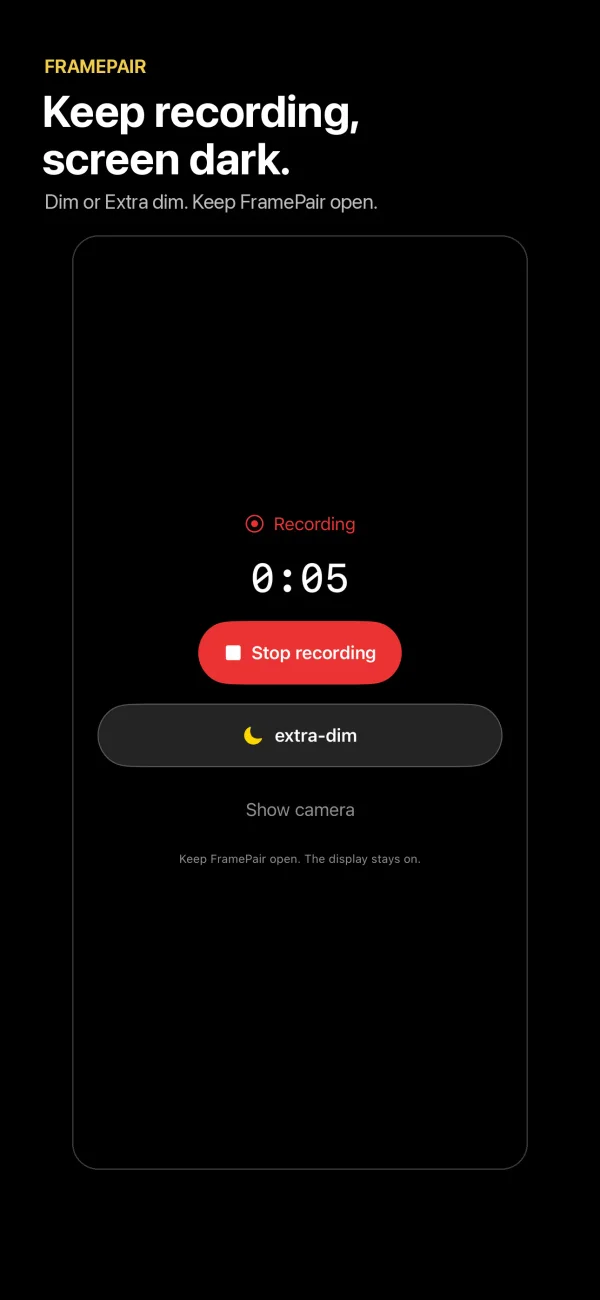
Use Dim while recording to keep a visible timer and Stop control, or choose Extra dim for a black screen at minimum brightness with only Open Camera visible. Tap Open Camera to restore your camera controls and previous brightness without stopping the take. Keep FramePair open during a take; leaving the app or locking the phone ends recording. Storage, battery and camera support affect available recording time and quality.
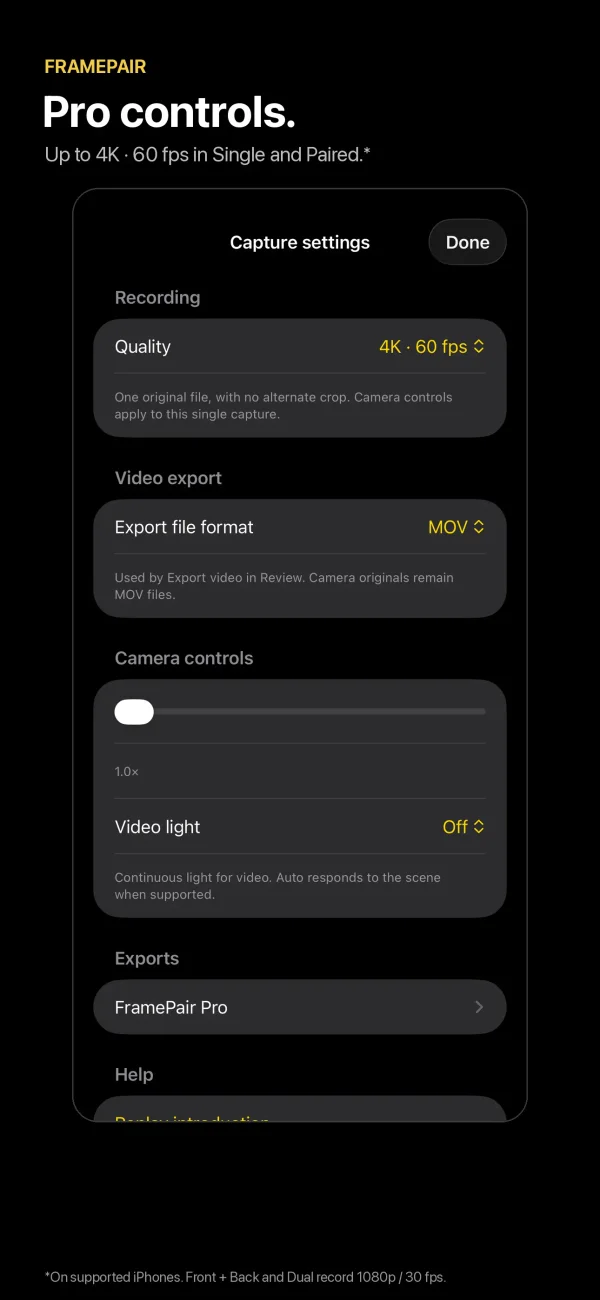
Export separate camera views or create a composite. Video capture supports available quality and frame-rate options on your device; simultaneous camera recording uses 1080p at 30 fps.
Requires iOS 17 or later. Camera combinations and quality options vary by iPhone. No account is needed for capture or local editing.
FRAMEPAIR PRO
Try 3 successful export actions per installation. Capture and local editing remain free. Pro unlocks continued saving to Photos and sharing through a weekly or yearly auto-renewable subscription. Prices are displayed in the app in your local currency. Payment is charged to your Apple Account on confirmation. Subscriptions renew automatically unless canceled at least 24 hours before the current period ends. Manage or cancel in your Apple Account subscription settings. Restore purchases is available in FramePair Settings.
Privacy: https://aqualley.net/framepair/privacy/
Terms of Use: https://www.apple.com/legal/internet-services/itunes/dev/stdeula/
What’s new
Version 1.3.1 · Sep 24, 2026
Performance optimizations and stability improvements for a smoother, more reliable experience.
Note: If you are experiencing problems please email us at info@aqualley.net so that we can get more details from you. Simply leaving a review does not always give us the information needed to resolve the issue.
App privacy
What AQUALLEY BILISIM TEKNOLOJILERI ANONIM SIRKETI declares on the App Store about how this app handles data.
-
Data not linked to you
May be collected but is not linked to your identity.
- Purchases
- Location
- Identifiers
- Usage data
Privacy practices may vary, for example with the features you use or your age.
Information
- Seller
- AQUALLEY BILISIM TEKNOLOJILERI ANONIM SIRKETI
- Category
- Photo & Video
- Version
- 1.3.1
- Updated
- Sep 24, 2026
- Released
- Sep 15, 2026
- Size
- 18.5 MB
- Requires
- iOS 17.0 or later
- Age rating
- 4+
- Price
- Free
- In-app purchases
- Yes
- Languages
- English
- Copyright
- © 2026 AQUALLEY BILISIM TEKNOLOJILERI ANONIM SIRKETI
You might also like
-
 DuoCueDual Camera Teleprompter
-
 Frame Pair: Dual Video CameraRecord Vertical + Horizontal
-
 VoiceCue- teleprompterFrom script to natural video
-
 dualCamera - Double Side PhotoCapture the view and you
-
 Double Camera .Dual Camera Double Camera
-
 Teleprompter: Camera OverlayScript follows your voice · 4K
-
 Dual Camera Video : Both SidesFront & Back Cam Split Screen
-
 Dual Recorder: Dual CameraFront & Back Video Together
-
 Log Cam: RAW 4K Video CameraManual Focus, ProRes, Pro LUTs
-
 Bicamly: Dual CameraCustom PiP Size, Layout & Mask