FreeBeam
Measure and mark up drawings
Designed for iPhone, iPad, iPod touch
Free · In-app purchases
- Age rating4+
- CategoryProductivity
- DeveloperThomas Blaxland
- Size76.5 MB
Links to the official App Store page
Download.org hosts no file of FreeBeam. The button opens its official App Store page, published by Thomas Blaxland. Listing last checked on Nov 13, 2026.
Screenshots
About
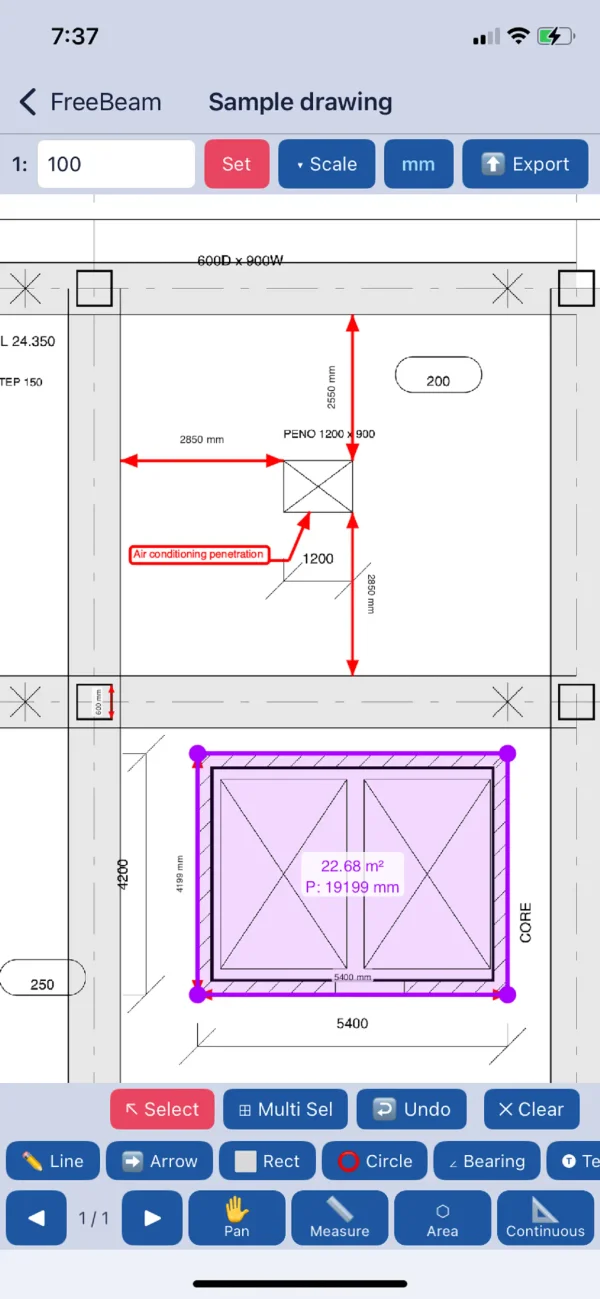
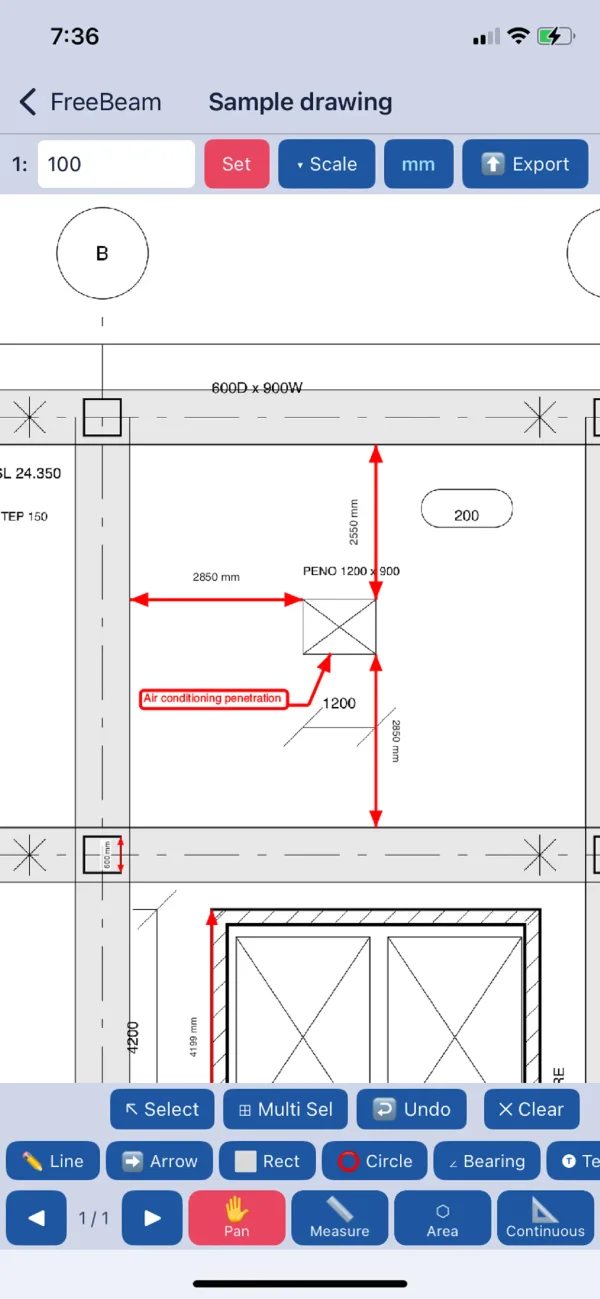
Measure and mark up construction drawings on site, in your hand, at the scale the drawing was drawn to. Set the scale once and every length, area and angle you take is real. Nothing you open ever leaves your phone.
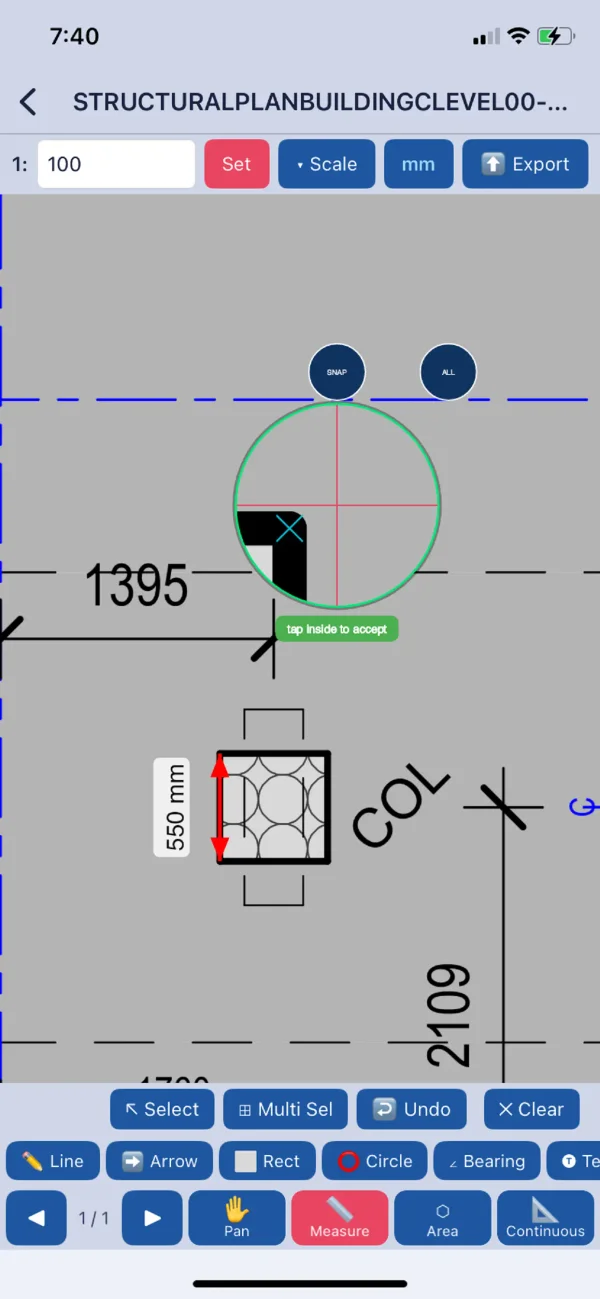
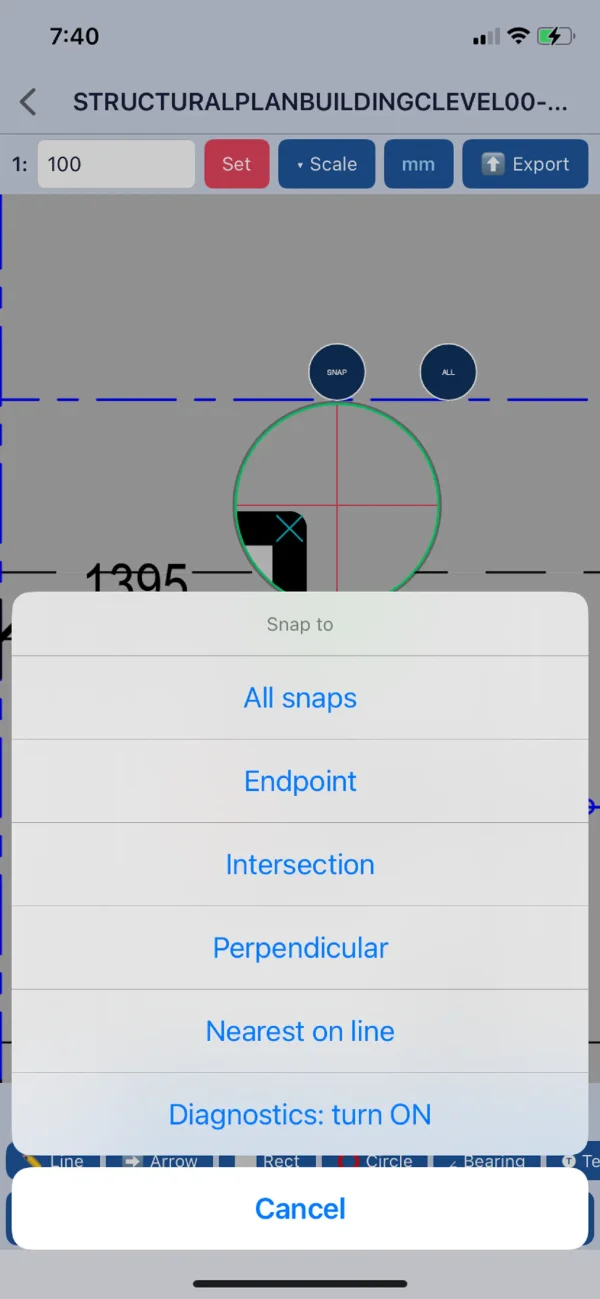
FreeBeam works on the PDFs you already have. Open a plan from email, from Files, from anywhere iOS can share to, set the scale from the drawing's own dimension string or pick a standard one, and start measuring. Lengths, areas, continuous runs and angles come straight off the sheet. Snapping catches the drawing's real geometry - endpoints, intersections, perpendiculars - so a measurement lands on the line rather than near it, and the loupe shows you exactly where the point is going before you commit it.
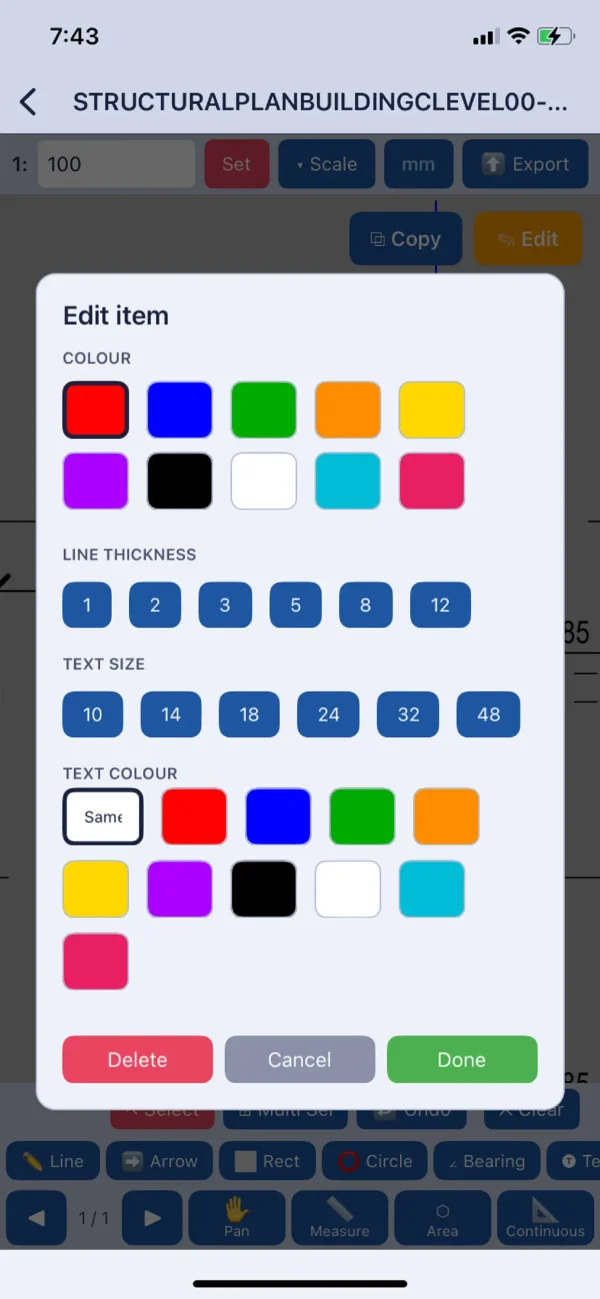
Mark up as you go. Text, arrows, clouds, dimensions and freehand, in the colours and weights you choose. Everything is editable afterwards: select one item or several, move them, restyle them, undo and redo your way back through the work. Copy and paste markup between drawings.
Export the result as a sharp, real PDF. Not a photograph of your drawing - the original vector sheet with your markup on top, so it prints and zooms the way the source did, and anyone can open it.
FreeBeam Pro, a one-off purchase with no subscription, adds the rest: unlimited drawings, exports with no watermark, and the tools that take it past measuring. Lay one drawing over another in colour to read a revision at a glance, and flatten the pair into a single sharp sheet. Join several drawings into one document, in the order you choose. Count and tally items by type for a takeoff. Set a datum and read coordinates off the plan, rotate a sheet to site north, and take bearings and distances between points.
Built for the people who actually carry drawings: surveyors, site engineers, estimators, builders and setting-out crews. It runs on an iPhone in a pocket and on an iPad on a tailgate, and it works with no signal, because everything happens on the device.
Nothing is collected. No account, no sign-in, no analytics, no tracking, no cloud. Your drawings, your markup and your measurements stay on your phone, which matters when the sheet in your hand is a confidential tender.
A sample drawing is included, in metric or in feet and inches, with dimensions printed on it you can check your measurements against.
Questions or problems: freebeam.support@gmail.com
App privacy
What Thomas Blaxland declares on the App Store about how this app handles data.
-
Data not collected
The developer does not collect any data from this app.
Privacy practices may vary, for example with the features you use or your age.
Information
- Seller
- Thomas Blaxland
- Category
- Productivity
- Version
- 5.3
- Updated
- Sep 29, 2026
- Released
- Sep 28, 2026
- Size
- 76.5 MB
- Requires
- iOS 15.0 or later
- Age rating
- 4+
- Price
- Free
- In-app purchases
- Yes
- Copyright
- © 2026 Thomas Blaxland
You might also like
-
 PlanMeasureMeasure floor plans & maps
-
 Floor Plan Scanner - TruewallLiDAR Room Measure & 3D Layout
-
 ScaleTap: PDF Plan MeasureFast Construction Takeoff
-
 PDF Studio – Editor & ReaderScanner, Sign, Convert & Fill
-
 ACS Mobileattendance tracking
-
 DWG Viewer: CAD Drawing ReaderConvert PDF to DWG, DXF Editor
-
 Takeoff ProProductivity
-
 Work Hour Tracker: Time SheetLog, export timesheet & pay
-
 ControlResell: AutomationsResell tool
-
 CrewTrakaCrew + Project Management Tool