FreeToForget: Remember Where
Save small facts. Ask later.
Designed for iPhone
Free · In-app purchases
- Age rating4+
- CategoryProductivity
- DeveloperJustin Tilley
- LanguagesEnglish
- Size15.4 MB
Links to the official App Store page
Download.org hosts no file of FreeToForget: Remember Where. The button opens its official App Store page, published by Justin Tilley. Listing last checked on Nov 14, 2026.
Screenshots
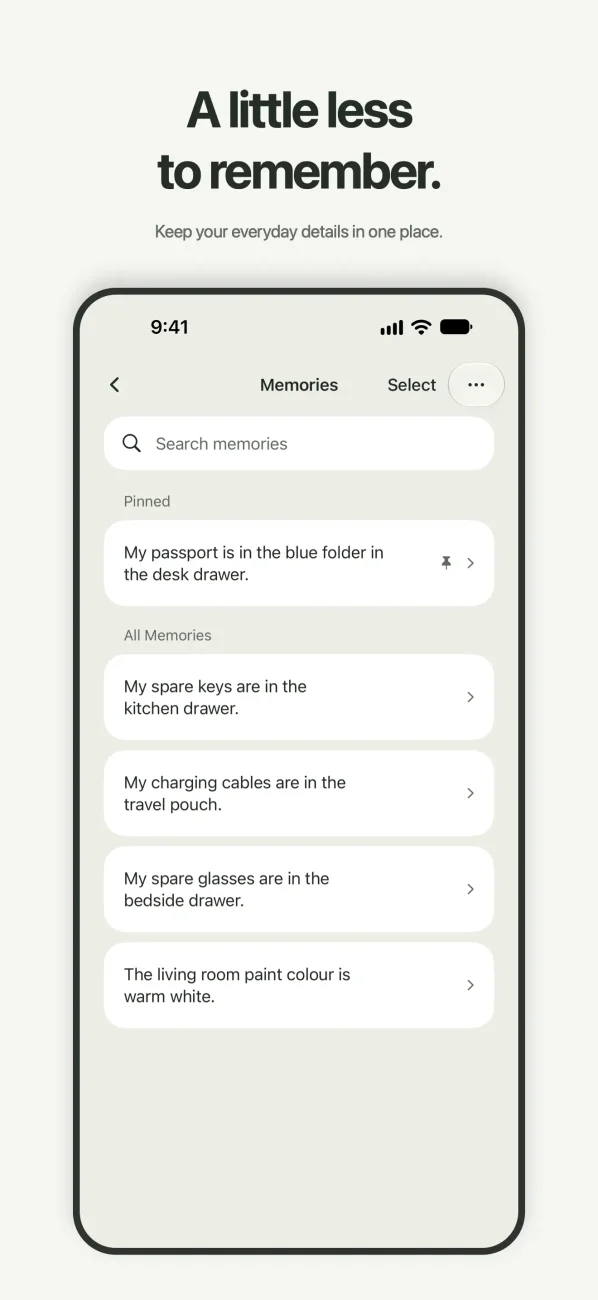
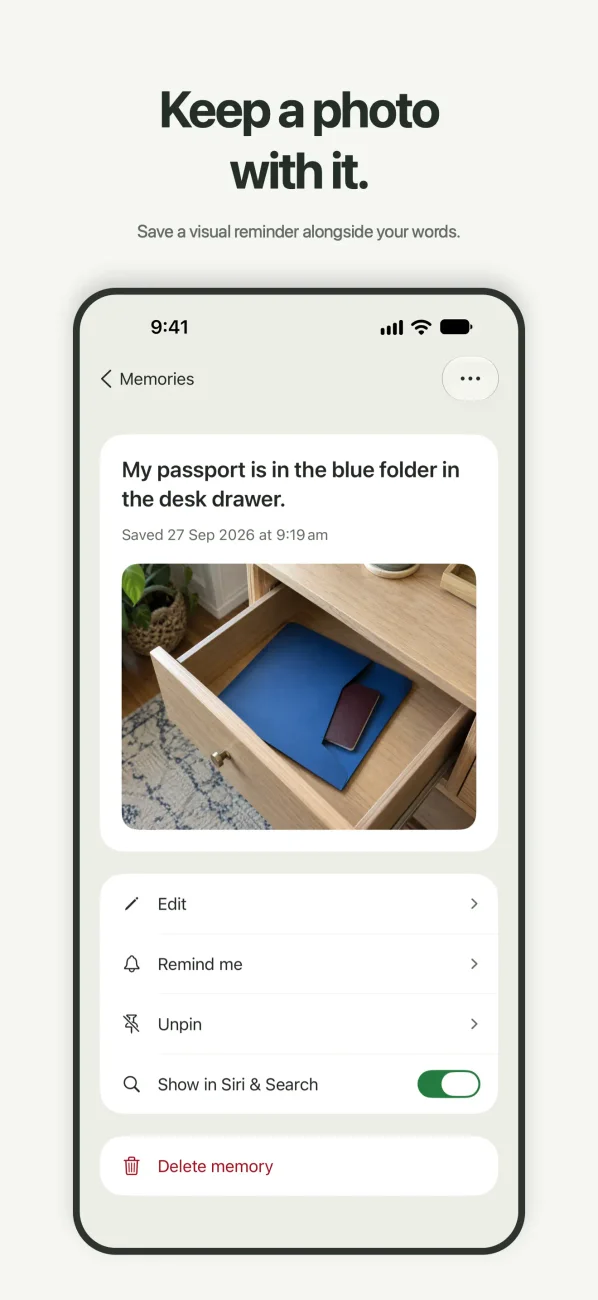
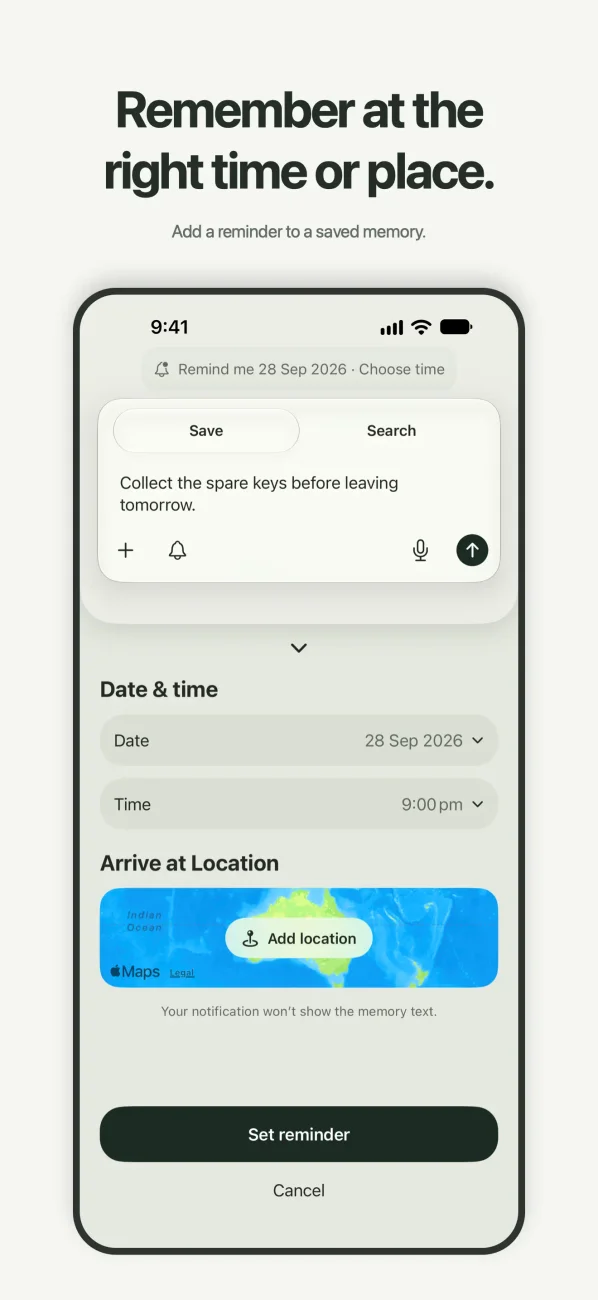
About
Put something somewhere safe? Heard a detail you’ll need later? FreeToForget gives small, useful facts a place to live until you need them.
Save the small facts you don’t want to keep in your head, then find them when they become relevant. FreeToForget is built for factual memories: where you stored something, a detail someone mentioned, information for a future conversation, or another practical fact that doesn’t belong in a task list.
SAVE A MEMORY
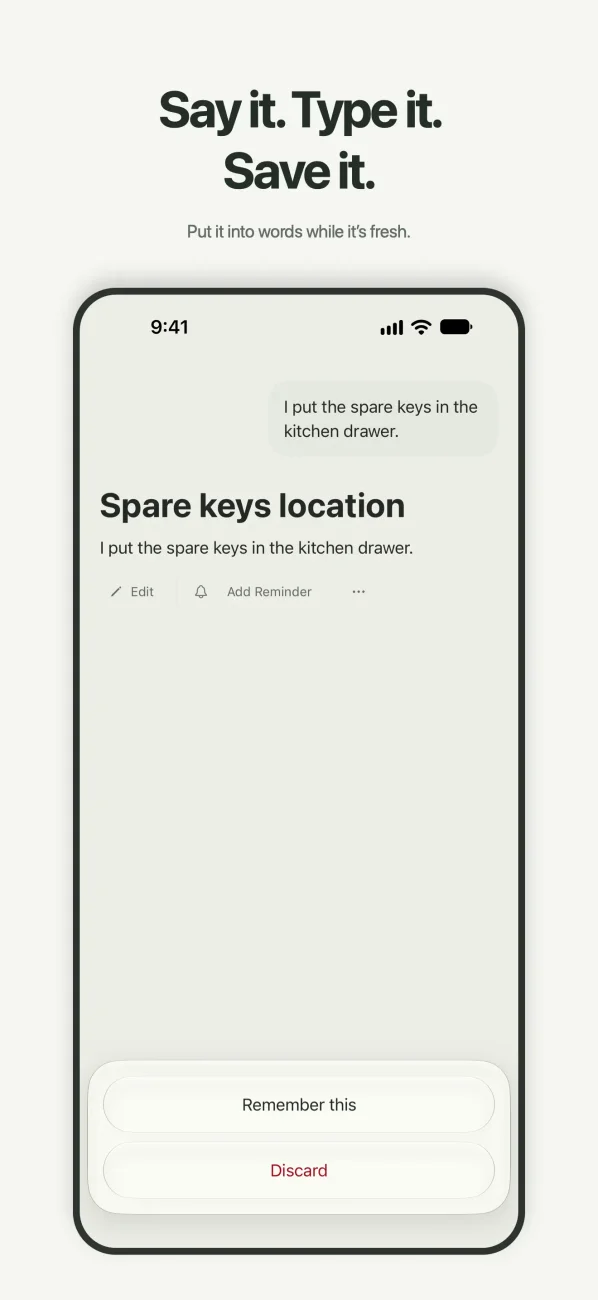
Type a memory or speak it. Spoken memories are transcribed into editable text, and you review the prepared memory before saving it. FreeToForget does not keep the audio recording. Each memory has a short title and the fact itself.
When Apple Intelligence is available, FreeToForget can suggest a concise title and lightly clarify the wording. Your original wording is retained and can be restored. Prefer your own words? You can keep them.
FIND WHAT YOU SAVED
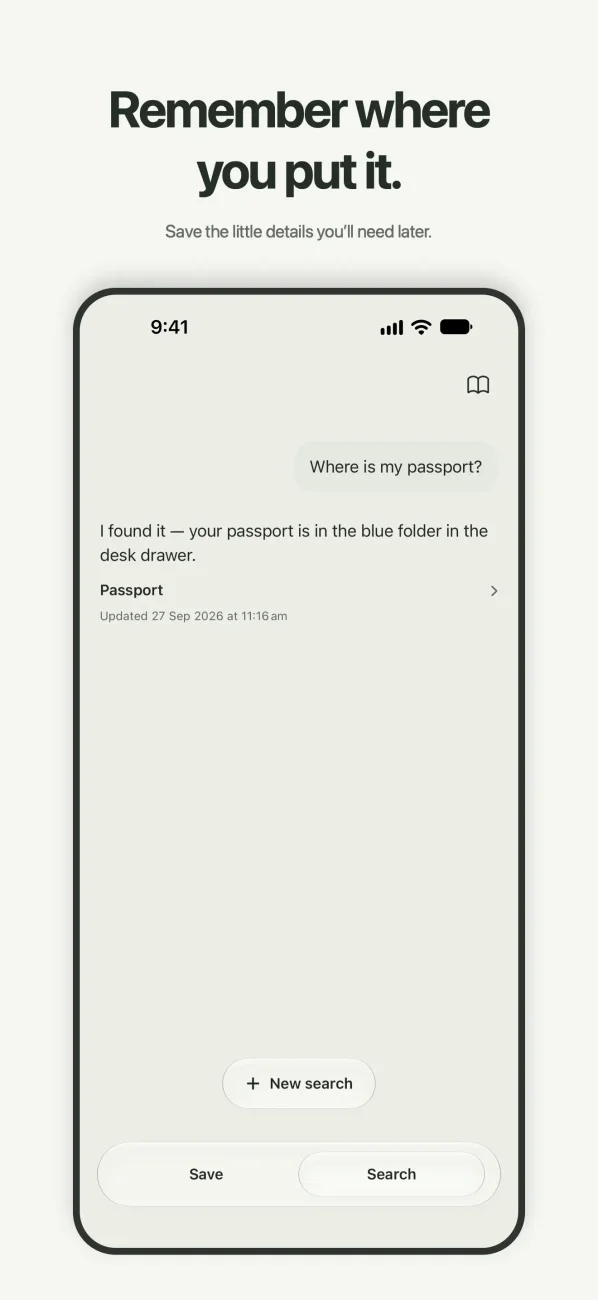
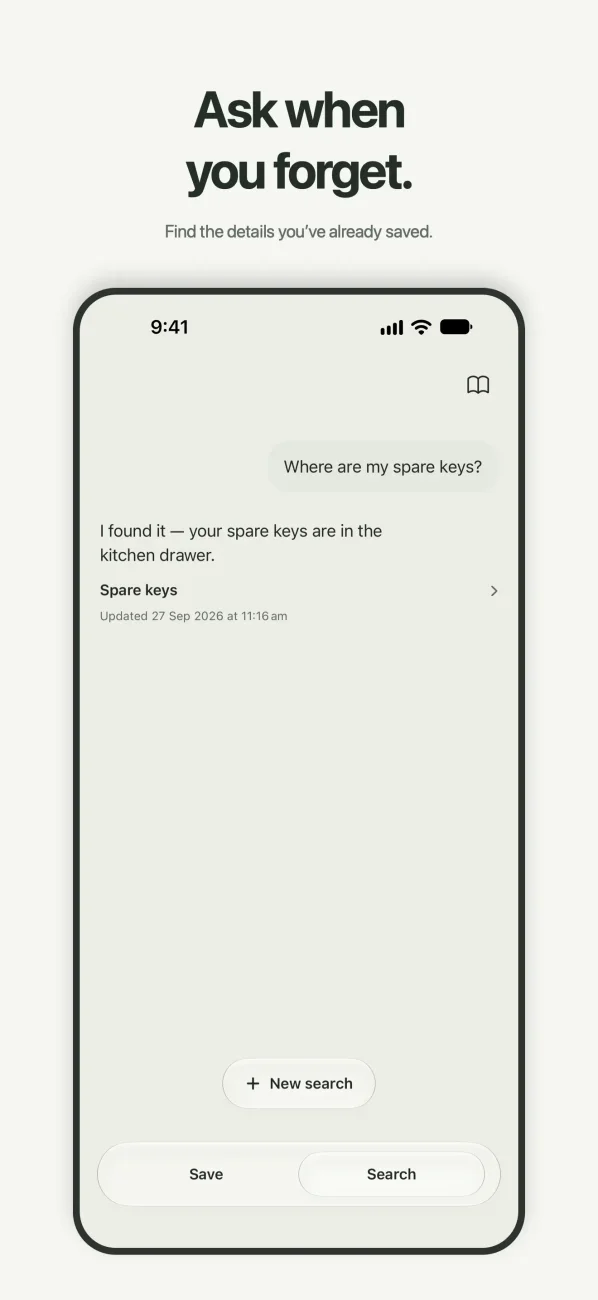
Type or speak a question about your memories. FreeToForget searches only what you have saved, returning direct matches and clearly separated related possibilities. If several memories may be relevant, you can see them rather than having one silently chosen for you. If nothing relevant was saved, FreeToForget does not invent an answer.
You can also browse your full memory library, open and edit memories, pin important ones, share an individual memory, or delete it.
USEFUL EXTRAS
Optional App Shortcuts let you save or find memories with Siri. Siri and iPhone Search access is off by default inside FreeToForget, and you choose which memories are eligible to appear in Siri and Spotlight.
Premium lets you attach up to four photos to a memory and add date/time or arrival reminders. Reminder delivery depends on the relevant iPhone permissions and system behavior.
LOCAL STORAGE AND CONTROL
Your memories and attached photos are stored locally on your iPhone. No FreeToForget account is required, and memories do not sync through iCloud. Optional Siri and Search access is controlled by you.
You can export the text of all memories as a readable CSV file. Photo attachments are not included in the export, and CSV files cannot currently be imported back into FreeToForget. Deleting the app removes its locally stored memories.
FREE TO TRY. ONE-TIME PREMIUM.
The free version includes the core saving and searching experience for up to five memories.
One Premium purchase unlocks:
• Unlimited memories
• Photo attachments
• Date/time reminders
• Arrival reminders
There is no subscription. Premium can be restored through your Apple Account.
FreeToForget may also suit people with ADHD who prefer to capture small details as they come up and check them later. It is a focused personal-memory utility, not a medical or treatment app.
Requires iOS 26.0 or later. Some features depend on device support, language, permissions, and Apple system services.
What’s new
Version 1.02 · Nov 2, 2026
Improved layouts for iPhone Duo, keeping your memories and controls comfortably in view when opened.
App privacy
What Justin Tilley declares on the App Store about how this app handles data.
-
Data linked to you
May be collected and linked to your identity.
- Purchases
- Location
- Identifiers
- Usage data
Privacy practices may vary, for example with the features you use or your age.
Information
- Seller
- Justin Tilley
- Category
- Productivity
- Version
- 1.02
- Updated
- Nov 2, 2026
- Released
- Sep 30, 2026
- Size
- 15.4 MB
- Requires
- iOS 26.0 or later
- Age rating
- 4+
- Price
- Free
- In-app purchases
- Yes
- Languages
- English
- Copyright
- © 2026 Justin Tilley
You might also like
-
 Super Easy TimerFloating Countdown & Clock
-
 Habit Jars: Habit TrackerCute Streaks, Goals & Widget
-
 Dune Seven: ADHD PlannerEnergy, not guilt. No wearable
-
 NotePileColor-coded notes & reminders
-
 Balane TextDeck: ShortcutsPrompt Library & Text Expander
-
 HomeQueue: Shared MaintenanceHome upkeep, repairs & chores
-
 Sonto - Goal & Life PlannerWeekly Planner & Goal Tracker
-
 Screen Time - Break CheckHabit Timers, No App Blocking
-
 Quick Notes - SupasendCapture quickly notes & tasks
-
 Checklist Widget - Check MeDaily To Do List Task Tracker