FTP One
Send photos via FTP and cloud
Designed for iPhone, iPad, Mac
Free · In-app purchases
- Age rating4+
- CategoryProductivity
- DeveloperMarco Ottico
- LanguagesEnglish+ 4 more
- Size42.7 MB
Links to the official App Store page
Download.org hosts no file of FTP One. The button opens its official App Store page, published by Marco Ottico. Listing last checked on Nov 16, 2026.
Screenshots



About
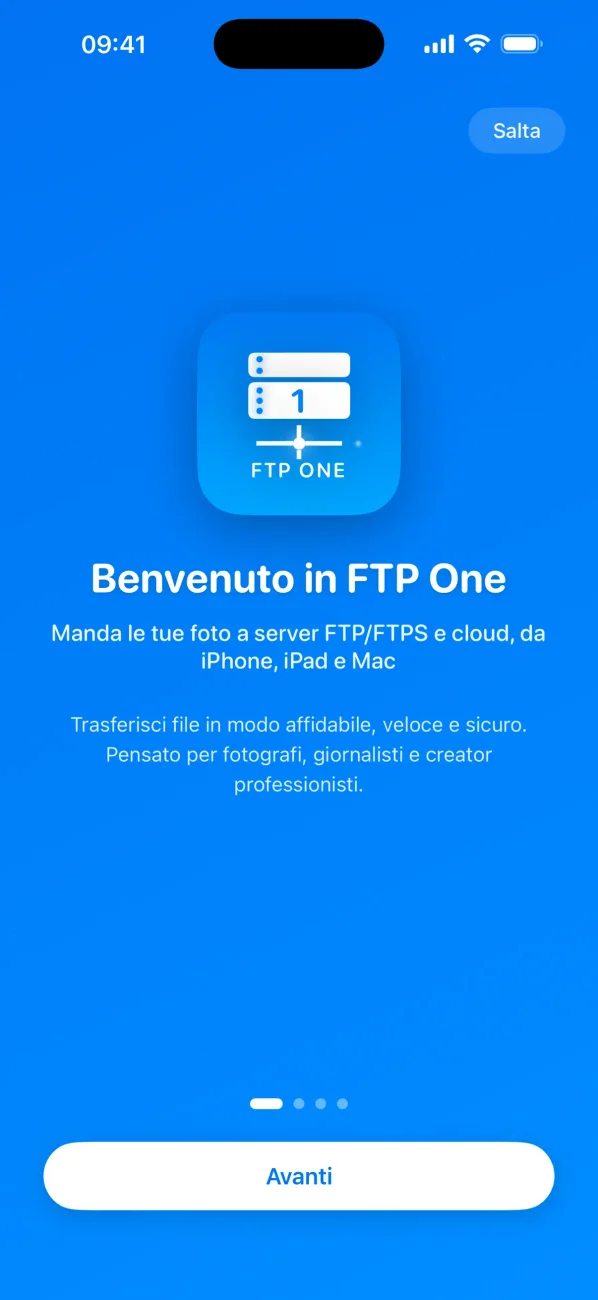
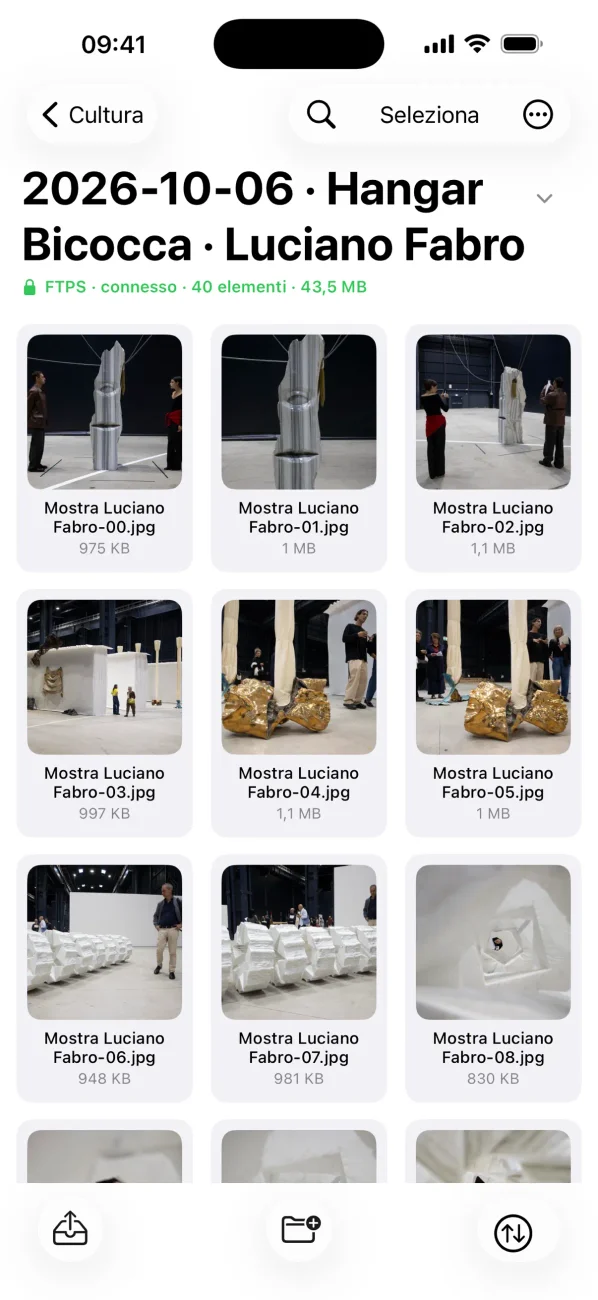
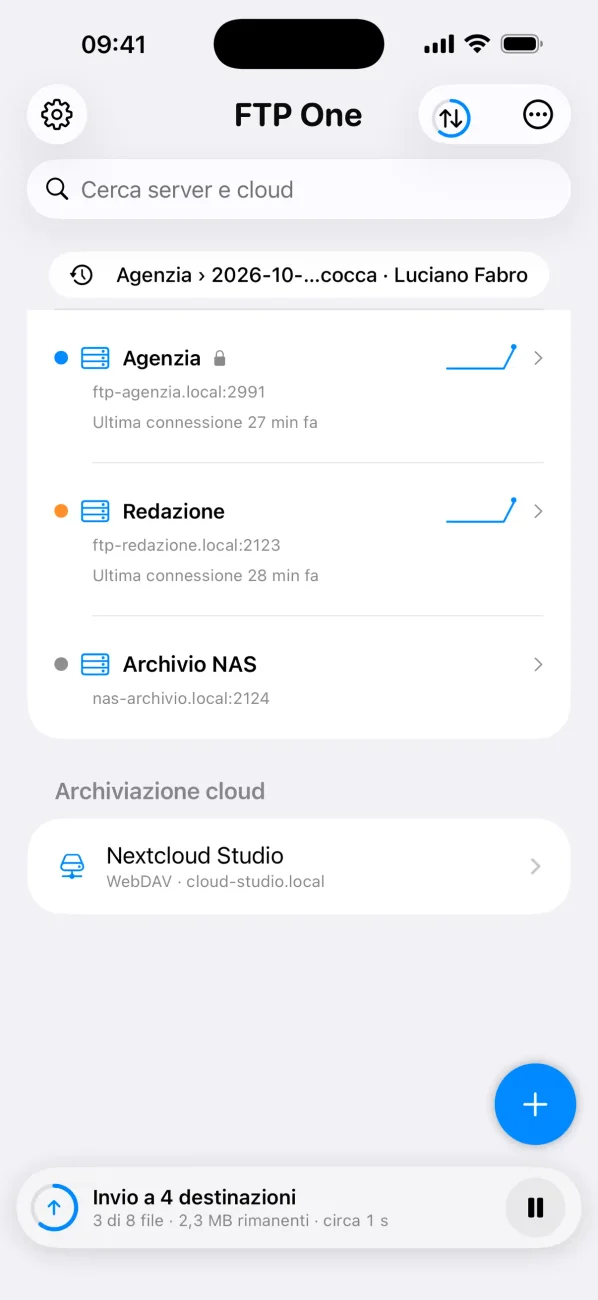
FTP One sends photos and files from iPhone, iPad and Mac to the FTP/FTPS servers and cloud accounts you work with: agencies, newsrooms, clients, your NAS. It is made for photographers and newsrooms who need to deliver quickly.
WHAT YOU CAN DO
• Several destinations in one send
Send the same files to several servers and cloud accounts at the same time. Save the destination profiles you use often and repeat your last choice with one tap.
• FTP and FTPS
FTP and FTPS (implicit TLS) connections, with server certificate verification. For a self-signed certificate, such as a NAS's, the app asks you once whether to trust it and then remembers.
• Cloud accounts
Dropbox, Google Drive, WebDAV (Nextcloud, ownCloud, NAS), Amazon S3 and S3-compatible services (Wasabi, Backblaze B2, Cloudflare R2 and others), iCloud Drive.
• Send from Photos and Files
Select photos in Photos or files in Files and choose Share > FTP One. The upload starts as soon as you open FTP One or tap the notification (up to 300 photos at a time).
• Import from your camera
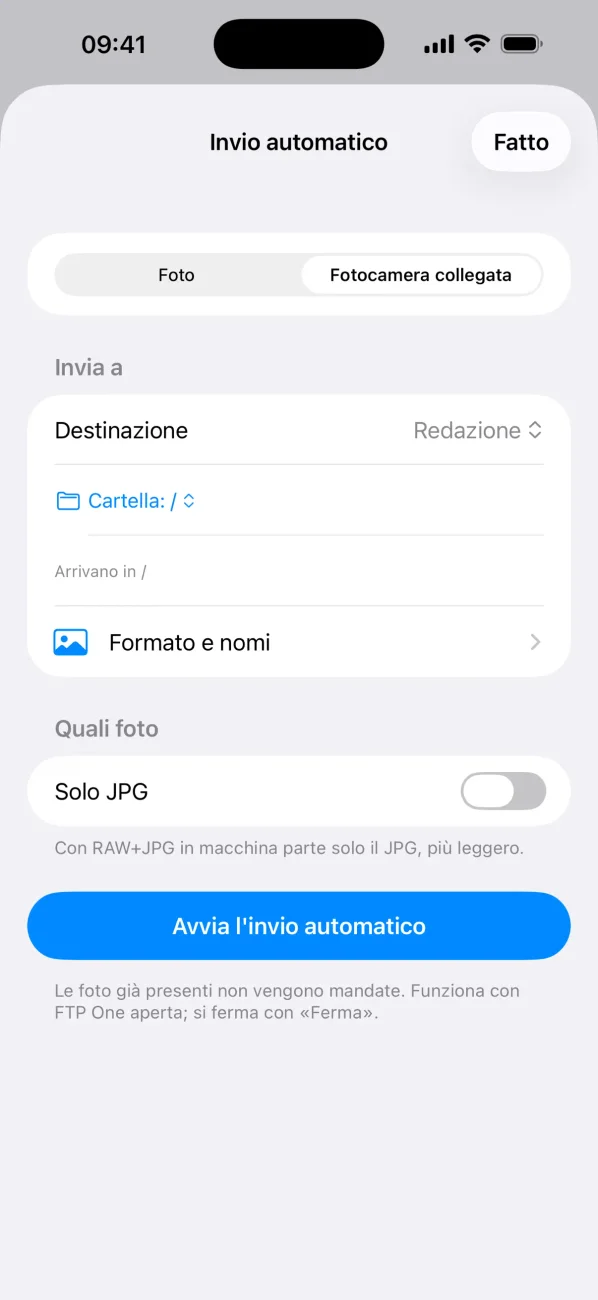
On iPhone and iPad, connect your camera or an SD card reader via USB: the app shows only the new photos.
• Transfers panel
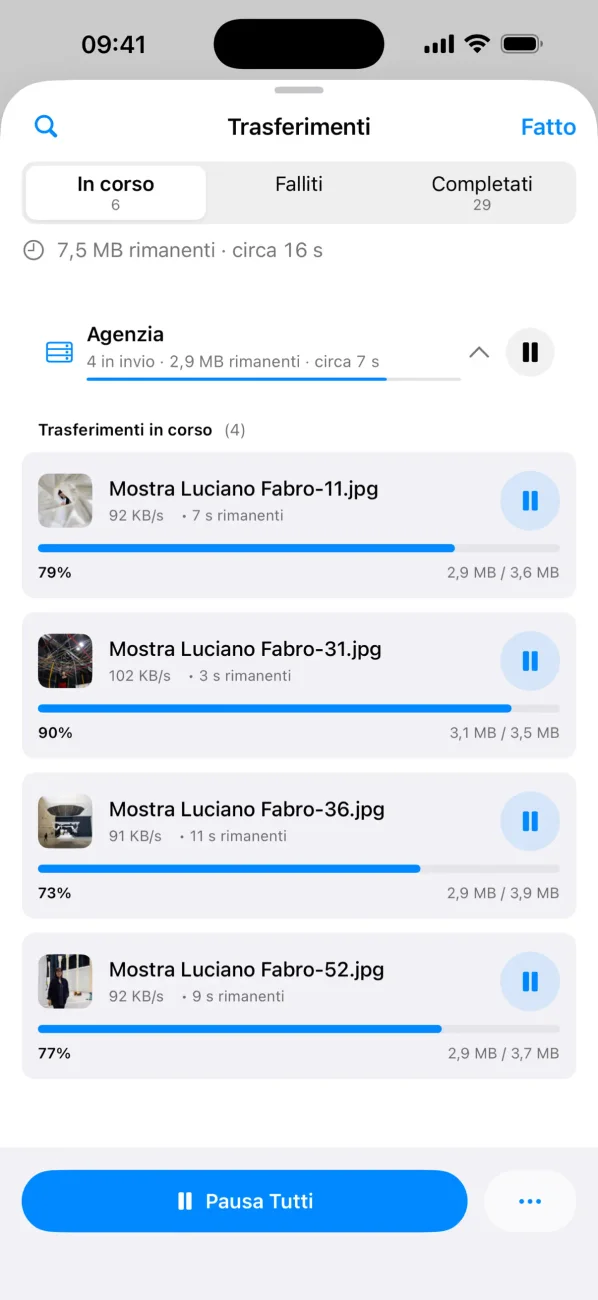
Queue, pause, resume and cancel (cancelling also removes the partial file from the server). Failed files can be retried.
• When you leave the app
iOS does not let FTP transfers keep running for long in the background. During uploads you can keep the screen on (option) and, on iPhone, follow progress on the Lock Screen (Live Activity). If iOS stops the transfer, the queue resumes by itself when you return to the app. The interrupted file starts again from the beginning, so it never arrives damaged.
• Security
Server passwords and cloud account tokens are stored in the iOS/macOS Keychain, not in the app's preferences. You can turn on an app lock with Face ID or Touch ID.
PRIVACY
• No analytics, no tracking, no ads, no third-party SDKs.
• No FTP One account needed. The developer has no servers that receive your data: the app connects only to the servers and cloud accounts you set up, and to Apple for purchases.
• Free plan counters stay on your device.
• Diagnostic logs (without passwords or tokens) stay on your device. They are sent only if you tap "Send feedback to support", which opens a pre-filled email you can edit before sending.
PLANS
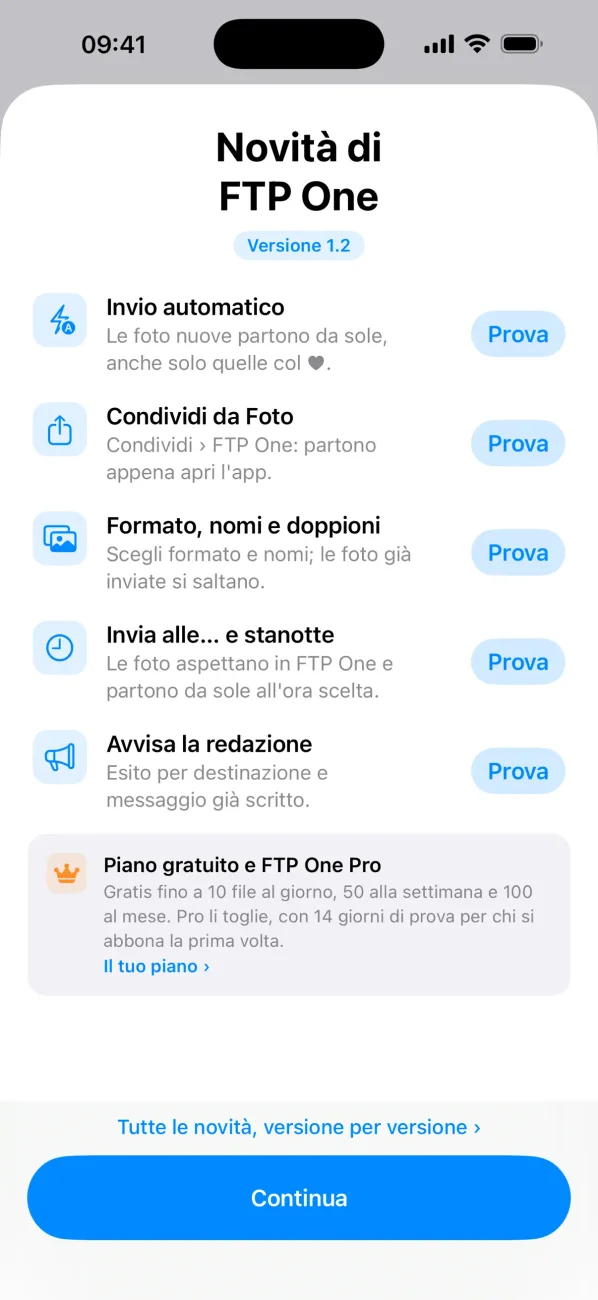
Free: all features (servers, cloud accounts, several destinations, sending from Photos and Files, camera import) for up to 100 files per month (no more than 10 per day and 50 per week).
FTP One Pro: no file limits.
• Pro Monthly: €1.99 per month
• Pro Yearly: €12.00 per year
• Pro Lifetime: €35.00, one-time purchase, no renewal
Monthly and Yearly are auto-renewing subscriptions, with a 14-day free trial for first-time subscribers. Prices are in euros; the App Store shows the price for your country.
Payment is charged to your Apple Account at confirmation of purchase or, with the free trial, when the trial ends. The subscription renews automatically unless auto-renew is turned off at least 24 hours before the end of the current period. You can manage or cancel your subscription in your Apple Account settings. Purchases can be restored from the FTP One Pro screen.
LEGAL
Privacy Policy: https://www.ftpone.eu/privacy-policy
Terms of Use (EULA): https://www.apple.com/legal/internet-services/itunes/dev/stdeula/
Support: support@ftpone.eu
What’s new
Version 1.4 · Nov 7, 2026
FTP One 1.4: every kind of file, the complete job for your newsroom and even more reliable uploads.
EVERY KIND OF FILE
• Matching thumbnails
• Duration, pages, rows
• Inside the .zip
• Counts by type
• Each destination gets its types
• The summary names everything
THE COMPLETE JOB
• Captions from a file
• A job must include
• The alert says what's inside
• Video: light copy first
• Transcribe the interview
MORE RELIABLE
• No files lost on the way
• Location removed in the .zip too
• Big files from an external drive
• Links that open
• Arrived identical
• Reconnect Dropbox and Drive
• The new version always goes
• Scheduled sends that don't get lost
• Desk: every photo really comes down
• “Make space” leaves undelivered work alone
• The Incoming Folder remembers
• Watched folders: no file lost silently
• From a cloud to a server, even hours later
• Shares that don't get lost
• The queue picks up exactly where it was
• Cloud accounts don't disappear
• Access lost: paused, not failed
FASTER
• Thumbnails that keep coming
• Huge queues, no waiting
• Lighter start-up
• Light thumbnails from clouds and servers
• “Send” right away, even with hundreds of photos
• Lighter Desk and Arrivals
• “Upload folder” asks before copying
MORE SECURE
• No location, for real
• A more private gallery
• Free plan: counts always right
• Delete means delete
• The newsroom alert follows the server
• App Lock from the Files app too
• A kit never overwrites silently
• Support log without addresses
• Warning for unencrypted WebDAV
IN THE NEWSROOM
• Incoming folder: the problem in plain words
• Arrivals always whole
• iPad at the desk
• Desk alerts take you to the job
• Search Arrivals
• Client gallery
EASIER TO USE
• Free plan: the job goes out whole
• You see where it goes
• Find features by searching
• Clearer alerts and words
• Choices you can read in full
• Servers in the Files app
• On iPhone the server row says what you sent
• “Downloading from…” when you download
• Times with the day
• Your language from Photos too
• The same words everywhere
• No more “Please wait” overlay
• Readable iPad cards
ON THE MAC
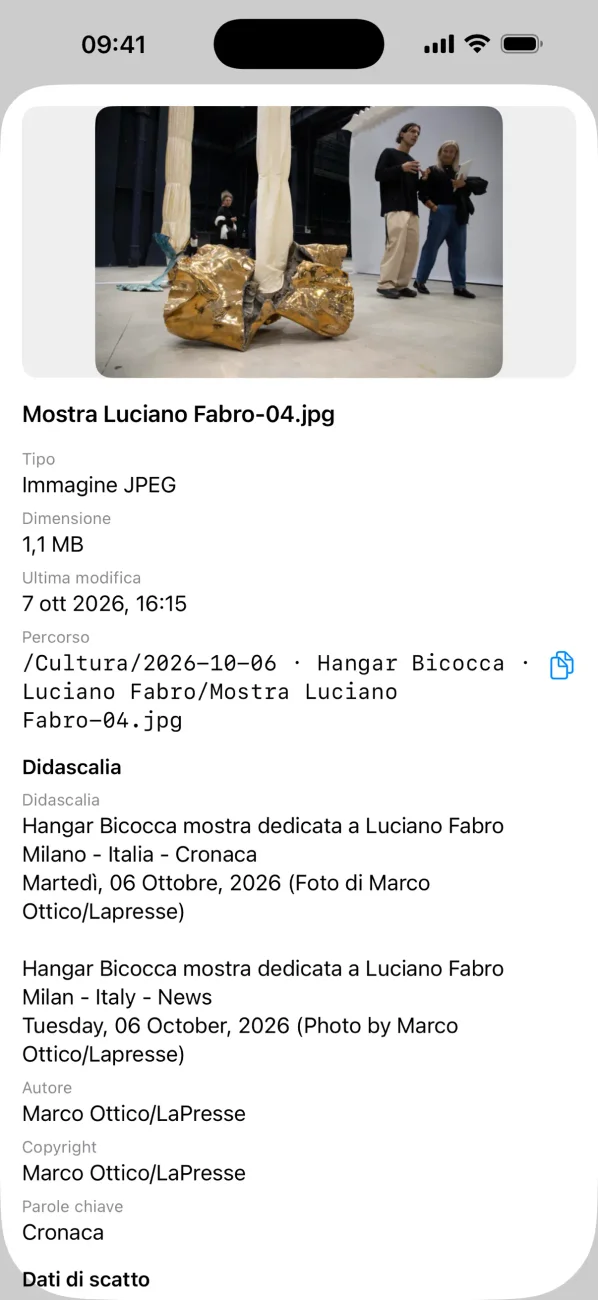
• Info with every file's details
• “What arrives” by type
• Watched folders for every file
• Compare: new versions
• Lighter watched folders
• Always the Mac window
Plus many small fixes for stability and speed.
App privacy
What Marco Ottico declares on the App Store about how this app handles data.
-
Data not collected
The developer does not collect any data from this app.
Privacy practices may vary, for example with the features you use or your age.
Information
- Seller
- Marco Ottico
- Category
- Productivity
- Version
- 1.4
- Updated
- Nov 7, 2026
- Released
- Feb 22, 2026
- Size
- 42.7 MB
- Requires
- iOS 18.4 or later
- Age rating
- 4+
- Price
- Free
- In-app purchases
- Yes
- Languages
- English, French, German, Italian, Spanish
- Copyright
- © 2025 Marco Ottico
You might also like
-
 OpenSCPProductivity
-
 BINIT - Mail & Spam Clean UpUnsubscribe, Block & Delete
-
 xworks.365Productivity
-
 EmpiricCommander File ManagerDual-pane SFTP, SSH and Git
-
 Storyly | ShowcaseProductivity
-
 Links - Save your linksLink manager & bookmarks AI
-
 NetDrive MobileAll Your Clouds, One App
-
 Post Ai - Generate PostsProductivity
-
 UP2ProProductivity
-
 NAS GuardProductivity