
G-Code Generator: CNC & Laser
Image to G-code for engraving
Designed for iPhone
Free · In-app purchases
- Age rating4+
- CategoryUtilities
- DeveloperOmer Faruk BAGCI
- LanguagesEnglish+ 14 more
- Size95.0 MB
Links to the official App Store page
Download.org hosts no file of G-Code Generator: CNC & Laser. The button opens its official App Store page, published by Omer Faruk BAGCI. Listing last checked on Nov 12, 2026.
Screenshots

About
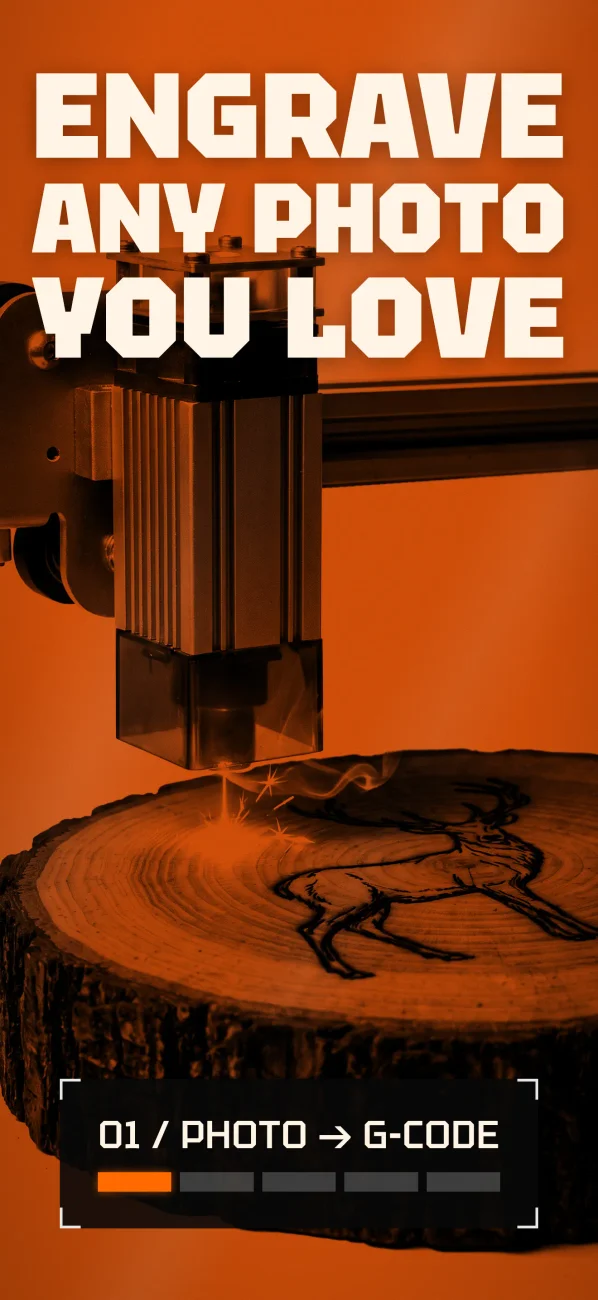
Turn a photo or a sketch into G-code your CNC router, laser engraver or pen plotter can run. G-Code Generator traces the image, shows the toolpath on screen and exports a ready-to-run file.
HOW IT WORKS
• Pick a photo or take one. The app traces it into clean toolpaths.
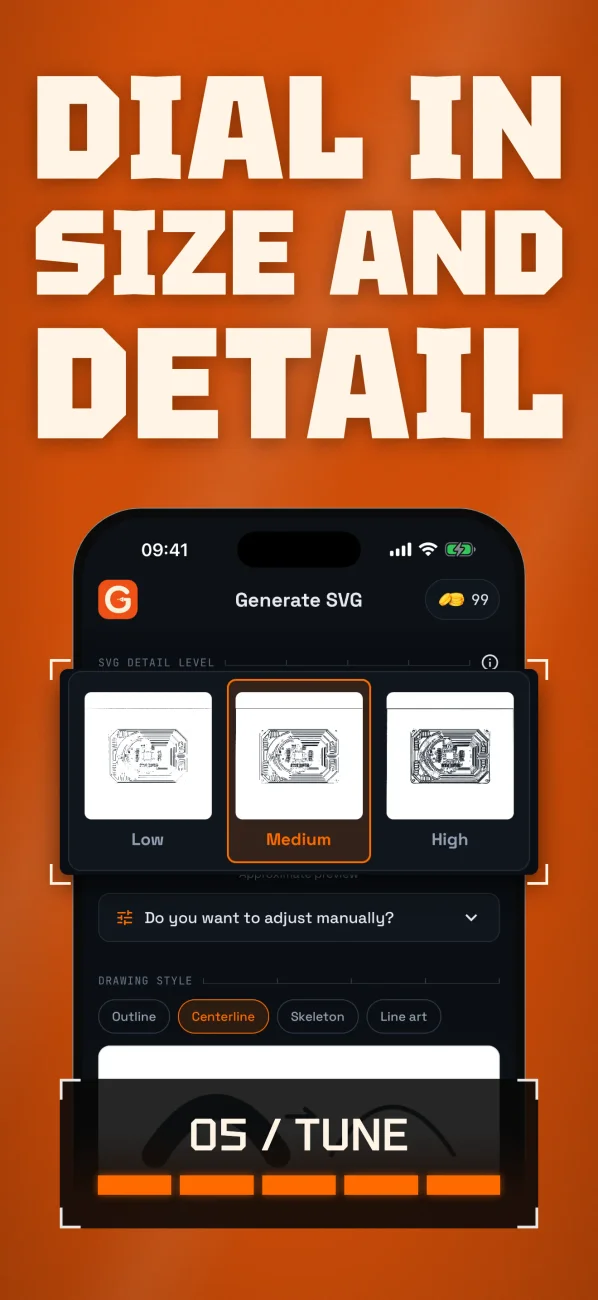
• Choose a detail preset or fine-tune it, set the size and unit, and pick the sample count that controls quality.
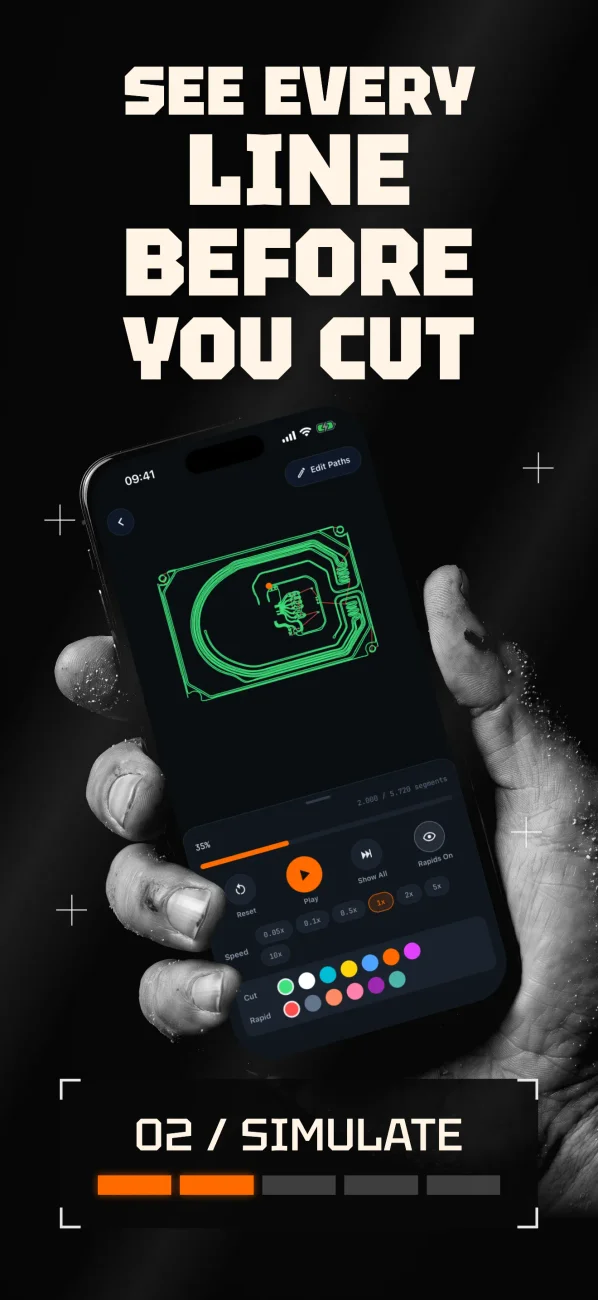
• Simulate the job: play, pause and scrub through every move, zoom in on the canvas, and see cuts and rapids in different colours.
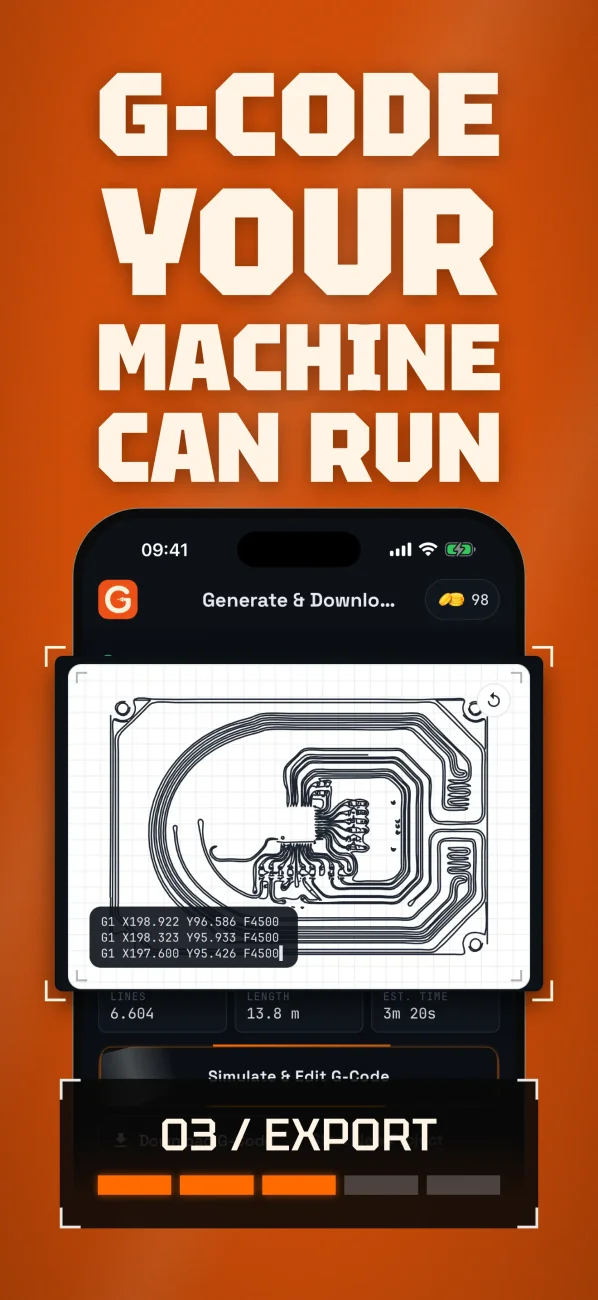
• Export the .gcode file and share it with your machine software.
MACHINE PROFILE
Set your bed size, unit, feed rate and pen or Z control once; every job uses it. Advanced options add start commands, line numbering, bed fill and circular interpolation.
EDIT THE PATH (PRO)
Tap, range-select or draw a box to remove the segments you do not want, undo, simulate again and export the edited G-code. A text editor lets you review and change individual lines.
PROJECTS
Every job is saved to your account. Free accounts see their latest 3 projects; Pro keeps the whole library.
ACCOUNT, CREDITS AND PRO
Generation runs on our servers, so the app asks you to sign in with Apple or Google and starts you with free credits. One credit pays for one step; a photo run costs 2. Free accounts see a small banner ad.
• Credit packs of 15, 30 or 50 credits: one-time purchases that never expire.
• G-code Pro: a weekly, monthly or yearly auto-renewing subscription. Nothing costs credits, path editing and edited-G-code export are included, there are no ads, and your whole project library stays open.
Subscriptions renew automatically until cancelled in your App Store account settings. Prices are shown in the app before you buy.
Available in 15 languages.
Terms of Use: https://looplab.app/apps/gcode-generator/terms-of-service/
Privacy Policy: https://looplab.app/apps/gcode-generator/privacy-policy/
What’s new
Version 4.2.1 · Nov 10, 2026
• The Pro paywall now states the renewal price and billing period under the purchase button
• The Projects tab is always available
• Analytics no longer receive your e-mail address or name
• Privacy declarations updated for advertising
• Earning credits by watching ads was retired in 4.2.0; credits now come from credit packs or Pro
• Stability and performance improvements
App privacy
What Omer Faruk BAGCI declares on the App Store about how this app handles data.
-
Data used to track you
May be used to track you across apps and websites owned by other companies.
- Identifiers
- Usage data
-
Data linked to you
May be collected and linked to your identity.
- Purchases
- Location
- Contact info
- User content
- Identifiers
- Usage data
- Diagnostics
Privacy practices may vary, for example with the features you use or your age.
Information
- Seller
- Omer Faruk BAGCI
- Category
- Utilities
- Version
- 4.2.1
- Updated
- Nov 10, 2026
- Released
- Nov 17, 2025
- Size
- 95.0 MB
- Requires
- iOS 16.4 or later
- Age rating
- 4+
- Price
- Free
- In-app purchases
- Yes
- Languages
- English, Arabic, French, German, Indonesian, Italian, Japanese, Korean, Polish, Portuguese, Russian, Simplified Chinese + 3 more
- Copyright
- © 2026 Ömer Faruk Bağcı
You might also like
-
 GCode Scanner for CNC MachinesMachinist Toolkit, AI Chatbot
-
 iNC-Mill: CNC G-Code SimulatorNC Editor & 3D Toolpath Viewer
-
 CNC Machinist CalculatorSpeeds, Feeds, Fits & G-Code
-
 SGD LaserUtilities
-
 GenmitsuUtilities
-
 LaserBurnLaser Engraver App
-
 Laser engravingLaser engraving machine
-
 Falcon Design SpaceFalconDesign for craftseek.com
-
 CamcutUtilities
-
 Creality Cloud Lite3D Printing Platform