
Galaxy Player
The Best Universal Player
Designed for iPhone, iPad, iPod touch
$2.99
- Age rating4+
- CategoryEntertainment
- Developer坤 左
- LanguagesEnglish+ 32 more
- Size43.2 MB
Links to the official App Store page
Download.org hosts no file of Galaxy Player. The button opens its official App Store page, published by 坤 左. Listing last checked on Nov 17, 2026.
Screenshots

About
Featured features
WIFI sharing, devices under the same WIFI can use the WIFI sharing function to scan and play videos without the need for transmission or copying.
Supported video formats:
Mp4, mkv, avi, flv, f4v, mov, mod, m2v, m4v, mpg, mpe, mpeg, mlv, wmv, wav, webm, rmvb, rm, ra, ram, asf, asx, cpk, dv, dat, divx, dirac, flc, fli, lavf, qt, swf, ts, vob, xvid, 3gp, m2ts, etc.
Supported audio formats:
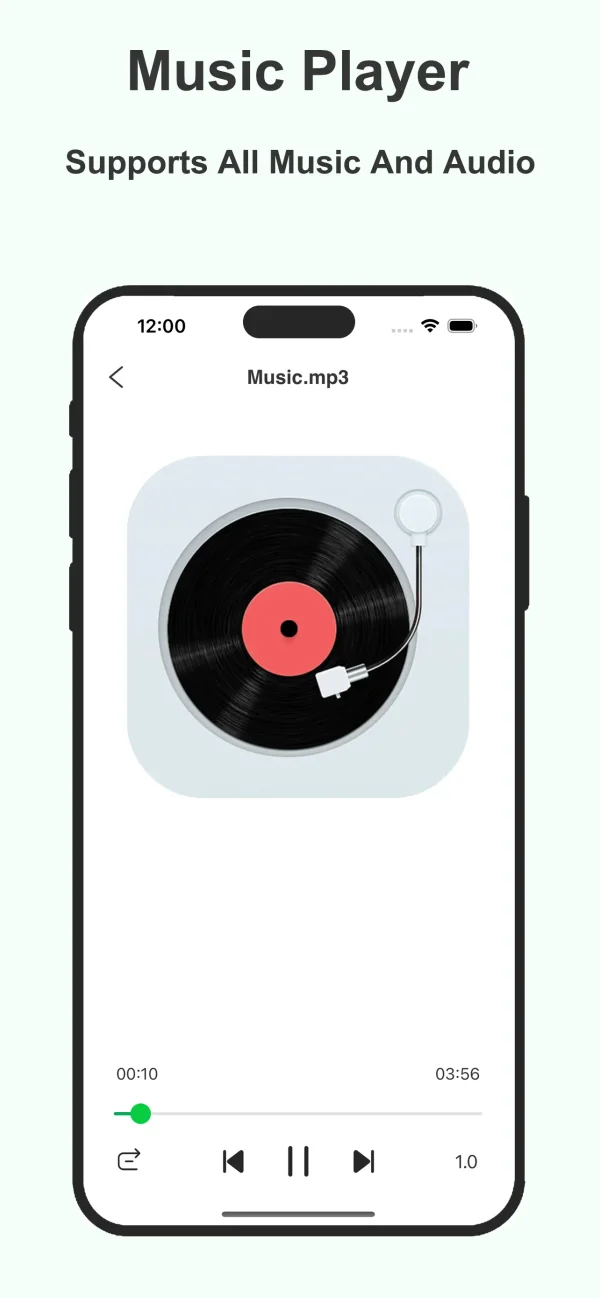
MP3, m4a, wav, wma, ogg, aac, amr, alac, ape, aiff, au, cd, cda, cue, caff, dts, flac, pcm, ac3, eac3, etc.
Supported image formats:
PNG, JPG, JPEG, GIF, BMP, SVG, TIFF, etc.
Main functions:
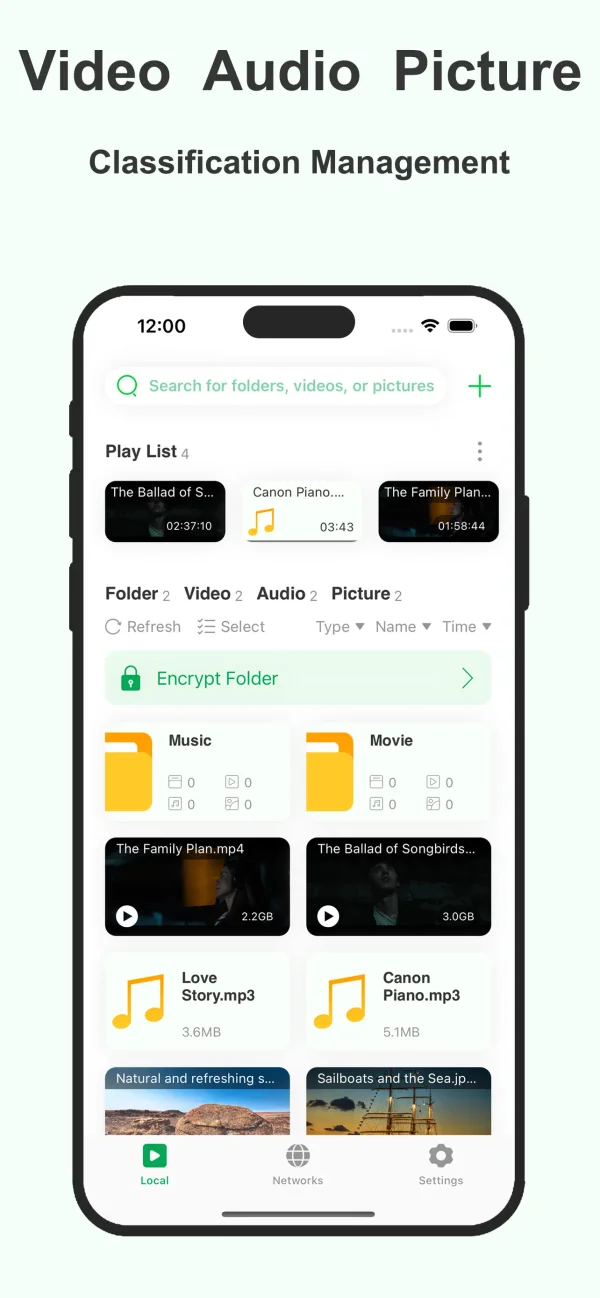
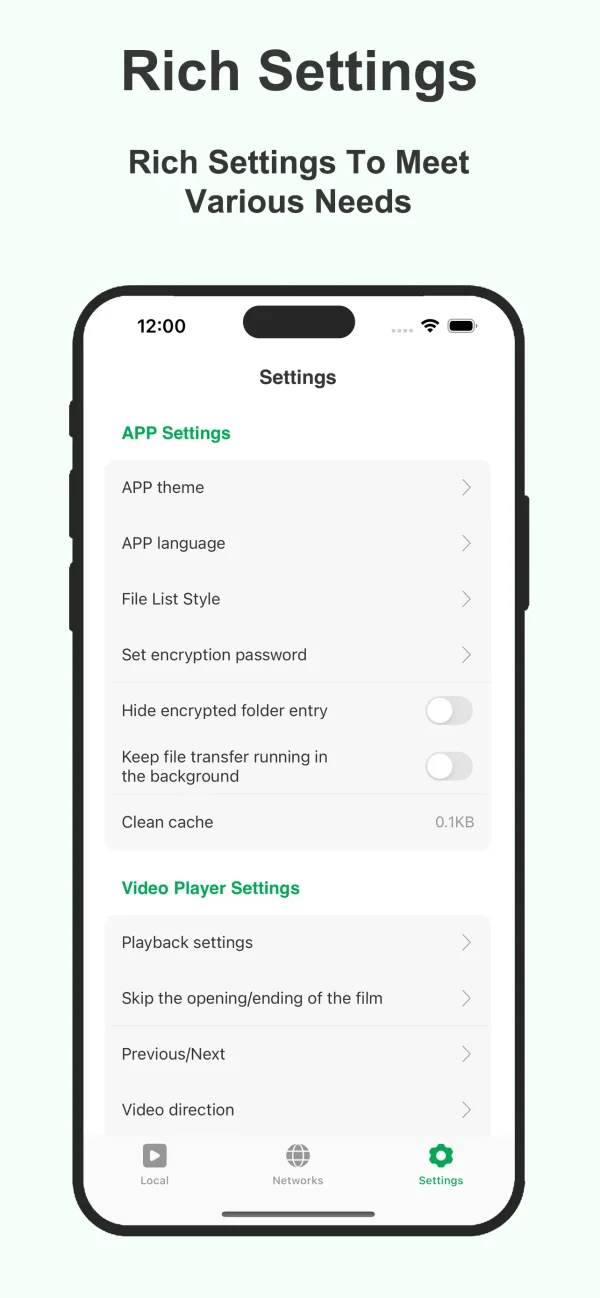
1. Import videos, audio, and photos from a computer or album, and classify and manage videos, audio, and photos;
2. Support operations such as search, move, copy, and rename;
3. Support video, audio, and photo encryption to protect privacy;
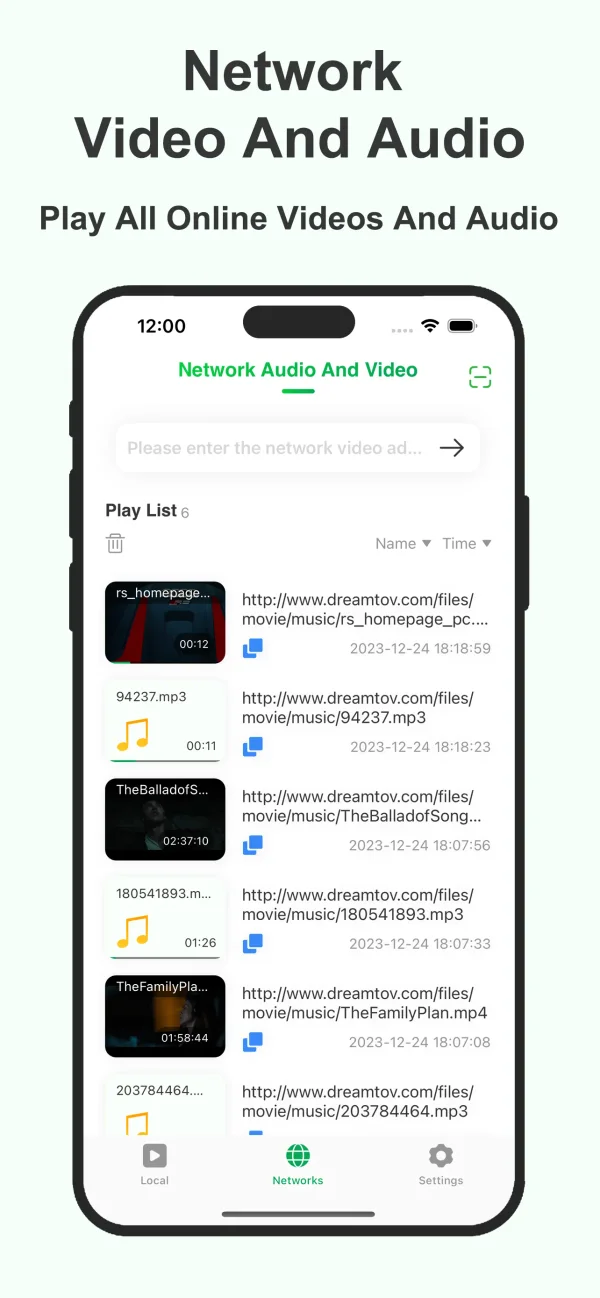
4. Online playback of online audio and video;
5. Image viewing;
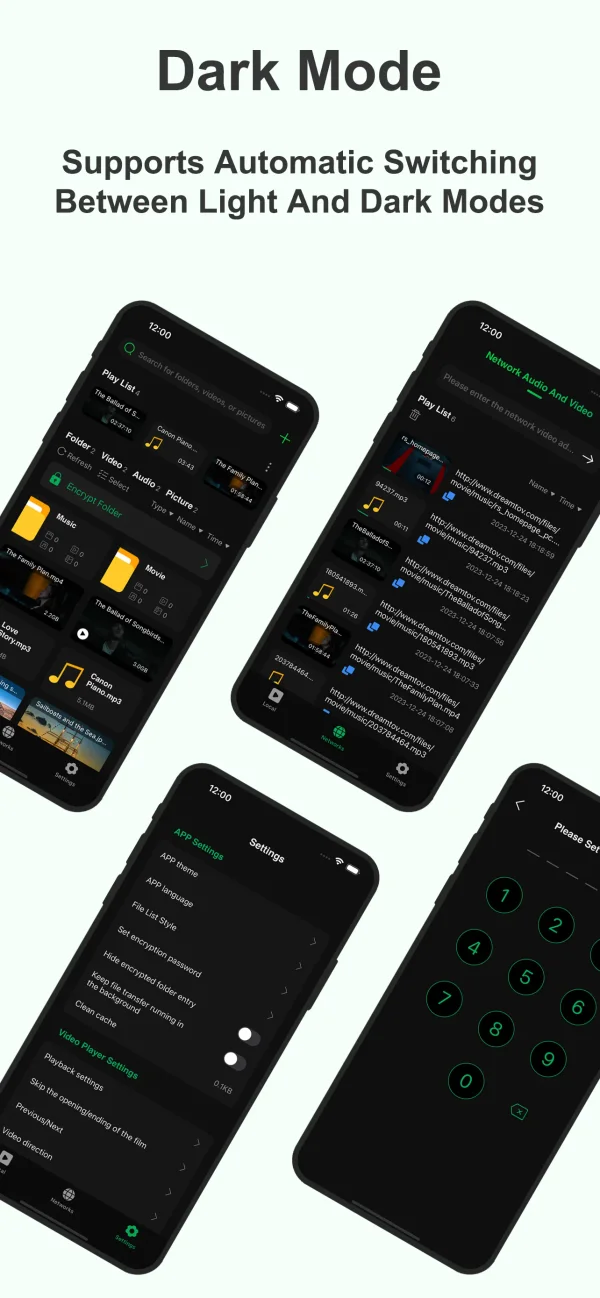
6. Supports dark mode;
7. Supports multiple languages;
8. Support WI-FI sharing and playback;
Video player functions:
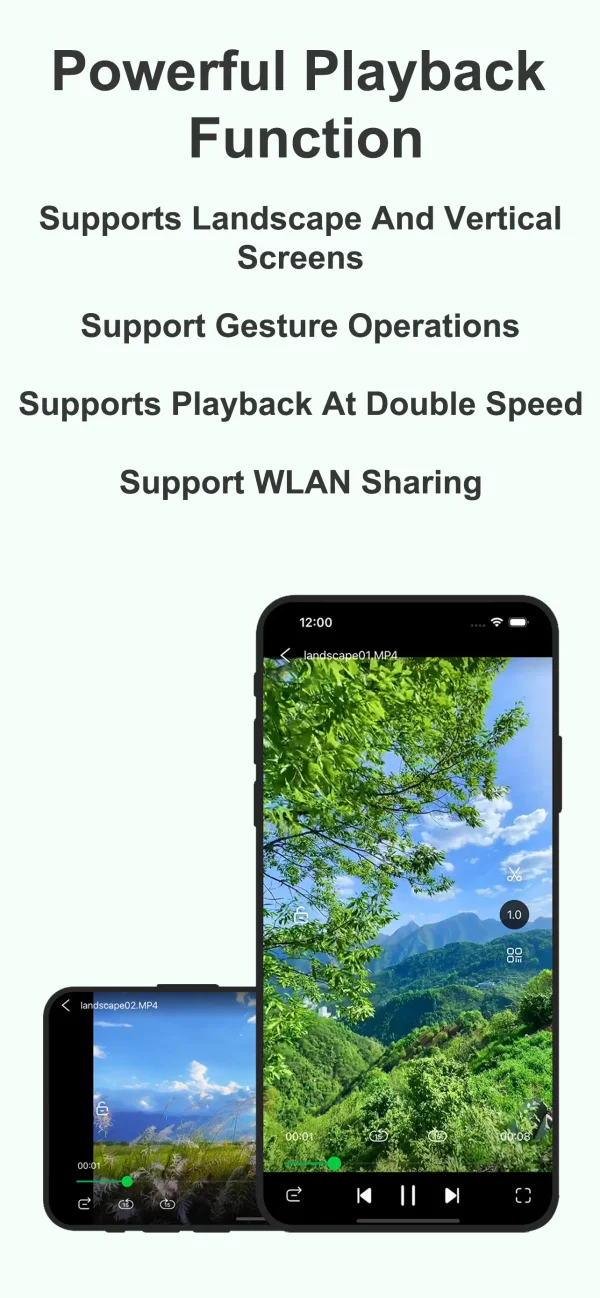
1. Lock the playback interface to prevent accidental operation;
2. Double speed playback, supports up to 4 times speed, supports saving playback times;
3. Swipe the screen horizontally to adjust the progress, swipe left to rewind and right to fast forward;
4. Vertical sliding to adjust screen brightness or volume, left sliding to adjust screen brightness, right sliding to adjust volume;
5. Long press screen playback at multiple speeds, customizable long press speed, supports 0.3-4 times speed;
6. Fixed duration fast forward and rewind, customizable fast forward and rewind duration;
7. Screenshot, supports saving to the folder where the album or video is located;
8. Double click on the screen to play or pause;
9. Support skipping the beginning and end of the film;
10. Support seamless playback;
11. Support background playback;
12. Support switching playback order;
13. Support subtitle and track switching;
What’s new
Version 2.0.1 · Apr 29, 2025
1. Fix some bugs
App privacy
What 坤 左 declares on the App Store about how this app handles data.
-
Data linked to you
May be collected and linked to your identity.
- Identifiers
- Other data
Privacy practices may vary, for example with the features you use or your age.
Information
- Seller
- 坤 左
- Category
- Entertainment
- Version
- 2.0.1
- Updated
- Apr 29, 2025
- Released
- Mar 29, 2023
- Size
- 43.2 MB
- Requires
- iOS 13.0 or later
- Age rating
- 4+
- Price
- $2.99
- Languages
- English, Arabic, Catalan, Croatian, Czech, Danish, Dutch, Finnish, French, German, Greek, Hebrew + 21 more
- Copyright
- © 2022 KUN ZUO Inc.
You might also like
-
 PlaydioCast: Radio & PodcastPodcast Audiobook Radio Player
-
 Lenna - Video Library PlayerHDR Media Player
-
 HamHub - Your Personal CinemaCloud, NAS & Media Player
-
 JTPlayer: All-Format PlayerMKV, AVI, RMVB, FLV — no ads
-
 BeeJoyNAS & Blu-ray Video Player
-
 Cinemore PlayerHDR Video & Spatial Audio
-
 ntPlayerIPTV Streaming Player
-
 PlayNav - No ads in videos!Videos without interruptions
-
 BoxPlayer - 4K Video PlayerNAS, Cloud & Media Library
-
 zFuse - Video PlayerTV Casting / IPTV / Emby