- Age rating4+
- CategoryProductivity
- DeveloperMICHELE BRUZZA
- LanguagesEnglish
- Size2.6 MB
Links to the official App Store page
Download.org hosts no file of GekoNotes. The button opens its official App Store page, published by MICHELE BRUZZA. Listing last checked on Nov 20, 2026.
Screenshots

About
GekoNotes is the ultimate instant-capture scratchpad designed for the Apple ecosystem. Engineered for frictionless, distraction-free note-taking, it replaces bloated, complex note suites with surgical simplicity and speed.
Capture fleeting thoughts, verification codes, meeting action items, URLs, or structured task lists in under two seconds.
Key Features:
• Structured 36-Slot Capacity
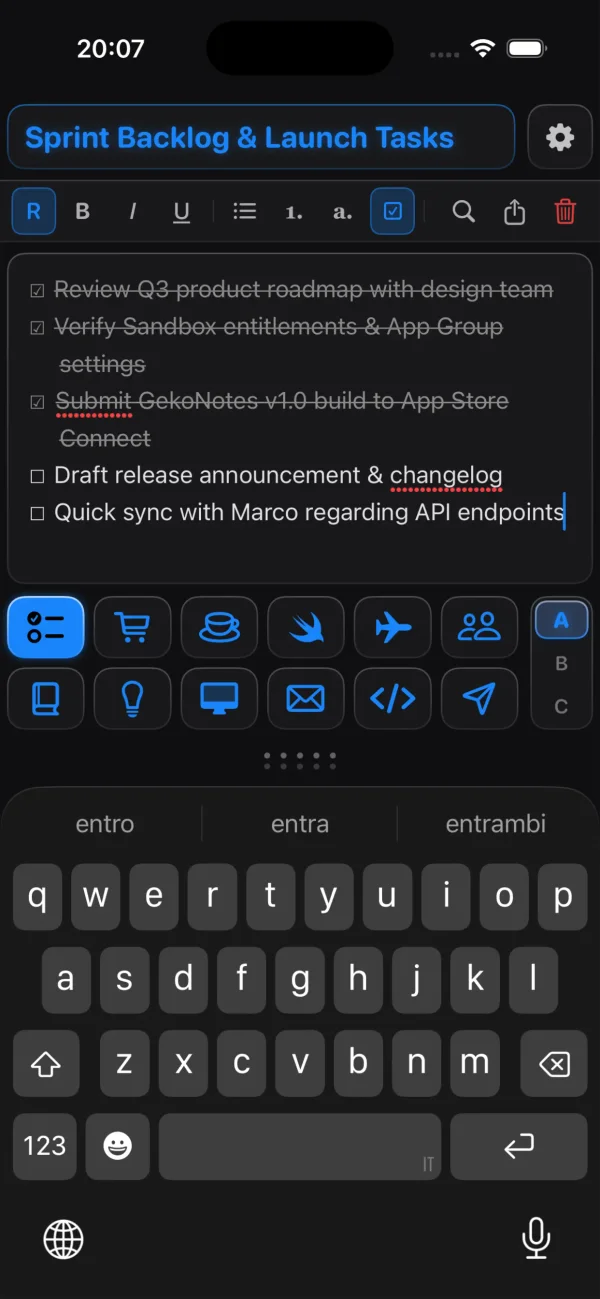
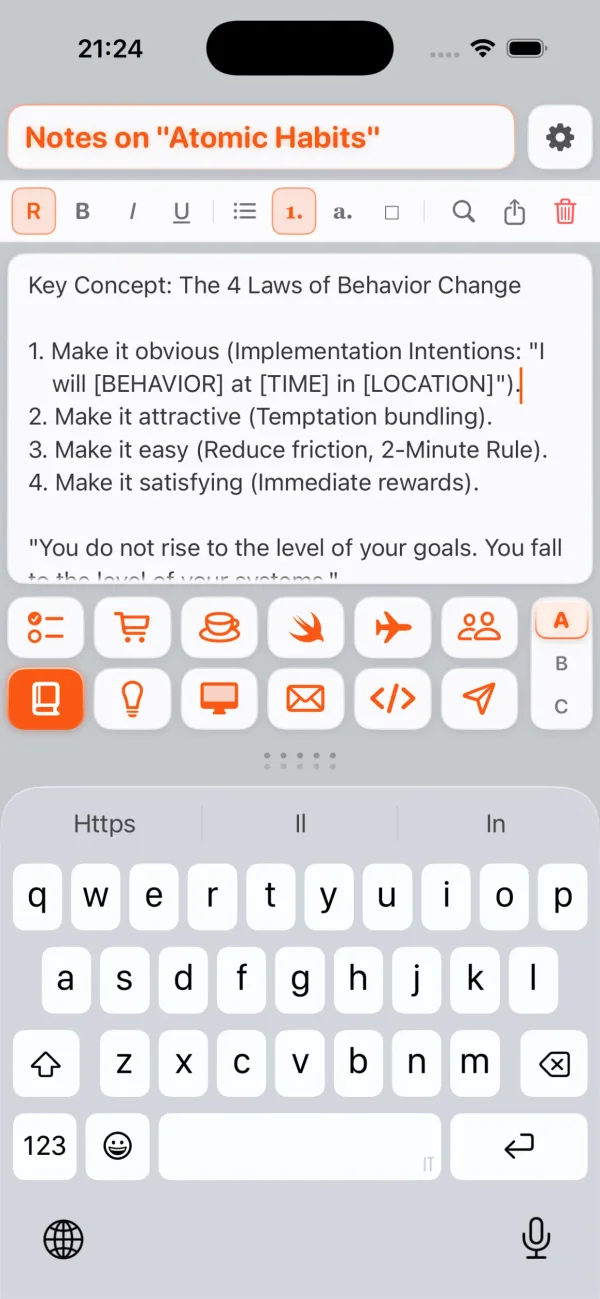
Organize your thoughts across 3 independent Banks (A, B, and C) with 12 slots each. No nested folders, no file tree sprawl—just fast, predictable organization for Work, Personal, and Active Projects.
• Native Rich Text & Smart Lists
Format your notes with Bold, Italic, Underline, and Regular styles. Create progressive Bullet, Numbered, and Lettered lists, or toggle Interactive Checklists with inline strikethrough.
• Real-Time Live Search
Find anything instantly with real-time match highlighting and step-by-step navigation directly inside your notes.
• Seamless & Conflict-Safe iCloud Sync
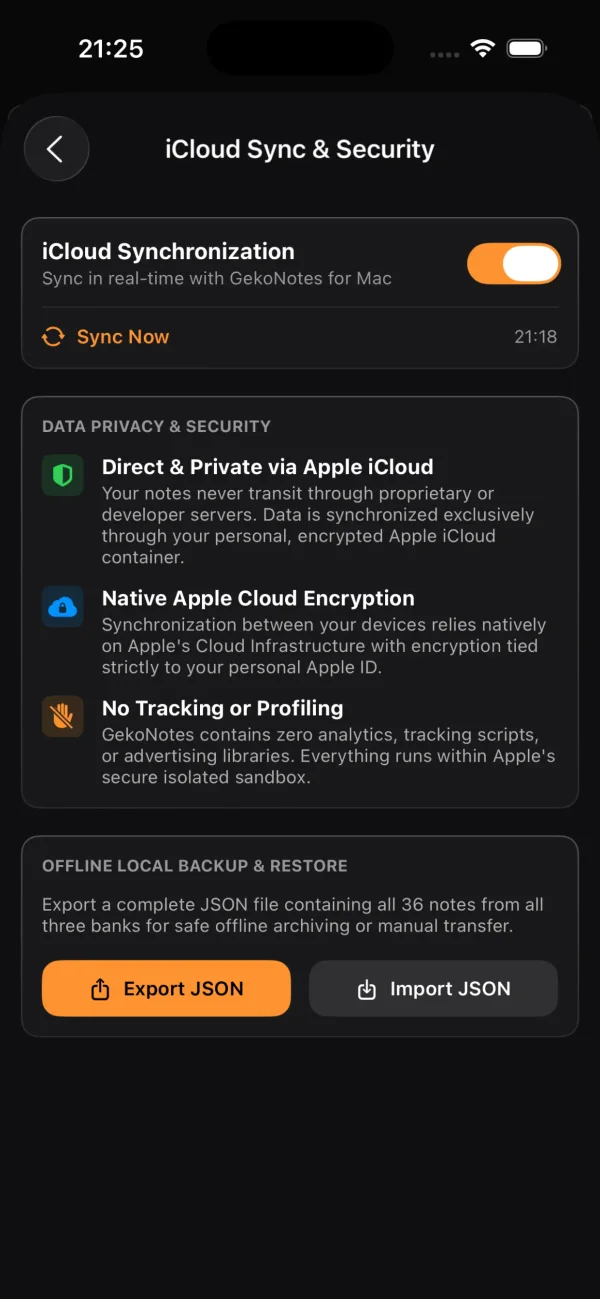
Keep your notes synchronized across iOS and macOS automatically via encrypted Apple iCloud. No accounts, no sign-ups, and no cloud loading delays.
• iOS-Native Integrations
- System Share Extension: Clip text and URLs directly from Safari, Mail, or any app.
- Siri & App Intents: Use voice or Shortcuts to save notes instantly ("Save to GekoNotes").
- Tactile Haptics: Distinct, responsive multi-tier haptic feedback.
• Highly Customizable
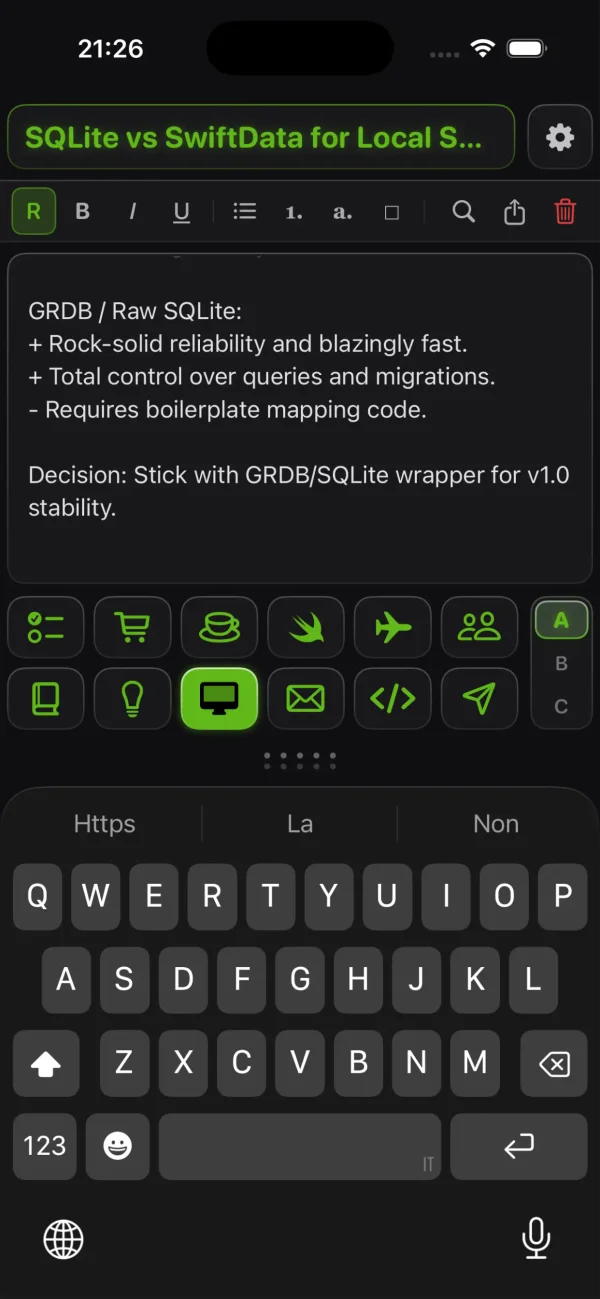
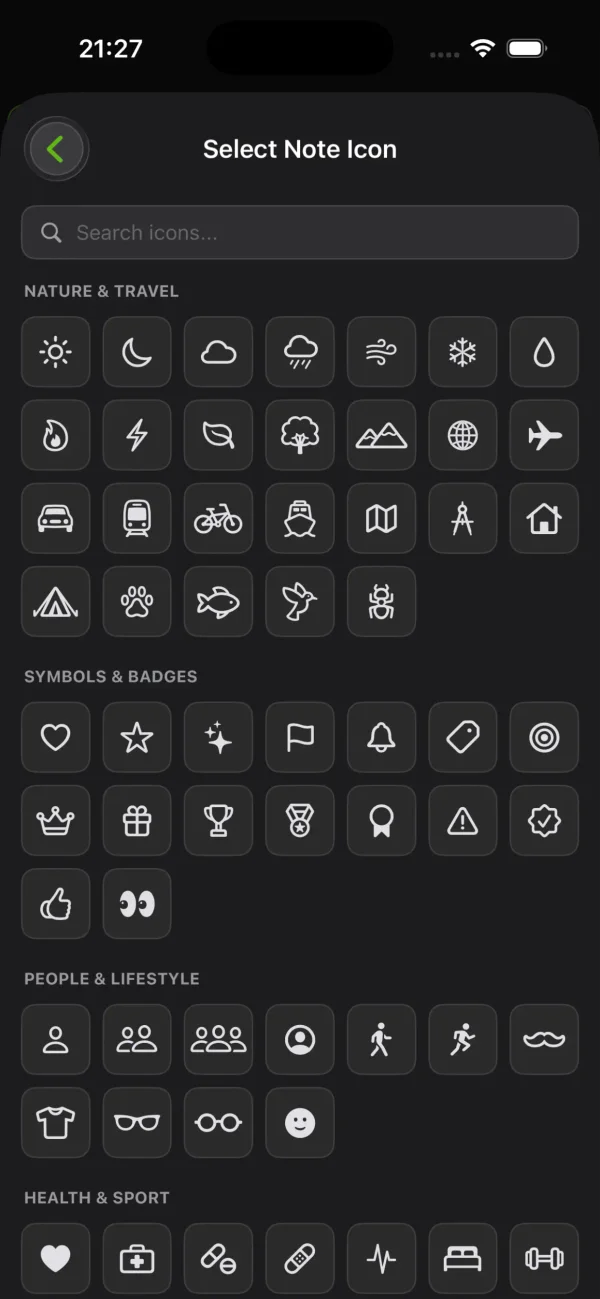
- 181 SF Symbol icons across 12 categories to personalize each slot.
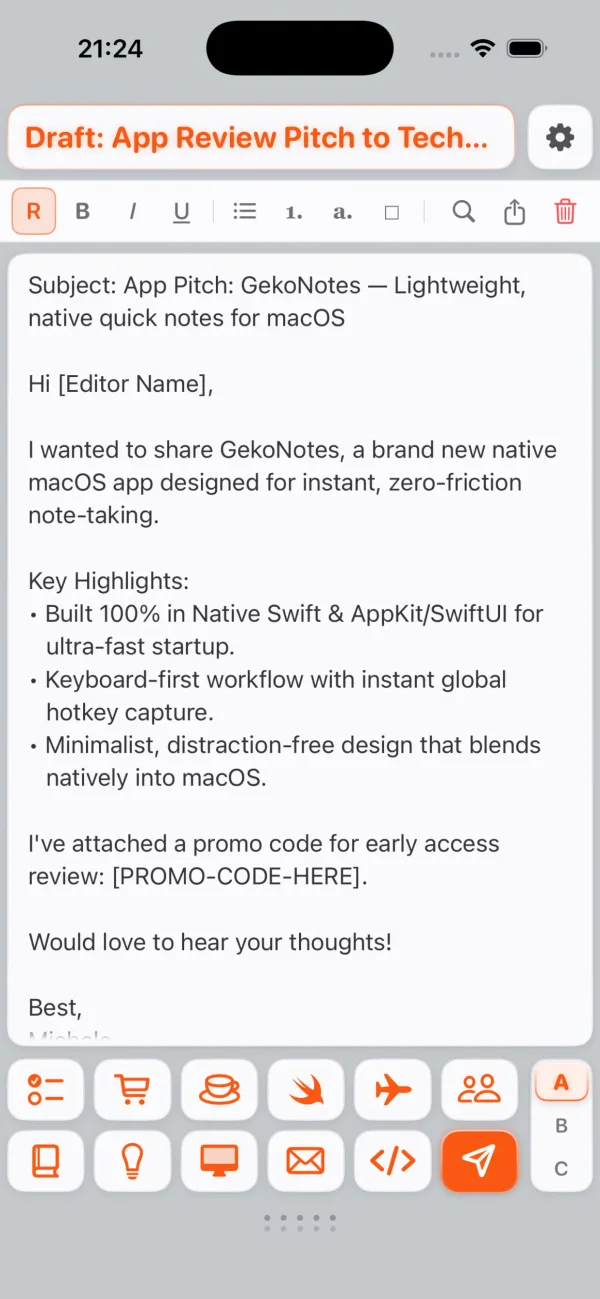
- 5 curated neon accent colors and 3 appearance themes (Dark, Light, System).
- Drag-and-drop note reordering.
• Absolute Privacy & Zero Telemetry
Your data is strictly yours. Zero proprietary backend servers, zero third-party analytics SDKs, zero tracking, and zero ads. Full offline support with local JSON backup export and import.
Experience lightning-fast, native scratchpad productivity with GekoNotes.
What’s new
Version 1.1 · Sep 14, 2026
What's New in Version 1.1:
• Strikethrough Text Formatting: Easily cross out text directly from the toolbar or with keyboard shortcuts, fully compatible alongside Bold, Italic, and Underline.
• Expanded Note Icons: Added 40+ new icons to personalize your notes, including the Apple logo, modern tech devices, financial and study symbols, and more.
• Smoother iCloud Sync: Optimized instant synchronization across your iPhone, iPad, and Mac.
• Interface & Spacing Polish: Fine-tuned typography and layout margins for an even cleaner writing experience.
• Performance improvements and stability enhancements.
App privacy
What MICHELE BRUZZA declares on the App Store about how this app handles data.
-
Data not collected
The developer does not collect any data from this app.
Privacy practices may vary, for example with the features you use or your age.
Information
- Seller
- MICHELE BRUZZA
- Category
- Productivity
- Version
- 1.1
- Updated
- Sep 14, 2026
- Released
- Sep 8, 2026
- Size
- 2.6 MB
- Requires
- iOS 16.0 or later
- Age rating
- 4+
- Price
- Free
- Languages
- English
- Copyright
- © 2026 Michele Bruzza
You might also like
-
 Kasten - Zettelkasten CardsLinked thinking, plain text
-
 Papyrus - notes, PDFBig notes & PDFs, fluid
-
 IdeAIZero-Trust Journaling with AI
-
 Wrix 2 - Ultra Text EditorUltra-High-Function TextEditor
-
 xSearch for SafariSwitch search engine instantly
-
 SingleFile for SafariSave web pages faithfully
-
 JotterPad - Novel, ScreenplayCreate Stunning Docs On The Go
-
 LogseqProductivity
-
 Obsidian Web ClipperSave the web. Own your data.
-
 SimplenoteSimple notes, todos and memos