Papyrus - notes, PDF
Big notes & PDFs, fluid
Designed for iPhone, iPad
Free · In-app purchases
- Age rating4+
- CategoryProductivity
- Developerwaraku kobayashi
- LanguagesEnglish+ 1 more
- Size17.5 MB
Links to the official App Store page
Download.org hosts no file of Papyrus - notes, PDF. The button opens its official App Store page, published by waraku kobayashi. Listing last checked on Nov 23, 2026.
Screenshots
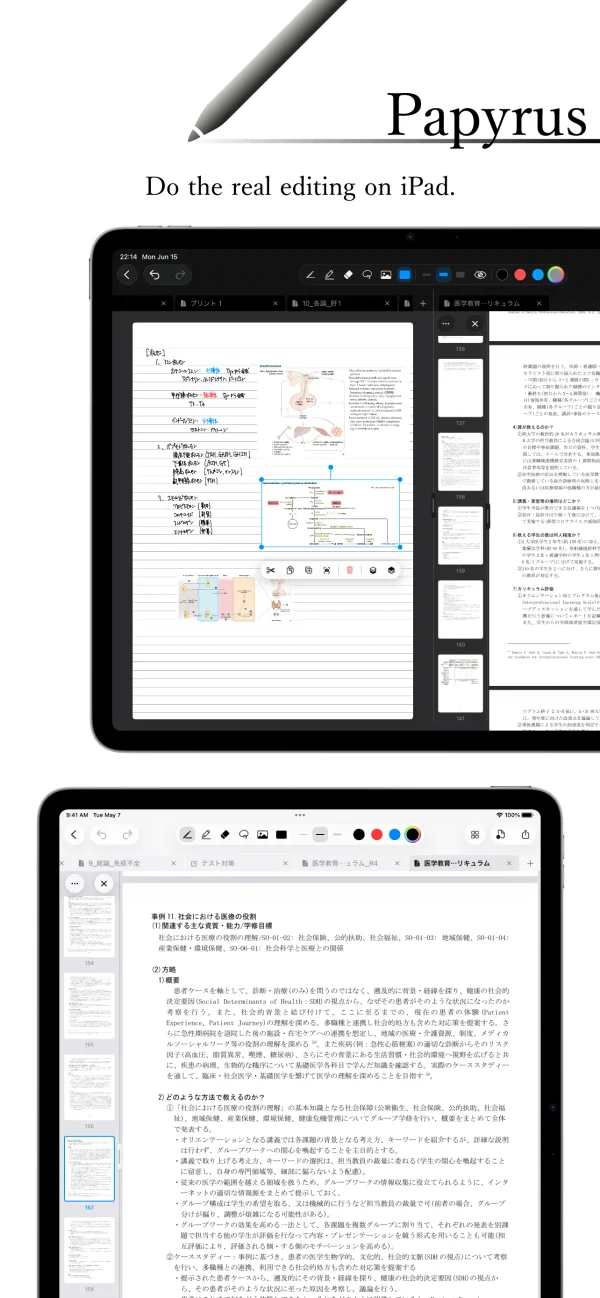
About
Is your current note app slow?
Meet a truly lightweight note app.
- It's free — with no stingy limit on the number of notes.
- Trimmed of every bit of bloat, yet complete with the features you actually need.
- Open as many notes as you like with no slowdown, and PDFs load blazingly fast.
- Import and edit notes from another popular note app.
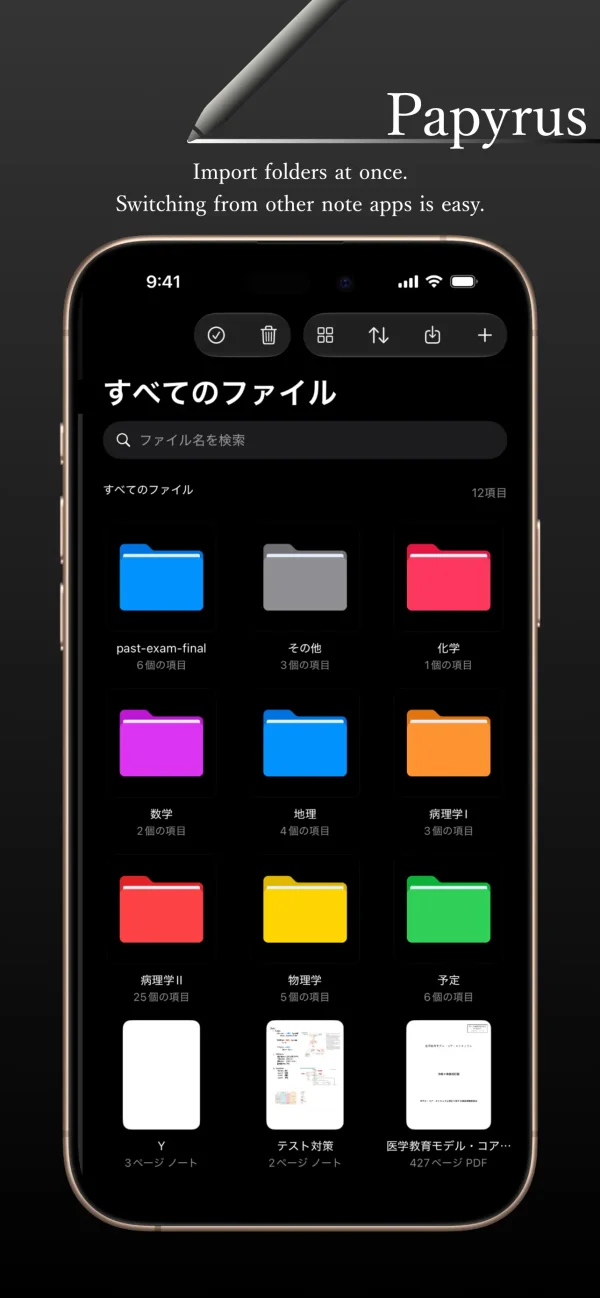
- Import by the folder — the hierarchy is preserved.
[GoodNotes Import]
Import .goodnotes files.
Strokes, images, shapes, and masks are reproduced almost perfectly.
[Handwriting]
A custom vector drawing engine delivers extremely lightweight, high-precision ink.
Five tools are built in: Pen, Highlighter, Eraser, Lasso, and Mask.
Anything selected with the Lasso can be copied, moved, deleted, or duplicated.
Mask is a study aid — cover what you want to memorize with the pen, then tap to peek underneath.
Straight-line snapping and shape recognition (rectangles, circles, lines, and more) are also supported.
[PDF Import & Annotation]
Import a PDF and write directly on its pages.
Switch between four page layouts: continuous scroll, single page, horizontal, and two-page spread.
[File Organization]
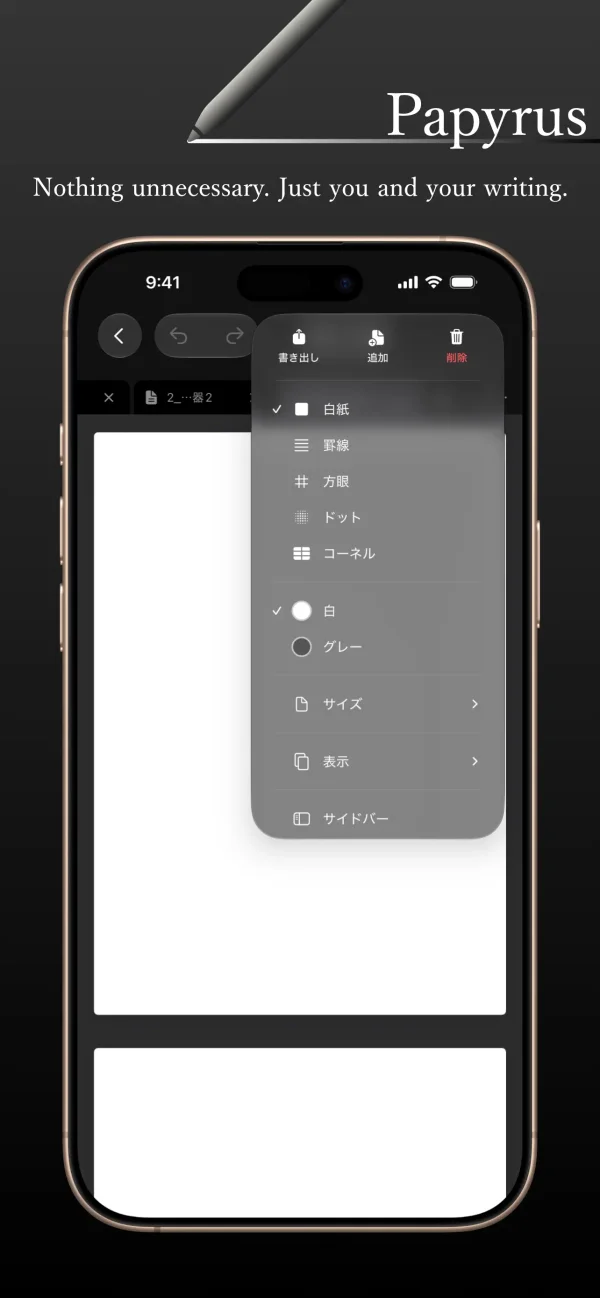
Organize your notes with a Finder-like file browser, creating folders freely.
Switch between list and grid views, and move files and folders by drag and drop.
A Trash lets you restore notes you deleted by mistake.
[Tabs & Split View (iPad)]
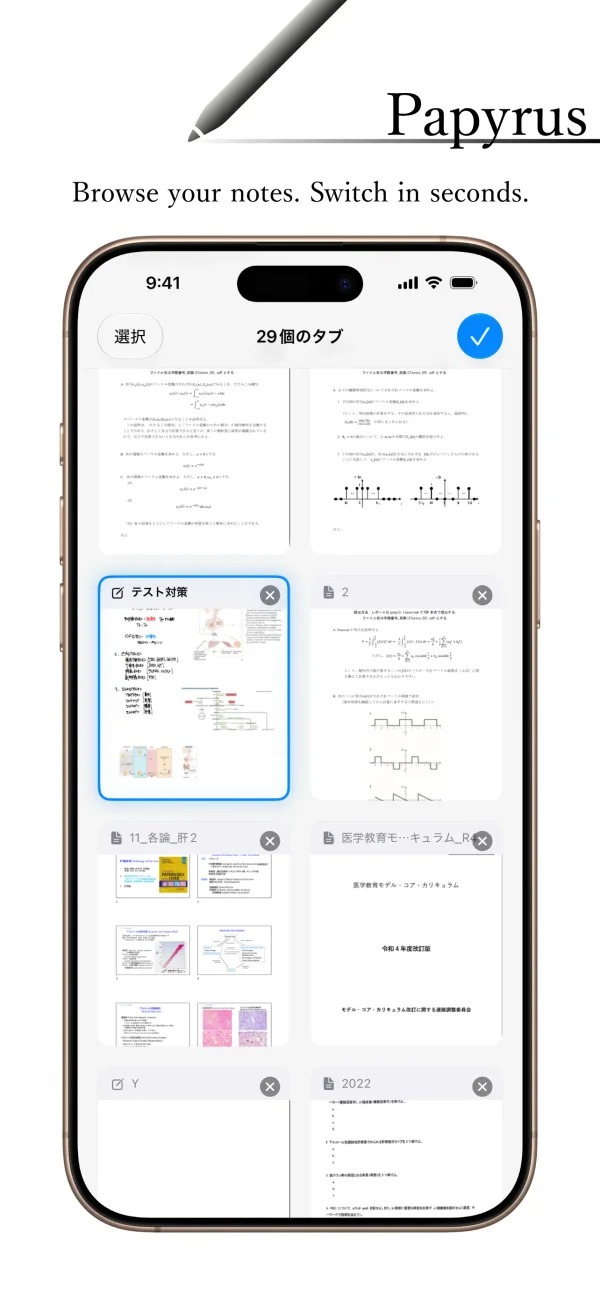
Open multiple notes at once in tabs.
On iPad, split the screen to view and edit two notes side by side (Split View).
[Page Sidebar]
Swipe in from the left edge to reveal page thumbnails.
Press and hold a thumbnail to reorder pages, and select multiple pages to delete, copy, and paste.
[Images]
Paste images from Photos, Files, or the clipboard.
[Export]
Export notes and PDFs as a "PDF for submission/printing," a "fast annotation PDF" (PDF annotations only), or a "Papyrus Archive" (.papyrus).
[Apple Pencil]
- iPad: draw with Apple Pencil only; pan and zoom with your finger.
- iPhone: draw with your finger while the compact ink palette is open; otherwise pan and zoom.
- With Apple Pencil Pro, use the squeeze gesture to bring up the hover palette.
About Papyrus Sync (Subscription)
iCloud sync and sharing are available through the "Papyrus Sync" subscription (monthly or yearly, auto-renewing). All core features — note-taking, PDF annotation, and more — are completely free.
- Payment will be charged to your Apple Account at confirmation of purchase.
- The subscription automatically renews unless auto-renew is turned off at least 24 hours before the end of the current period.
- Your account will be charged for renewal within 24 hours prior to the end of the current period.
- You can manage your subscription or turn off auto-renewal in your Apple Account settings after purchase.
- Prices are shown in the app and may vary by region.
Terms of Use (EULA): https://coremedica.jp/pages/legal/terms-of-use
Privacy Policy: https://coremedica.jp/pages/legal/privacy-policy
What’s new
Version 1.2.0 · Nov 18, 2026
- Significantly improved UI and UX
- Improved tab list animations
- Optimized rendering performance
- Stabilized Papyrus Sync
- Added text input mode
App privacy
What waraku kobayashi declares on the App Store about how this app handles data.
-
Data not collected
The developer does not collect any data from this app.
Privacy practices may vary, for example with the features you use or your age.
Information
- Seller
- waraku kobayashi
- Category
- Productivity
- Version
- 1.2.0
- Updated
- Nov 18, 2026
- Released
- Jun 16, 2026
- Size
- 17.5 MB
- Requires
- iOS 26.0 or later
- Age rating
- 4+
- Price
- Free
- In-app purchases
- Yes
- Languages
- English, Japanese
- Copyright
- © CoreMedica
You might also like
-
 Amazing Notes: Lecture & PDFClass notes, PDF & audio
-
 Warqa - notebookProductivity
-
 UnivNote: Lag-Free Note TakingPDF notebook, handwriting
-
 InfiniteNote - Canvas NotesThink in space, not in pages.
-
 PaperPad - Handwritten NotesDigital Notebook & Notepad
-
 Simplify Notes: PDF NotebookHandwriting, Notes & Study
-
 NoteApp, Mindmap, PDF: InkNodeNote-taking & Handwriting App
-
 OpenNotes: Notes & PDF MarkupHandwriting, PDFs, no account
-
 ScribblePad: Notes & PDFHandwriting notes & PDF markup
-
 AINotes: Note Taking & PDFHandwriting & Infinite Canvas